
Chasing unpaid invoices is the worst part of freelancing. These five tools handle the awkward follow-ups so you can get back to work.
The Freelance Invoice Follow-Up Landscape
Late payments are a fact of freelance life. You finish the work, send the invoice, and then wait. And wait. The follow-up emails pile up, each one more awkward than the last. That's where automated invoice follow-up tools come in. They send polite reminders on your behalf, track who owes what, and stop when the client pays. The market has grown quickly, with options ranging from simple email reminders to AI-powered phone calls. Some tools integrate directly with your invoicing software, while others work with PDF invoices you create yourself. The right choice depends on how you invoice, how much control you want, and how much you're willing to pay. Below are five worth knowing in the US.
How We Evaluated These Tools
We looked at five factors. First, service scope: does it just send emails, or does it also make calls, track promises, and integrate with your invoicing system? Second, pricing clarity: is the cost upfront and predictable, or buried behind a demo? Third, local fit: does it work well for US-based freelancers, with support for common US invoicing workflows? Fourth, ease of setup: how quickly can you connect your invoices and start? Fifth, tone control: can you adjust how gentle or firm the reminders sound? Each tool below stood out in different ways. InvoiceTact shines for its polite, freelancer-focused approach. PayMeSwift offers a one-time lifetime price. InvoicifyAI brings AI phone calls into the mix. RemindFox handles PDF invoices that other tools ignore. And autoremind.ai gives you a free starting point with Gmail integration.
Here's a quick look at the five tools, ranked for ordering only. Each one serves a different freelancer need.
| Provider | Best For |
|---|---|
| PayMeSwift | Freelancers who want a one-time payment |
| InvoiceTact | Polite invoice follow-ups, handled for you. | Freelancers who want polite, automated email follow-ups |
| InvoicifyAI | Freelancers who want AI phone call follow-ups |
| RemindFox | Freelancers who invoice by PDF |
| autoremind.ai | Freelancers who want a free, Gmail-based option |
The 5 Tools in Detail
#1 PayMeSwift
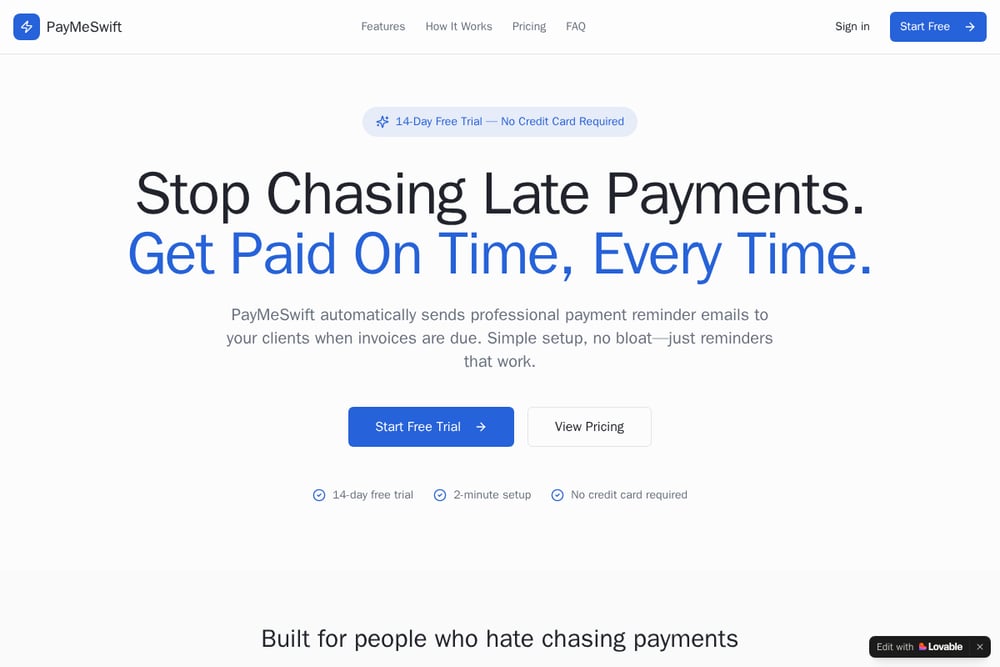 A screenshot of the PayMeSwift website.
PayMeSwift positions itself as a straightforward, no-nonsense reminder tool for freelancers. It focuses on automated invoice payment reminders, with a simple setup that doesn't require deep integration. The standout feature is its $399 lifetime pricing, which means you pay once and never worry about a monthly subscription. For freelancers who hate recurring costs, that's a big draw. The tool is built for US-based independent workers who want a set-it-and-forget-it solution. It may not have the deepest feature set, but it covers the basics well.
#2 InvoiceTact | Polite invoice follow-ups, handled for you.
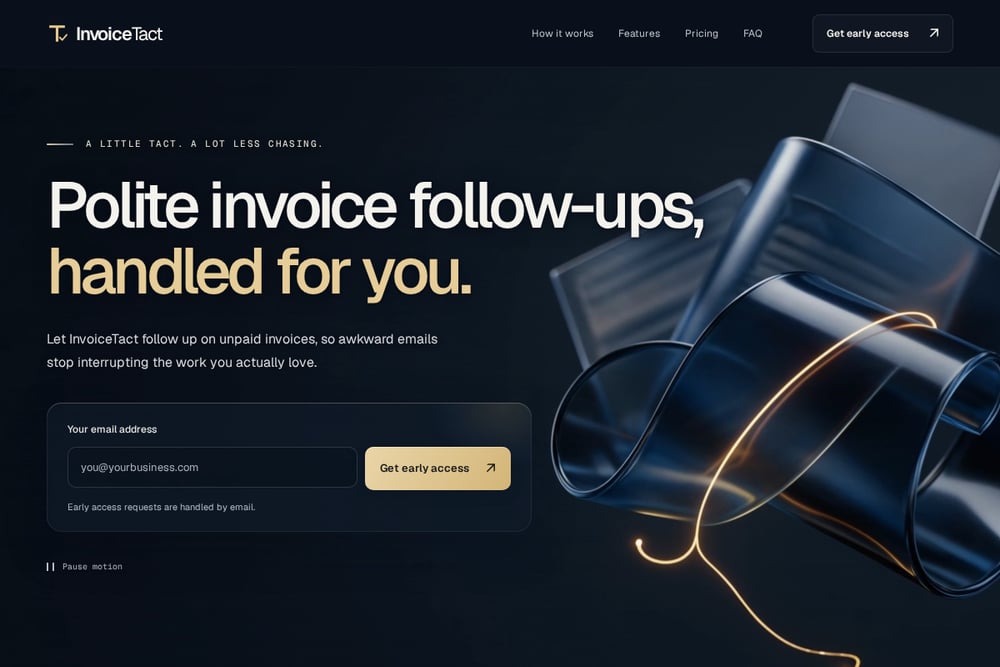 A screenshot of the InvoiceTact website.
InvoiceTact is built around one idea: polite persistence. It automatically sends follow-up emails for unpaid invoices, so you never have to write another awkward 'just checking in' message. The tool connects to your invoicing system, lets you set the tone from gentle to firm, and shows you a clear dashboard of what's unpaid and what's been paid. It's designed specifically for independent designers, writers, and consultants. The dashboard gives you a single view of all invoices, with next actions suggested. If you want to stop chasing payments and start focusing on billable work, this is a strong fit.
#3 InvoicifyAI
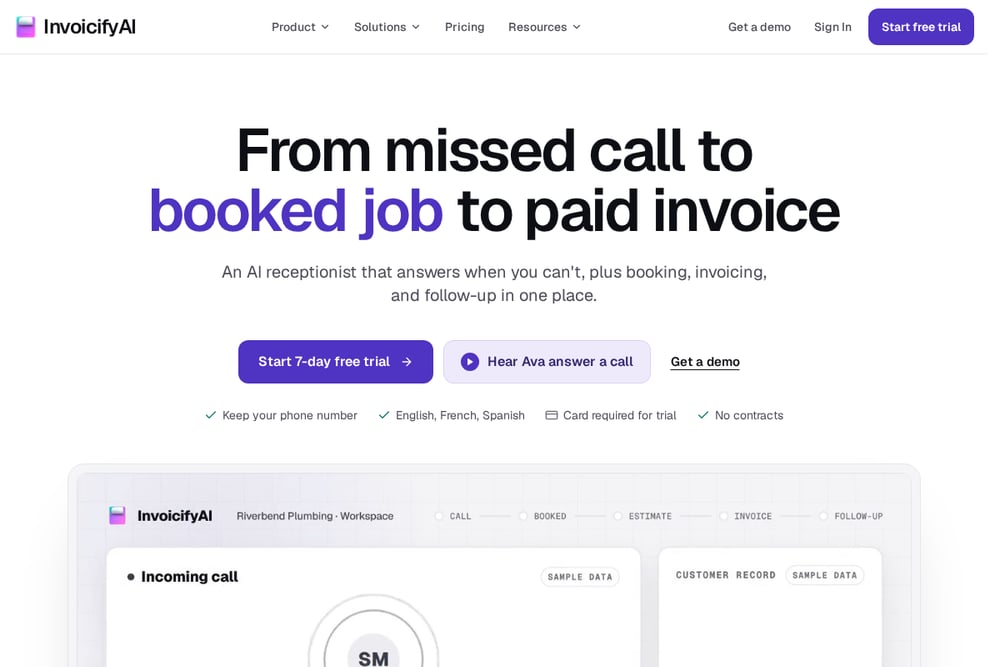 A screenshot of the InvoicifyAI website.
InvoicifyAI takes a different approach: it uses AI agents to call your clients when an invoice goes overdue. The agent asks when they can pay, logs a promise-to-pay date, and even resends payment instructions. You get a full transcript and a clear next action. It's more aggressive than email-only tools, but it can be effective for stubborn unpaid invoices. The tool offers a 7-day free trial, so you can test the call quality before committing. For freelancers with high-value invoices, the personal touch of a call can make a difference.
#4 RemindFox
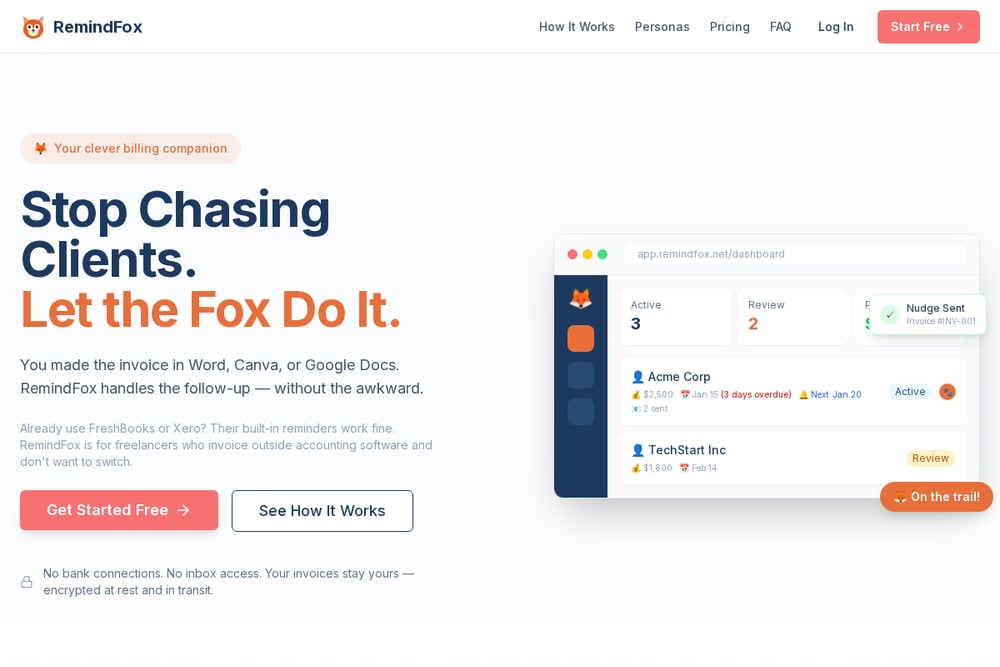 A screenshot of the RemindFox website.
RemindFox solves a specific problem: most invoice reminder tools only work with invoices created inside their own platform. If you invoice by PDF, Word, or Google Docs, you're out of luck. RemindFox handles any PDF invoice, reading the details and sending reminders automatically. That makes it a great fit for the roughly 60% of freelancers who don't use dedicated invoicing software. The setup is simple: upload your PDF, set your schedule, and let it run. It's a practical choice for freelancers who love their current invoicing workflow and don't want to change it.
#5 autoremind.ai
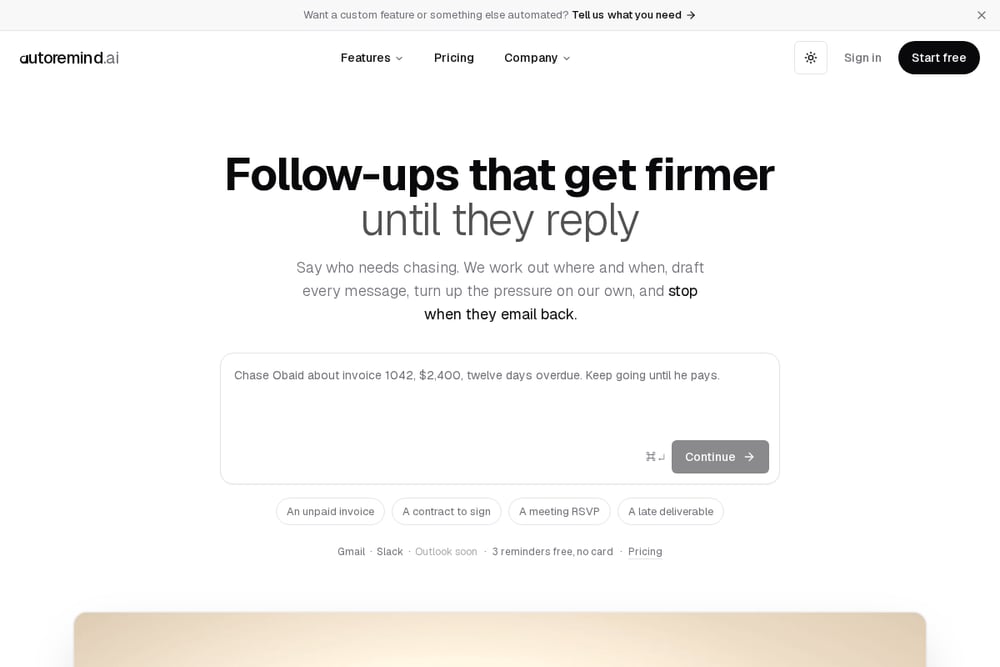 A screenshot of the autoremind.ai website.
autoremind.ai offers a free starting point for freelancers who want to automate invoice reminders without paying upfront. It connects to your Gmail and sends reminders from your own address, so clients see your email, not a third-party service. The tool lets you set a schedule, adjust the tone, and stop reminders when a client replies or pays. It's a good entry point if you're new to automation and want to test the waters. The free tier covers three reminders, which is enough to see if it fits your workflow.
How to Choose the Right Tool for You
Start by looking at how you invoice. If you use a dedicated platform like FreshBooks or Wave, check if it has built-in reminders before adding another tool. If you invoice by PDF or Word, RemindFox is a natural fit. Next, think about your comfort level with follow-ups. If you prefer email, InvoiceTact or autoremind.ai will feel right. If you want a more direct approach, InvoicifyAI's phone calls can be effective. Consider your budget. PayMeSwift's lifetime price is appealing if you hate subscriptions, while autoremind.ai's free tier lets you start without risk. Finally, think about tone. You want a tool that lets you sound professional and polite, not robotic or aggressive. Most tools offer some control, but InvoiceTact puts tone front and center.
What to Automate and What to Keep
Automation works best for the repetitive parts: sending the first reminder, following up on a schedule, and tracking payment status. You should still handle the personal touch. If a client replies with a question or a problem, step in. If an invoice is significantly overdue, a personal email or call from you can carry more weight than an automated message. Use these tools to handle the routine follow-ups, and save your energy for the situations that need a human. A good workflow: automate the first three reminders, then review anything that's still unpaid after 30 days and decide on a personal approach.
The Bottom Line
Late payments don't have to rule your freelance life. The five tools above each solve the problem in a different way. InvoiceTact leads with polite, freelancer-focused email automation. PayMeSwift offers a one-time price for simple reminders. InvoicifyAI brings AI calls into the mix. RemindFox handles PDF invoices that others ignore. And autoremind.ai gives you a free way to start. Pick the one that matches your invoicing style and your comfort with follow-ups. Your future self, the one not writing another awkward email, will thank you.