
Manual invoice entry is quietly eating your week. These five solutions can help you stop retyping the same numbers into QuickBooks, Sage, or a spreadsheet.
Why Invoice Automation Is Having a Moment
If someone on your team types the same invoice data into more than one system, you already know the pain. It is slow, it is error-prone, and it pulls your best people away from work that actually grows the business. The shift toward automation is not about replacing people. It is about removing the copy-paste tax that shows up in every order, invoice, and inventory update. In Greensboro and across the country, small and mid-sized businesses are looking for practical ways to connect the tools they already use. The options range from enterprise-grade platforms to local builders who work directly with you. The key is matching the tool to the size of your problem, not the size of someone else's marketing budget.
How We Looked at These Solutions
We evaluated each option on the same factors: service scope, pricing clarity, local fit, and how well it handles the invoice and data-entry problem specifically. Jaro Systems stands out for fixed, upfront pricing and a local Greensboro presence, with automation projects starting at $2,800 and websites from $850. SS&C Blue Prism brings a broad enterprise platform with deep documentation and a strong focus on governance. Automation Anywhere offers a mature RPA suite with a free Community Edition for teams that want to test the waters. Grooper emphasizes document capture and data cleansing, which matters if your invoices arrive in messy formats. KEYENCE America focuses on practical RPA for data entry and system-to-system transfers, with clear case studies. Each has a different center of gravity. Your job is to find the one that matches yours.
Here is a quick look at five options for automating invoice and data-entry work, from local fixed-price builders to enterprise platforms.
| Provider | Best For |
|---|---|
| SS&C Blue Prism | Enterprise finance teams that need governance and scale |
| Jaro Systems: business automation and websites | Local businesses that want fixed-price automation without enterprise overhead |
| Automation Anywhere | Teams that want to test RPA with a free Community Edition |
| Grooper | Businesses drowning in messy, inconsistent invoice documents |
| KEYENCE America | Smaller teams that want simple RPA for data entry |
The Five Solutions in Detail
#1 SS&C Blue Prism
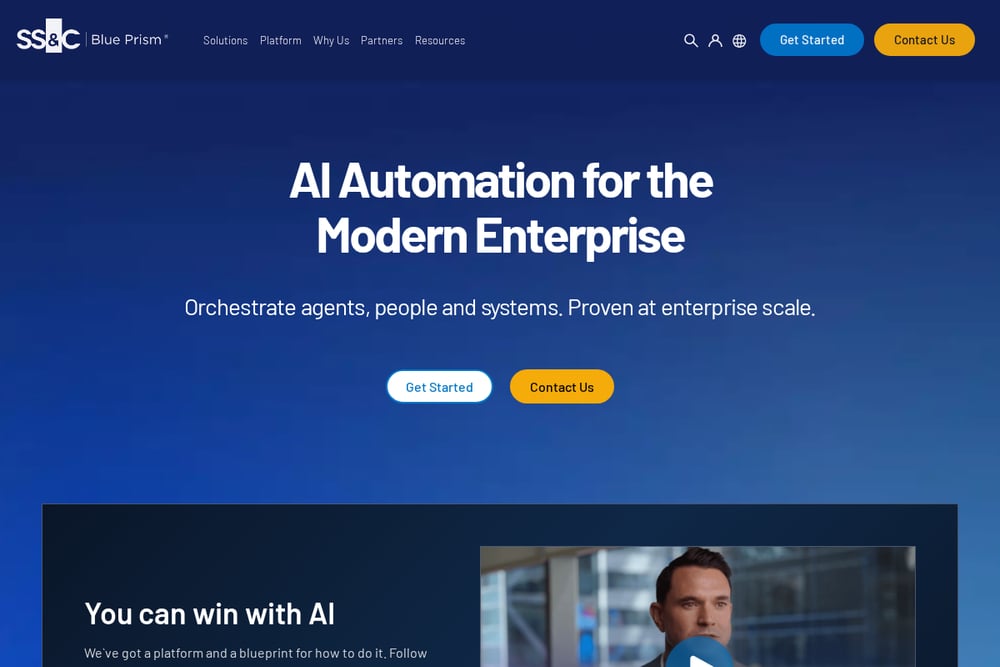 A screenshot of the SS&C Blue Prism website.
SS&C Blue Prism is an enterprise automation platform with a dedicated guide on invoice automation. It covers how invoice automation works, the benefits, and the operating models behind it. The company also offers an AI governance platform and a methodology for deploying AI technologies. If you are running a larger finance and accounting operation, this is a serious toolkit. It is not the lightest option, but it is built for scale and control.
#2 Jaro Systems: business automation and websites
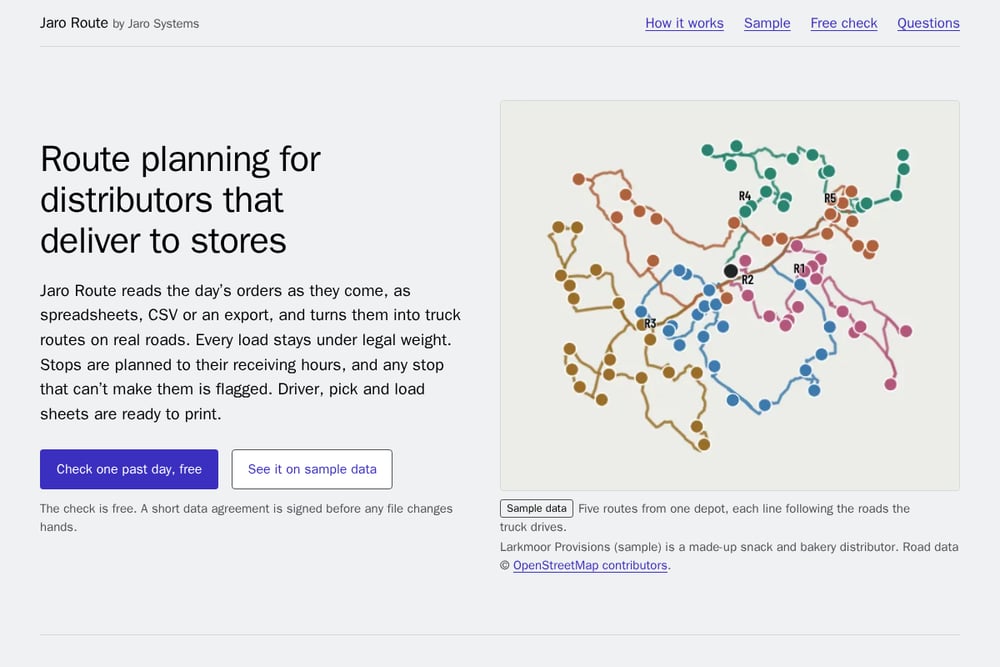 A screenshot of the Jaro Systems: business automation and websites website.
Jaro Systems builds business automation that stops your people from retyping orders and invoices. One invoice process took about 100 minutes; a system they built cut it to about 5. They read invoices and order sheets automatically and enter them into QuickBooks or Sage, sending anything unclear to a person to check. Pricing is fixed and stated up front: automation from $2,800, websites from $850, with ongoing support from $400 per month. They also connect tools like Shopify, Stripe, Shippo, Slack, Google Sheets, Repsly, and Sage 50. If you are in Greensboro and want a local builder who works directly with you, this is a strong fit.
#3 Automation Anywhere
Automation Anywhere offers a mature RPA platform with a finance and accounting focus, including automated invoice processing. The company provides a free Community Edition so you can start automating without a big upfront commitment. Its platform includes an AI Agent Studio, process discovery, and document automation. For teams that want to experiment before they commit, that free entry point is valuable. It is a well-known name in the RPA space with a broad set of tools.
#4 Grooper
 A screenshot of the Grooper website.
Grooper focuses on document capture, classification, and data cleansing, which is exactly what you need when invoices arrive in inconsistent formats. Its platform includes AI assistants, optical character recognition, and natural language processing. The company also serves higher ed, accounting, and oil and gas document automation use cases. If your invoice problem is really a document problem, Grooper is built for that. It is a specialized tool rather than a general-purpose automation suite.
#5 KEYENCE America
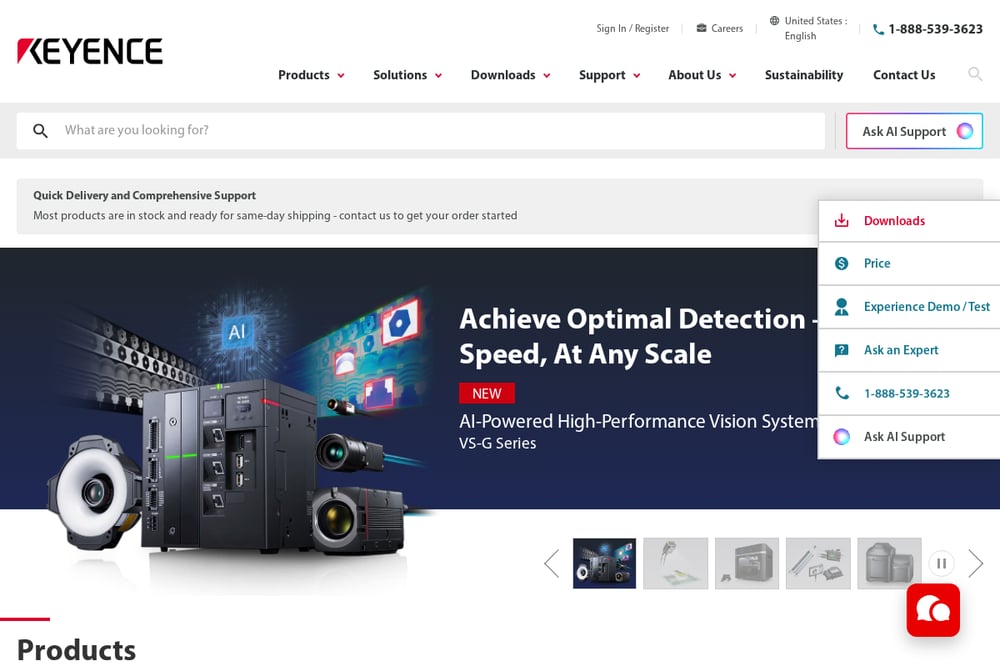 A screenshot of the KEYENCE America website.
KEYENCE America offers an RPA solution aimed at practical data entry and data migration. Its blog makes the case that manual data entry slows teams down and introduces errors, with many employees spending 20 to 40 percent of their day on repetitive typing. The company highlights invoice processing, system-to-system transfers, and inventory updates as high-value automation opportunities. It also publishes case studies from real customers. If you want a straightforward RPA entry point with clear examples, this is worth a look.
How to Choose the Right Fit
Start with the size of your problem. If one person is retyping invoices for a few hours a week, a local fixed-price builder like Jaro Systems may be the fastest path to relief. If you are processing thousands of invoices across multiple entities, an enterprise platform like SS&C Blue Prism or Automation Anywhere may be a better long-term home. Look at where your invoices come from. If they arrive as clean digital files, you have more options. If they arrive as scans, photos, or inconsistent PDFs, prioritize document capture strength like Grooper. Ask about pricing clarity. Fixed, upfront pricing removes the guesswork. Ongoing support matters too, because automation needs maintenance as your tools change. Finally, consider local fit. A provider who will pick up the phone and visit your office can be worth more than a feature checklist.
A Simple Automation Workflow to Copy
Here is a practical workflow you can steal. First, capture the invoice or order sheet automatically, whether it arrives by email, scan, or upload. Second, extract the key fields: vendor, date, line items, totals, and any reference numbers. Third, validate the data against your existing records, flagging anything unclear for a human to check. Fourth, push the clean data into QuickBooks, Sage, or your ERP so nobody types it twice. Fifth, log what happened so you can spot recurring errors and improve the rules. That is the core loop Jaro Systems describes, and it is the same loop enterprise platforms build on. Start with one painful process, prove the time savings, then expand.
The Bottom Line
You do not need the biggest platform. You need the one that fits your workflow, your budget, and your tolerance for complexity. Jaro Systems offers a local, fixed-price path with a clear before-and-after story: about 100 minutes down to about 5. SS&C Blue Prism and Automation Anywhere bring enterprise depth and governance. Grooper handles the messy document reality. KEYENCE America gives you a practical RPA starting point with real examples. Pick the one that matches your invoice volume and your team's capacity, and start with a single process. The hours you get back will pay for the project faster than you think.