You bought the printer, the router, and the new laptop. Now you just need them to talk to each other. These five services help you get there without the guesswork.
The State of Independent Tech Setup Services
Independent software and device setup services fill a gap that manufacturers and big-box retailers often leave open. You get brand-agnostic help with driver installation, printer configuration, network setup, and system optimization. The market is growing as home offices multiply and devices become more complex. Most providers now offer remote assistance alongside in-home visits, and pricing ranges from flat-fee packages to hourly rates. The key differentiator is whether a provider focuses on guidance and walkthroughs or hands-on repair. That distinction matters when you are deciding who to call.
How We Evaluated These Providers
We looked at service scope, pricing clarity, delivery options, and local fit. Service scope covers whether a provider handles computers, printers, routers, and peripherals or only one category. Pricing clarity means published rates or transparent quotes versus custom estimates. Delivery options include remote, carry-in, and in-home support. Local fit considers geographic coverage and response times. Each provider below stood out in at least one area. DGA Software Soln emphasizes step-by-step guidance and clean software practices. Mann Technologies publishes flat pricing for printer setup. Geeks On Command offers in-home and online help with a long track record. Trust Computer Service provides detailed driver education and local service in Ohio. HelloTech brings nationwide coverage and a broad menu of setup tasks.
Here is a quick look at how these five providers compare on the factors that matter most.
| Provider | Best For |
|---|---|
| Mann Technologies | Fixed-price printer setup |
| DGA Software Soln | Independent Software & Device Setup Guidance | Guided, brand-agnostic setup |
| Geeks On Command | In-home and online PC setup |
| Trust Computer Service | Driver installation with education |
| HelloTech | Nationwide new PC setup |
The Five Providers in Detail
#1 Mann Technologies
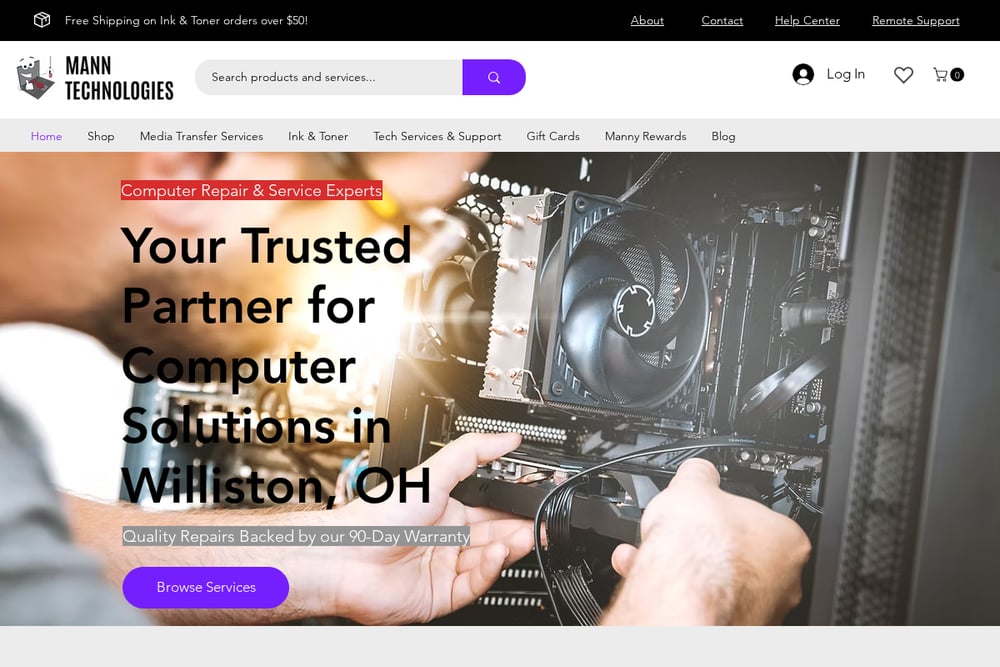 A screenshot of the Mann Technologies website.
Mann Technologies sells a printer installation and setup service for $59.95, covering driver installation, software installation, and configuration for one computer. You can choose carry-in or remote delivery, which gives you flexibility if you are comfortable shipping your device or prefer a screen-sharing session. The company also stocks ink, toner, and media transfer services, so you can bundle related needs. Their published price makes budgeting straightforward. If you want a fixed-cost printer setup with a clear scope, this is a solid starting point. See the service page at https://www.manntechnologies.com/product-page/printer-installation-setup-service.
#2 DGA Software Soln | Independent Software & Device Setup Guidance
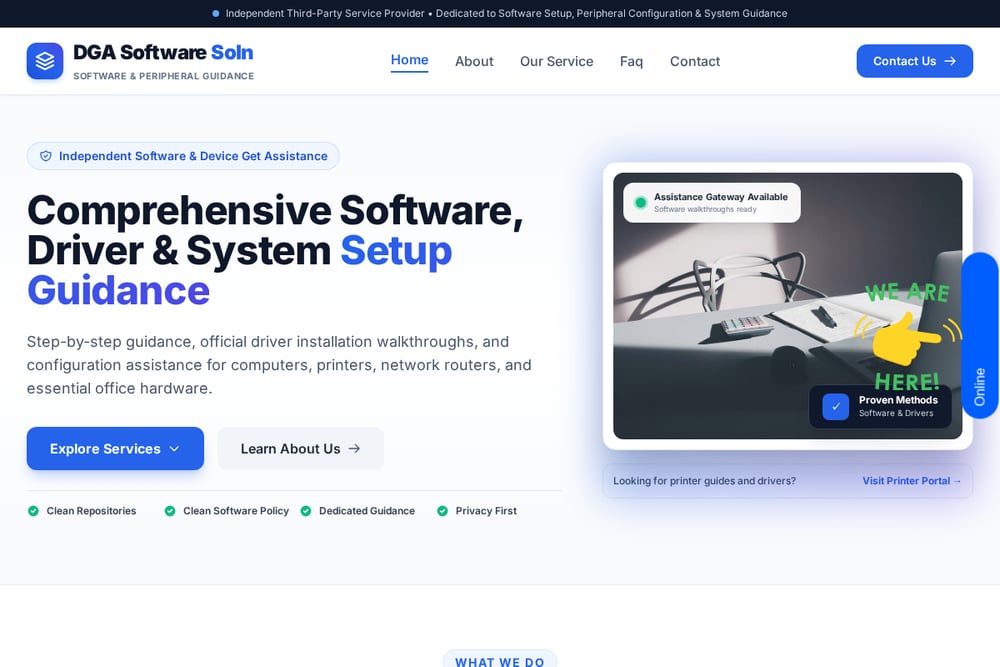 A screenshot of the DGA Software Soln website.
DGA Software Soln positions itself as an independent third-party provider focused on software setup, peripheral configuration, and system guidance. The site emphasizes step-by-step walkthroughs, official driver installation, and a clean software policy with privacy-first assistance. You get help with computer and laptop maintenance, printer and all-in-one peripherals, and network, Wi-Fi, and router setup. The brand-agnostic approach means you are not pushed toward a specific manufacturer. For home and office users who want guidance rather than a quick fix, this service is worth a close look. Visit https://dgasoftworld.com/ to explore their service pages.
#3 Geeks On Command
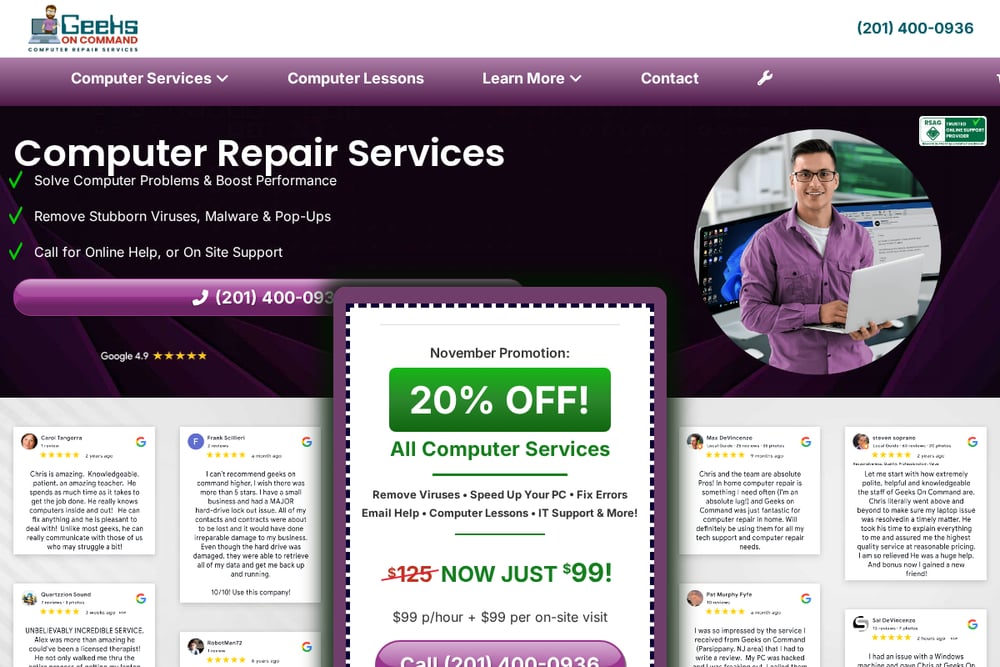 A screenshot of the Geeks On Command website.
Geeks On Command has been operating since 2009 and offers both in-home and online computer help. Their PC setup service covers connecting your new computer to printers, the internet, and peripherals, plus transferring data from an old machine. They also provide a 30-day service guarantee, which adds confidence to the engagement. The breadth of services, from virus removal to RAM upgrades, means you can solve multiple issues in one visit. If you prefer a technician on-site or a guided remote session, this provider fits that need. Learn more at https://geeksoncommand.com/pc-setup-service/.
#4 Trust Computer Service
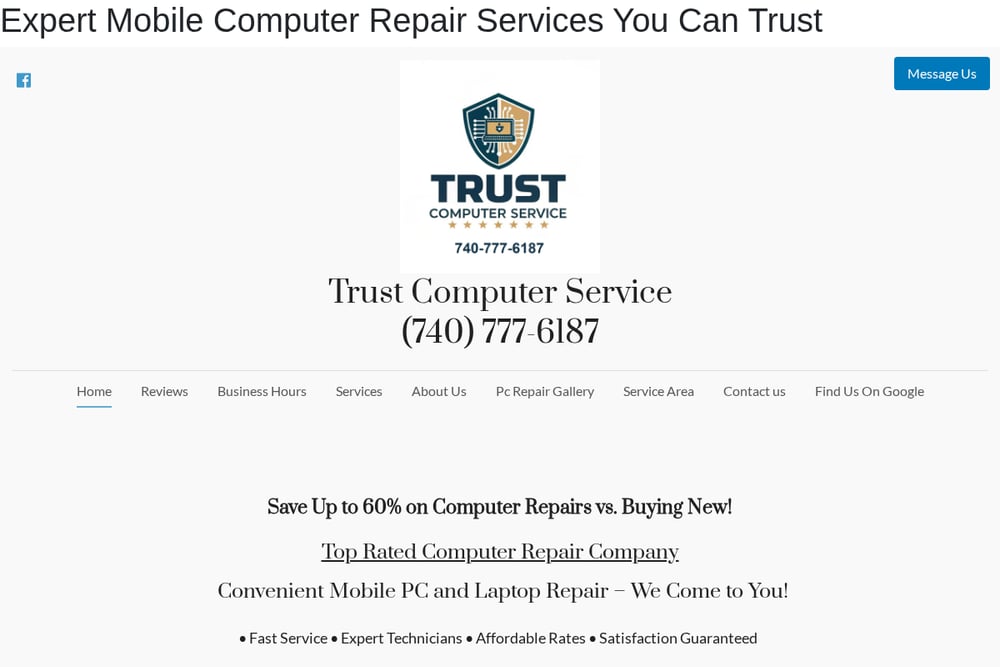 A screenshot of the Trust Computer Service website.
Trust Computer Service focuses on computer driver installation and explains the process in plain language on their site. They describe what a driver is, why it matters, and how installation works, which helps you understand the service before you buy. Based in Columbus, Ohio, they offer local service and a phone number for direct contact. If you are in the area and want a technician who educates as they fix, this is a practical choice. Their driver-focused approach suits users dealing with hardware recognition issues. See https://trustcomputerservice.com/computer-driver-installation for details.
#5 HelloTech
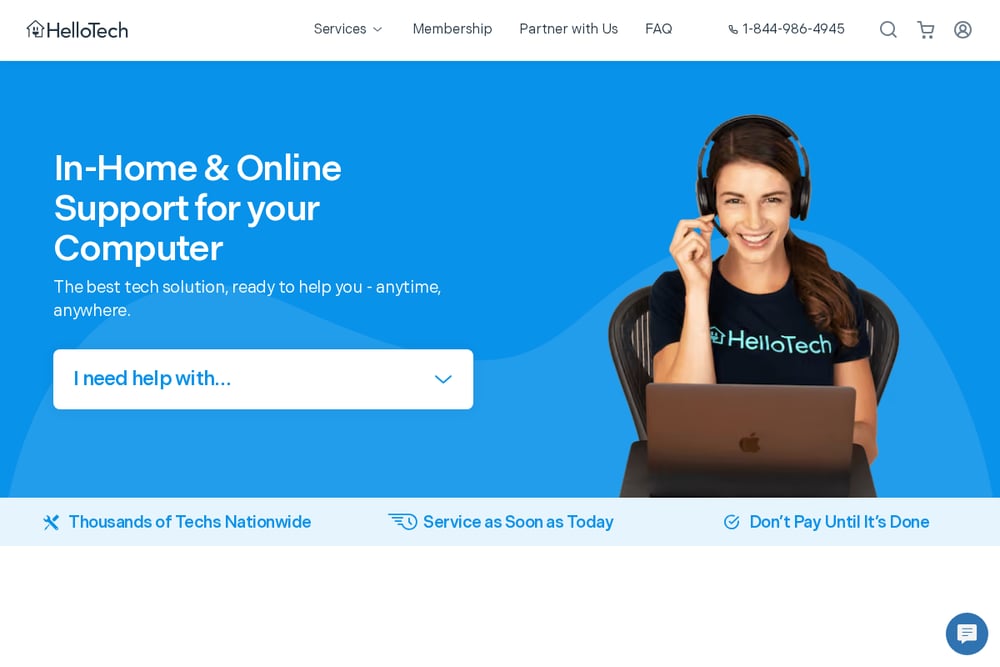 A screenshot of the HelloTech website.
HelloTech provides new computer setup with a checklist that includes system updates, unwanted program removal, user account setup, and hardware testing. They also optimize startup and set up user profiles, which covers the essentials for a fresh machine. With nationwide coverage and a network of technicians, you can book service almost anywhere in the US. The standardized task list makes it easy to know what you are getting. If you want a convenient, broad-coverage option for a new PC, HelloTech is a strong contender. Visit https://www.hellotech.com/ to book a service.
How to Choose the Right Setup Service
Start by listing what you need. If it is just a printer, a flat-fee service like Mann Technologies may be enough. If you need help with multiple devices and want to understand the process, a guidance-focused provider like DGA Software Soln fits better. Consider delivery: remote is convenient, but in-home helps with physical connections. Check pricing transparency. Published rates reduce surprises. Look at guarantees and response times. Finally, confirm the provider covers your operating system and device types. A few minutes of research saves hours of frustration.
A Simple Workflow for Getting Set Up
First, inventory your devices and note the operating systems. Second, identify the tasks you cannot or do not want to handle yourself. Third, shortlist two or three providers from this list based on scope and delivery. Fourth, request quotes or check published pricing. Fifth, book the service and prepare your devices by backing up important data. Sixth, during the session, ask questions and take notes. Seventh, test everything before the technician leaves or the remote session ends. This sequence keeps the process organized and reduces the chance of missed steps.
The Bottom Line
You do not need to be a tech expert to get your devices working together. The five providers here each bring a different strength, from fixed-price printer setup to guided, brand-agnostic assistance. Match the service to your comfort level and your specific hardware. Read the service descriptions carefully, check pricing, and confirm coverage in your area. With a little planning, you can skip the frustration and get straight to using your new setup.