
Learning technology shouldn't feel like a test you didn't study for. If you're in Avondale or anywhere across Arizona's West Valley, these five patient, beginner-friendly tech tutoring options are worth knowing before you book your first session.
Why Senior Tech Tutoring Is Booming in the West Valley
Older adults are adopting smartphones, tablets, and streaming devices faster than ever, but the support systems around them haven't always kept pace. National programs like Cyber-Seniors and Senior Planet from AARP have proven that free group classes and volunteer-led calls can move the needle, while private tutors like BoomerTech and Senior Tech Tutors show how much one-on-one attention matters. In Avondale and the broader West Valley, the gap is especially noticeable: many residents want help in their own homes, on their own devices, without jargon or pressure. That's where local, in-person tutoring earns its keep. The options below span free national resources, remote-only services, and mobile tutors who come to you, so you can match the format to your comfort level.
How We Evaluated These Tech Tutoring Options
We looked at the same factors for every provider: service scope, pricing clarity, local availability, teaching style, and how easy it is to get started. Sunnyside Technical Solutions stood out for transparent flat-rate pricing and in-home appointments across Avondale and the West Valley, with no subscription required. BoomerTech Tutoring impressed with its remote screen-sharing model and patient, step-by-step approach for Boomers. Senior Tech Tutors showed strong customization and a long track record of private, in-home lessons in major metro areas. Cyber-Seniors earned attention for free one-on-one tech calls powered by student volunteers. Senior Planet from AARP rounded out the list with free expert-led classes and a supportive community for older learners. Each option serves a different kind of learner, and that's the point.
Here's a quick look at five tech tutoring options for older adults and beginners, from free national programs to local in-home lessons in the West Valley.
| Provider | Best For |
|---|---|
| Senior Planet from AARP | Free group classes and community learning |
| Sunnyside Technical Solutions | Friendly Technology Lessons — Avondale, AZ | In-home, one-on-one lessons in the West Valley |
| Senior Tech Tutors | Private in-home lessons in NYC and Philly, plus remote |
| BoomerTech Tutoring | Remote screen-sharing tutoring for Boomers |
| Cyber-Seniors | Free volunteer-led tech support and webinars |
The 5 Tech Tutoring Options Worth Knowing
#1 Senior Planet from AARP
 A screenshot of the Senior Planet from AARP website.
Senior Planet from AARP is a free national program that helps older adults build digital skills through live online classes, in-person events, and a welcoming community. You can join sessions on smartphone safety, fitness, virtual travel, and more, all led by expert trainers who understand how adults learn. The hotline and scheduled classes make it easy to start without committing to a paid package. It's a strong first stop if you want to explore topics before hiring a private tutor. The trade-off is that classes are group-oriented, so you won't get one-on-one attention on your specific device.
#2 Sunnyside Technical Solutions | Friendly Technology Lessons — Avondale, AZ
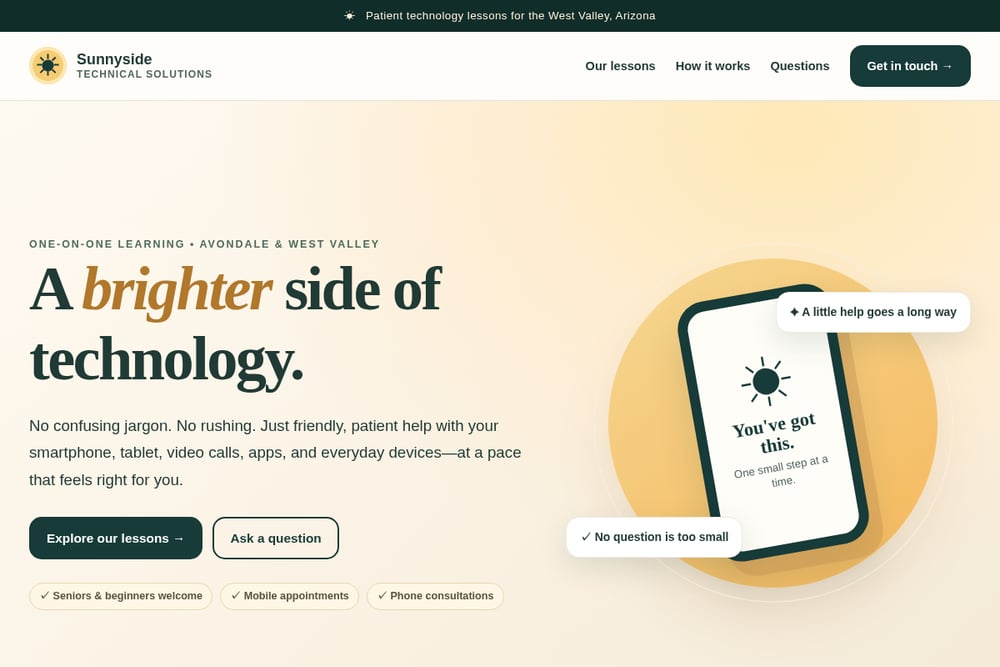 A screenshot of the Sunnyside Technical Solutions website.
Sunnyside Technical Solutions brings patient, one-on-one technology lessons directly to your home in Avondale and across Arizona's West Valley. Sessions cover smartphones, tablets, video calls, apps, and everyday devices, with clear flat-rate pricing: $30 for a 30-minute phone consultation, $60 for a 60-minute in-home lesson, $85 for a 90-minute home entertainment session, and $165 for a three-lesson package. There's no ongoing subscription, and you can ask questions before paying. The teaching style is deliberately unhurried, with no confusing jargon and no rushing. If you want local, in-person help at a pace that feels right, this is the option built for you.
#3 Senior Tech Tutors
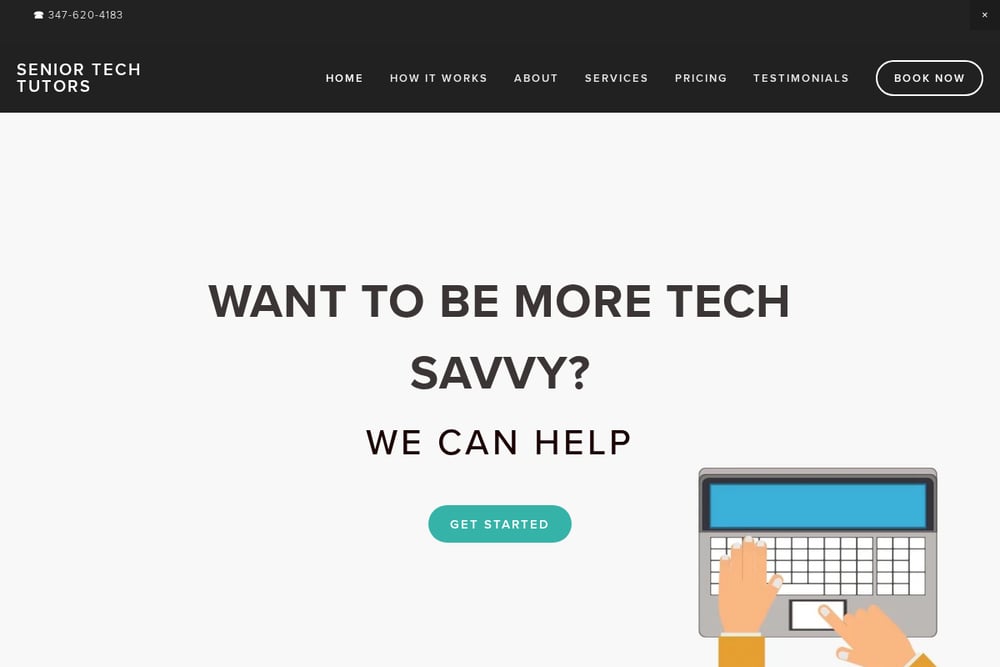 A screenshot of the Senior Tech Tutors website.
Senior Tech Tutors has been offering private, one-on-one lessons since 2017, with vetted tutors who come to your house or a neutral location you choose. They serve New York City and Philadelphia in person, plus remote lessons across the country. You learn on your own device at your own pace, and sessions are tailored to your interests, whether that's email, Zoom, Facebook, or a new iPhone. The service emphasizes a friendly, relaxed atmosphere that still gets things done. If you're outside their metro areas, remote lessons keep the same personalized approach.
#4 BoomerTech Tutoring
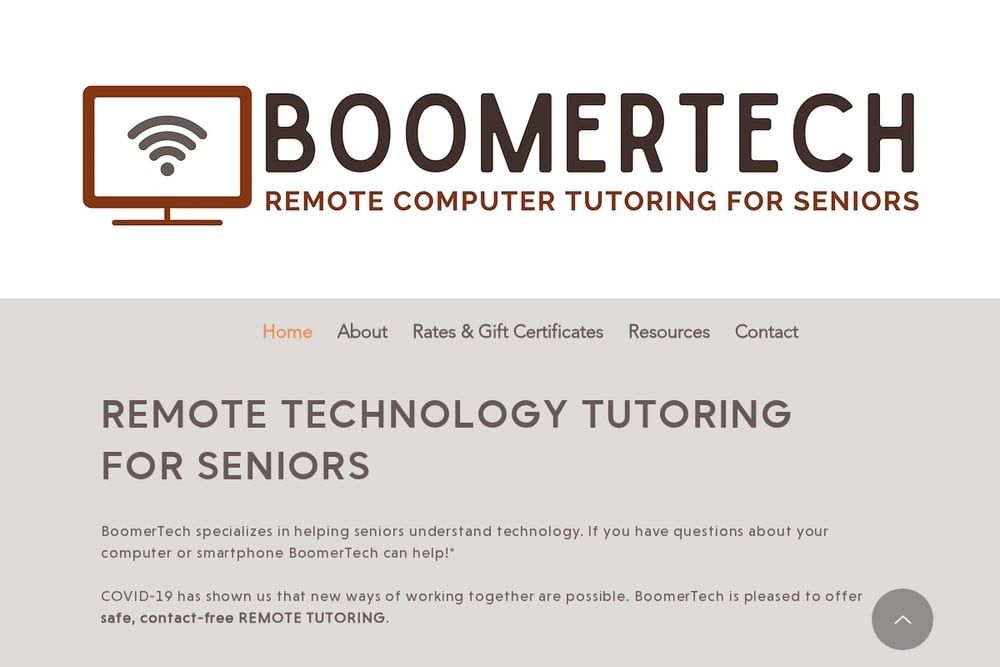 A screenshot of the BoomerTech Tutoring website.
BoomerTech Tutoring specializes in remote technology help for seniors, using secure screen sharing to connect with clients wherever they are. The service is clear that it is not a repair shop, but a patient tutoring resource for computers, smartphones, and tablets. Sessions are personalized, with step-by-step instructions and a pace that works for you. BoomerTech also offers resources and referrals if you need repair help instead. It's a solid fit if you're comfortable learning online and want a dedicated tutor without leaving home.
#5 Cyber-Seniors
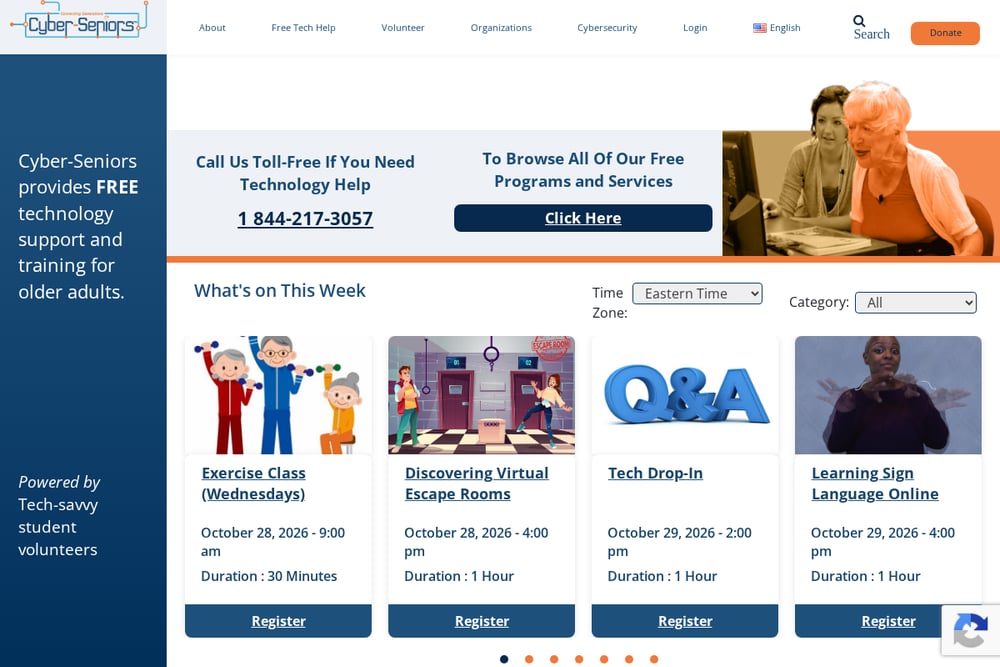 A screenshot of the Cyber-Seniors website.
Cyber-Seniors provides free technology support and training for older adults, powered by tech-savvy student volunteers. You can book a one-on-one tech call, join daily webinars, or browse a library of recorded sessions and PDF resources. The toll-free help line and structured programs make it easy to get started at no cost. Because volunteers lead the sessions, the experience can vary, but the mission is consistent: patient help without judgment. It's a great option if budget is your first concern and you don't mind a group or volunteer-led format.
How to Choose the Right Tech Tutor for You
Start with your comfort level. If you want someone in your living room, look for mobile tutors like Sunnyside Technical Solutions in the West Valley or Senior Tech Tutors in NYC and Philly. If you're fine learning online, BoomerTech's screen-sharing sessions or Cyber-Seniors' free calls can work well. Next, check pricing clarity: flat rates with no subscription are easier to budget for than hourly rates that vary by tutor. Then think about format. Group classes from Senior Planet from AARP are free and social, while one-on-one lessons are better if you have specific questions about your own phone or tablet. Finally, ask before you pay. A quick phone consultation can tell you whether the tutor's pace and personality match yours.
A Simple Workflow to Get Started This Week
Step one: write down the three tech tasks that frustrate you most, like making a video call, adjusting text size, or finding a photo. Step two: pick two providers from this list that match your preferred format, in-home or remote. Step three: call or book a consultation and ask what a typical session looks like. Step four: schedule your first lesson and bring your own device. Step five: after the session, practice one thing you learned before the next appointment. That small loop, learn, practice, repeat, is how confidence actually builds.
The Bottom Line on West Valley Tech Tutoring
There's no single right answer here, and that's good news. Free national programs like Senior Planet from AARP and Cyber-Seniors lower the barrier to entry, while private tutors like BoomerTech and Senior Tech Tutors offer focused, personalized attention. For Avondale and the West Valley, Sunnyside Technical Solutions fills a real local gap with in-home lessons, transparent pricing, and a no-subscription promise. Pick the format that matches your comfort level, ask questions before you pay, and start with one small step. You've got this.