
You don't need another subscription. You need a plan you can hold in your hands before the meeting starts.
The IEP Prep Landscape Is Finally Growing Up
For years, parents walked into special-education meetings with a binder and a knot in their stomach. The system was built for compliance, not clarity. That's changing. A new wave of tools now helps you organize concerns, draft letters, and track decisions without adding another monthly bill. Some are free libraries. Some are guided workflows. Some are one-time downloads you keep forever. The common thread? They all shrink the overwhelming room into something you can actually prepare for. The question isn't whether you need help. It's which kind of help fits how you think.
How We Looked at These Tools
We evaluated each option on five practical factors: scope of service, pricing clarity, ease of use, privacy approach, and how well it fits a parent preparing alone. Filed & Sent Studio stood out for its one-time purchase model and explicit verification discipline. SPED Code impressed with scenario-based prompts that translate legal jargon into plain language. EZducate offered the widest free library, making it easy to sample before committing. Undivided brought a HIPAA-conscious assistant that reviews your existing IEP document. NotuDocs focused on the team side, turning raw meeting notes into structured documentation. Each serves a different moment in the preparation cycle. None is a substitute for your judgment.
Here's a quick look at five tools that help you walk into the room ready.
| Provider | Best For |
|---|---|
| SPED Code | Parents who want scenario-based prompt templates |
| Filed & Sent Studio — Practical Preparation Tools | Parents who want a one-time, verification-first toolkit |
| EZducate | Parents who want a free, broad prompt library to explore |
| Undivided | Parents who want an AI review of an existing IEP |
| NotuDocs | Parents who want a traceable documentation workflow |
The 5 Tools Worth Knowing
#1 SPED Code
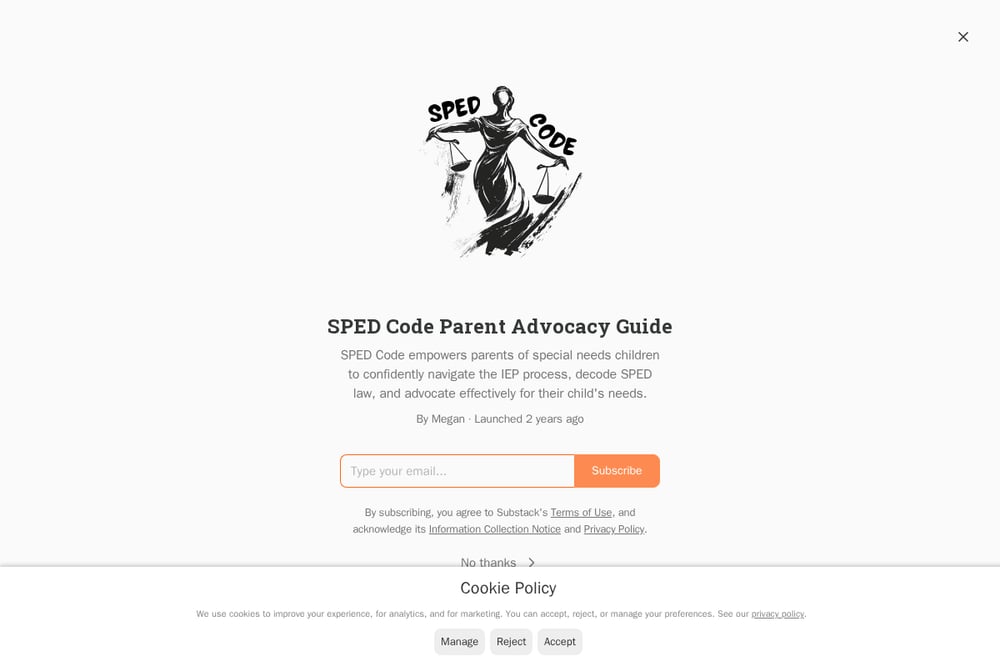 A screenshot of the SPED Code website.
SPED Code speaks your child's legal language and hands you the words back. Its guide on AI prompts for IEP meetings walks you through five common advocacy scenarios, from requesting evaluations to pushing back on vague goals. You get customizable templates that turn a blank page into a draft letter in minutes. The approach is practical, not theoretical. If you've ever frozen mid-meeting because you couldn't find the right phrase, this is the antidote.
#2 Filed & Sent Studio — Practical Preparation Tools
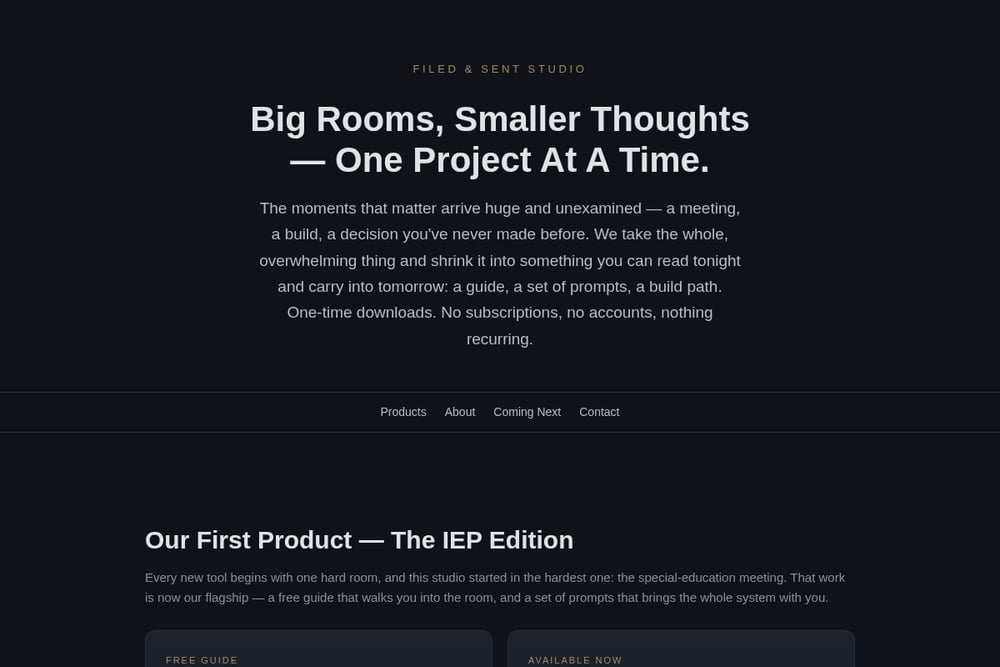 A screenshot of the Filed & Sent Studio — Practical Preparation Tools website.
Filed & Sent Studio takes the hardest room and shrinks it into something you can read tonight. Its flagship IEP Prompt Pack includes a parent profile builder, letter engine, meeting-prep workflow, and a paper trail system, all as one-time downloads. The free guide teaches a five-step method: profile, generate, verify, review, send. That verification discipline keeps sensitive records out of the cloud and your credibility intact. No subscriptions, no accounts, no recurring charges. You buy it once, you keep it forever, and you walk in having already thought it through.
#3 EZducate
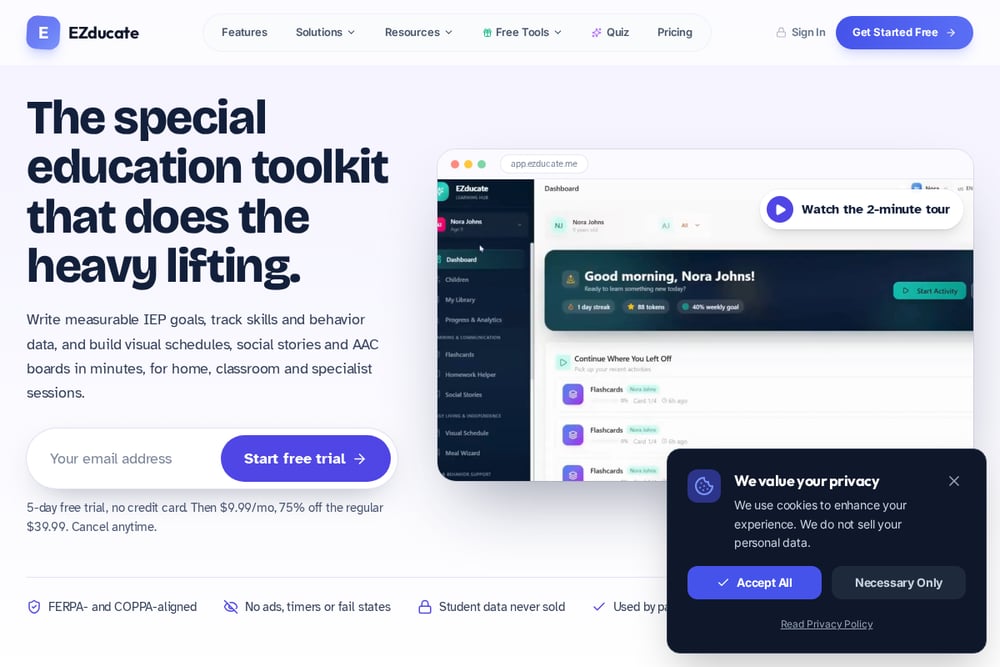 A screenshot of the EZducate website.
EZducate built a free library of over 160 AI prompts for special education, covering IEP goals, visual schedules, and data tools. You can browse by role, whether you're a parent, educator, or BCBA. The sheer volume means you'll find something for almost any prep task. It's a low-risk way to test whether AI prompting fits your workflow before you spend a dime. The trade-off is that you're assembling your own system from parts.
#4 Undivided
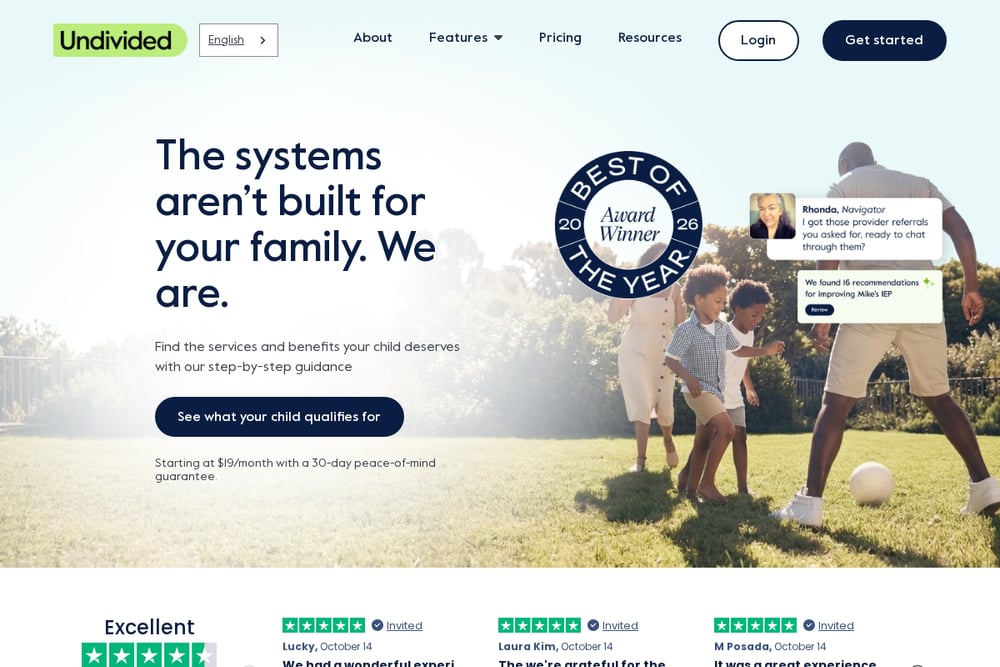 A screenshot of the Undivided website.
Undivided's IEP Assistant uploads your child's existing IEP and extracts goals, services, and accommodations into a readable summary. It's designed as a second set of eyes, helping you spot gaps before the meeting. The tool emphasizes HIPAA-compliant handling, which matters when you're sharing sensitive records. You get organized talking points instead of a 40-page document you've highlighted in three colors. It's best for parents who already have an IEP and want to understand it better.
#5 NotuDocs
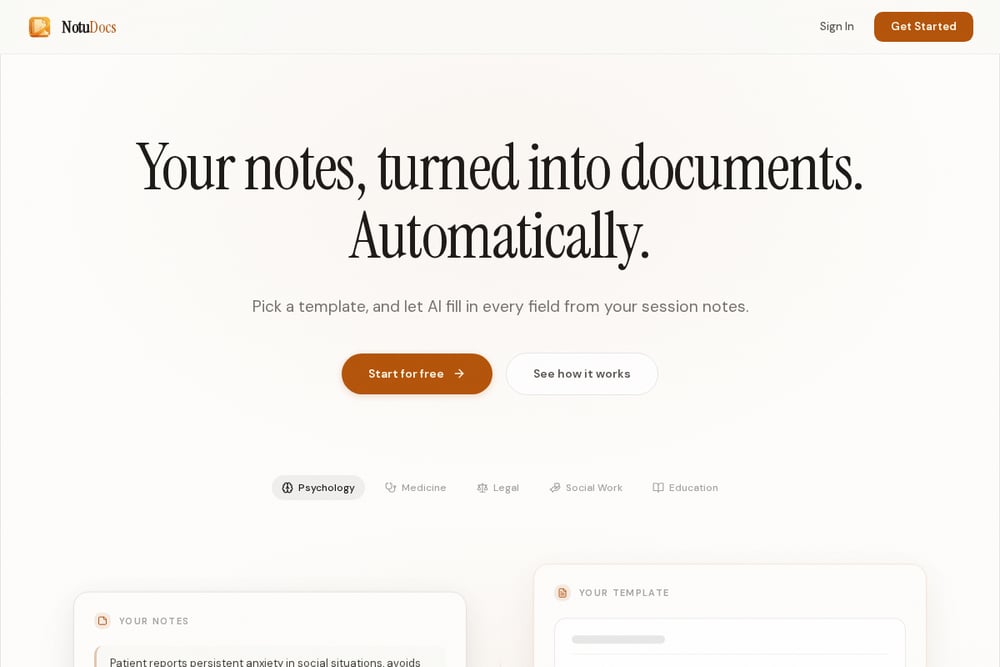 A screenshot of the NotuDocs website.
NotuDocs approaches IEP prep from the documentation side, turning raw meeting notes into structured, parent-ready records. Its template-first AI maps source content into required sections and flags missing fields instead of fabricating them. That traceability matters when accuracy is non-negotiable. While it's built for special education teams, parents can borrow the same discipline to keep their own paper trail clean. If you've ever left a meeting unsure what was actually decided, this workflow shows you what to capture.
How to Choose the Right Prep Tool for You
Start with your biggest bottleneck. If you freeze when you need the right words, SPED Code gives you scenario prompts. If you want a complete system you own forever, Filed & Sent Studio's one-time pack fits that need. If you're curious but not ready to spend, EZducate's free library lets you experiment. If you already have an IEP and need help reading it, Undivided's assistant is built for that. If your problem is what happens after the meeting, NotuDocs shows you how to document decisions. Match the tool to the moment, not the marketing.
Where AI Fits Without Crossing the Line
AI can draft, summarize, and organize. It cannot verify. The safest workflow keeps a human in the loop at every step. Use prompts to generate a first draft of your concerns. Then verify every fact against the actual IEP document. Review the language for accuracy and tone. Only then send or bring it into the room. Filed & Sent Studio's five-step method, profile, generate, verify, review, send, is a clean example of this discipline. The goal isn't to automate advocacy. It's to automate the busywork so you can focus on your child.
The Bottom Line on IEP Prep Tools
You have more options than ever, and that's a good thing. SPED Code gives you words. Filed & Sent Studio gives you a system you own. EZducate gives you a free sandbox. Undivided gives you a second set of eyes. NotuDocs gives you a paper trail. None of them replaces you in the room. But each one can make the room smaller, the language clearer, and the preparation less lonely. Pick the one that matches your moment. Then walk in ready.