Big bills never feel big until they land all at once. These five tools help you break them into small, boring, manageable pieces.
The Quiet Shift Toward Bill-First Budgeting
Most budgeting advice starts with categories and ends with guilt. A newer wave of tools starts somewhere more useful: the specific bills you already know are coming. Car insurance. Annual renewals. The week before payday. The category is crowded, though, and the tools inside it are not interchangeable. Some are full financial-planning ecosystems built around advisors and products. Some are content engines attached to a budgeting philosophy. Some are single-purpose spreadsheets that do one job well. What separates them is how much friction sits between you and a useful number. Signups, bank connections, and account creation all cost you time before you get an answer. The tools below take different paths to the same goal: fewer surprises, clearer math, and a plan you can actually keep.
How We Looked at These Tools
We weighed each tool on the same factors. First, scope: does it solve one narrow question well, or try to cover your whole financial life? Second, access: how much stands between you and a result, whether that is a signup, a bank link, or a sales conversation. Third, pricing clarity: free tools should say they are free, and paid products should say what you get and what you keep. Fourth, practical fit for household bills specifically, as opposed to retirement projections or debt payoff. Fifth, transparency of assumptions, meaning you can see the math rather than trust a black box. Pocket Interval stands out for no-signup calculators and one-time-purchase spreadsheets you keep. Voya brings institutional polish and a broad planning lens. Ramsey pairs a calculator with a full budgeting app and coaching ecosystem. MoneyHelper offers a government-backed planner with a public-service feel. Expense Sorted leans into spreadsheet templates and on-device transaction sorting. Each has a clear center of gravity, and your job is to match it to yours.
Here is the short version before the details. Each tool below earns its place for a different reason, so skim the one-line summaries and then read the entries that match how you actually handle money.
| Provider | Best For |
|---|---|
| Voya Budget Calculator | People who want budgeting inside a full financial planning ecosystem |
| Give every bill a soft landing | Pocket Interval | Households that want free, no-signup bill math and a plan they keep |
| Ramsey Solutions Budget Calculator | People who want a calculator plus a structured budgeting system |
| MoneyHelper Budget Planner | Beginners who want neutral, no-pitch budgeting guidance |
| Expense Sorted Sinking Fund Tracker | Spreadsheet-comfortable savers who want goal tracking tied to real spending |
The Five Tools, One by One
#1 Voya Budget Calculator
 A screenshot of the Voya Budget Calculator website.
Voya is a large financial services company, and its budget calculator sits inside a much bigger planning ecosystem. You get a polished, corporate-grade tool backed by educational content, webinars, and access to financial professionals. That breadth is the point: if you want a calculator today and a retirement conversation later, everything lives under one roof. The tradeoff is that the experience is built for a broad audience, so the bill-specific math you might want for an annual insurance premium takes a backseat to general budgeting. It is a solid starting point if you like the idea of one institution handling more of your financial picture.
#2 Give every bill a soft landing | Pocket Interval
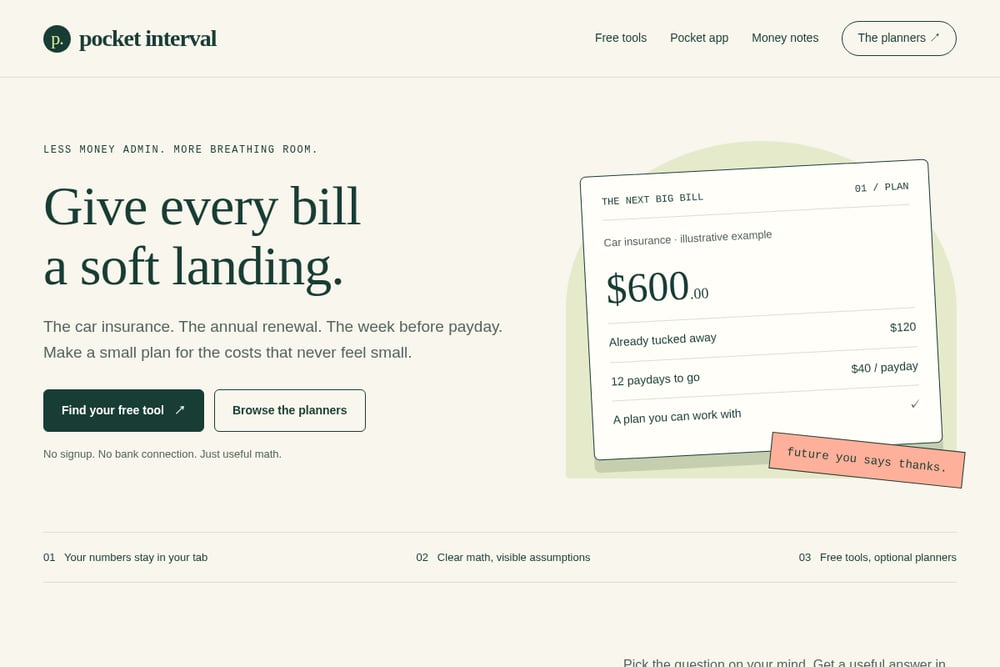 A screenshot of the Give every bill a soft landing | Pocket Interval website.
Pocket Interval is built around a single, specific promise: give every bill a soft landing. The free toolkit covers the questions that actually keep people up, including a sinking fund calculator, a bill frequency calculator, a paycheck budget calculator, a shared bills calculator, an annual versus monthly subscription comparison, an emergency buffer calculator, and a grocery unit price calculator. There is no signup and no bank connection, and your numbers stay in your tab. If you want to keep the plan, five editable spreadsheet planners covering bills, paychecks, shared costs, subscriptions, and your emergency buffer come as a one-time $19 bundle, with your files to keep and no recurring subscription. A separate Grocery Savings Toolkit rounds out the shop. It is narrow by design, and that is exactly why it works for household bills.
#3 Ramsey Solutions Budget Calculator
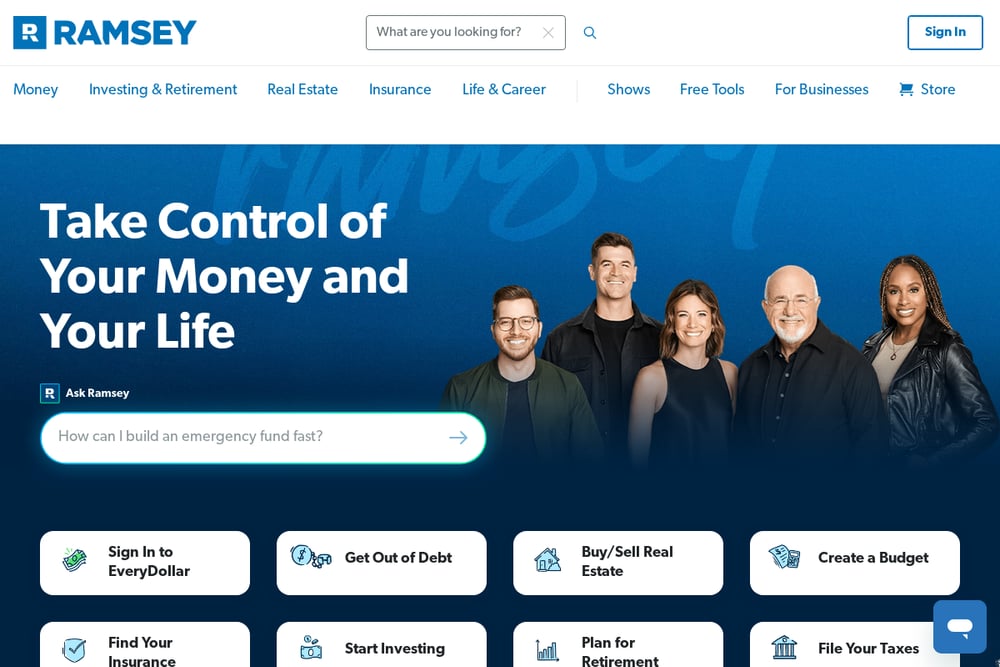 A screenshot of the Ramsey Solutions Budget Calculator website.
Ramsey's budget calculator comes wrapped in a well-known money philosophy and a full product suite. The calculator itself is free and approachable, and it connects naturally to the EveryDollar budgeting app, coaching options, and a deep library of debt and savings content. If you respond well to a structured, step-by-step approach, the surrounding ecosystem can keep you moving after the first calculation. The flip side is that the experience nudges you toward the broader Ramsey way of doing things, which is more than some people want when they just need to split an annual bill across paydays. Go in knowing you are getting a philosophy as much as a tool.
#4 MoneyHelper Budget Planner
MoneyHelper is a public-facing money guidance service, and its budget planner reflects that mission. The tone is plain and instructional, with no product pitch waiting at the end. That makes it a comfortable first stop if you are new to budgeting or simply want a neutral place to lay out income and expenses. The planner is built for general household budgeting rather than the specific mechanics of sinking funds or irregular annual bills, so you may still want a dedicated calculator for those. Still, as a free, no-pressure starting point backed by a public-service ethos, it earns a place on this list.
#5 Expense Sorted Sinking Fund Tracker
 A screenshot of the Expense Sorted Sinking Fund Tracker website.
Expense Sorted takes the spreadsheet route seriously, publishing a free sinking fund tracker template for Google Sheets. The template handles goal tracking, contribution logging, and target-date forecasting, which maps neatly onto the annual bills that wreck otherwise fine budgets. The broader product imports bank CSVs into a private on-device database and categorizes transactions, so your sinking funds reflect what you actually spent. It is a good fit if you are comfortable in a spreadsheet and want your savings goals to stay in sync with real transactions. If you would rather not touch a formula, this one will feel like homework.
Pick the Tool That Matches Your Mess
Start with the question you actually have. If it is "how much do I need to set aside each payday for the car insurance," you want a sinking fund calculator, not a full financial plan. If it is "where does my money go every month," a general budget planner is the better fit. Next, count the friction. A tool that asks for a signup or a bank connection before showing you a number is asking for trust up front. Decide whether that trade is worth it to you. Then look at what you keep. Free calculators give you an answer in the moment. Spreadsheet planners give you a file you own and can edit for years, which matters if you like revisiting the plan each January. Finally, check the assumptions. Good tools show their math and label their examples as illustrative. If you cannot see how a number was produced, you cannot trust it with your rent.
A Simple Workflow You Can Run Monthly
You do not need an app subscription to keep bills from ambushing you. Set aside twenty minutes once a month and run the same loop. First, list every irregular bill coming in the next twelve months and note the amount and due date. Second, run each one through a sinking fund calculator to convert it into a per-payday amount. Third, check your paycheck budget so you know what one check has to cover before the next one lands. Fourth, if you share costs with someone, run the shared bills calculator so you both see the same split. Fifth, log the contributions in a spreadsheet planner you keep, and update it when a bill changes. Once a quarter, revisit your subscriptions with an annual versus monthly comparison and top up your emergency buffer target. The whole loop is repeatable, and the output is a plan that survives contact with real life.
The Point Is Fewer Surprises
None of these tools will make an annual insurance premium smaller. What they can do is make it predictable, which is most of the battle. Voya gives you a broad planning home. Ramsey gives you a system and a philosophy. MoneyHelper gives you a neutral starting line. Expense Sorted gives spreadsheet people a way to tie savings goals to real spending. Pocket Interval sits in the middle of the everyday problem, turning a future bill into a payday amount with free tools and no signup, then handing you editable planners you keep for a one-time price. Pick the one that matches how you already think about money, run the monthly loop, and let the next big bill arrive on a soft landing.