
Your project records are sitting in Buildertrend or CoConstruct, quietly aging. AI labs are paying for exactly that kind of ground-truth work. Here are five services that can help you turn those files into a licensed asset.
The quiet market for builder records
AI labs need real examples of professional judgment with outcomes attached. A homebuilder produces that on every job: schedules that slipped, selections that changed, change orders that got signed, warranty calls that got resolved. None of it lives on the public internet. That scarcity is why buyers are now naming construction and architecture as target categories. The catch is ownership. You likely own the record you created, but the house plan you bought from a designer usually belongs to whoever drew it. The services below help you sort the licensable from the restricted, strip out buyer and homeowner details, and get your archive in front of buyers without giving away the store.
How we looked at each service
We evaluated each service on the same factors: how clearly it explains what a builder can and cannot license, how specific it is about the buyers and terms involved, whether it addresses copyright in house plans, how transparent the process is from inquiry to license, and how well it fits residential builders rather than general contractors. SellHomebuilderDataToAI stands out for its narrow focus on homebuilder records and its document-level reading of 12 builder software vendors' terms. Troveo stands out for its buyer-side view of construction and architecture data. OpenTrain AI stands out for its one-form matching model and published payout ranges. Regulr AI stands out for its buyer directory and clear qualification criteria. Sam Rexford stands out for its plain-language guide to separating your records from the architect's, the subs', and the owner's.
Here is a quick look at the five services, what each does well, and who each one fits. Use this as a starting map, then read the deeper notes below.
| Provider | Best For |
|---|---|
| Troveo | Understanding buyer demand for construction and architecture data |
| Sell homebuilder data to AI: plans, terms and buyers | Residential builders who need to know what they actually own |
| OpenTrain AI | Builders who want one application and multiple buyer matches |
| Regulr AI | Builders checking qualification criteria before applying |
| Sam Rexford | A plain-language ownership check before licensing |
The five services in detail
#1 Troveo
 A screenshot of the Troveo website.
Troveo approaches the market from the buyer side, which gives you a useful mirror. Its guide explains why AI labs want construction and architecture work, and it points to OpenAI's GDPval benchmark listing CAD design files as tested work product. That framing helps you see your archive as an asset rather than a byproduct. Troveo also covers who owns the drawings and what in your firm you can license, which matters when your plans came from an outside designer. If you want to understand demand before you talk terms, start here.
#2 Sell homebuilder data to AI: plans, terms and buyers
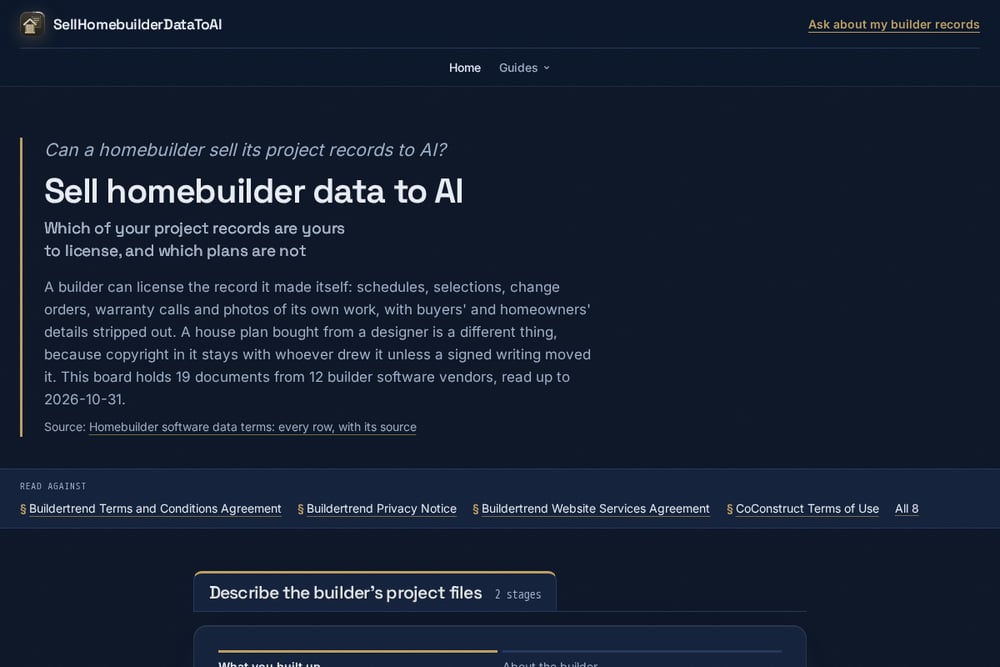 A screenshot of the Sell homebuilder data to AI: plans, terms and buyers website.
This site is built specifically for residential builders, not general contractors. It walks you through which records you can license, such as schedules, selections, change orders, warranty calls, and photos of your own work, with buyer and homeowner details stripped out. It also draws a clear line on house plans: copyright stays with whoever drew them unless a signed writing moved it. The board holds 19 documents from 12 builder software vendors, read up to October 31, 2026, so the terms analysis is grounded in actual vendor agreements. A short form asks what you built, who drew your plans, and which software holds your jobs, then routes you toward an answer.
#3 OpenTrain AI
 A screenshot of the OpenTrain AI website.
OpenTrain AI simplifies the matching step. You fill in one form describing your completed project files, drawings, site photos, RFIs, and daily reports, and it matches you with buyers that fit. You approve every license, and you pay OpenTrain nothing. The site publishes a buyer's own claim of paying $100K to $3M+ based on the quality, uniqueness, and value of the data. That range is a buyer's advertised term, not a guarantee, but it gives you a realistic frame. It is a practical option if you want to compare offers without applying to each buyer separately.
#4 Regulr AI
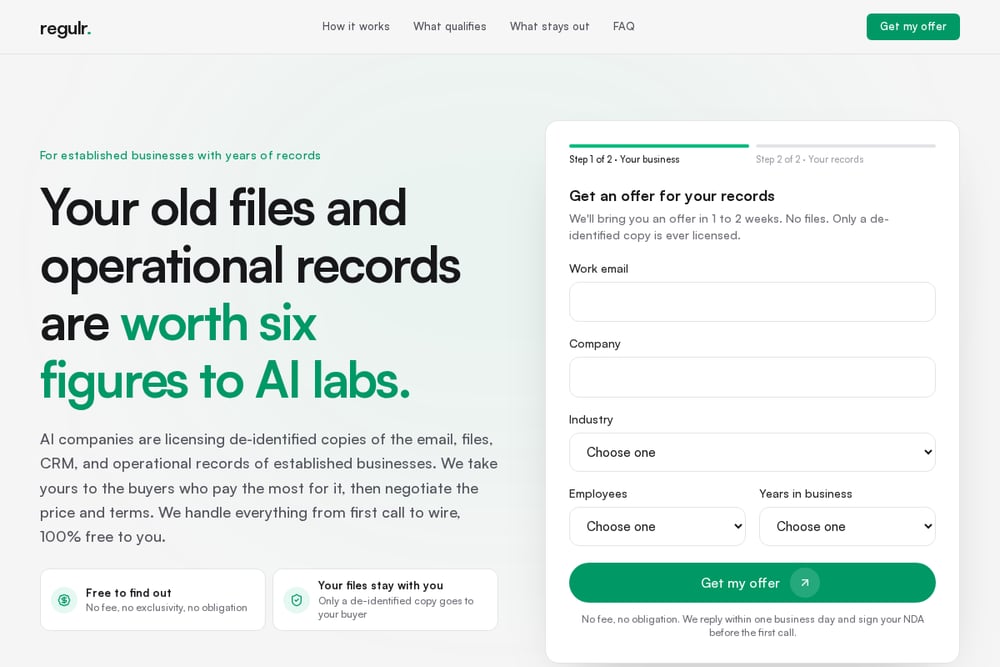 A screenshot of the Regulr AI website.
Regulr AI publishes a buyer directory and a clear qualification picture. Its construction guide says buyers want estimates with bid results, change orders, daily logs, schedules, job cost, safety inspections, and photos. It also notes that most programs look for 20 or more full-time staff and three or more years of records. Just as useful, it names what usually stays out: architects' drawings, subs' shop drawings, federal security material, and row-level payroll. That clarity helps you avoid wasting time on records you cannot license. The guide is updated with program terms checked in October 2026.
#5 Sam Rexford
 A screenshot of the Sam Rexford website.
Sam Rexford's guide answers the question plainly: yes, many contractors can license a copy of their own project records. It lists RFIs, change orders, daily logs, schedules, estimates, and job cost as licensable, then explains the work of separating what is yours from what belongs to the architect, your subs, the owner, or the government. It also flags the practical step of getting data out of Procore or Sage the right way. The writing is direct and free of hype. If you want a second opinion on ownership before you sign anything, this is a solid read.
How to pick the right fit
Start with your plans. If your staff drew them, you have more to license. If you bought them from a designer, confirm in writing what you can share before you talk to any buyer. Next, inventory your records by software. Buildertrend, CoConstruct, and similar tools hold different data, and the terms differ by vendor. Then decide whether you want a specialist who reads those terms for you or a marketplace that matches you with buyers. If you have 20 or more full-time staff and three or more years of records, you likely qualify for more programs. If you are smaller, focus on the services that explain ownership clearly and do not require a minimum. Finally, check how each service handles de-identification. Buyer and homeowner details should come out before anything is licensed.
Where automation fits
You do not need to hand-assemble your archive. Most builder software lets you export job schedules, selections, change orders, and warranty tickets in bulk. Set up a recurring export that drops those files into a dedicated folder, then run a de-identification pass to strip buyer names, addresses, and homeowner contact details. Keep a simple log of what was exported and when. When a buyer or matching service asks for records, you can share a reviewed copy without touching your live system. That workflow keeps your day-to-day operations clean and makes the licensing conversation faster.
The bottom line
Your records have value, but only if you know which ones are yours to license. The five services above approach that question from different angles: buyer demand, homebuilder-specific terms, matching, qualification, and plain ownership guidance. Start with the one that matches your situation, confirm your plan rights in writing, and strip out personal details before anything leaves your office. Do that, and you can turn years of job records into a licensed asset without giving away more than you intended.