Your lower back is tight, your shoulders are up around your ears, and the last thing you want is another 20-minute video to scrub through. These five apps take a different route: tell them what hurts, and they hand you a routine you can start in seconds.
The State of Guided Mobility and Breathwork Apps
Guided stretching and breathing apps have quietly split into two camps. One camp is breath-first: paced breathing, box breathing, resonance frequency, sleep and focus sessions. The other is body-first: stretches, mobility flows, and movement breaks you do at a desk or beside a bed. A third, smaller group is trying to merge them, pairing a slow stretch with a slow breath so the movement sets the pace and the breathing follows. What ties all of it together is the shift away from browsing. Users no longer want a library of 500 videos; they want an answer. Voice input, body maps, and on-device AI are starting to replace the search bar, and privacy has become a selling point rather than a footnote. Pricing models are just as varied, from completely free with no account to subscription tiers tied to larger fitness platforms.
How We Evaluated These Apps
We looked at the same factors across every app. First, scope: does it cover breathing only, stretching only, or both, and how deep is the exercise library? Second, personalization: can you tell it where you hurt and how much time you have, or are you picking from a fixed menu? Third, pricing clarity: is the free tier genuinely usable, and are in-app purchases or subscriptions stated up front? Fourth, privacy and account requirements: does it need your email, and does your voice or health input leave your device? Fifth, platform fit: iPhone, Android, or both, plus offline and background behavior. Dial Down stood out for combining a 372-exercise library with a tappable 3D body map and on-device chat and voice, all free with no account. Breathe: Relax & Focus stood out for custom pattern building and progress tracking on Android. The Breathing App: Calm Daily stood out for a science-backed resonance approach and a generous free tier. Breathwrk stood out for performance-oriented classes and organizational trust. Wakeout stood out for zero-friction movement breaks with real-person video.
Here is the short version before the detail. Each app below solves a slightly different problem, so match the tool to the moment you actually have.
| Provider | Best For |
|---|---|
| Breathe: Relax & Focus | Android users who want to design their own breathing patterns |
| Dial Down: Stretching & Breathing App for iPhone | iPhone users who want a routine built from a plain-language request |
| The Breathing App: Calm Daily | Anyone who wants a science-framed daily breathing reset |
| Breathwrk | Athletes and professionals treating breathwork as performance training |
| Wakeout | Desk workers who want a two-minute movement break, not a session |
The Five Apps, One by One
#1 Breathe: Relax & Focus
 A screenshot of the Breathe: Relax & Focus website.
If breathing patterns are your thing, this Android app gives you the controls. It ships with three defaults, equal, box, and 4-7-8, then lets you build unlimited custom patterns with half-second adjustments. You can chain patterns into longer sequences, set how many cycles each one repeats, and let the next start automatically. Extras include a breath-holding test, reminders, male or female voice guidance, nature sounds, vibration cues, and progress charts. It has pulled in over a million downloads and holds a 4.9-star rating on Google Play, which tells you the pattern-building crowd is satisfied.
#2 Dial Down: Stretching & Breathing App for iPhone
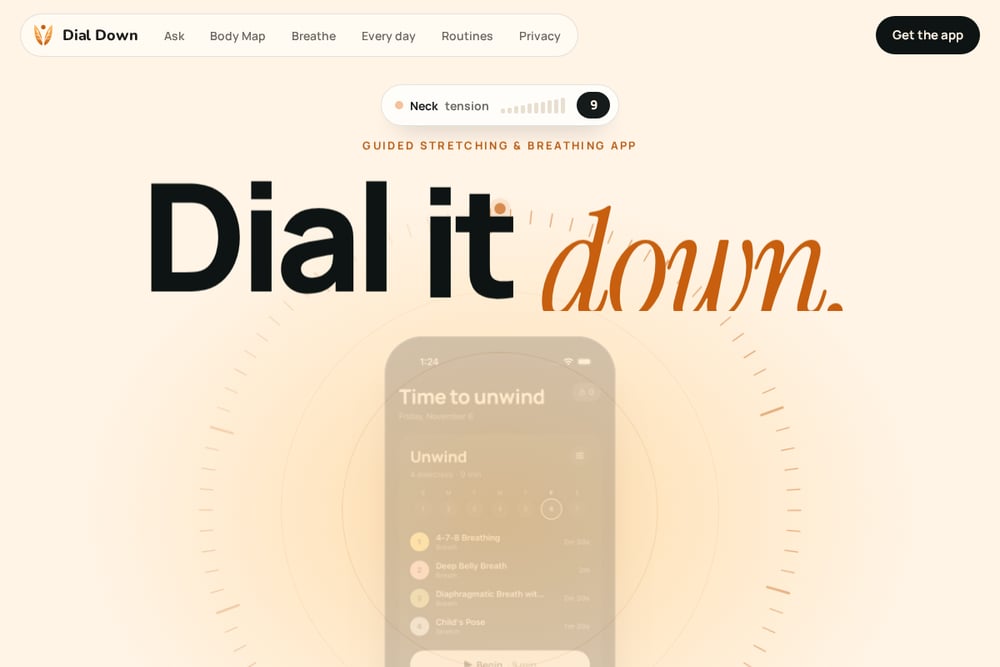 A screenshot of the Dial Down: Stretching & Breathing App for iPhone website.
This is the one that skips the search bar entirely. Say or type something like my lower back is tight, and Dial Down builds a timed stretch-and-breathe routine and talks you through every move. It pulls only from a 372-exercise library, so it never invents a stretch, and it runs on Apple's on-device model with offline voice transcription, meaning what you say stays on your iPhone. The 3D body map is the other standout: tap a sore spot, rotate the body, and up to four likely muscles light up with only the stretches that actually work them. It handles English, Spanish, French, and Simplified Chinese, and it is free with no ads, no subscriptions, and no account. If you mention numbness or sudden severe pain, it checks in first and offers a button to call emergency services.
#3 The Breathing App: Calm Daily
 A screenshot of the The Breathing App: Calm Daily website.
Built around Resonance Frequency, this app leans on a technique where breathing at five to seven breaths per minute syncs heart rate, blood pressure, and brainwaves into a coherent rhythm. The free tier is unusually generous: kids and resonance ratios, sessions up to 20 minutes, calming sounds by Moby and Maejor, and background play with the screen off. No ads and no account required, which is rare in this category. Premium adds advanced calming, focusing, energizing, and grounding ratios, unlimited timers, alternate-nostril work, and guided sound breathing. It holds a 4.8 rating across roughly 1,300 App Store ratings, and the subscription runs $4.99 monthly or $44.99 yearly.
#4 Breathwrk
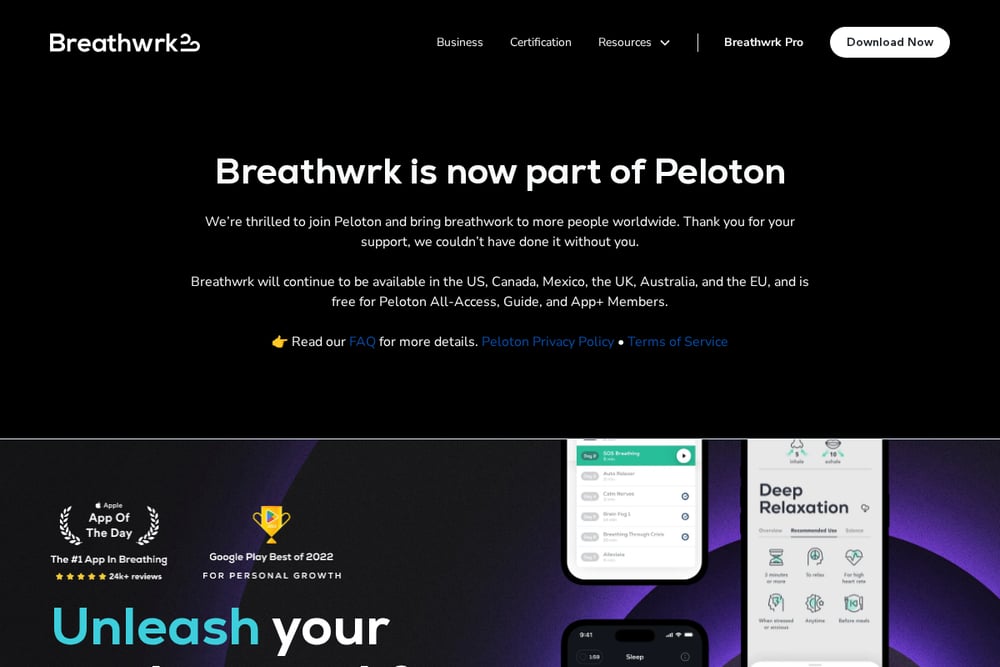 A screenshot of the Breathwrk website.
Breathwrk positions itself around performance, not just relaxation. The exercises are grouped by outcome: calming for stress and anxiety, sleep for elongated exhales and humming, energizing for focus and wakefulness, and perform for athletic endurance and oxygen uptake. It claims benefits in as little as 60 seconds and requires no skill or experience, which makes it easy to hand to a skeptical beginner. The company is now part of Peloton, and the app remains available in the US, Canada, Mexico, the UK, Australia, and the EU, free for Peloton All-Access, Guide, and App+ members. It is a strong fit if you want breathwork framed as training rather than meditation.
#5 Wakeout
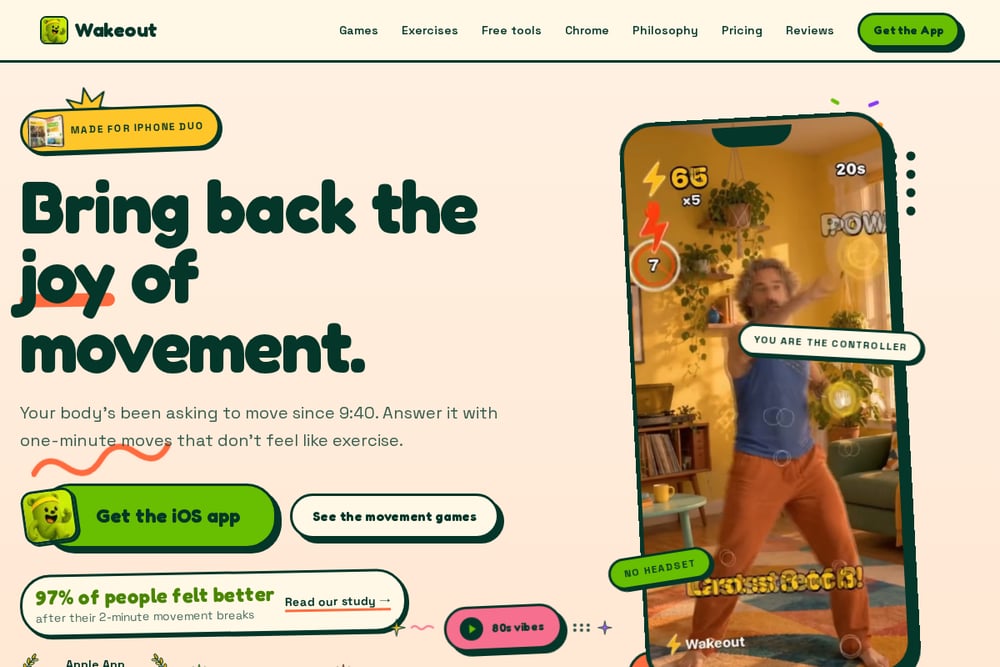 A screenshot of the Wakeout website.
Wakeout takes the opposite approach to a long session: short movement breaks you can do right now. Its breathing and stretching page offers three routines, calm down, before bed, and wake up, in one, two, or five-minute versions, each shown on video by a real person. The philosophy is deliberately un-meditative. Nobody counts, there is no pacer, and nothing is held; the move sets the pace and your breath follows it. A two-minute calm-down at your desk is eight slow arm moves next to your chair, and the five-minute pre-bed routine happens on the edge of the bed with a pillow. Apple named Wakeout iPhone App of the Year, and the free routines live right on the page with no download required.
How to Pick the Right One for You
Start with the moment you actually have. If it is two minutes between meetings, you want Wakeout's movement breaks, not a 20-minute breathing session. If it is the end of the day and your mind will not slow down, The Breathing App or Breathe: Relax & Focus will serve you better. Next, ask whether you want to be told or to choose. Dial Down is for the told camp: you describe the ache and it assembles the routine. Breathe: Relax & Focus is for the choose camp: you build the pattern down to the half second. Then check the practical stuff. Android-only rules out three of these five immediately. If you refuse to create an account or hand over voice data, prioritize apps that state on-device processing and no-account use. Finally, look at the free tier honestly. A free tier that expires in seven days is a trial, not a free tier.
Where Automation Actually Helps
The interesting shift here is not automation for its own sake, it is the removal of decisions. In a traditional app, your workflow is: open app, browse categories, pick a body part, scroll a list, guess at duration, start. That is five decisions before you move. Dial Down collapses it to one: say what is tight, and the routine appears with a duration attached. The body map does the same for people who cannot name the muscle, which is most of us. On the breathing side, Breathe: Relax & Focus automates the sequence, chaining patterns so you do not have to watch a timer. Wakeout automates the hardest part of all, which is starting, by making the routine shorter than the excuse. Pick the app that removes the most decisions from your specific bottleneck.
The Bottom Line
There is no single winner here, because these apps are answering different questions. If your question is what should I do about this tight lower back right now, Dial Down is the most direct answer, and it does it free, privately, and without an account. If your question is how do I build a breathing practice I control, Breathe: Relax & Focus gives you the dials. If you want a researched daily reset, The Breathing App keeps it simple and free. If you want breathwork as training, Breathwrk speaks your language. And if you just need to move for two minutes, Wakeout gets you off the chair fastest. Match the tool to the moment, and you will actually use it.