
Your breath is the one wellness tool you carry everywhere. These five apps help you use it with intention, whether you want to unwind after a long day or fall asleep faster.
The Guided Breathing App Landscape
Breathwork has moved from studio classes to your pocket. Guided breathing apps now sit alongside meditation platforms as everyday tools for stress, focus, and sleep. Most of the category follows the same playbook: a visual pacer, a handful of ready-made techniques, reminders, and some form of progress tracking. What separates one app from another is how much control you get over your own rhythms, how the app handles your data, and whether it works when you are offline or on a bigger screen. Pricing models vary widely too, from free-with-ads to one-time purchases and subscription tiers. That range matters, because breathwork is a habit, and habits stick when the tool fits your routine without friction.
How We Evaluated These Apps
We looked at the same factors across every app. First, practice depth: does it offer ready-made techniques and let you build custom rhythms with control over inhale, holds, exhale, and cycle count? Second, guidance quality: visual cues, sound options, and whether you can practice with your eyes closed or the screen locked. Third, habit support: reminders, widgets, streaks, and progress views. Fourth, privacy and pricing clarity: ads, accounts, tracking, and how straightforward the cost is. Fifth, platform fit: iPhone, iPad, Android, and offline use. Pranayama stood out for its phase-by-phase visual ring, 22-language support, and no-ads, no-account design. Breathe: Relax & Focus impressed with custom pattern sequencing and a breath-holding test. iBreathe drew attention for its Apple ecosystem reach and Health sync. Breath Ball earned notice for its HRV analytics and tutorial-led exercises. Breathwrk stood out for its science-framed classes and performance angle.
Here is a quick look at how the five apps compare on the factors that matter most: practice customization, guidance style, habit tools, privacy, and platform coverage. Use this table to shortlist the ones that match your routine before reading the deeper breakdowns.
| Provider | Best For |
|---|---|
| Breathe: Relax & Focus | Custom pattern builders and breath-holding tests |
| Pranayama — Breathing Exercises for Calm, Focus and Sleep | Private, customizable breathwork on any device |
| iBreathe – Relax and Breathe | Apple users who want Health and Watch integration |
| Breath Ball | Visual learners who want HRV feedback |
| Breathwrk | Guided classes with a performance focus |
The Five Apps in Detail
#1 Breathe: Relax & Focus
 A screenshot of the Breathe: Relax & Focus website.
Breathe: Relax & Focus gives you three default exercises, including Equal Breathing, Box Breathing, and 4-7-8, then hands you the keys to build your own. You can adjust patterns in half-second increments and chain multiple patterns into longer sequences with set cycle counts. Guidance comes through male or female voice-overs, bell cues, nature sounds, and vibration feedback. A breath-holding test adds a measurable benchmark to your practice. It is a strong pick if you like tinkering with technique and tracking how your capacity changes over time.
#2 Pranayama — Breathing Exercises for Calm, Focus and Sleep
 A screenshot of the Pranayama — Breathing Exercises for Calm, Focus and Sleep website.
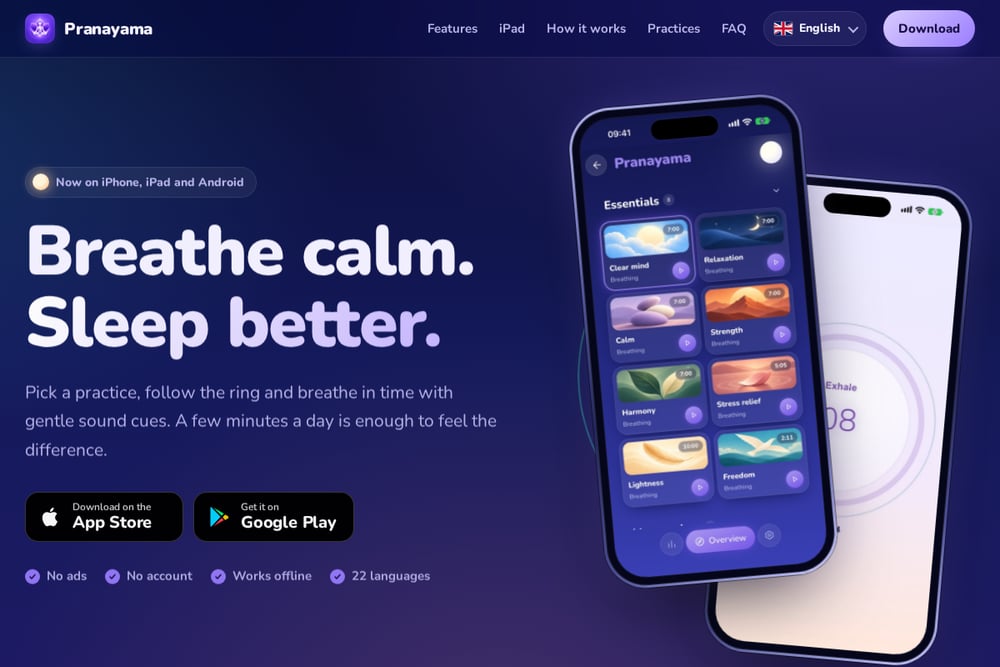
Pranayama keeps the interface calm and the controls deep. A color-coded ring walks you through inhale, holds, and exhale, and you can switch the visual to a flower or a line in one tap. You set the ratio of each phase, the phase length, and the number of cycles, then save as many practices as you like. Gentle sound cues and a metronome let you practice with your eyes closed or the screen locked. There are no ads, no tracking, and no account, and your history stays on your device. It also works offline across iPhone, iPad, and Android in 22 languages.
#3 iBreathe – Relax and Breathe
 A screenshot of the iBreathe – Relax and Breathe website.
iBreathe leans into simplicity and Apple ecosystem depth. You get pre-defined exercises for sleep, stress, and anxiety, plus fully customizable patterns and reminders. It syncs with Apple Health to log Mindful Minutes and uses iCloud to keep your practice consistent across devices. The app runs on iPhone, iPad, Apple Watch, Mac, Apple TV, and Vision Pro, with a lock screen widget for quick access. If you live inside Apple's ecosystem and want a clean, uncluttered guide, this one fits neatly.
#4 Breath Ball
 A screenshot of the Breath Ball website.
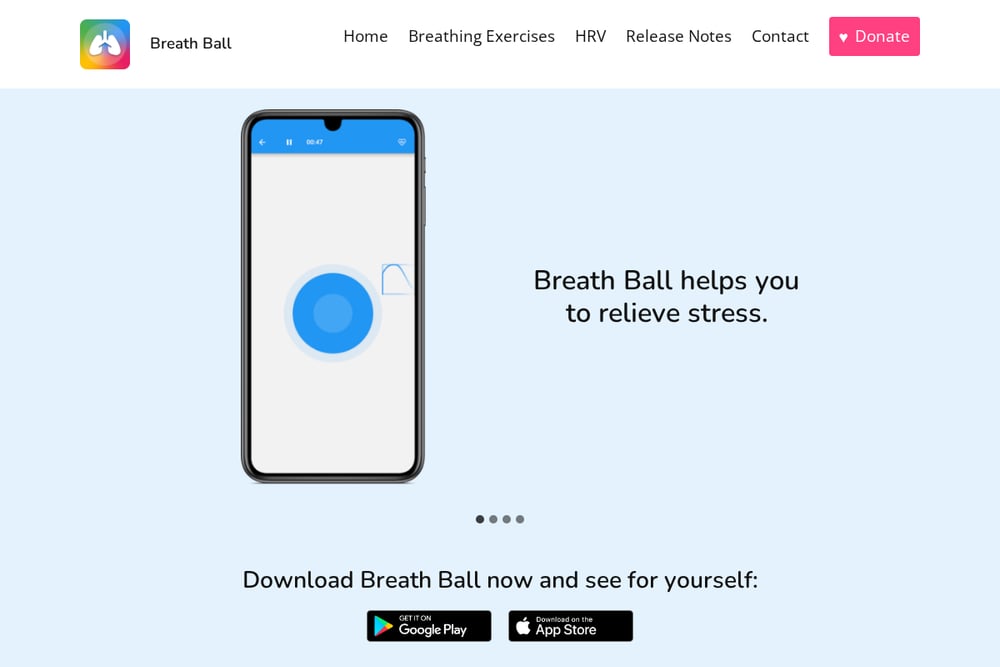
Breath Ball uses a single expanding and contracting ball to pace your breathing, and it takes about three minutes to feel the effect. Each exercise comes with a short tutorial, covering stress relief, the COPD Foundation's catch-a-breath technique, heart coherence, and Dr. Weil's 4:7:8 method. You can add your own exercises too. The newer HRV analytics layer adds metrics like RMSSD, SDNN, pNN50, and LF/HF ratio so you can see how your body responds. It suits anyone who wants a visual, low-friction entry point with measurable feedback.
#5 Breathwrk
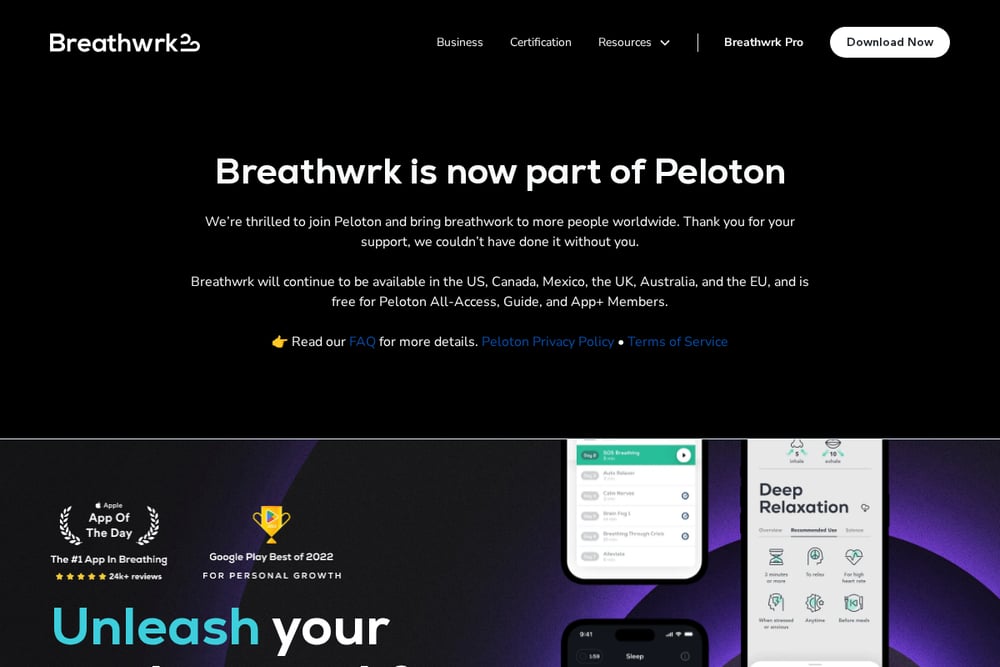 A screenshot of the Breathwrk website.
Breathwrk frames breathwork as a health and performance tool, with classes and exercises for calming, sleep, energy, and athletic performance. The approach is science-based and built for speed, with benefits pitched as arriving in as little as 60 seconds. It is now part of Peloton, which expands its reach and ties it into a broader fitness ecosystem. The app is free for Peloton All-Access, Guide, and App+ members in supported regions. Choose it if you want guided classes and a performance-oriented framing rather than manual pattern building.
How to Choose the Right Breathing App
Start with your goal. If you want to fall asleep faster, look for apps with dedicated sleep practices and elongated-exhale guidance. If you want to build a precise daily practice, prioritize apps that let you set phase ratios and cycle counts. Next, check the guidance style. Some people need a visual pacer; others prefer sound cues so they can close their eyes. Then look at habit tools. Reminders, widgets, and streaks make the difference between a one-week experiment and a lasting routine. Privacy deserves a hard look too. If you do not want an account or ads, filter for apps that keep data on your device. Finally, confirm platform coverage. If you practice on an iPad or want offline access on a plane, verify that before you commit.
Building a Breathwork Habit That Runs Itself
The easiest way to make breathwork stick is to remove decisions. Pick one practice and one time of day, then set a daily reminder in your app. Add a home screen widget so starting takes a single tap. If your app supports it, save a short three-minute practice for mornings and a longer wind-down practice for evenings. Use streaks and progress stats as a light nudge, not a scoreboard. Sync across devices so your practice follows you from phone to tablet. For deeper tracking, apps with HRV or Health integration can show you whether the habit is actually changing how your body handles stress. Keep the setup simple, and let the routine carry itself.
The Bottom Line
There is no single right breathing app, only the one that fits how you live. Pranayama stands out for its calm visual ring, deep customization, and privacy-first design across iPhone, iPad, and Android. Breathe: Relax & Focus rewards tinkerers, iBreathe anchors Apple users, Breath Ball adds measurable HRV insight, and Breathwrk brings guided classes with a performance edge. Pick the one that matches your goal and your routine, set a reminder, and give it a few minutes a day. Your breath is already with you. These apps just help you use it well.