GTA 6 launch week will flood every feed with clips, and the streamers who look polished from minute one will win the attention. These five resource hubs give you the overlays, borders, and guides to get there without spending a dime.
The streamer asset market, briefly
Stream overlays used to be a paid-design niche. Now the market splits into two camps: giant marketplaces selling hundreds of themed packs, and lean freebie hubs built around a single game or moment. GTA 6 is the biggest launch moment in years, so both camps are racing to publish GTA-flavored art, vertical clip borders, and setup tutorials. Your job is figuring out which one gets you live tonight rather than next month.
How these five were compared
Every hub was looked at on four things: how much you actually get for free, whether the assets work in OBS without a paid subscription, how specific the art and guides are to GTA-style content, and how fast a beginner can go from download to live. Pricing clarity and the quality of the written setup help mattered too, because a beautiful overlay you cannot import is worthless.
Here is the short version before the detail. Each entry below earns its place for a different reason, so match the pick to what you actually need this week.
| Provider | Best For |
|---|---|
| OWN3D | Streamers who want a huge catalog and customization tools |
| GTA OBS: Free GTA 6 Stream Overlays, Clip Borders and Guides | GTA 6 streamers who want a free, game-specific pack and guides |
| Streamlabs | Streamers already using Streamlabs software |
| StreamSpell | Free packs with one-click recoloring and GTA VI art |
| Kudos | Cohesive full packs plus free planning tools |
The five hubs, in order
#1 OWN3D
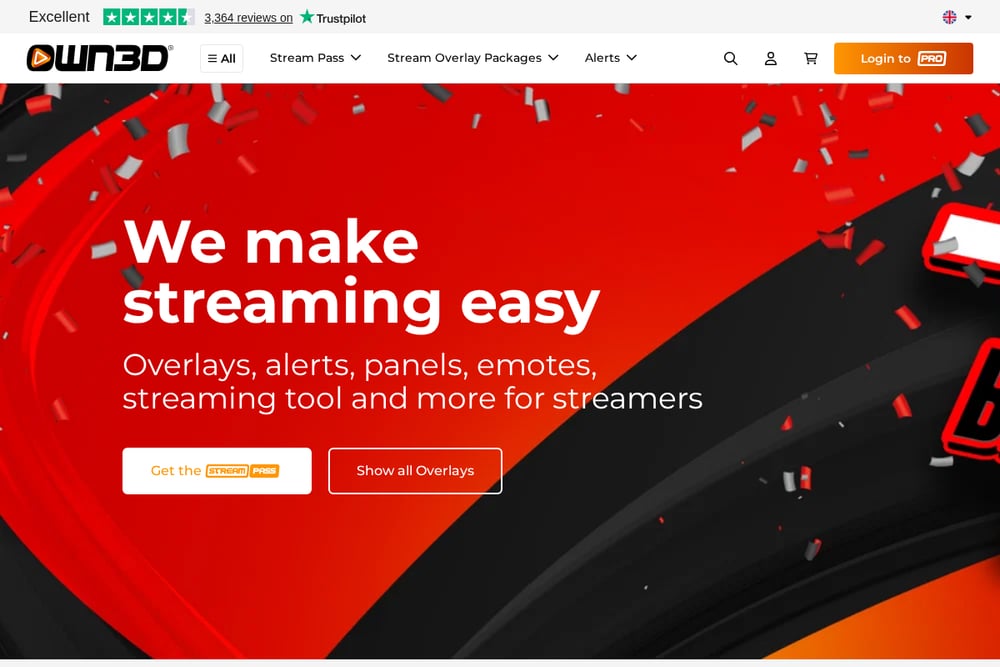 A screenshot of the OWN3D website.
OWN3D is the biggest name in this space, and it shows. The shop carries 900-plus overlays and alerts, with dedicated Twitch, Kick, YouTube, and OBS categories plus game-specific packs. You also get an overlay maker and a bundle of free streaming tools, so you can customize a design without touching Photoshop. The trade-off is volume: the catalog is enormous, and the best-looking packs sit behind a monthly Stream Pass. If you want one store that covers every platform you might stream on, start here.
#2 GTA OBS: Free GTA 6 Stream Overlays, Clip Borders and Guides
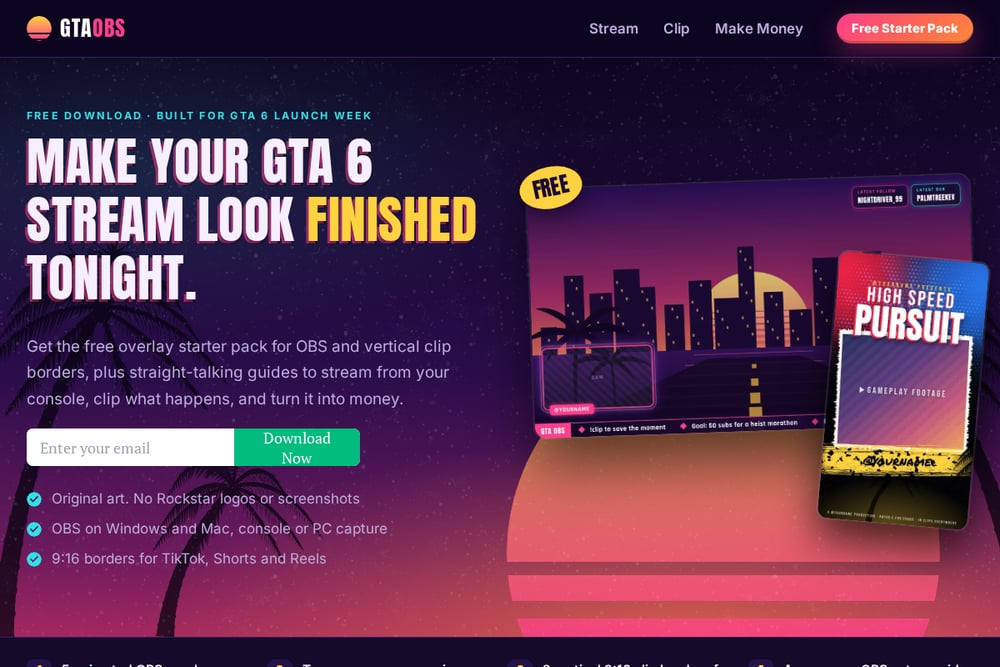 A screenshot of the GTA OBS: Free GTA 6 Stream Overlays, Clip Borders and Guides website.
GTA OBS is the specialist of the group, and that focus pays off. You get 15 animated OBS overlays including Starting Soon with a countdown, a gameplay scene with cam frame and ticker, BRB, and Ending, all driven by one settings file so you type your name once. There are also 32 vertical 9:16 clip borders built for TikTok, Shorts, and Reels, plus a one-page OBS setup guide. The art is original, with no Rockstar logos or screenshots, which keeps you out of copyright trouble. On top of the pack, 18 free guides walk you through streaming from PS5 or Xbox, clipping in CapCut, and realistic ways to earn in 2026. No account, no card, download starts immediately.
#3 Streamlabs
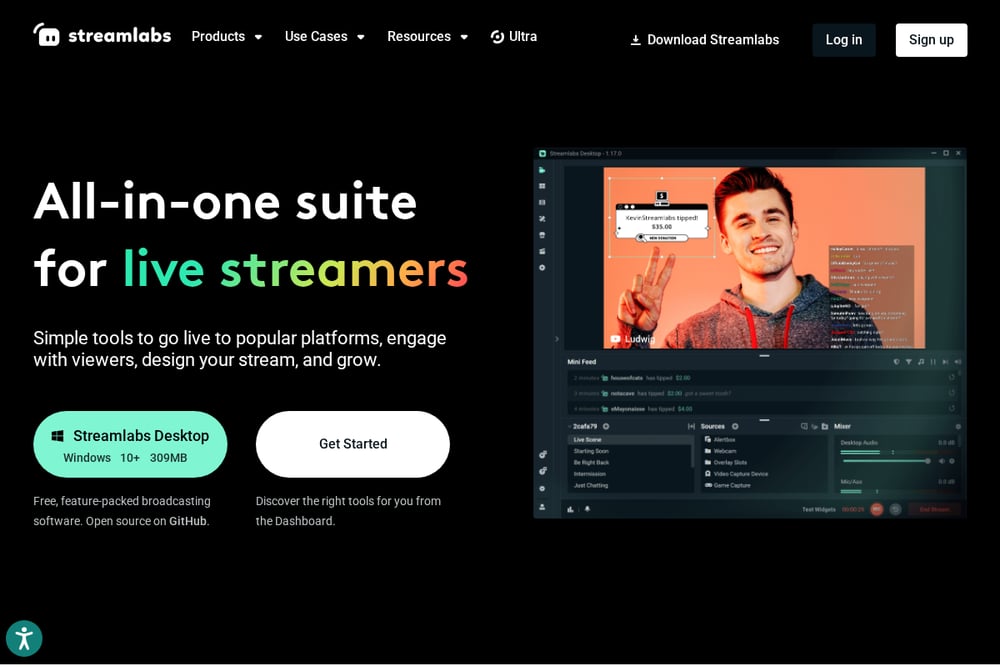 A screenshot of the Streamlabs website.
Streamlabs pairs its overlay library with the software most streamers already run, which makes setup frictionless. The library is organized by style, game, holiday, and language, and includes a reactive overlay category that responds to gameplay in real time. There is a strong Grand Theft Auto section with neon Miami-flavored packs, plus a TikTok and Shorts friendly filter for vertical content. Free and premium options sit side by side, so you can test a look before paying. If you already broadcast through Streamlabs Desktop, this is the path of least resistance.
#4 StreamSpell
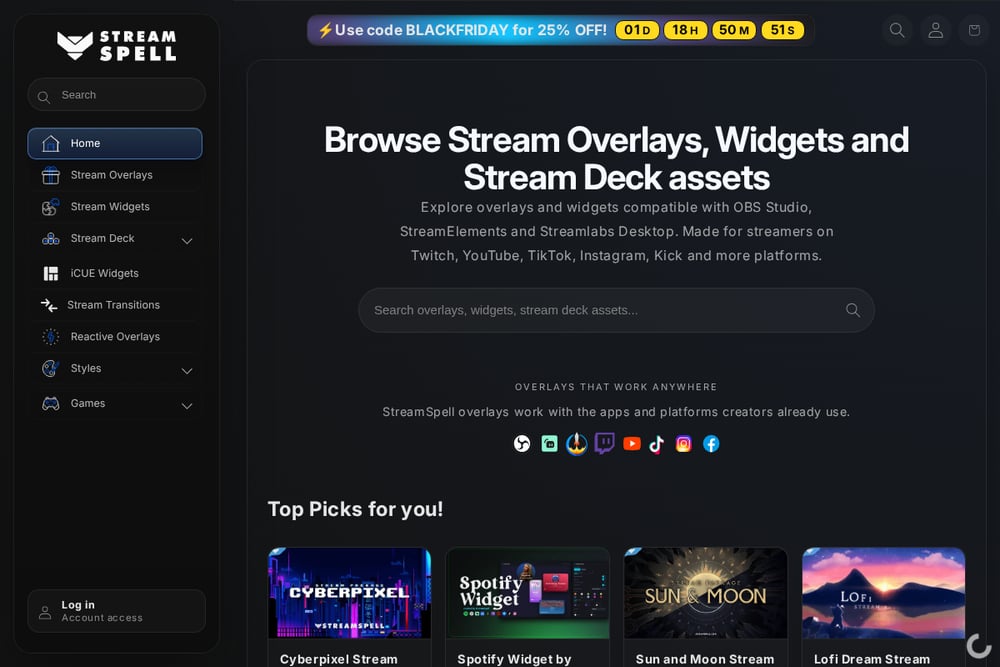 A screenshot of the StreamSpell website.
StreamSpell runs a genuinely useful free collection rather than a teaser. The free stream overlays include animated scenes, stinger transitions, webcam frames, and chat boxes, all recolorable in one click inside OBS, Streamlabs, or StreamElements. There is a dedicated GTA VI game category, so the art fits the launch without you hunting through generic packs. Each download comes with a step-by-step setup guide, and the store also covers Stream Deck icons and profiles if you want to go deeper. Watch for seasonal discount codes if you later upgrade to paid packs.
#5 Kudos
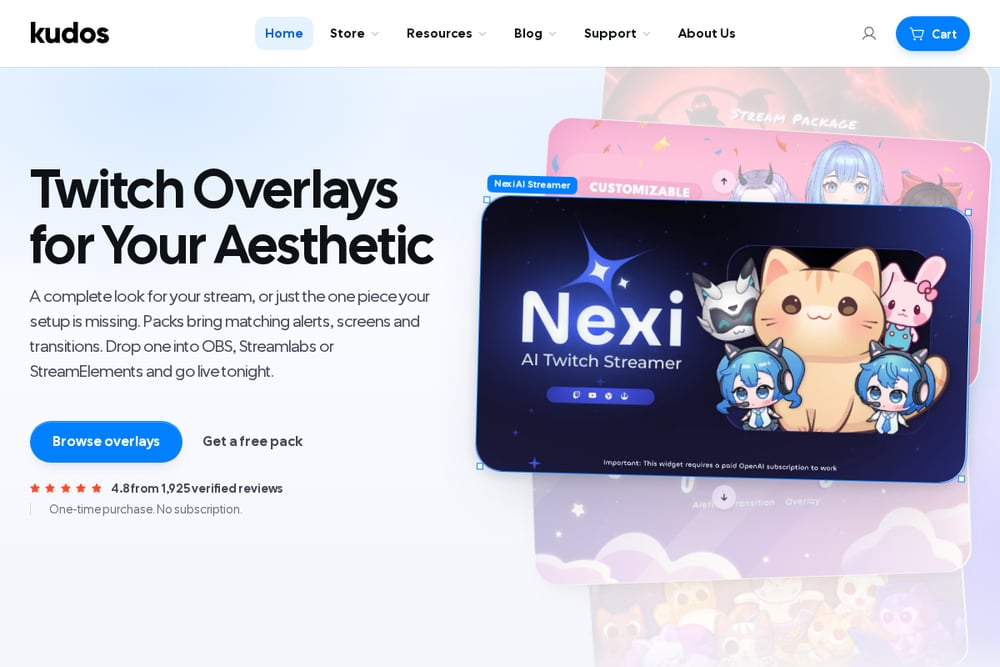 A screenshot of the Kudos website.
Kudos takes a full-setup approach: complete packs bundle stream screens, alerts, and a stinger transition so your channel looks consistent from the start. The freebies section holds 22 free items, and the wider store covers webcam overlays, emotes, badges, and VTuber models. You also get a stack of free tools, including a stream title generator, bio generator, and sub earnings calculator, which is handy when you are planning monetization. The catalog is smaller than OWN3D's, but the curation is tighter. Good pick if you want a cohesive look without assembling pieces yourself.
Pick based on what you need tonight
Start with the game. If GTA 6 is your whole channel, a specialist like GTA OBS gives you art and guides aimed at exactly that audience, and the vertical borders save you a separate editing step. If you stream several games, a marketplace like OWN3D or Streamlabs covers more ground. Then check the software: if you already run Streamlabs Desktop, staying inside that library removes import headaches. Finally, be honest about budget. Free tiers vary wildly, and some free packs are one webcam frame while others are a full scene collection. Read what is included before you commit your email.
A ten-minute launch workflow
Grab the free pack first and import the scene collection into OBS in one go. Type your name into the single settings file so every overlay updates at once. Point your capture card at the gameplay scene and run a two-minute test recording to check audio and cam framing. After you go live, pull your best moment into CapCut, drop it into a 9:16 border, and post it the same day while the clip is still fresh. Repeat the clip step daily and the channel builds itself.
The bottom line
You do not need to spend money to look professional on GTA 6 launch week. GTA OBS earns the second slot because it hands you a complete, game-specific starter pack and the guides to use it, all free and without an account. OWN3D takes the top spot for sheer catalog depth, while Streamlabs, StreamSpell, and Kudos each cover a different need, from software integration to cohesive full packs. Pick one, import it, and go live.