You have a photo and a Vice City daydream. These five studios turn that selfie into sun-soaked, contour-lined artwork you can actually download and keep.
The GTA 6 AI image boom, explained
GTA 6 hype has spawned a whole micro-industry of photo-to-artwork converters. Most of them do the same core trick: you upload a portrait, the model redraws it with bold ink lines, pastel neon, and tropical light. Where they split is in output formats, pricing models, and how much control you get over the look. Some are full editing suites with dozens of filters, others are single-purpose studios built around one aesthetic. Knowing which camp you need saves you credits and time.
How these studios were compared
Each studio was looked at on four things: the range of output formats (portrait, poster, wallpaper, game box, motion), pricing clarity and per-render cost, how much stylistic control you get through presets or prompts, and how easy the workflow is for a first-time user. Free tiers and signup friction were weighed too, since a quick test run tells you more than any landing page.
Here is the short version before the detail. Each entry below covers what the studio actually produces, who it suits, and what you get for your money.
| Provider | Best For |
|---|---|
| SketchTo | Tinkerers who want preset and prompt control |
| GTA 6 AI Image | Make and download | One-photo, multi-format Miami artwork |
| ImagineMe | Profile pics and character avatars |
| Fotor | Existing Fotor users who want an all-in-one editor |
| Bylo.ai | Free, no-signup experimentation |
The five studios in detail
#1 SketchTo
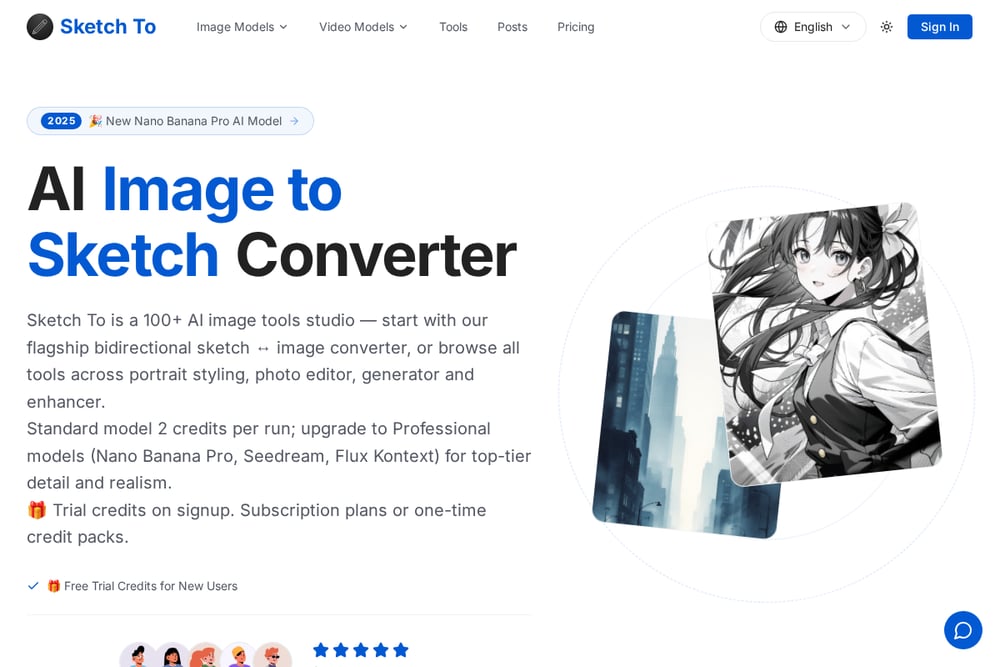 A screenshot of the SketchTo website.
SketchTo runs a browser-based GTA filter with nine game-art presets, and the default is a GTA 6 Leonida look with crisp ink lines and pastel neon highlights. You can switch to Vice City Neon, Wanted Poster, Loading Screen, or write a custom prompt up to 3,000 characters. It also lets you pick the underlying model, from a budget Nano Banana option up to pricier FLUX and Seedream tiers, so you can trade cost against fidelity. Uploads are capped at 5MB and output is PNG, with free starter credits for new accounts. It is the most configurable option here, which is exactly why it takes the top spot.
#2 GTA 6 AI Image | Make and download
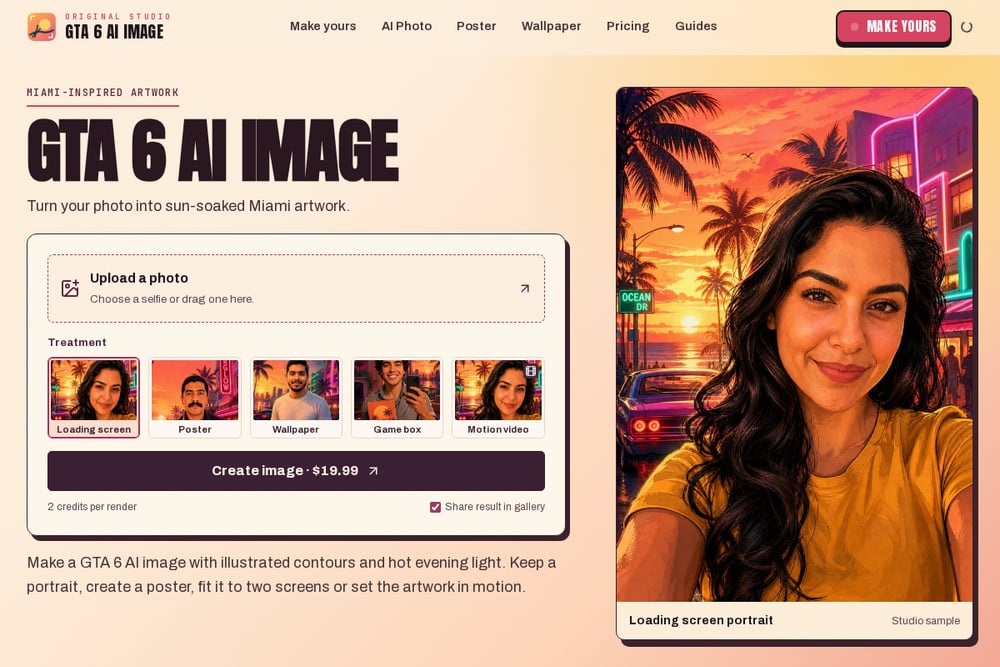 A screenshot of the GTA 6 AI Image | Make and download website.
This is the specialist of the group. GTA 6 AI Image does one thing and does it with unusual focus: it wraps your uploaded portrait in a coral horizon, palms, sunlit buildings, and painted shadows. You pick a treatment by preview, choosing between a loading screen portrait, a Miami poster, a phone-and-desktop wallpaper pair, a game box photo, or a motion video. Every render costs $19.99 and comes back as a downloadable JPG for personal use, with an option to share the result in a public gallery. The guided flow, which starts you on the loading screen preset and walks you through choosing a face the model can read, makes it the least fiddly option for a first-timer.
#3 ImagineMe
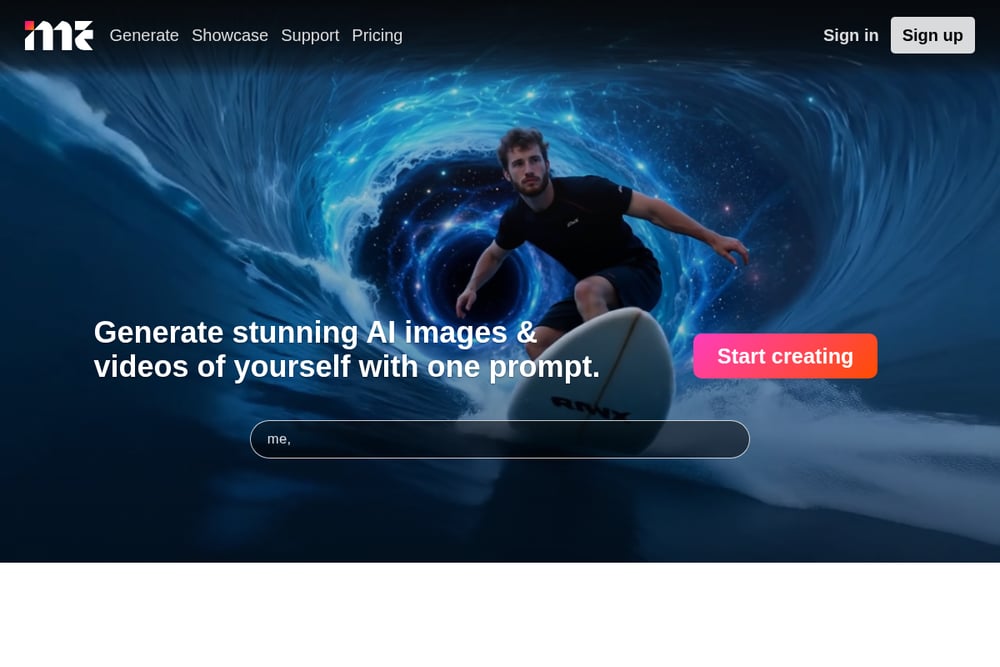 A screenshot of the ImagineMe website.
ImagineMe pitches itself squarely at the avatar crowd, letting you morph your likeness into a GTA-style character with outfit and pose tweaks. The workflow is credit-based: you sign up, buy credits from a dropdown, upload your photos, and wait for the model to finish. It leans harder into character customization than scene composition, so you get an alter ego rather than a poster layout. That makes it a strong pick if your goal is a profile picture or a streamer persona. It is less useful if you want print-ready formats or wallpaper crops.
#4 Fotor
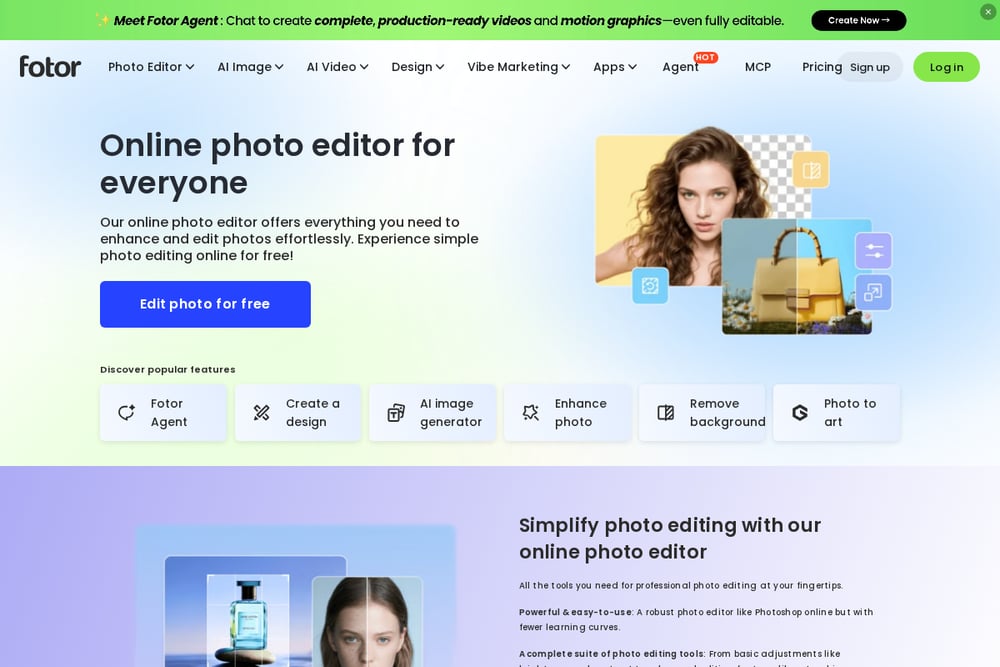 A screenshot of the Fotor website.
Fotor is the heavyweight generalist. Its GTA filter sits inside a sprawling photo editor that also handles background removal, upscaling, restoration, and dozens of style conversions like anime and watercolor. You get the GTA look as one feature among many, which is handy if you want to clean up your source photo before or after the redraw. The trade-off is focus: the GTA treatment is not the star of the show, and the interface assumes you are comfortable in an editing suite. For anyone already using Fotor for other work, it is a convenient add-on rather than a dedicated studio.
#5 Bylo.ai
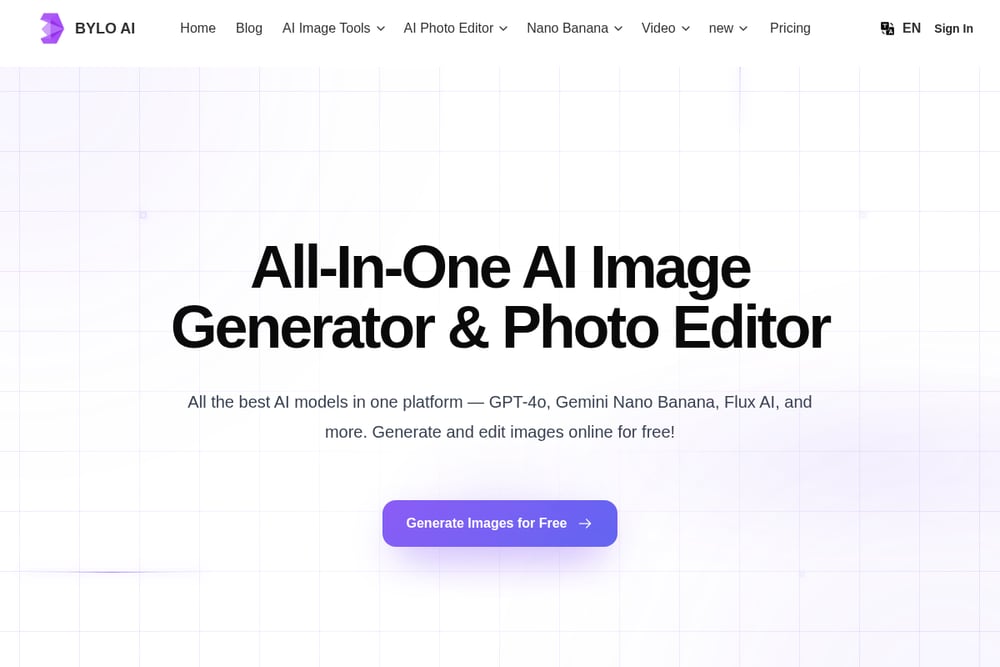 A screenshot of the Bylo.ai website.
Bylo.ai offers a free-to-try GTA filter with no signup required, which makes it the easiest place to experiment. You can pick between era-inspired looks like GTA V, San Andreas, and Vice City, or type a custom prompt such as a neon skyline or a lowrider scene. It also layers in signature game elements like health bars, mini-maps, and WASTED overlays, and can frame your avatar as a game cover. Output arrives in under a minute and works across devices. The free tier and prompt flexibility are its selling points; the depth of format options is thinner than the specialists above.
How to pick the right studio for your photo
Start with the output you actually want. If you need a poster, a wallpaper pair, and a game box from one upload, go with a studio built around formats rather than filters. If you just want a new profile picture, a character-focused tool will get you there faster and cheaper. Check the pricing model before you upload: per-render pricing is predictable, while credit systems can hide the real cost per image until you do the math. Finally, test with a free tier where one exists. A single render on a clean, well-lit phone photo tells you more about a model's handling of faces than any sample gallery.
A simple workflow you can repeat
Pick one good source photo where the eyes catch light and the face fills a useful part of the frame. Run it through your chosen studio's default preset first, then compare against one alternate treatment before spending more credits. Download the JPG at full size and keep the original upload alongside it so you can re-render later without hunting for the file. If you plan to make several versions, batch your uploads in one session to keep your credit spend visible and avoid duplicate renders.
The bottom line
There is no single winner here, only the right fit for your goal. SketchTo gives you the most knobs to turn, GTA 6 AI Image gives you the cleanest path from one photo to five finished formats, ImagineMe is built for avatars, Fotor rewards people already inside its editor, and Bylo.ai is the fastest free test drive. Pick based on what you want to walk away with, not on which landing page looks flashiest.