
Finding a game server that actually fits your playstyle shouldn't feel like a full-time job. These five platforms help you search, monitor, and manage servers without the guesswork.
The State of Game Server Discovery and Monitoring
Game server monitoring has evolved from a niche admin tool into a full discovery layer for players and communities. You no longer need to dig through forum threads or Discord invites to find an active Minecraft realm or a competitive Counter-Strike match. Modern platforms let you filter by player count, map, game mode, and region in seconds. On the operations side, server owners now expect real-time uptime checks, performance analytics, and automated alerts. The market splits into two camps: public server directories built for players, and private monitoring dashboards built for admins. The strongest tools bridge both worlds, giving you visibility into what's live and what's healthy. As live-service games keep expanding, the demand for transparent, protocol-aware monitoring will only grow.
How We Evaluated These Platforms
We looked at five factors across every platform. First, service scope: does it cover discovery, monitoring, or both? Second, game coverage: how many titles and protocols are supported natively? Third, pricing clarity: can you understand what you get before you sign up? Fourth, community fit: does it serve players, admins, or both? Fifth, usability: how quickly can you go from landing page to actionable data? Asomiru stands out for its player-first search filters and quick-pick server lists. BattleMetrics impresses with deep server tracking and historical data. Checkmate brings native protocol monitoring across more than 100 game types. Akliz pairs hosting with real-time performance dashboards and crash recovery. GameServerApp delivers an all-in-one community dashboard with automation and monetization tools. Each platform solves a different slice of the same problem.
Here's a quick look at how these five platforms compare on focus, game coverage, and primary audience.
| Provider | Best For |
|---|---|
| BattleMetrics | Deep server analytics and player tracking |
| Game server monitoring · Asomiru | Player-first server discovery with live filters |
| Checkmate | Native protocol monitoring for server admins |
| Akliz | Hosting plus real-time performance monitoring |
| GameServerApp | All-in-one community and server management |
The 5 Platforms in Detail
#1 BattleMetrics
BattleMetrics is one of the most established names in server tracking, giving you deep visibility into player counts, session history, and server performance over time. You can follow specific servers, set up alerts, and dig into trends that most directories simply don't expose. It's particularly strong for communities that need to prove population stability or investigate player activity. The platform covers a wide range of survival and shooter titles, making it a go-to for Rust and ARK administrators. If you want raw data and long-term tracking, this is where you start.
#2 Game server monitoring · Asomiru
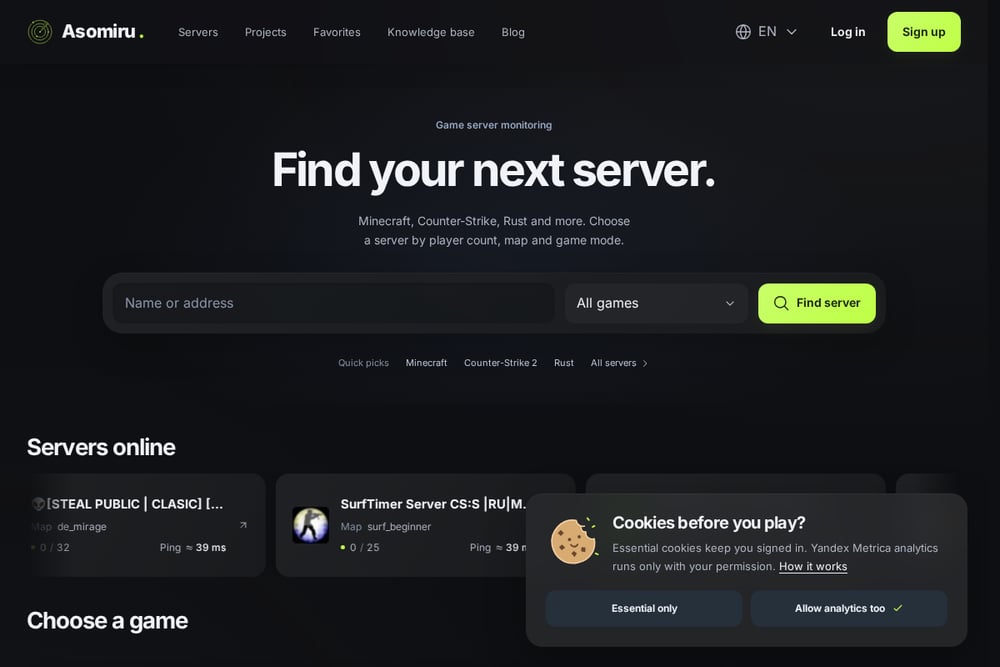 A screenshot of the Game server monitoring · Asomiru website.
Asomiru is a game server monitoring and discovery platform built for players who want to find their next server fast. You can search across Minecraft, Counter-Strike 2, Rust, Team Fortress 2, and more, filtering by player count, map, and game mode. The homepage surfaces quick picks for Minecraft, Counter-Strike 2, and Rust, so you can jump straight into active communities. Each server listing shows live player counts, map names, and edition details, giving you a transparent snapshot before you connect. It also includes a knowledge base and blog, which helps newer players understand server mechanics. If you're tired of dead servers and vague listings, Asomiru's clean filters and transparent statistics make the search feel effortless.
#3 Checkmate
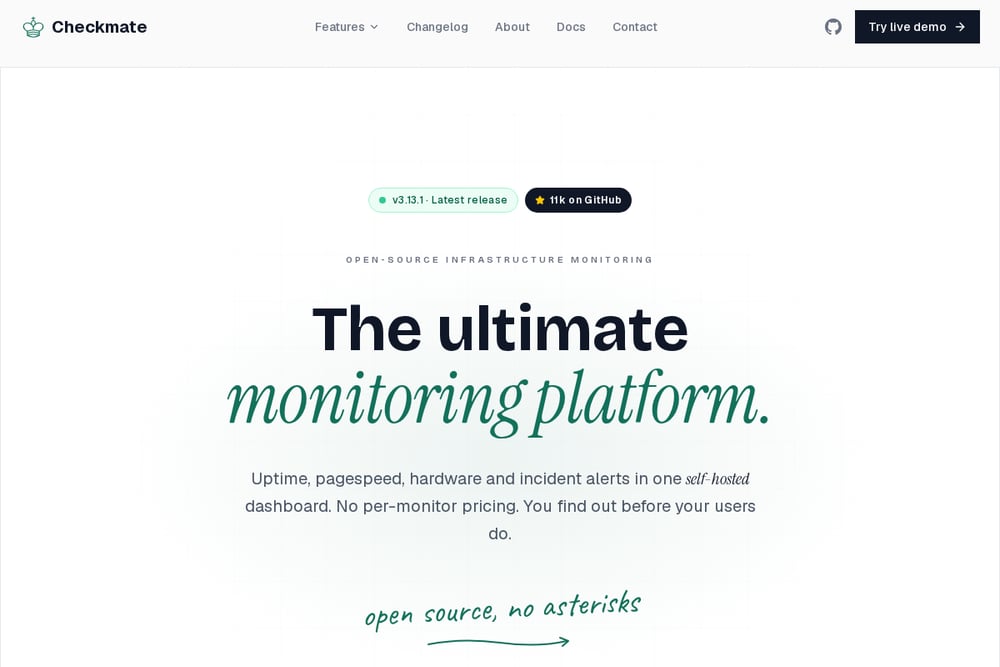 A screenshot of the Checkmate website.
Checkmate approaches game server monitoring from the infrastructure side, querying servers over their native protocols rather than simple pings. It supports more than 100 game types, from Minecraft and Counter-Strike to the long tail of dedicated servers communities run. You get uptime percentages, query latency, and incident history, all checked on a schedule you control. The platform is open source under AGPL-3.0, which appeals to admins who want to self-host and keep their data private. Alerts flow through 12 native channels, including email and PagerDuty. If you need to know whether a player could actually get in right now, Checkmate answers that question directly.
#4 Akliz
 A screenshot of the Akliz website.
Akliz combines game server hosting with a monitoring layer called the Command Center. You get real-time tracking of CPU usage, memory consumption, and player counts, all from a single control panel. Historical data lets you review hourly, daily, and weekly trends, which is useful when you're diagnosing lag or planning upgrades. Automated crash recovery restarts servers when something goes wrong, reducing downtime without manual intervention. Scheduled tasks and commands give you precise control over restarts and maintenance windows. It's a strong fit if you want hosting and monitoring under one roof, especially for private communities.
#5 GameServerApp
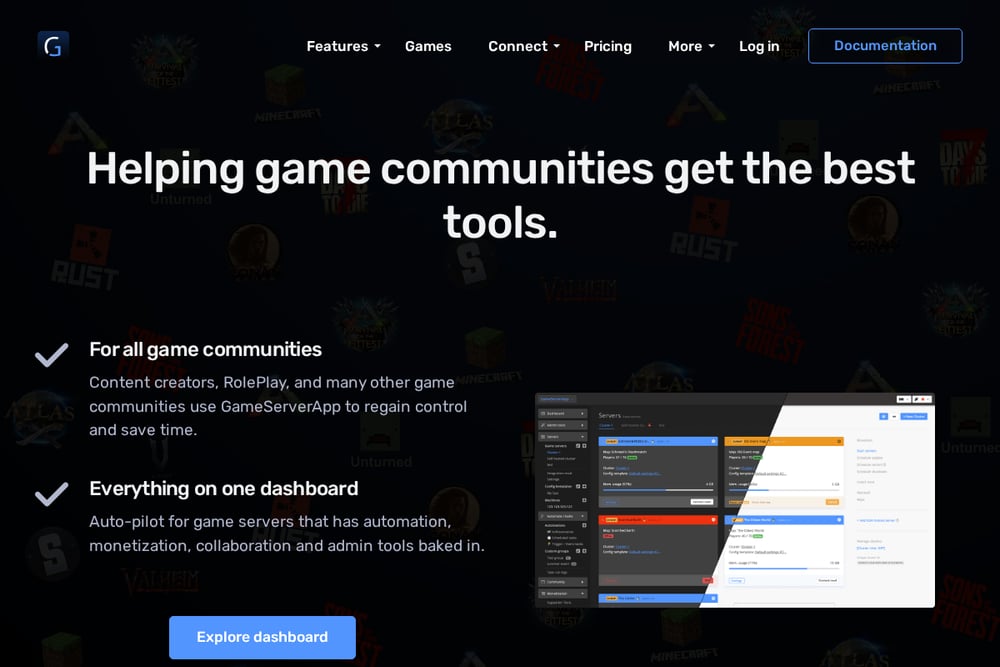 A screenshot of the GameServerApp website.
GameServerApp is an all-in-one dashboard for game communities, covering admin tools, community features, and server management. You can see who's playing across all your servers, enforce rules, and integrate Discord and Twitch into your setup. The platform includes monetization options like in-game shops and subscriptions, plus automation through schedules, triggers, and webhooks. Permission-based access lets your entire team collaborate without compromising security. It supports both self-hosted and rented dedicated machines through DediConnect and RconConnect. If you're running a community rather than just a single server, this gives you the operational backbone to scale.
How to Choose the Right Platform for You
Start by deciding whether you're a player or an admin. If you just want to find an active server, prioritize discovery tools with live player counts and map filters. If you run a community, look for monitoring depth, alerting, and automation. Check how many games you actually play or host, because native protocol support matters more than a long list of unsupported titles. Consider pricing clarity: some platforms are open source, others bundle monitoring with hosting. Think about data ownership, especially if you're self-hosting. Finally, test the interface. A clean dashboard saves you time every single day.
Where Automation Fits In
Automation turns monitoring from a manual chore into a background process. Set uptime checks on a schedule so you hear about outages before your players do. Use alerts through channels your team already watches, like Discord or email. Configure automatic restarts for crashes so downtime stays measured in seconds, not hours. Schedule maintenance windows and commands to run at precise times. Track historical trends to spot memory leaks or player-count drops before they become crises. The goal isn't to replace your judgment, it's to give you the data and triggers you need to act fast.
The Bottom Line
Game server monitoring is no longer a single tool category. You have player-facing directories like Asomiru, deep analytics platforms like BattleMetrics, protocol-aware monitors like Checkmate, hosting-integrated dashboards like Akliz, and full community suites like GameServerApp. The right pick depends on whether you're searching for a server or running one. Start with the problem you need solved, then match the platform to it. Your players will notice the difference.