
Your kid already loves screen time. Why not turn it into a superpower? These five game-based coding programs for kids in the US make that shift feel less like homework and more like play.
The New Playground Is a Code Editor
Coding for kids has moved far beyond drag-and-drop puzzles. Today's programs blend game design, AI, Python, and app building into structured tracks that grow with your child. Parents want more than entertainment. They want measurable skills, real projects, and something that looks good on a future application. The US market now offers live online classes, in-person camps, and self-paced platforms. The best fit depends on your child's age, attention span, and how much guidance they need. Game-based learning works because it keeps kids in the loop: build, test, play, repeat. That loop builds resilience and logic without the tears. Whether your child is in fourth grade or finishing middle school, there is a path that meets them where they are.
How We Looked at These Programs
We evaluated each program on the same factors: curriculum depth, age fit, format flexibility, project realism, and how clearly pricing and trials are presented. CodeCriter stood out for its grade-specific tracks and lifetime session recordings. CodeMonkey impressed with its wide course catalog and self-paced structure. theCoderSchool showed strength in small-group coaching and video game development focus. Coding with Kids offered a clear ladder from foundations to advanced tech. Game Gen delivered a strong project-first approach with small class ratios. No single program wins every category. Your child's learning style should drive the choice.
Here is a quick look at five game-based coding programs for kids, each with a different strength. Use this as a starting point, then dig into the details below.
| Provider | Best For |
|---|---|
| CodeMonkey | Self-paced learners who love puzzle-style progression |
| CodeCriter-E-Learning Platform for Kids | Families who want live instruction plus lifetime recordings |
| theCoderSchool | Young gamers who want to build their own games |
| Coding with Kids | Long-term progression across multiple ages and skill levels |
| Game Gen | Small-group learners who want real game projects fast |
The Five Programs in Focus
#1 CodeMonkey
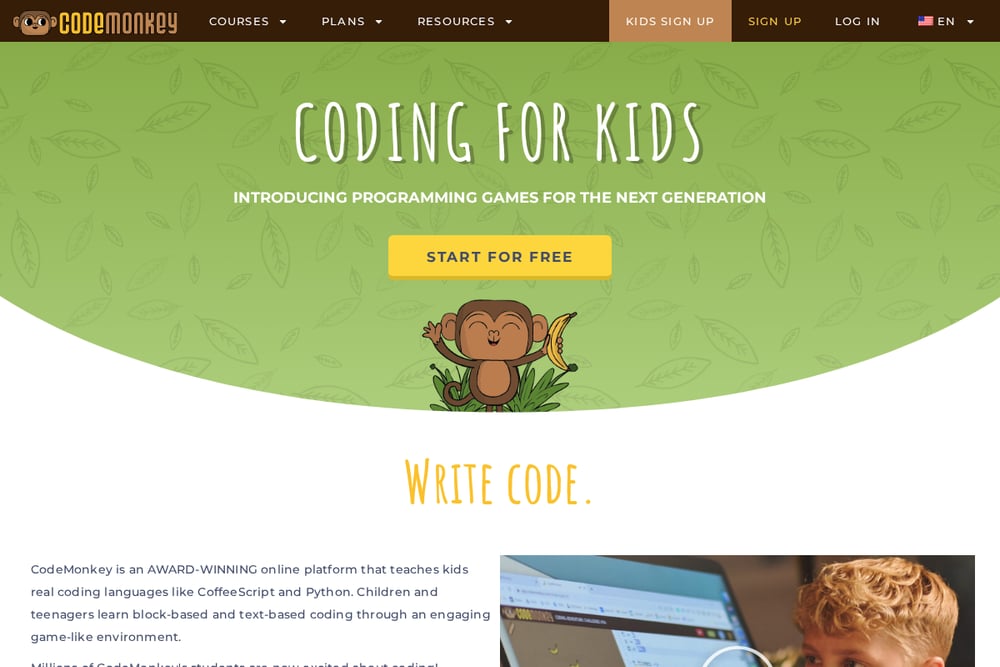 A screenshot of the CodeMonkey website.
CodeMonkey turns coding into a game from the very first lesson. Kids solve puzzles, build games, and progress through a clear course catalog that includes AI, data science, and web development. The platform is self-paced, which works well for independent learners who like to move at their own speed. You can find tracks for different ages, from early elementary through high school. The course variety means your child can start with block coding and grow into text-based languages. It is a strong pick if you want a structured, game-first platform without live class schedules.
#2 CodeCriter-E-Learning Platform for Kids
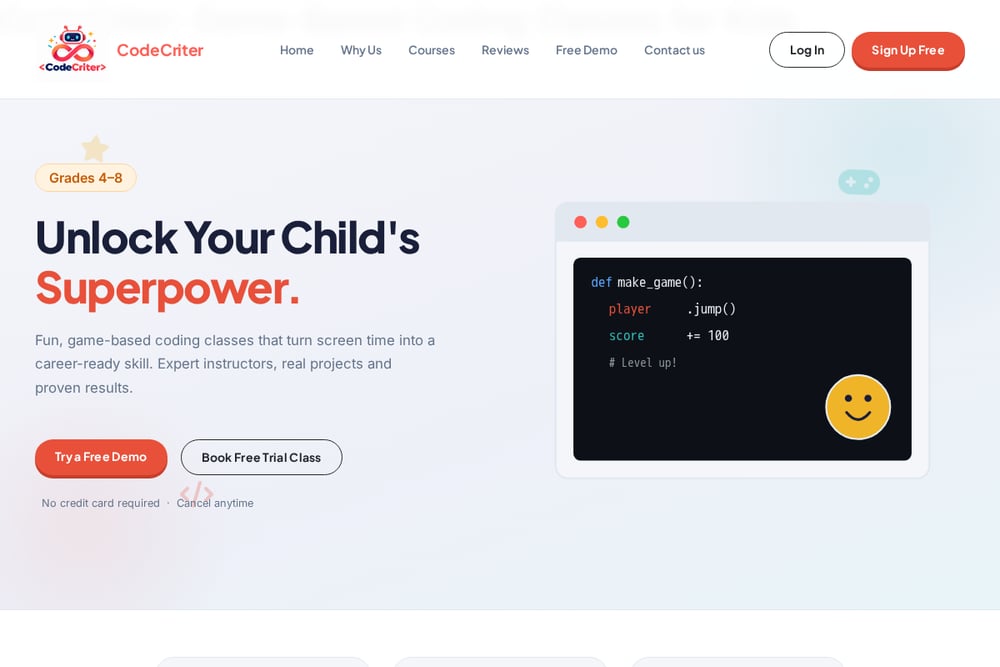 A screenshot of the CodeCriter-E-Learning Platform for Kids website.
CodeCriter focuses on grades 4 through 8 with live, game-based coding classes. Your child can choose 1-on-1 or group sessions, covering AI, Scratch, Python, web development, and app development. Every class is recorded for life, so kids can revisit concepts and parents can follow along. The platform offers free demos and trial classes with no credit card required. Globally recognized certificates add a tangible outcome to each completed track. It is a solid fit if you want expert instruction, real projects, and flexible scheduling in one place.
#3 theCoderSchool
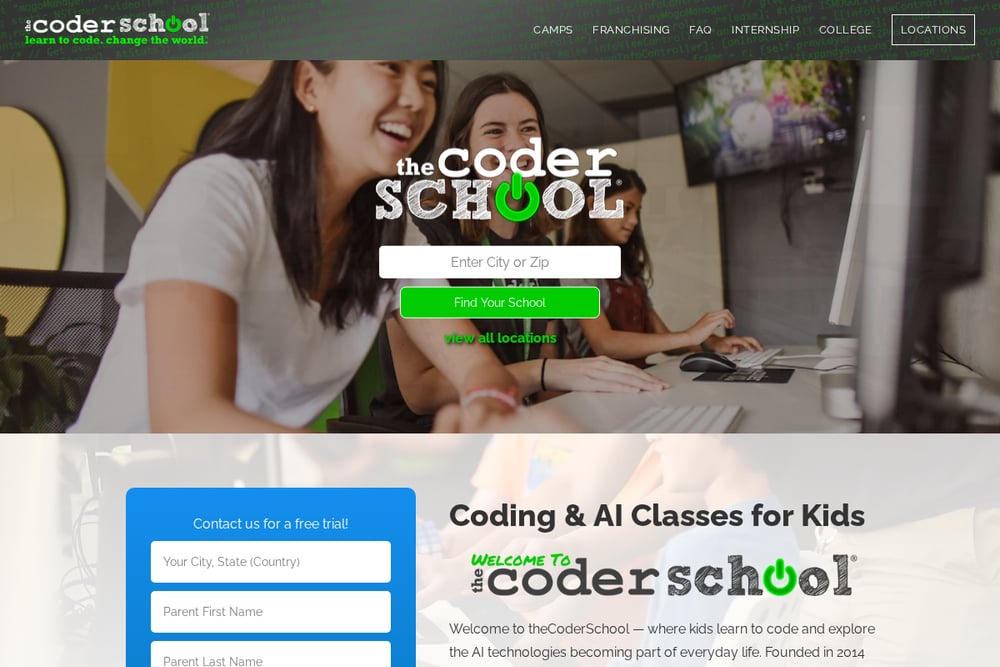 A screenshot of the theCoderSchool website.
theCoderSchool specializes in video game coding for kids, with a focus on ages 7 to 9 and beginner to intermediate skill levels. Students learn variables, loops, conditionals, and game design through projects they actually want to play. The school offers both in-person and online formats, including camps and after-school classes. Code Coaches help match your child with the right program based on interest and experience. If your kid talks about Minecraft or Roblox nonstop, this is a natural next step. The emphasis on small-group coaching keeps learning personal.
#4 Coding with Kids
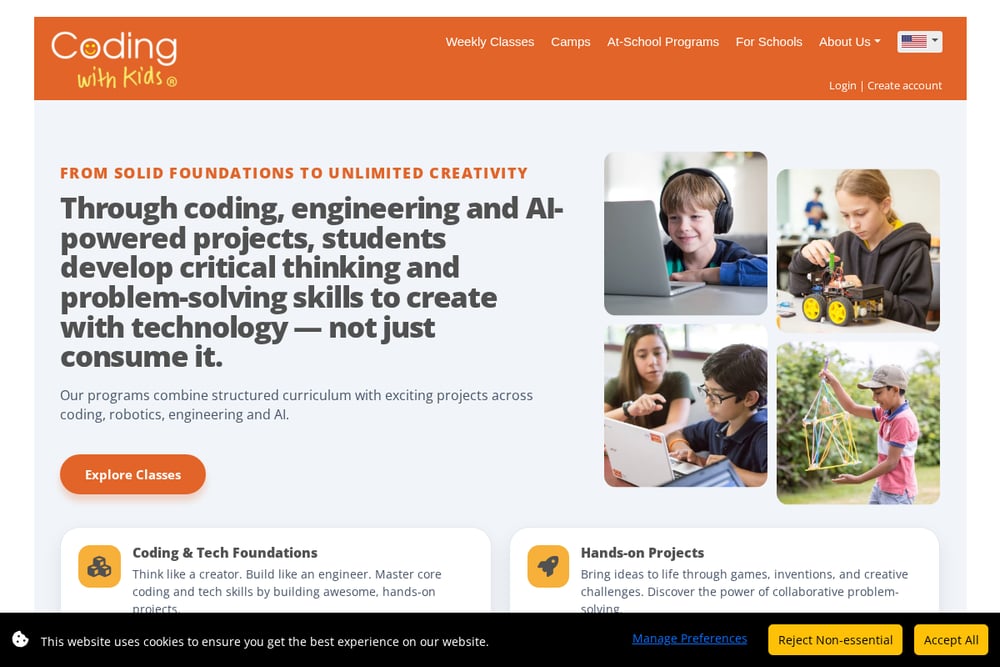 A screenshot of the Coding with Kids website.
Coding with Kids offers a structured path from foundations to advanced topics like AI and robotics. Their Coder's Ladder framework guides students through weekly classes, camps, and at-school programs. The curriculum spans ages 5 to 18, so siblings can learn on the same platform at different levels. Live online and in-person options give you flexibility based on your location and schedule. The focus is on critical thinking and problem-solving, not just memorizing syntax. It works well for families who want a long-term learning journey.
#5 Game Gen
 A screenshot of the Game Gen website.
Game Gen teaches kids and teens how to code and design video games through live online classes. The program keeps an 8-to-1 student-to-teacher ratio, which means more personalized attention. Students work on real game development projects from the very first class. The teaching happens in an interactive live setting, often with a private Discord server for community and support. It is designed for beginners who want to move from playing games to making them. If your child thrives in small, focused groups, this is worth a look.
How to Pick the Right Fit for Your Child
Start with your child's age and attention span. Younger kids often do better with block-based coding and short, game-like lessons. Older kids can handle Python, AI, and app development if the projects feel relevant. Next, decide between live classes and self-paced platforms. Live instruction adds accountability and human connection. Self-paced options build independence but require more self-motivation. Check whether sessions are recorded. Recordings help kids review tricky concepts and let you stay involved without sitting in every class. Look at class size. Small groups mean more feedback. One-on-one means maximum attention but often a higher price. Finally, ask about certificates and project portfolios. Tangible outcomes keep kids motivated and give you something to show for the investment.
Where Automation Fits In
You do not need to automate your child's learning, but you can automate the admin around it. Set up a shared calendar for class times and project deadlines. Use a simple note-taking app to track what your child built each week. Save session recordings in a folder so they are easy to find before the next class. If the program offers progress reports, forward them to a dedicated email label. This keeps you organized without hovering. The goal is to remove friction so your child can focus on creating. A little structure on your end makes the coding habit stick.
The Bottom Line on Game-Based Coding
Game-based coding works because it meets kids where they already are: curious, competitive, and ready to play. The five programs here take different routes to the same destination. CodeMonkey leans into self-paced puzzles. CodeCriter combines live instruction with lifetime recordings and grade-specific tracks. theCoderSchool speaks the language of young gamers. Coding with Kids builds a long ladder from foundations to advanced tech. Game Gen keeps groups small and projects real. Your job is not to find the objectively best program. It is to find the one your child will actually stick with. Start with a free demo or trial class. Watch how your kid responds. Then choose the path that keeps them building, testing, and playing.