You know GA4's interface has limits. Sampling, thresholds, and 14-month windows are not going to cut it when you need real answers. These five courses teach you to query the GA4 export directly, so you stop guessing and start pulling the numbers yourself.
Why Marketers Are Learning SQL for GA4
GA4 changed the game. The free interface gives you summaries, not raw data. The real detail lives in the BigQuery export, where every event is a row and every parameter is nested inside an array. That is powerful, but it is also a wall for marketers who never wrote SQL. A wave of training providers has stepped in to close that gap. Some focus on browser-based practice, some on video lectures, and some on full certification programs. The common thread: you learn by writing queries against data shaped like the GA4 export, not toy tables. If you want to count sessions, build funnels, or measure retention without waiting on an analyst, this is the skill to pick up now.
How We Evaluated These Courses
We looked at the same factors for every provider. First, hands-on practice: can you write and run queries, or are you just watching videos? Second, GA4 specificity: does the course use the actual export schema, including UNNEST(event_params) and wildcard tables? Third, pricing clarity: are the tiers and costs stated upfront? Fourth, accessibility: do you need a BigQuery account, a credit card, or prior SQL knowledge to start? Fifth, scope: does it cover the queries marketers actually need, like sessions, funnels, revenue, and retention? Each course below stood out on different factors. Some are built for total beginners, some assume you already know SQL, and some bundle certification. We describe what each one does well so you can match it to your situation.
Here is a quick comparison of the five courses. Use it to narrow your shortlist before you read the full descriptions.
| Provider | Best For |
|---|---|
| Simmer — Mastering GA4 With Google BigQuery | Marketers who want a structured, certificate-backed program |
| Learn GA4 SQL: BigQuery SQL for the GA4 export, in your browser | Beginners who want hands-on GA4 SQL practice with no setup |
| GA4BigQuery — Query GA4 Data In Google BigQuery | Marketers who already use the GA4BigQuery blog and want guided training |
| Proanalytics Academy — BigQuery for Marketing | Marketers who know basic SQL and want deep video training |
| Inflearn — Introduction to GA4 BigQuery for Marketers and Planners | Total beginners who want a slow, video-based introduction |
The Five Courses in Detail
#1 Simmer — Mastering GA4 With Google BigQuery
 A screenshot of the Simmer website.
Simmer's program is a three-course bundle that takes you from fundamentals to advanced analytics. The lessons are task-based and bite-sized, with text, illustrations, and code snippets you can reuse. You get quizzes that ask you to run SQL against a provided dataset, so you are not just reading. The course also covers Dataform, which is useful if you want to build repeatable pipelines. It is a structured path with a verified certificate at the end, which helps if you need to show your skills on a CV or LinkedIn. The trade-off is that it is a bigger commitment than a single focused course.
#2 Learn GA4 SQL: BigQuery SQL for the GA4 export, in your browser
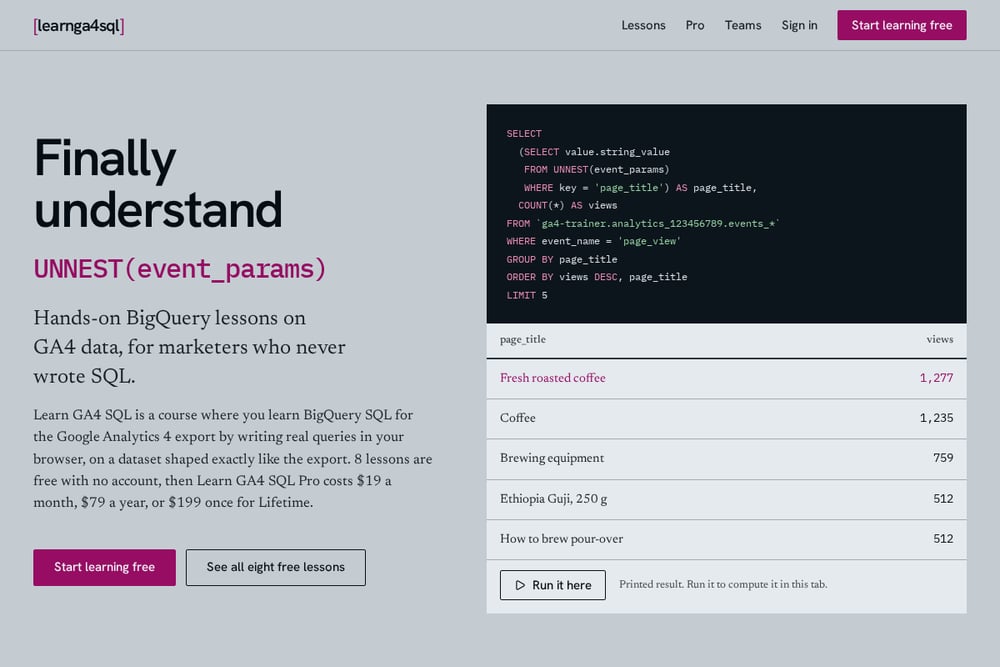 A screenshot of the Learn GA4 SQL website.
This is the course for you if you have never written SQL and want to start with the GA4 export specifically. You write real queries in your browser against a dataset shaped exactly like the export, so there is no BigQuery account needed and no setup friction. The first eight lessons are free with no account, which means you can test the teaching style before paying anything. The lessons are tightly scoped to what marketers need: counting events, daily users, pulling values out of event_params with UNNEST, counting sessions, building a page_view funnel, attributing buyers to traffic sources, unnesting items for revenue, and weekly retention by cohort. Pro access is $19 a month, $79 a year, or $199 once for lifetime, which is clear and affordable. If you want to finally understand UNNEST(event_params) without drowning in theory, this is a direct path.
#3 GA4BigQuery — Query GA4 Data In Google BigQuery
 A screenshot of the GA4BigQuery website.
GA4BigQuery is a well-known resource for GA4 export queries, and this course is its structured training offering. It is designed for marketing professionals who want to dive into SQL and for data professionals who need GA4-specific knowledge. The program is three courses that take you from fundamentals to advanced analytics, with self-paced, task-based lessons. You get ready-to-use code snippets and SQL examples, plus quizzes that include running queries against a provided dataset. The course is delivered through Simmer, and GA4BigQuery members get a discount. It is a solid choice if you already trust the GA4BigQuery blog and want a guided path from the same source.
#4 Proanalytics Academy — BigQuery for Marketing
 A screenshot of the Proanalytics Academy website.
Proanalytics Academy takes a video-first approach with 17+ hours of lectures and 75+ practice tasks. The course is built for marketers who are tired of GA4's sampling, thresholding, and 14-month limits and want to work with raw data. It also covers combining data from different systems, which is useful if you need to join GA4 with Google Ads or other sources. Be aware: this course assumes you already know basic SQL and have GA4 export set up. It is not for total beginners. If you have the basics down and want a deep, video-led program with lots of practice, this fits.
#5 Inflearn — Introduction to GA4 BigQuery for Marketers and Planners
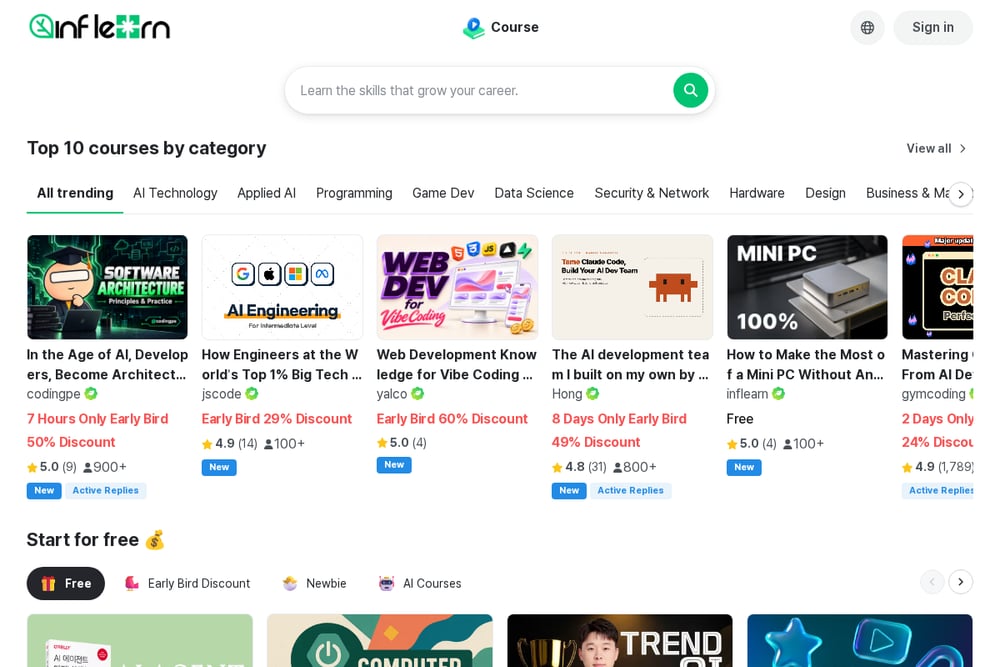 A screenshot of the Inflearn website.
Inflearn's course is a beginner-friendly introduction that uses the public Google Merchandise Store demo data in BigQuery. You get hands-on practice with basic SQL queries, and the instruction is slow and detailed, which reviewers specifically call out as helpful for SQL beginners. The course is video-based with unlimited access, so you can revisit lessons as needed. It is a good entry point if you want to see how GA4 data behaves in BigQuery before committing to a larger program. The scope is introductory, so expect to move on to another course once you have the basics.
How to Choose the Right Course for You
Start with your current skill level. If you have never written SQL, pick a course that starts from zero and lets you practice in the browser without setup. Learn GA4 SQL and Inflearn fit that bill. If you already know basic SQL and have the GA4 export running, Proanalytics Academy gives you depth and volume. If you want a certificate and a structured multi-course path, Simmer and GA4BigQuery are built for that. Next, check the pricing model. Some courses are subscription-based, some are one-time, and some are bundled. Make sure you know what you get at each tier. Finally, look at the queries covered. You want sessions, funnels, revenue, and retention, because those are the questions your boss will ask. A course that only covers counting events will leave you short.
Comparison Table
Use this table to compare the five courses at a glance. Check the format, the starting level, and the pricing model against your needs.
The Bottom Line
You do not need to become a data engineer. You need to answer marketing questions with the GA4 export. Any of these five courses will move you forward, but they serve different starting points. If you want the shortest path from zero to writing real GA4 SQL in your browser, start with Learn GA4 SQL's free lessons and see how it feels. If you want a certificate and a broader program, Simmer is there. If you already know the basics, Proanalytics Academy will push you further. Pick the one that matches where you are today, and start writing queries. The data is waiting.