
Stop guessing your hourly rate. These five calculators help you price with precision and keep more of what you earn.
The Freelance Pricing Puzzle
Freelancing is booming, but pricing remains a mystery for many. Most freelancers undercharge because they forget taxes, overhead, and unpaid time. A good calculator changes that. It works backward from your take-home goal, factoring in self-employment tax, benefits, and billable hours. The result? A rate that actually sustains your business. In the US, where 1099 taxes and health insurance hit hard, these tools are essential. They turn guesswork into a clear number you can defend.
How We Evaluated These Tools
We looked at five key factors. First, service scope: does it cover taxes, overhead, and benefits? Second, pricing clarity: is it free, and are there hidden costs? Third, local fit: does it handle US-specific rules like self-employment tax and QBI? Fourth, ease of use: can you get results without a learning curve? Fifth, extra resources: does it offer guides or FAQs to deepen your understanding? Each tool has strengths. FlexRateHub shines with its take-home focus and W-2 comparison. Rize integrates time tracking. FreelanceHourly emphasizes realistic billable percentages. Notwen excels at 1099 vs W-2 comparisons. FreelancerCalculator offers a broad suite of financial simulators. Your choice depends on what you need most.
Here is a quick look at five calculators that can help you set sustainable rates.
| Provider | Best For |
|---|---|
| Rize | Freelancers who want to track billable hours automatically |
| Freelance Hourly Rate & Take-Home Calculator | FlexRateHub | Freelancers who want a quick, free take-home rate calculation |
| FreelanceHourly | Freelancers who need a reality check on billable percentages |
| Notwen | Freelancers transitioning from a W-2 job |
| FreelancerCalculator | Freelancers who want a multi-tool financial suite |
The Five Calculators in Detail
#1 Rize
 A screenshot of the Rize website.
Rize combines a freelance rate calculator with automatic time tracking. You enter your income goal, billable hours, and expenses, and it shows your effective hourly rate and W-2 salary equivalent. The tool factors in self-employment tax, health insurance, and retirement contributions. What sets Rize apart is its integration with time-tracking software, so you can capture every billable minute. It also offers a free trial and a detailed breakdown of deductions. If you want to stop leaving money on the table, Rize is a strong choice.
#2 Freelance Hourly Rate & Take-Home Calculator | FlexRateHub
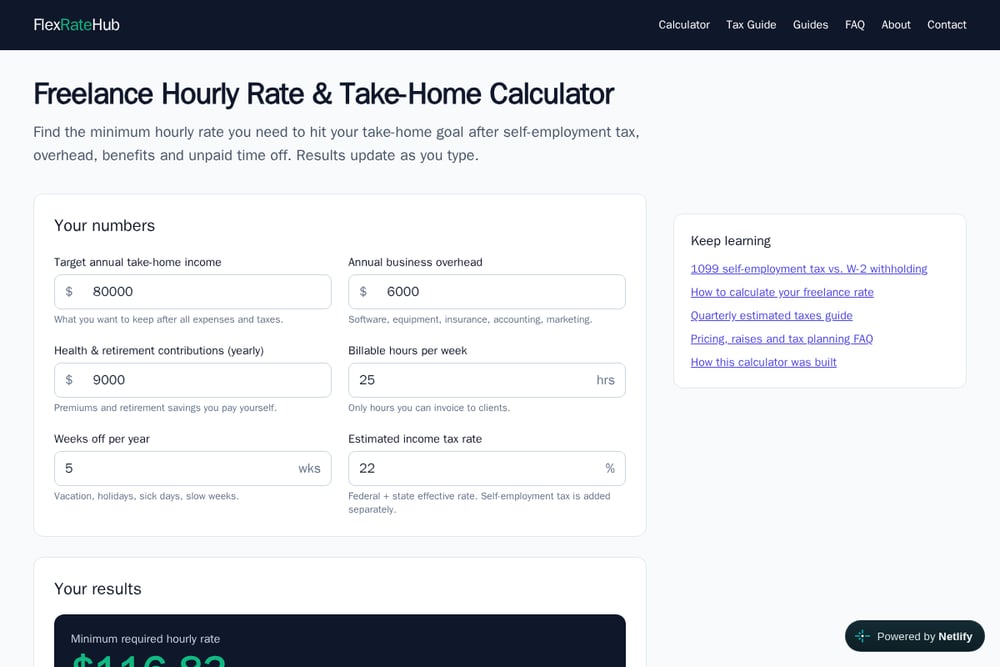 A screenshot of the Freelance Hourly Rate & Take-Home Calculator | FlexRateHub website.
FlexRateHub is a free calculator that works backward from your desired take-home income. You input your target annual take-home, overhead, health and retirement contributions, billable hours per week, weeks off, and estimated income tax rate. The tool instantly shows your minimum required hourly rate, gross revenue target, W-2 equivalent salary, and a breakdown of self-employment tax and income tax. It also highlights the freelance premium over a W-2 equivalent, helping you see the true cost of independence. The site includes guides on 1099 taxes, quarterly estimated taxes, and pricing strategy. With no signup required, it is a straightforward, no-nonsense tool for US freelancers.
#3 FreelanceHourly
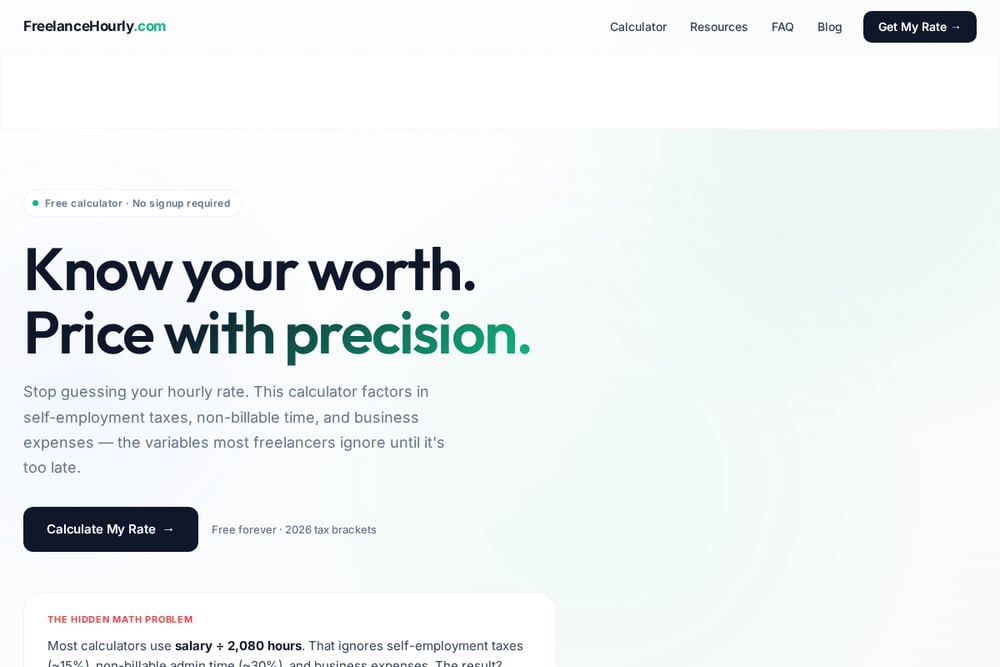 A screenshot of the FreelanceHourly website.
FreelanceHourly focuses on the hidden math problem: most calculators use salary divided by 2,080 hours, which ignores taxes and non-billable time. This tool asks for your income goal, profit margin buffer, weekly work hours, billable percentage, vacation days, and monthly expenses. It then estimates self-employment tax, federal income tax, and your effective combined rate. The result is a recommended hourly rate that accounts for the reality of freelancing. It also includes 2026 tax brackets and a clear explanation of the formula. If you want a calculator that forces you to be honest about billable time, this is it.
#4 Notwen
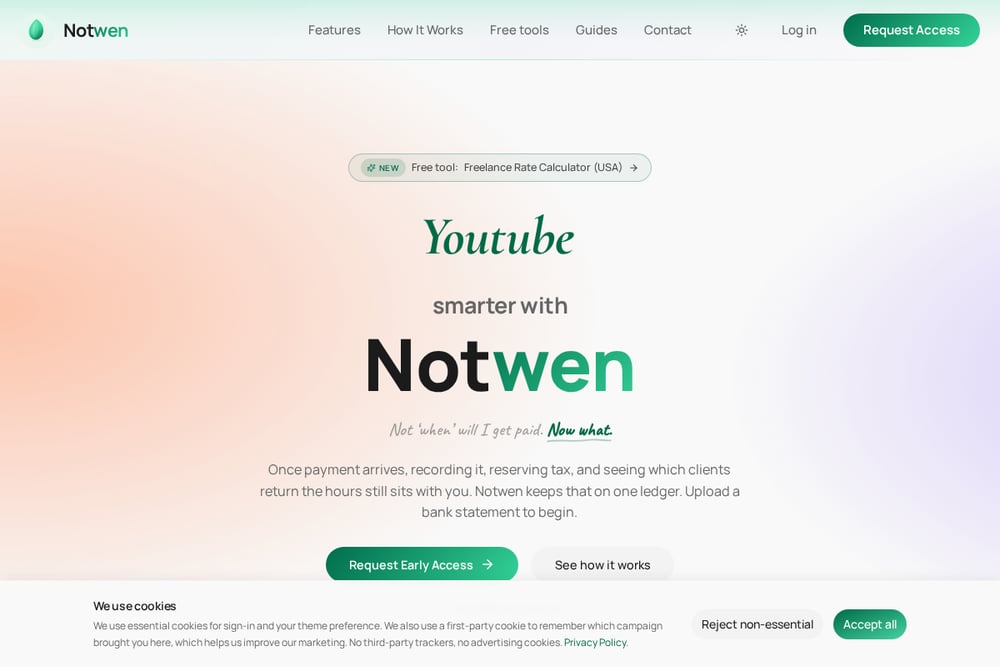 A screenshot of the Notwen website.
Notwen takes a different angle: it helps you compare your freelance rate to a W-2 salary. You enter your current annual salary, state, filing status, working hours, billable utilization, and paid leave days. The tool then calculates what you need to charge as a 1099 freelancer to match your W-2 take-home, after federal and state income tax, self-employment tax, and lost benefits. It explains the seven factors that separate W-2 take-home from freelance billing, including employer hidden costs and paid leave. This is ideal if you are transitioning from a full-time job and want to know your true break-even rate.
#5 FreelancerCalculator
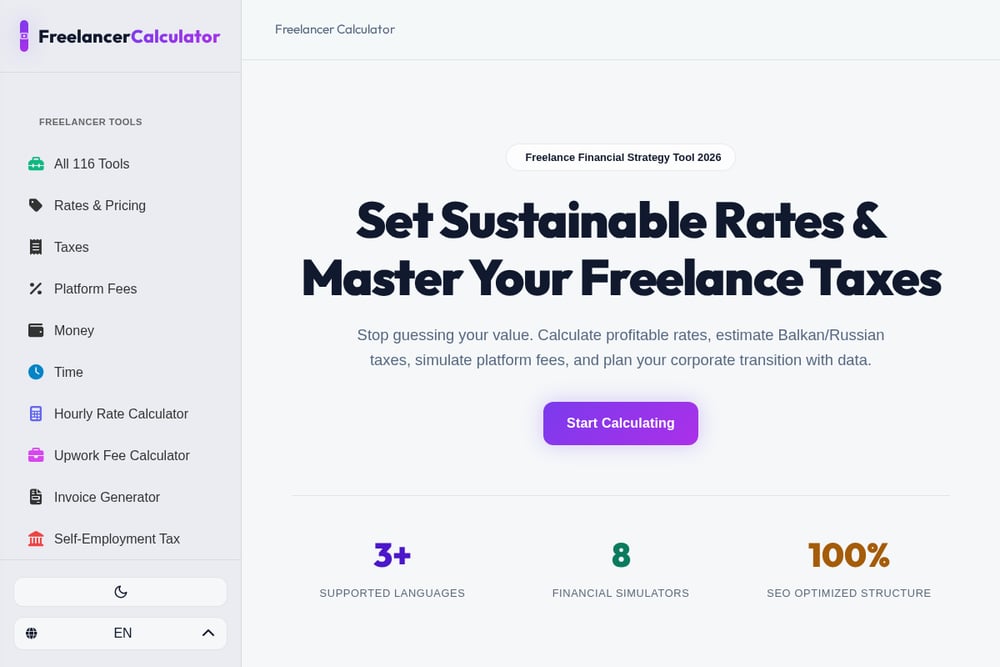 A screenshot of the FreelancerCalculator website.
FreelancerCalculator is a suite of over 116 tools for freelancers, including an hourly rate calculator, self-employment tax estimator, platform fee calculator, and invoice generator. The hourly rate tool helps you set sustainable rates by factoring in taxes and expenses. The site also offers localized tax tools for Serbian, Russian, and other markets, making it useful for international freelancers. While the interface is more complex due to the breadth of tools, it provides a comprehensive financial toolkit. If you want one site for rates, taxes, and client profitability, this is a solid option.
How to Choose the Right Calculator for You
Start by identifying your biggest pain point. If you struggle with tracking billable hours, choose a tool like Rize that integrates time tracking. If you want a quick, free take-home calculation, FlexRateHub is your best bet. If you are transitioning from a job, Notwen's W-2 comparison is invaluable. For those who want to be brutally honest about billable time, FreelanceHourly will set you straight. And if you need a broad suite of financial tools, FreelancerCalculator has you covered. Consider your tax situation, whether you need state-specific calculations, and how much time you want to spend entering data. All five are free or offer free tiers, so you can test them without risk.
Automating Your Rate Calculation
You can streamline your rate setting by combining these tools. Use FlexRateHub for a quick take-home estimate, then cross-check with Notwen for a W-2 comparison. If you use Rize, its time tracking will feed actual billable hours back into your rate calculation, creating a feedback loop. For ongoing monitoring, set a quarterly reminder to revisit your rate as expenses and tax laws change. Many tools allow you to save scenarios or export results, so you can track your progress. Automation does not mean set-it-and-forget-it; it means making informed adjustments with less effort.
The Bottom Line on Freelance Rate Calculators
Pricing is not a one-time decision. It is a ongoing practice that determines whether your freelance business thrives or just survives. The five calculators here each offer a unique path to clarity. FlexRateHub gives you a fast, free take-home number. Rize ties your rate to actual time. FreelanceHourly challenges your assumptions about billable hours. Notwen bridges the W-2 to 1099 gap. FreelancerCalculator provides a full financial toolkit. Try one or try them all. The important thing is to stop guessing and start calculating. Your future self will thank you.