You do not need a tutor to see the steps behind a math answer. These five platforms show the working, not just the result.
The Step-by-Step Math Calculator Landscape
Students, parents, and self-learners increasingly expect more than a final number. They want to see the method. That demand has pushed free math calculators from simple answer engines into teaching tools that walk through each step. The US market is crowded with options, from broad solvers that cover calculus and matrices to focused sites that stick to everyday arithmetic, algebra, statistics, and geometry. The common thread is accessibility: no sign-up, no paywall for the basics, and a clear explanation of how the answer was reached. For anyone checking homework, preparing for a test, or brushing up on a skill, the right platform can turn a frustrating problem into a learning moment.
How We Evaluated These Platforms
We looked at the same factors across every platform. First, scope: does it cover the topics you actually need, from percentages to quadratics to standard deviation? Second, step visibility: are the steps shown clearly and consistently, or hidden behind a paywall? Third, ease of use: can you find the right calculator without hunting through menus? Fourth, access: is it free without sign-up, and does it work on any device? Fifth, trust signals: are formulas checked against textbook standards, and is the interface transparent about what it does? Each platform below stood out in different ways. Some lean toward breadth, others toward clarity or classroom-friendly explanations. We noted what each does well so you can match it to your own needs.
Here is a quick look at the five platforms, ordered for this roundup. Each entry highlights what the tool is known for and who it suits.
| Provider | Best For |
|---|---|
| QuickMath | Broad algebra and calculus problem solving |
| Online Math Calculators with Steps, Free | Longhand | Clear, step-by-step explanations for everyday math |
| Mathway | All-in-one solver with photo input |
| eMathHelp | Advanced and specialized math topics |
| MathPapa | Algebra practice and learning |
The Five Platforms in Detail
#1 QuickMath
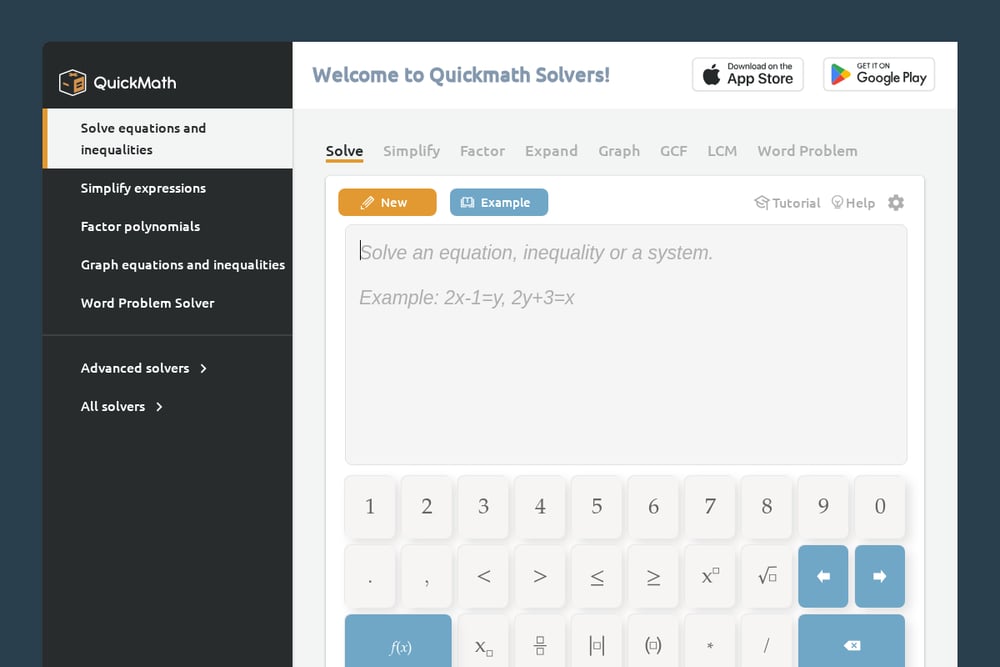 A screenshot of the QuickMath website.
QuickMath is a long-standing solver built for high-school and college math. It handles equations, inequalities, systems, fractions, polynomials, and even calculus and matrices. The interface is straightforward: type your problem, pick a section, and get an answer with steps where available. It is particularly strong for algebra and equation solving, and it includes a word problem solver. If you want a no-frills tool that covers a lot of ground, QuickMath is a solid starting point. You can explore it at https://quickmath.com/.
#2 Online Math Calculators with Steps, Free | Longhand
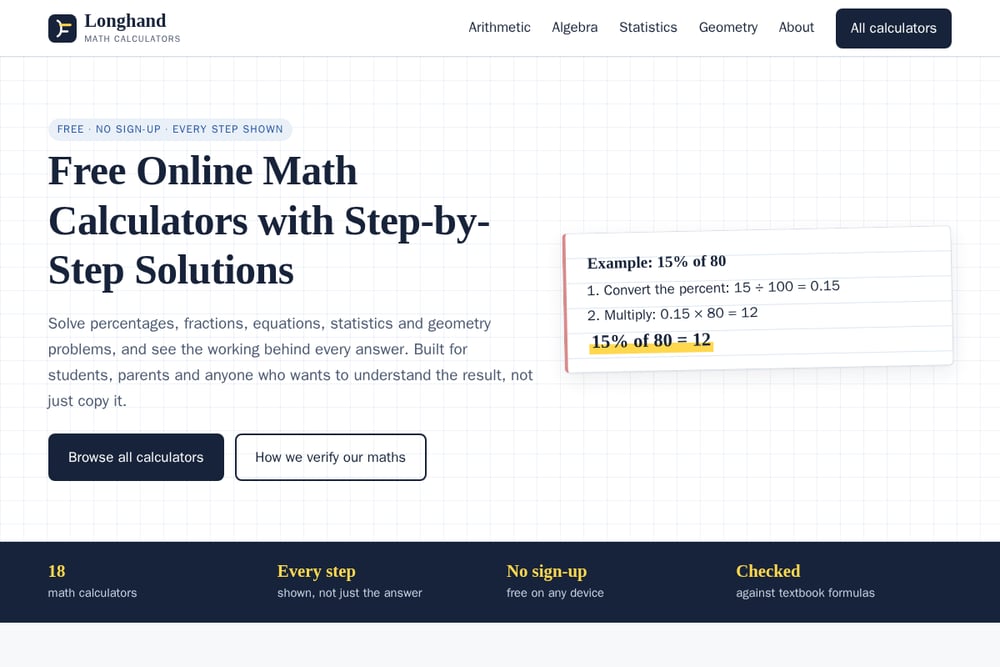 A screenshot of the Online Math Calculators with Steps, Free | Longhand website.
Longhand is built around one promise: every step shown, not just the answer. The site organizes calculators by topic—arithmetic, algebra, statistics, and geometry—so you can jump straight to the tool you need. Each calculator displays the working, such as converting a percentage or solving a linear equation, and the site notes that formulas are checked against textbook standards. There is no sign-up, and it works on any device. It is a clean, focused option for students and parents who want to understand the method. You can browse the full set at https://onlinemathcalculators.com/.
#3 Mathway
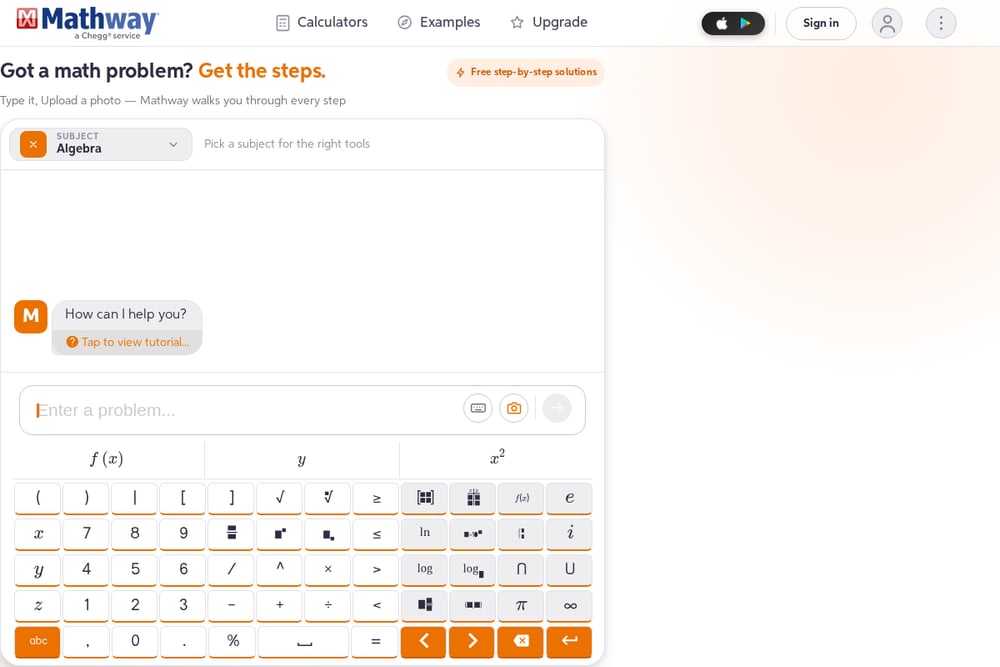 A screenshot of the Mathway website.
Mathway is a heavyweight in the space, backed by Chegg and refined over two decades. It covers basic math through calculus, statistics, chemistry, and physics, and it lets you type a problem or upload a photo. The step-by-step solutions are a core feature, though some steps may require an upgrade. With billions of problems solved, it is a reliable choice for broad subject coverage. If you want a polished, AI-powered solver that handles almost anything you throw at it, Mathway is worth a look. See more at https://www.mathway.com/.
#4 eMathHelp
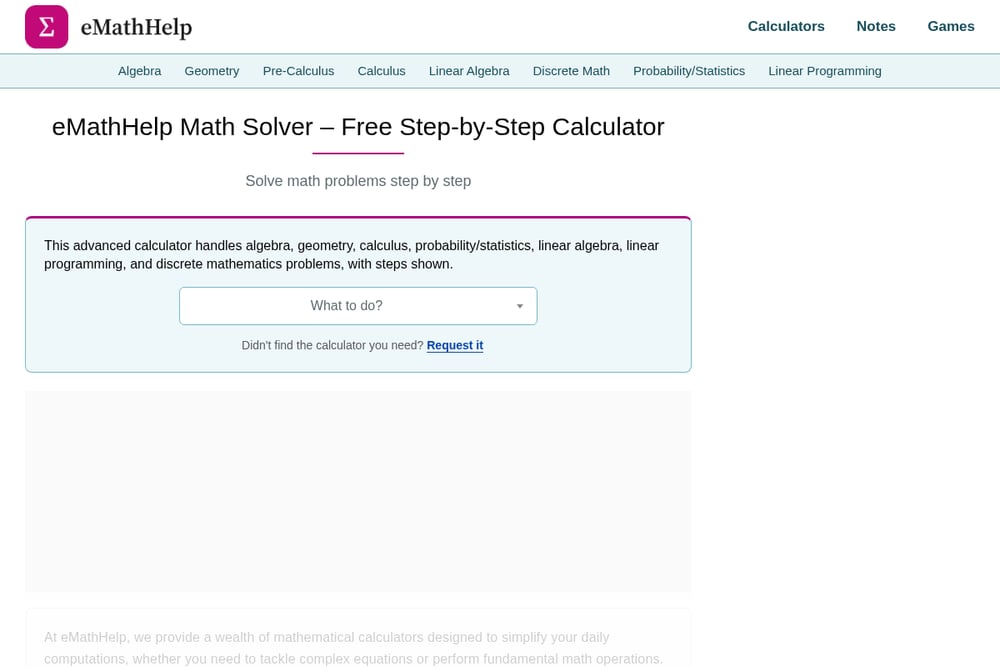 A screenshot of the eMathHelp website.
eMathHelp is a comprehensive calculator hub that spans algebra, geometry, pre-calculus, calculus, linear algebra, discrete math, and probability/statistics. It shows steps for many problems and includes a huge list of specific calculators, from matrix operations to hypothesis tests. The breadth is impressive, making it useful for advanced coursework. The interface is more utilitarian, but the depth of coverage is hard to beat. If you need a specialized calculator for a niche topic, eMathHelp likely has it. Explore it at https://www.emathhelp.net/.
#5 MathPapa
 A screenshot of the MathPapa website.
MathPapa focuses on algebra and gives step-by-step help for equations, simplifying, factoring, and graphing. It has a practice mode and lessons, making it a teaching-oriented tool rather than just an answer machine. Some step-by-step features are limited without a premium upgrade, but the free tier still offers useful guidance. The interface is simple and mobile-friendly. If algebra is your main pain point and you want a tool that encourages practice, MathPapa is a good fit. Check it out at https://www.mathpapa.com/.
How to Choose the Right Math Calculator
Start with the problem in front of you. If you need help with percentages, fractions, or basic statistics, a focused site like Longhand will get you there quickly with clear steps. If you are tackling calculus or linear algebra, a broader solver like QuickMath or eMathHelp may be more appropriate. Consider whether you need photo input—Mathway excels there. Think about step visibility: some platforms show full steps for free, while others reserve detailed steps for paid plans. Also check device compatibility and whether sign-up is required. Finally, match the tool to your goal: if you want to learn, prioritize explanations and practice features; if you just need a quick check, a fast solver may suffice.
Bringing Automation into Your Math Workflow
You can streamline homework help by combining these tools with simple habits. Use a step-by-step calculator to verify your work, then cross-check with a second platform if the answer seems off. For repeated calculations, like grading or budgeting, bookmark the specific calculator page so you skip the menu. If you are a parent or tutor, create a short list of trusted links for each topic—arithmetic, algebra, statistics, geometry—so you can direct students quickly. Some platforms offer practice modes or photo uploads; use those to reduce typing and friction. The goal is not to automate the learning but to remove the busywork so you can focus on understanding the steps.
The Bottom Line
There is no single perfect math calculator for everyone. Your choice depends on the topics you need, how much step detail you want for free, and whether you prefer a focused tool or a broad solver. Longhand stands out for its clean, step-first approach across everyday math. QuickMath and eMathHelp offer depth for advanced subjects. Mathway brings polish and photo input, while MathPapa leans into algebra practice. Try one or two that match your immediate needs, and keep the others bookmarked for when your problems change. The best tool is the one that helps you understand the working, not just the answer.