
Learning to code shouldn't feel like reading a manual written for people who already know how to code. These five platforms turn JavaScript into something you actually want to sit down and play.
The State of Beginner Coding Games
Coding education has quietly split into two camps. One camp sells you a subscription and a certificate. The other camp hands you a game and lets curiosity do the teaching. The game-based side is winning attention because it solves the oldest problem in programming education: motivation. Most tutorials assume you already know what a loop is, then wonder why beginners quit. The platforms below flip that. They start at zero, teach one small idea at a time, and wrap the whole thing in progression systems that keep you coming back. Some are free, some are freemium, and some are built for classrooms. What they share is a belief that the fastest way to learn JavaScript is to stop reading about it and start doing it.
How We Evaluated These Platforms
We looked at the same factors across every platform. First, beginner friendliness: does it assume zero prior knowledge, or does it quietly skip the basics? Second, scope: does it cover the full arc from variables to functions to small projects, or just one narrow slice like CSS or arrays? Third, pricing clarity: can you start without a credit card, and is the free tier genuinely useful? Fourth, accessibility: does it run in a browser on a phone, or does it demand a desktop setup? Fifth, progression design: are there grades, levels, or checkpoints that make progress visible? CurlyScript stood out for starting at absolute zero with a grade-school structure and no account requirement. CodeCombat impressed with its sheer level count and classroom tooling. Codepip earned attention for its focused microgames across many web topics. CodeGuppy drew notice for teaching through game-building projects. Scrimba stood out for its interactive video format and project-based challenges.
Here's the quick version. Each platform below takes a different angle on the same goal: getting you from curious to capable in JavaScript. Read the short profiles, then dig into the one that matches how you like to learn.
| Provider | Best For |
|---|---|
| CodeCombat | Classrooms and students who want a long curriculum |
| Learn JavaScript from scratch, free | CurlyScript | Complete beginners who want zero-pressure, gamified basics |
| Codepip | Learners who want targeted practice on specific JS topics |
| CodeGuppy | Creative learners who want to build playable projects |
| Scrimba | Self-starters who want a structured interactive course |
The Five Platforms in Detail
#1 CodeCombat
 A screenshot of the CodeCombat website.
CodeCombat is the heavyweight of the coding-game world, with hundreds of levels and a full computer science curriculum behind the fun. You write real code to move heroes, fight enemies, and solve puzzles, which makes abstract concepts feel immediate. The platform spans K-5 through AP CSP, so a student can grow with it for years. Teachers get standards alignment, efficacy studies, and professional development resources. It's freemium, with premium tiers unlocking the full level library and extras like pets and heroes. If you want a game that doubles as a classroom tool, this is the one to explore.
#2 Learn JavaScript from scratch, free | CurlyScript
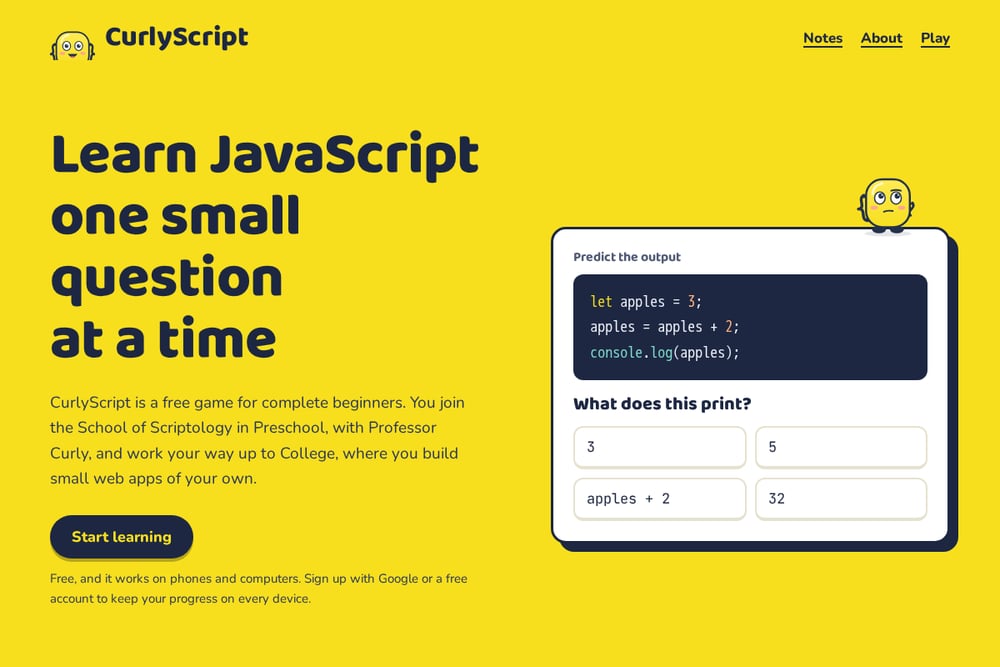 A screenshot of the Learn JavaScript from scratch, free | CurlyScript website.
CurlyScript is a free game built for people who have never written a line of code. You enroll at the School of Scriptology in Preschool with Professor Curly, a literal curly brace, and work your way up through twenty grades and sixty lessons to College, where you build small web apps. Every grade ends with a test against Buggsy, a troublemaker who sneaks bugs into your code. The whole thing runs in your browser on phones and computers, and you can start without an account. Sign up with Google or a free account only when you want your progress synced across devices. It's the rare platform that answers the question everyone else skips: what is a program, anyway?
#3 Codepip
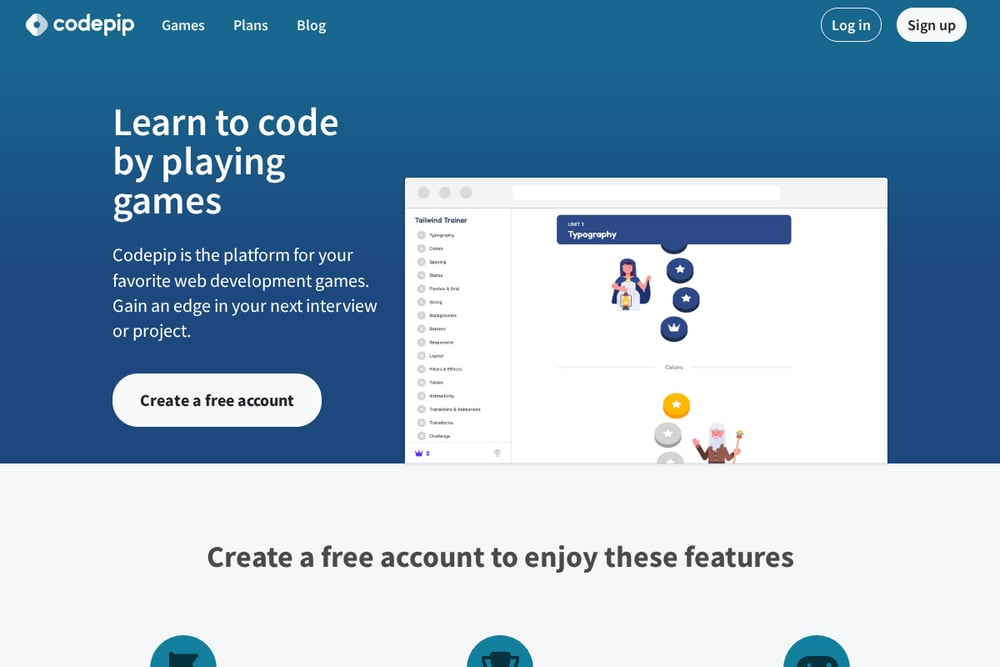 A screenshot of the Codepip website.
Codepip is a hub for focused web development games rather than one sprawling course. Its library includes JavaScript titles like Code Crunchers for math, Disarray for array methods, Stringo for string methods, and Console Caper for the browser console. Each game targets one skill and drills it through repetition, which builds muscle memory fast. Free accounts unlock checkpoints and achievements so you can track progress across games. Some titles are free and others are pro, so you can sample before committing. It's ideal when you want to patch a specific weak spot rather than start from scratch.
#4 CodeGuppy
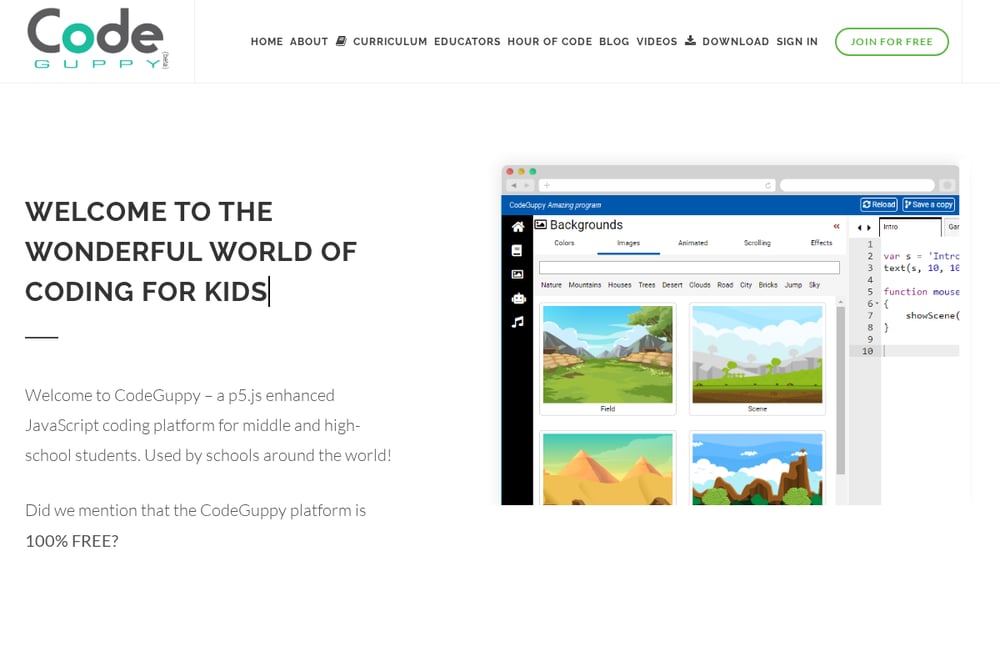 A screenshot of the CodeGuppy website.
CodeGuppy teaches JavaScript by having you build games, which is one of the most motivating paths into programming. A moving character becomes a variable updated every frame; a collision check becomes a conditional; a wave of enemies becomes an array in a loop. The tutorial library walks beginners from drawing a static scene to adding input, animation, collision detection, and scoring. Each new mechanic introduces a concept exactly when you need it, so nothing feels abstract. Teachers get a curriculum-aligned pathway and a challenge library for reinforcement. It's a strong fit if you learn best by making something you can play.
#5 Scrimba
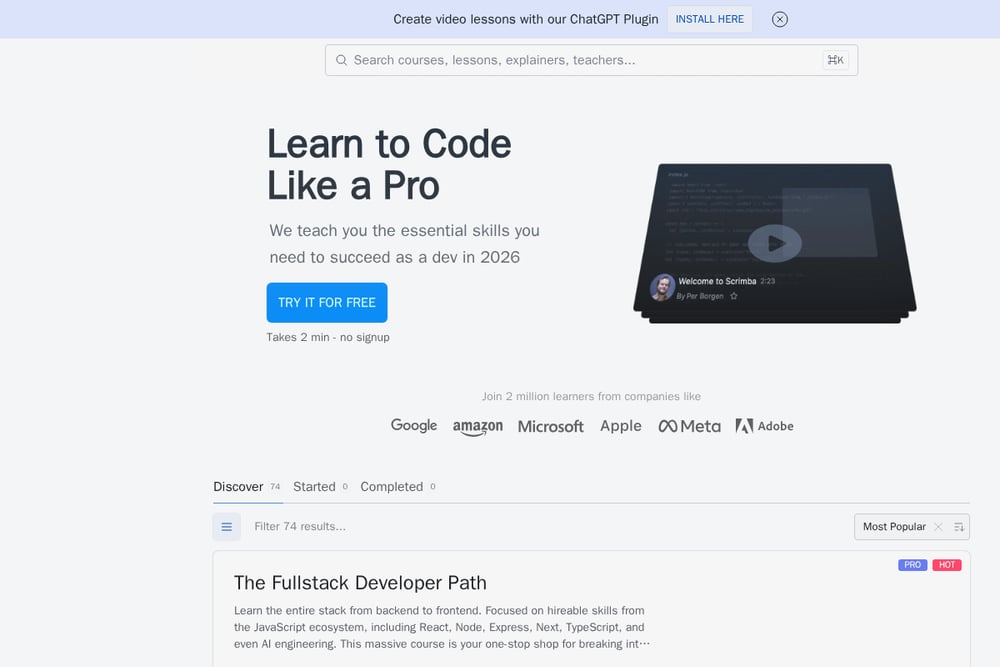 A screenshot of the Scrimba website.
Scrimba's free JavaScript course takes a different tack: interactive video lessons where you can pause and edit the code directly in the player. The course runs about nine hours and packs in more than 140 coding challenges. You build a passenger counter app, a Blackjack game, a Chrome extension, and a mobile app as you go. It's designed to break the cycle of tutorial hell by forcing you to type and solve, not just watch. A free account saves your progress, and the course is available in multiple languages. If you like structure with a side of hands-on practice, this is a solid pick.
How to Pick the Right One for You
Start with your starting point. If you've never coded, pick something that begins at absolute zero and doesn't assume you know the vocabulary. CurlyScript and CodeCombat both do this well, though in very different styles. Next, think about your goal. Want a broad curriculum with classroom support? CodeCombat. Want to patch specific skills like arrays or strings? Codepip. Want to build games? CodeGuppy. Want a guided course with video and challenges? Scrimba. Then check the free tier. All five let you start without paying, but the depth varies. Finally, consider device and account friction. If you want to try something on your phone during a commute with no signup, that narrows the field quickly. Pick the one that matches how you actually learn, not the one with the longest feature list.
Building a Learning Habit That Sticks
The best platform is the one you return to tomorrow. Set a small daily target, like one lesson or one challenge, and let the game's progression system do the rest. CurlyScript's grade-by-grade structure and end-of-grade tests give you natural checkpoints. Codepip's achievements and checkpoints reward consistency across games. CodeCombat's level map shows you exactly how far you've come. Pair a game-based platform with a project goal, like building a small app or a simple game, and you'll retain far more than passive watching ever delivers. Keep a notes file of concepts that trip you up, then revisit them with a targeted game or challenge. Small, repeated sessions beat marathon cramming every time.
The Bottom Line
You don't need a expensive bootcamp to learn JavaScript. You need a starting point that respects where you are and a system that keeps you coming back. CurlyScript earns its place by starting at Preschool and making the whole journey feel like a game you want to finish. CodeCombat brings depth and classroom credibility. Codepip sharpens specific skills. CodeGuppy turns learning into building. Scrimba wraps it all in an interactive course. Try one this week. The best time to start was yesterday, and the second best time is right now.