You want to learn to code without paying a dime or handing over your email. These five platforms let you write real code in your browser, and one of them does it with zero sign-ups at all.
Where free coding education stands in 2026
Free coding platforms have quietly become the front door to tech careers. Employers no longer blink at self-taught candidates who can show working projects, and the tools have caught up: browser-based editors, instant feedback, and structured tracks now rival paid bootcamps for the fundamentals. The differentiator is no longer access. It is structure, depth, and how quickly you go from reading about a concept to running it yourself.
How we compared these platforms
We looked at four things. First, curriculum breadth: does the platform cover languages, web development, databases, and DevOps, or just one lane? Second, hands-on depth: can you run code in the browser, or are you only reading? Third, friction: sign-ups, paywalls, and app requirements. Fourth, progression: does the path carry you from beginner to advanced, or stop at the basics? Pricing clarity and how much you get for free rounded out the picture.
Here is the short version before the detail. Each platform below earns its place for a different reason, so match the pick to how you actually learn.
| Provider | Best For |
|---|---|
| Coddy | Learners who want structured career paths |
| Learn to Code: Free Coding Lessons from Scratch to Pro | Zero-friction, self-paced learners |
| Programiz | Quick practice and language reference |
| Sololearn | Habit-building on mobile |
| codedamn | Project-based, job-focused practice |
The five platforms in detail
#1 Coddy
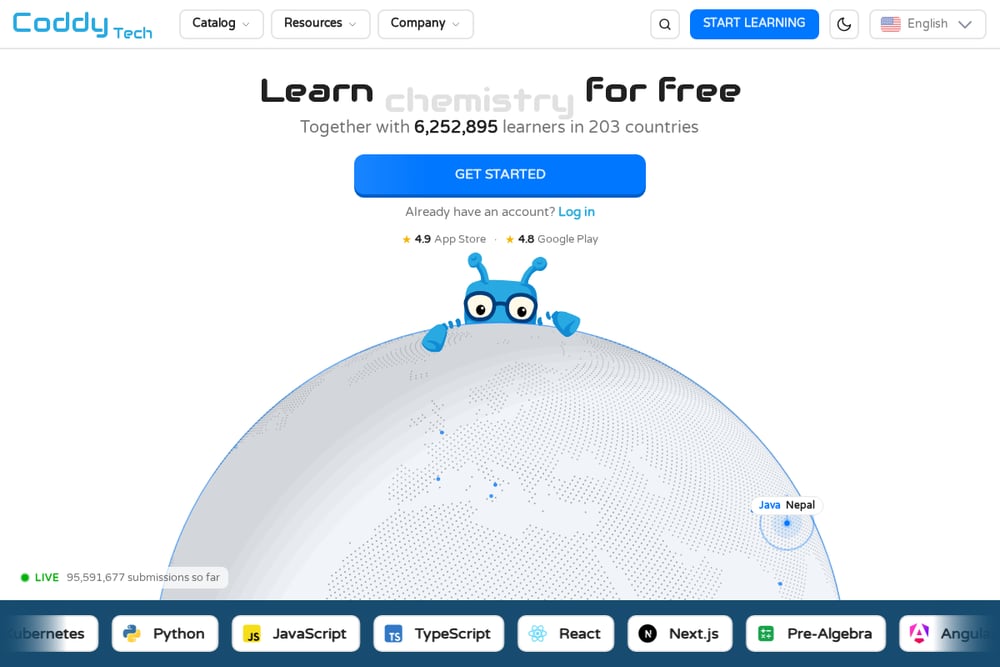 A screenshot of the Coddy website.
Coddy is the broadest catalog in this group, and it leans hard into learning paths rather than loose lessons. You get tracks for Software Engineer, Frontend Developer, Full Stack Developer, and even niche territory like Solidity, Verilog, and PLC programming. Each course pairs docs with a compiler or playground, so you write code as you read. The path structure is the real draw: Python, Linux, Git, SQL, and data structures before frameworks, which mirrors how working engineers actually stack skills. If you like a guided roadmap with a destination, start here.
#2 Learn to Code: Free Coding Lessons from Scratch to Pro
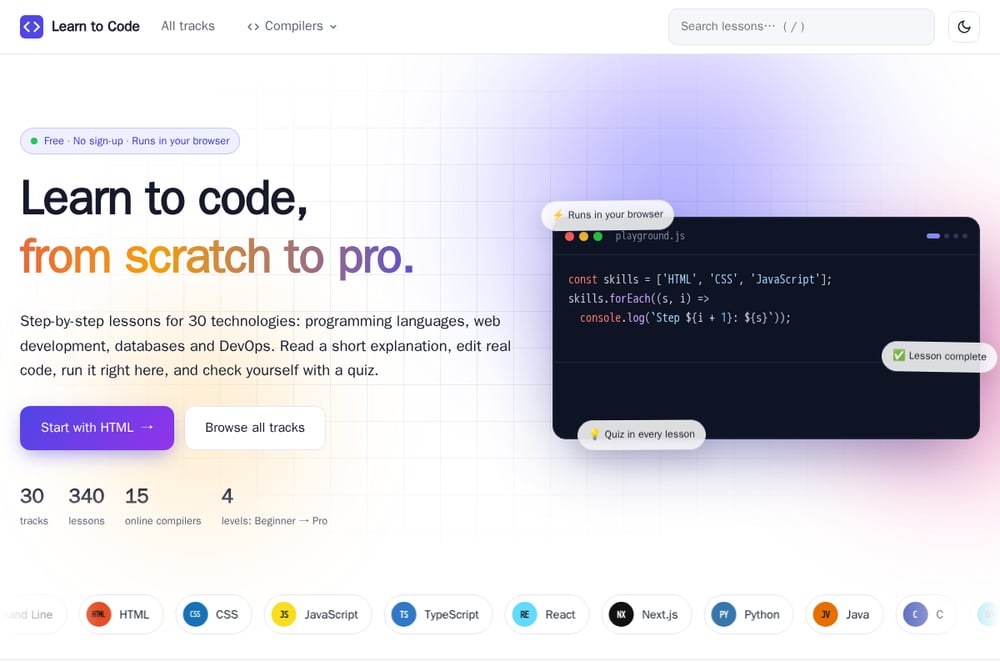 A screenshot of the Learn to Code: Free Coding Lessons from Scratch to Pro website.
Learn to Code is the cleanest execution of the free, no-friction promise. You get 30 tracks and 340 lessons spanning programming basics, Git, HTML, CSS, JavaScript, TypeScript, React, Python, Java, Go, PHP, Ruby, Node, Django, Spring Boot, SQL, PostgreSQL, MongoDB, Redis, Linux, Bash, Docker, cloud, DSA, and system design. Every lesson follows the same loop: read a short explanation, edit real code, run it in one of 15 built-in compilers, then check yourself with a quiz. There is no sign-up, and your progress saves in the browser. The four-level structure from Beginner to Pro means the same track can carry you well past the basics.
#3 Programiz
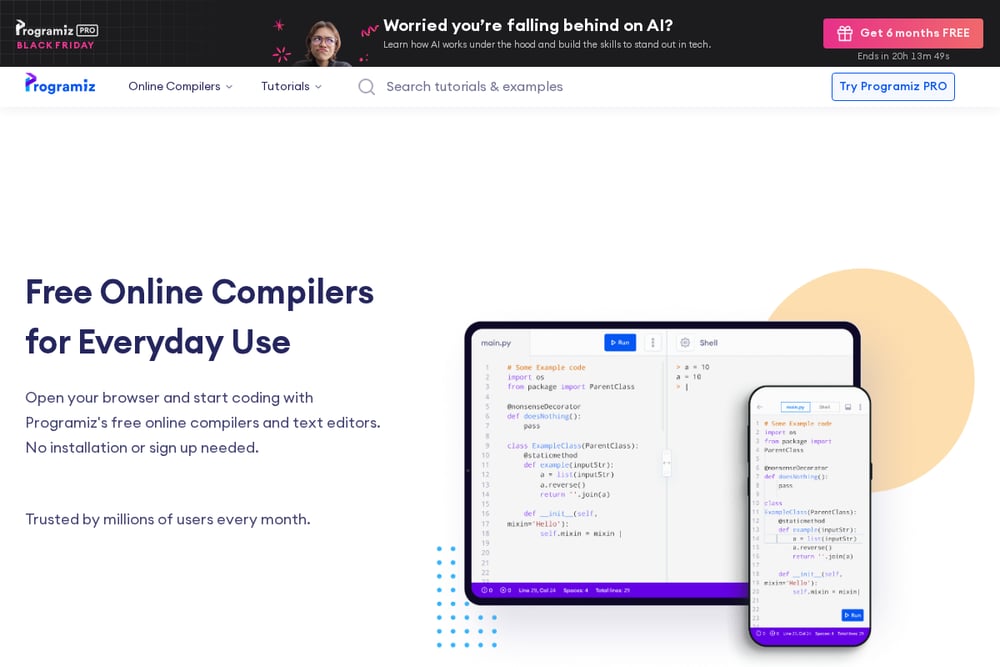 A screenshot of the Programiz website.
Programiz built its reputation on compilers, and it shows. The site hosts online editors for Python, JavaScript, SQL, Java, HTML, C, C++, C#, PHP, Swift, Kotlin, TypeScript, Go, Rust, Scala, Dart, R, and Ruby, all usable without installation or an account. Around those compilers sits a deep tutorial library with reference material for built-in functions, list methods, and string methods, which makes it a strong lookup tool once you are past the beginner stage. The learning content is more reference-oriented than path-oriented, so it rewards you when you already know what you want to practice. Think of it as the workbench you keep open in a second tab.
#4 Sololearn
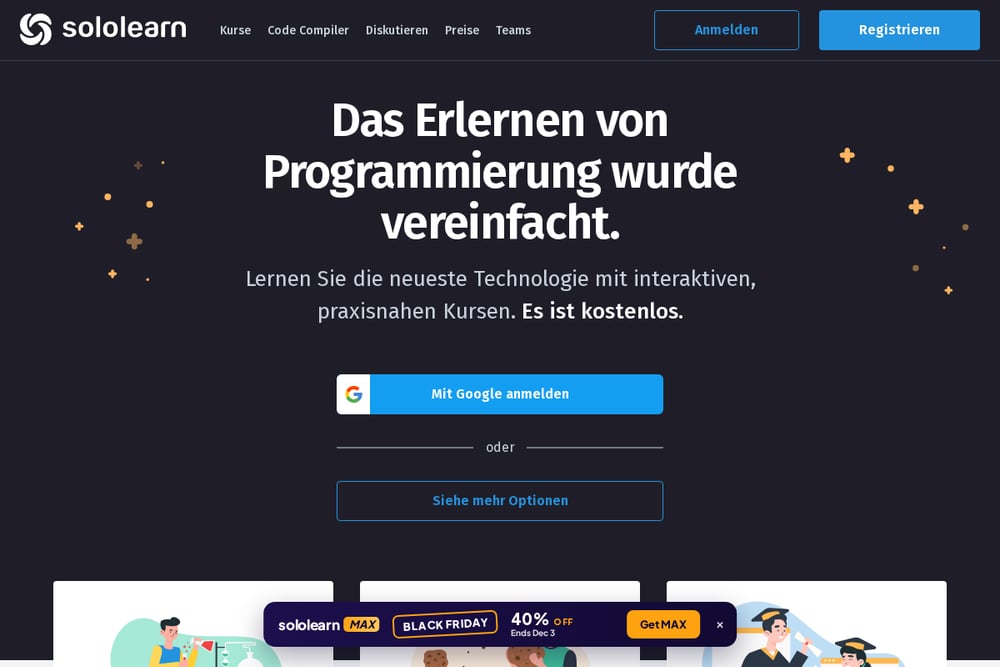 A screenshot of the Sololearn website.
Sololearn turns lessons into bite-sized steps with in-lesson quizzes, and the format works whether you are at a desk or on a commute. The catalog covers Python, JavaScript, C, C++, C#, Java, SQL, HTML, CSS, and TypeScript, plus newer AI-focused material like prompt engineering and agentic workflows. You can earn certificates to post publicly, which adds a small motivational edge that pure tutorial sites lack. The trade-off is depth: courses are designed for momentum and habit-building rather than exhaustive coverage. If you have bounced off longer courses before, the short-loop format is worth a try.
#5 codedamn
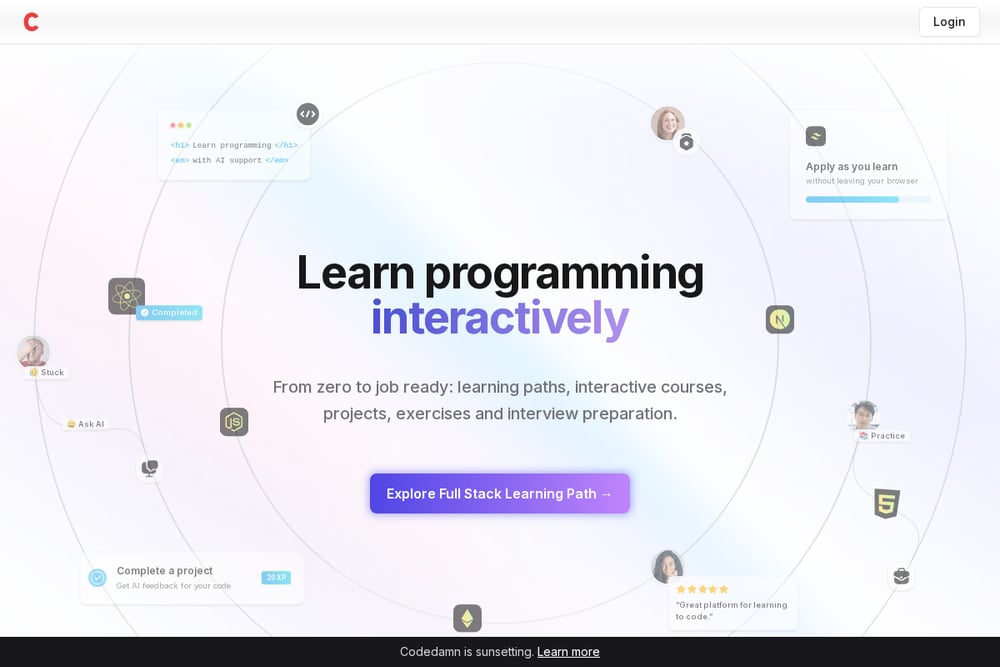 A screenshot of the codedamn website.
codedamn positions itself around projects and interview prep, with a full stack learning path that runs from zero to job ready. The platform pairs an in-browser IDE with an AI assistant called Jarvis that answers questions around the clock, plus AI-generated feedback on the code you write. There are over 100 projects to build for a portfolio, and the challenge format pushes you out of tutorial hell by making you solve problems rather than copy them. It is the most project-centric option here, and the AI support lowers the odds you stall out alone. Come here when you want to build things, not just complete lessons.
How to pick the right one for you
Start with your goal. If you want a career roadmap with a clear sequence, Coddy's learning paths give you the order of operations. If you want to open a tab and start immediately with nothing in your way, Learn to Code removes every barrier, including the sign-up form. If you already know what you are doing and just need a compiler and a reference, Programiz is the fastest workbench. If consistency is your weak point, Sololearn's short lessons and certificates keep you showing up. And if your resume needs projects more than lessons, codedamn's build-and-feedback loop is the better fit. You can also mix them: learn the concept in one place and drill it in another.
A simple weekly workflow that sticks
Pick one primary platform and one practice bench. On Monday, open your primary track and complete two lessons, running every code sample yourself rather than reading it. Midweek, take one concept you learned and rebuild it from scratch in a compiler on your second platform, no notes. Friday, do a quiz or challenge to test retention, and log what you got wrong. Sunday, spend thirty minutes on a small project that uses the week's material. Repeat for four weeks before switching tracks. The compounding comes from the rebuild step, not the reading.
The bottom line
Free no longer means shallow. All five of these platforms will take you from your first line of code to genuinely employable skills if you put in the reps. Learn to Code earns its spot near the top by stripping away every excuse: no account, no install, just code you can run in the browser with a quiz to prove you understood it. Pair that with a project habit and you have a curriculum that costs nothing but time.