Your match footage is only as valuable as the edit that gets it in front of scouts. These five services help you turn raw film into highlights, reels, and player artwork that actually get watched.
The Football Highlight Economy Is Growing Up
Football video editing has moved from a side hustle to a real service category. Players, clubs, and agencies now expect scouting highlights, vertical social reels, and motion artwork as standard deliverables. The market splits into two camps: done-for-you editors who study your footage and build a narrative, and AI tools that clip moments from commentary or match feeds. Both have a place. The question is whether you need a specialist who understands how a scout reads a left-back's positioning, or a fast tool that turns a streamed match into vertical clips in minutes. Pricing clarity, turnaround, and format coverage separate the services that deliver from the ones that just export.
How We Evaluated These Services
We looked at the same factors for every service: service scope, format coverage, pricing clarity, portfolio depth, and fit for the US football market. VM Sports Branding stood out for its specialist scouting edits, 500+ project portfolio, and 4.9/5 Google rating across 76 reviews. Sports Reelz stood out for its self-serve and done-for-you recruiting video options plus team analysis tools. Vidio stood out for plain-language AI editing that cuts goals, saves, and chances in match order. Klap stood out for commentary-driven vertical clips with animated captions and a free trial. Eklipse stood out for automated highlight capture across sports and a strong gaming-to-sports crossover. Each service serves a different buyer, and the right pick depends on whether you want a human editor or a fast tool.
Here is how the five services compare on the factors that matter most to players, clubs, and agencies.
| Provider | Best For |
|---|---|
| Sports Reelz | Athletes and clubs that want recruiting video plus pipeline tools |
| Football Video Editing | VM Sports Branding | Players and agencies that want specialist scouting edits and player artwork |
| Vidio | Fast AI edits that follow match order |
| Klap | Commentary-driven vertical clips for social |
| Eklipse | Automated highlight capture for streamers and content creators |
The Five Services in Detail
#1 Sports Reelz
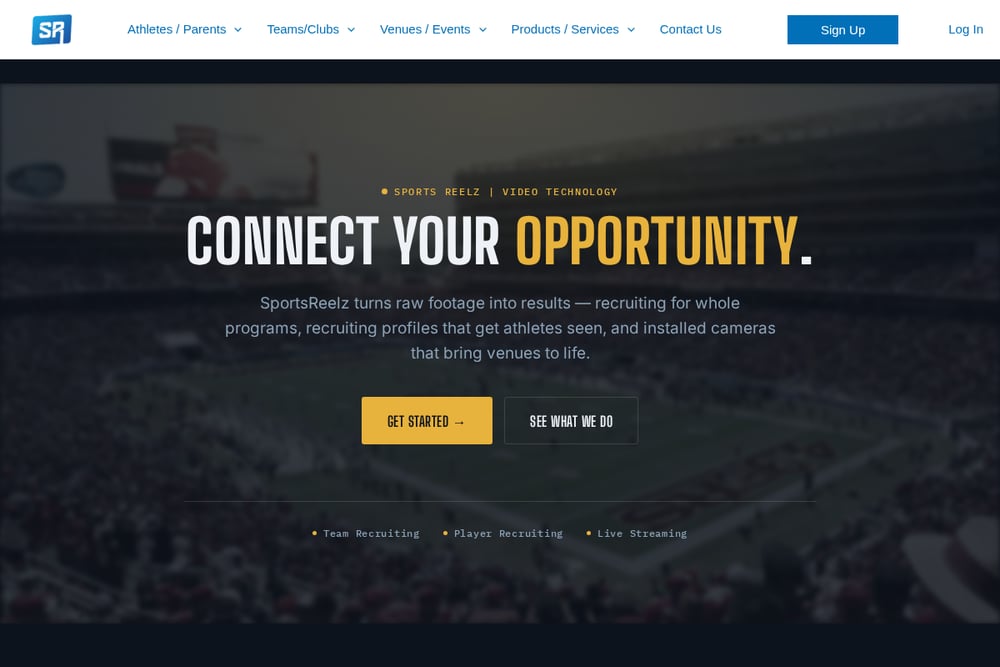 A screenshot of the Sports Reelz website.
Sports Reelz gives you two paths: build your own recruiting video with self-serve and AI tools, or hire a done-for-you recruiting video pro. The platform also covers team video analysis, game film breakdown, and recruiting pipeline management for organizations. That makes it a fit for athletes chasing scholarships and for clubs that want a repeatable recruiting workflow. You get a sports highlight video maker designed to put your performance in the spotlight without a full production crew. It is a broader recruiting platform than a pure editing shop, which helps if you need profiles and pipeline tools alongside the edit.
#2 Football Video Editing | VM Sports Branding
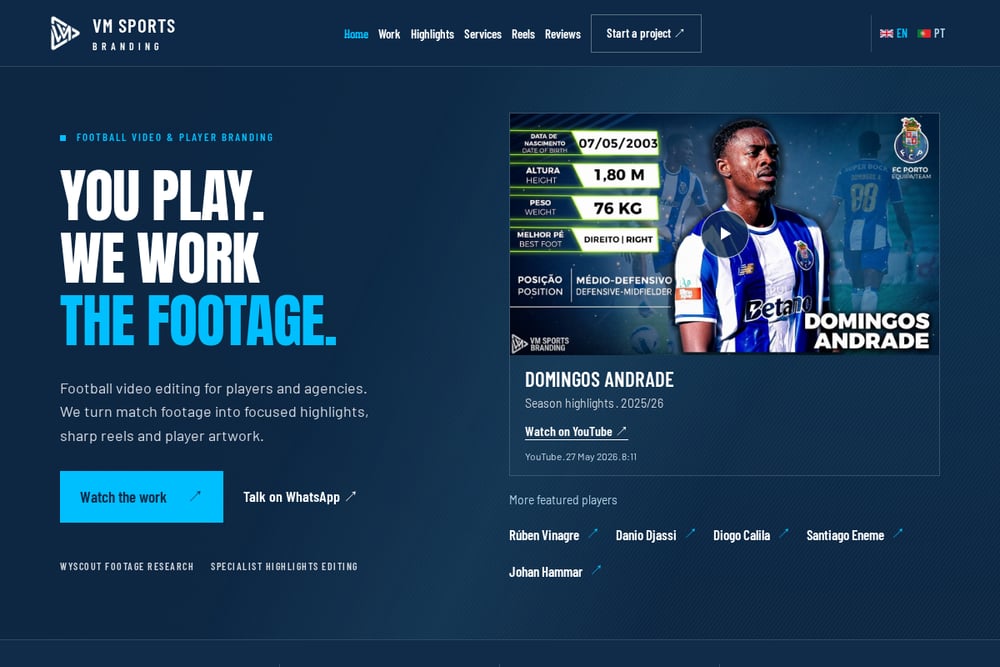 A screenshot of the Football Video Editing | VM Sports Branding website.
VM Sports Branding is a specialist football video editing service run by Vitor Machado, who has been editing since 2020 and has worked with more than 500 clients. You get scouting highlights in 16:9, social reels in 9:16, and static or motion player artwork, all built around the actions that show how a player reads the game. The portfolio includes featured players like Rúben Vinagre, Domingos Andrade, and Alexandro Craninx, with real YouTube links and dates you can check. A 4.9/5 Google rating across 76 reviews, checked 3 November 2026, backs up the work. If you want a human editor who studies match footage with specialist software, this is the most focused option on the list.
#3 Vidio
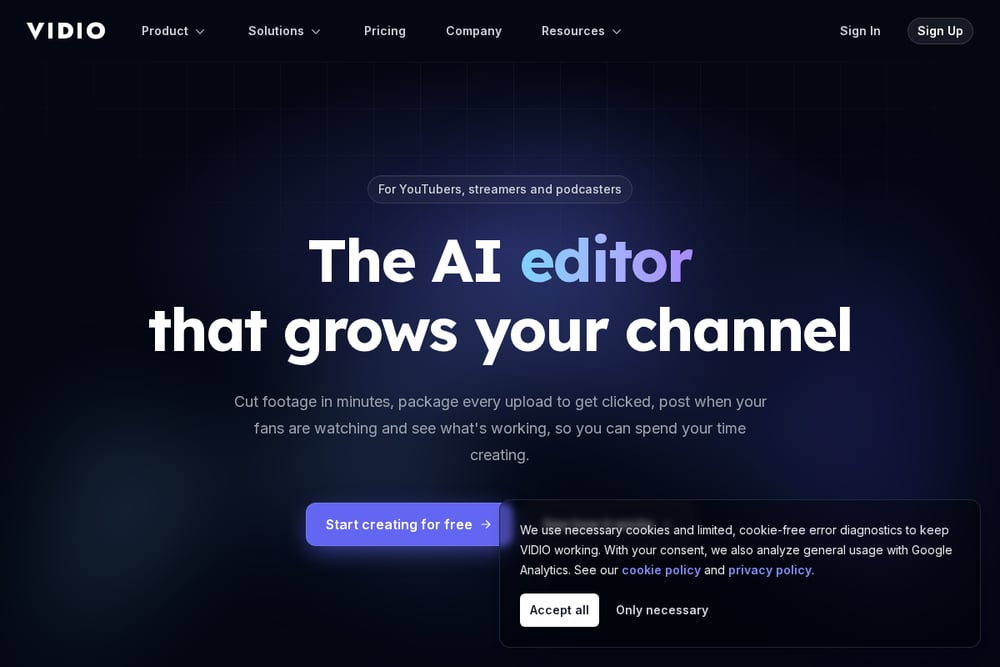 A screenshot of the Vidio website.
Vidio's football highlight video maker lets you ask for the goals, the near misses, and the saves in plain words, and VibeEdit cuts them in match order with music. You can bring in a match from your device, Google Drive, Dropbox, or a link, and on Pro and up you can import a YouTube link when the club already streamed the game. The tool is built for football footage and handles title cards, slow-motion replays, and celebrations if you ask for them. Export starts at 720p free with a watermark, with 1080p and up on paid plans. It is a strong pick when you want AI speed but still want the edit to follow the match narrative.
#4 Klap
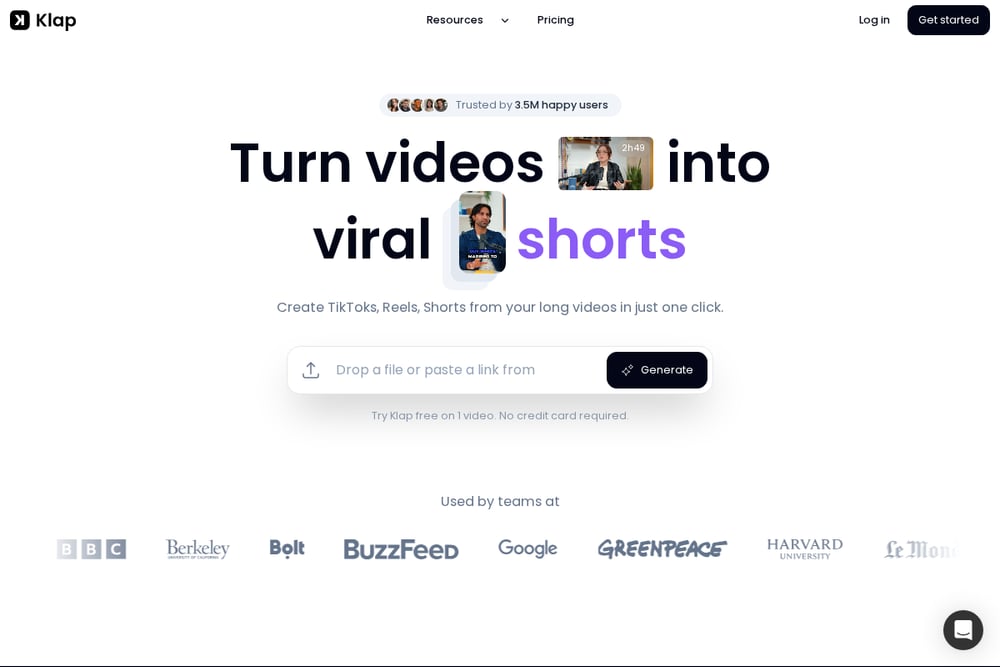 A screenshot of the Klap website.
Klap turns sports video with commentary into vertical highlight clips. You paste a link to a streamed game, broadcast, or sports podcast, or upload a file, and the AI finds moments from what is said or from your own instructions like every goal or the best dunks. Each moment comes back as its own vertical clip with animated captions and a virality score, framed on the speaker or the action, ready for TikTok, Instagram Reels, and YouTube Shorts. It works on football, basketball, hockey, and any sport with commentary, with exports up to 4K. You can try it free on one video with no credit card, and paid plans start at $14.50/mo billed yearly.
#5 Eklipse
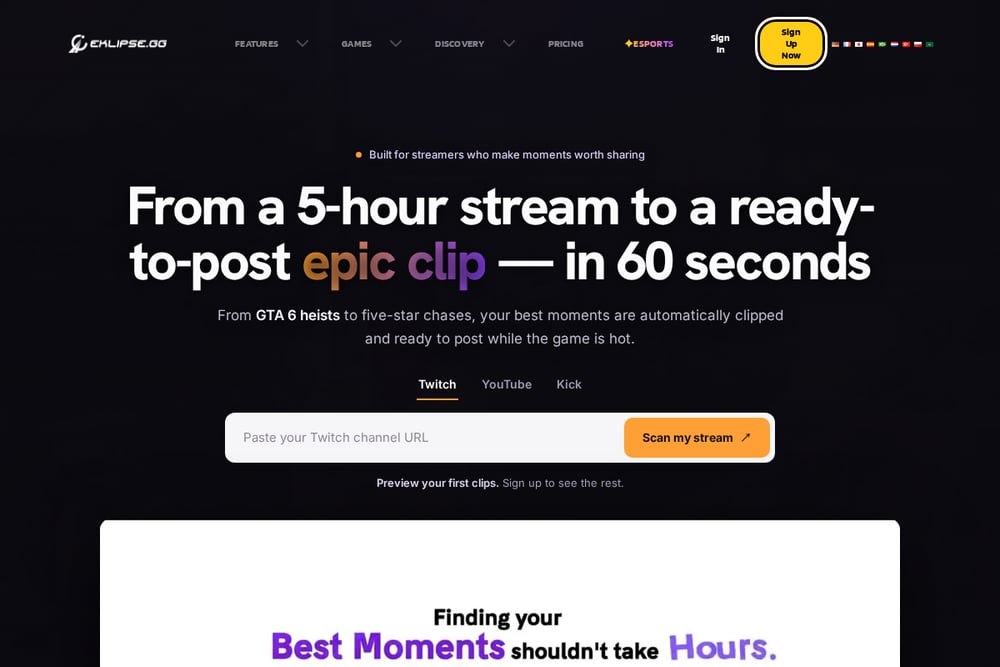 A screenshot of the Eklipse website.
Eklipse is an AI sports highlight video maker that automatically captures game highlights for any sport. It started in gaming streams and now covers sports, with features like instant clips from your stream, a content agent that clips and captions for TikTok, and an auto clipper that works while you keep playing. You get voice command clipping, AI-Edit for memes, and a mobile app to preview, edit, and share on the go. Ultra Highlights capture moments in up to 1440p, and premium plans add live clipping and custom highlight counts. It is a fit if you stream matches or produce content around them and want automation to do the first pass.
How to Choose the Right Football Video Editor
Start with the deliverable. If you need a scouting highlight that shows how you read the game, go with a specialist editor who studies footage and builds a narrative. If you need volume for social, an AI tool that clips from commentary will save you hours. Check the portfolio for real projects with dates and links, not just thumbnails. Look at reviews and note how many there are and when they were checked. Confirm the formats you need: 16:9 for scouting, 9:16 for reels, and static or motion artwork if you want player branding. Ask about turnaround and pricing clarity before you send footage. And match the service to your buyer: players and agencies need different things than clubs running a recruiting pipeline.
Human Editors vs. AI Tools
AI tools like Vidio, Klap, and Eklipse are fast and cheap for first-pass clipping. They work best when there is commentary to mine or when you just need moments pulled in order. Human editors like VM Sports Branding and the done-for-you side of Sports Reelz add judgment: which actions show a player's positioning, how to pace a highlight, and what a scout actually wants to see. The smartest workflow uses both. Let an AI tool pull the raw moments, then hand the best ones to an editor who understands football. That keeps costs down without sacrificing the narrative that gets you noticed.
The Bottom Line
You have five solid options, and the right one depends on your goal. VM Sports Branding is the specialist pick for players and agencies who want scouting highlights, reels, and artwork from an editor who studies the game. Sports Reelz is the broader recruiting platform for athletes and clubs that need pipeline tools alongside video. Vidio, Klap, and Eklipse cover the AI side, each with a different strength: match-order edits, commentary-driven vertical clips, and automated capture for streamers. Pick the service that matches your deliverable, check the portfolio and reviews, and confirm formats and pricing before you send footage. Your highlights are only as good as the edit that gets them seen.