You run the work and the books, and your spreadsheet is quietly falling apart. These five financial dashboard options give you a cleaner way to see profit, cash, and what's still owed.
The small business finance dashboard landscape
Most small business owners don't need enterprise accounting software. They need a clear view of four things: profit, cash position, spending, and unpaid invoices. That gap has been filled by downloadable spreadsheet templates, connector tools, and dashboard galleries. Some products are ready-to-use workbooks. Others are platforms that pull live data into Sheets or Excel. Knowing which type you need is half the decision.
How these options were evaluated
Each option was reviewed on four factors: scope (does it cover profit, cash flow, expenses, and invoices, or just one?), pricing clarity (one-time cost versus subscription), setup effort (download-and-go versus connecting data sources), and fit for a solo owner who handles both operations and finances. No single factor decided the order; the balance across all four did.
Here's the short version before the detail. Each entry below serves a different kind of owner, so match the tool to how much setup you can tolerate and how much of the financial picture you need to see.
| Provider | Best For |
|---|---|
| Taskdale | Owners who want a large template catalog to pick from |
| ELQAVIENNE — Financial Operations for Small Business | Solo owners who want one integrated financial workspace |
| Coefficient | Owners whose financial data already lives in connected apps |
| Coupler.io | Tinkerers who want to build a custom live dashboard |
| Windsor.ai | Online sellers tracking sales and ad performance alongside profit |
The five options in detail
#1 Taskdale
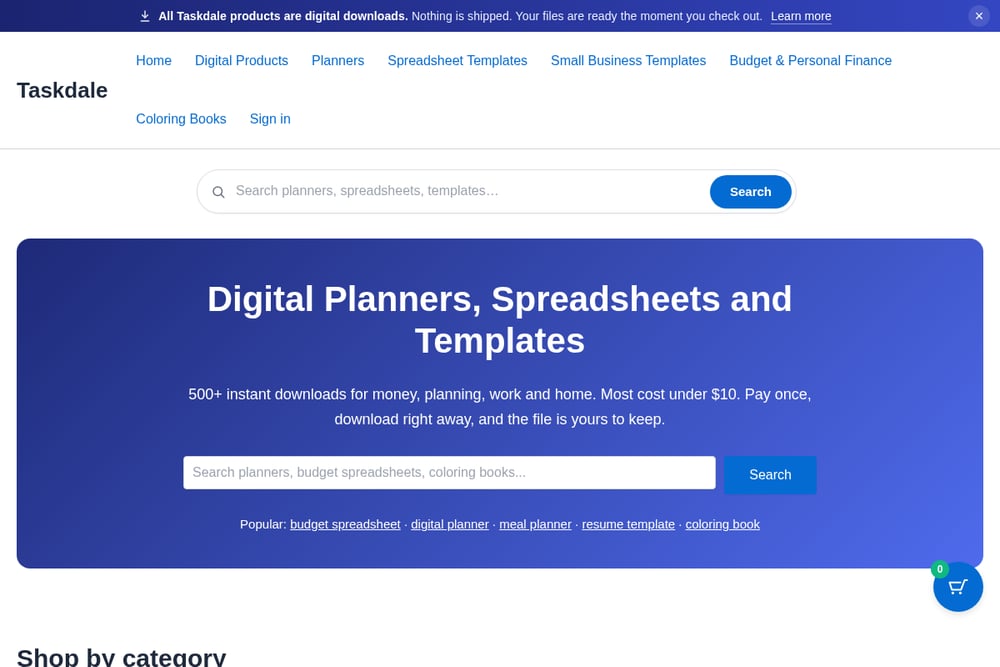 A screenshot of the Taskdale website.
Taskdale runs a broad digital download store, and its spreadsheet section covers Excel and Google Sheets templates for bookkeeping, accounting, and financial models. If you want to browse a catalog and pick a template that matches your exact niche, this is the widest selection on the list. The trade-off is that you're assembling your own system from separate pieces rather than getting one integrated workspace. Everything is an instant download, so there's no shipping wait. It suits owners who like choice and don't mind a bit of curation.
#2 ELQAVIENNE — Financial Operations for Small Business
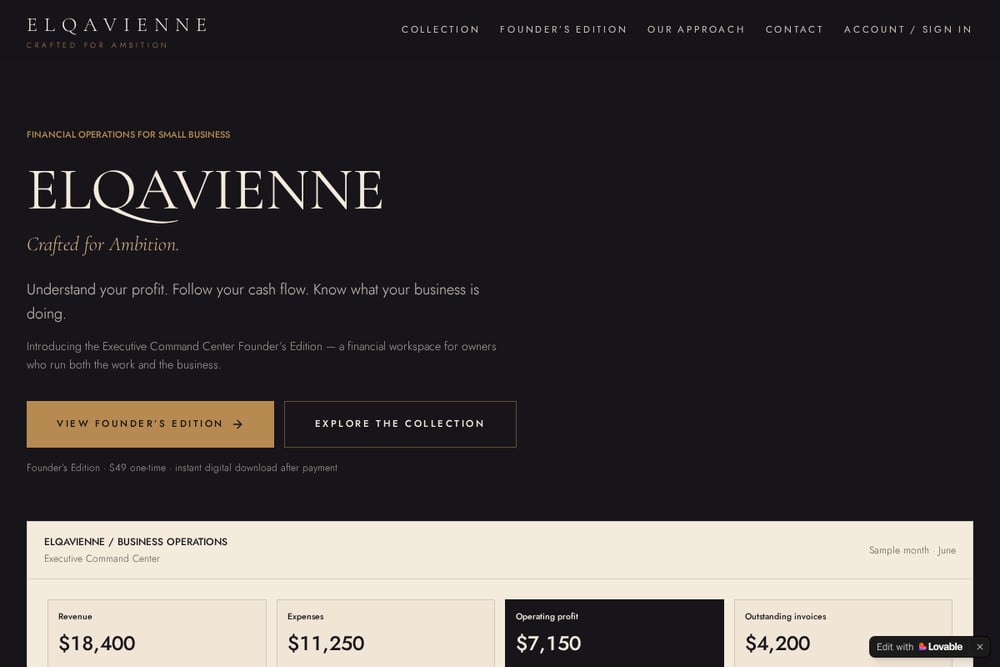 A screenshot of the ELQAVIENNE — Financial Operations for Small Business website.
ELQAVIENNE sells the Executive Command Center Founder's Edition, a $49 one-time workbook specification built for Excel and Google Sheets. It's organized around the questions owners actually ask: are we profitable, where is the cash, what are we spending, and what is still owed. You get an executive dashboard, transaction and invoice trackers, and two guides combined into one PDF, delivered as a ZIP from your account after payment. The owner reports successful tests in both Excel and Sheets, and the product is positioned for people who run both the work and the business. It's the most focused option here for a solo owner who wants one workspace instead of a stack of templates.
#3 Coefficient
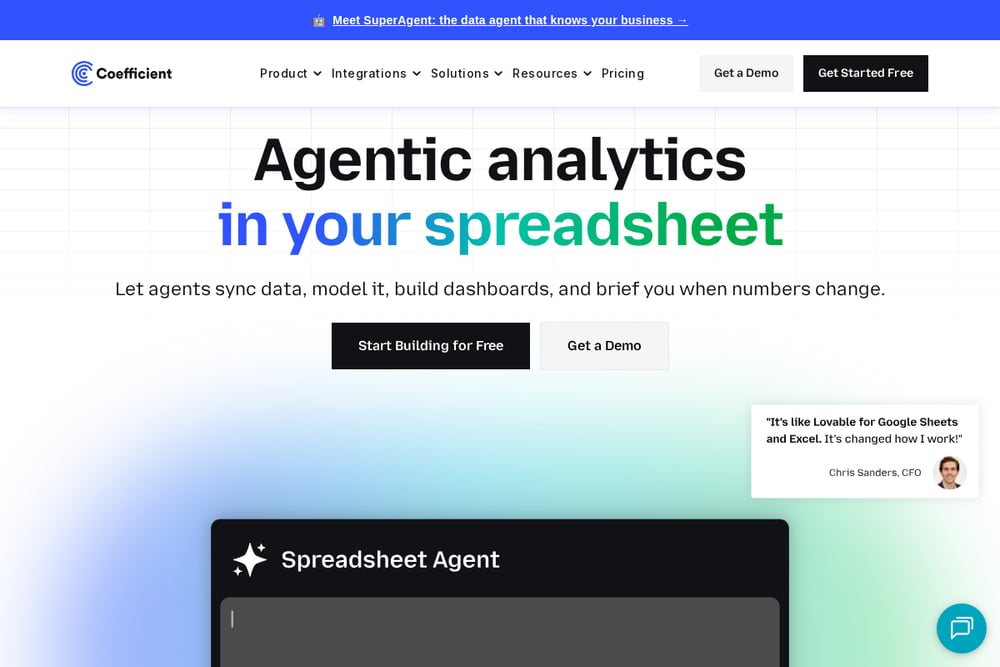 A screenshot of the Coefficient website.
Coefficient takes a different approach: instead of a static workbook, it connects your business systems to Google Sheets and Excel so dashboards update from live data. Its template gallery includes 120+ pre-built dashboards spanning finance, sales, and marketing, with one-click connectors for tools like QuickBooks, Stripe, and Shopify. That's powerful if your numbers already live in other software. The catch is that it's a platform with a free tier and paid plans, so you're committing to a subscription and a setup process rather than a one-time download. For owners with connected systems, the automation payoff is real.
#4 Coupler.io
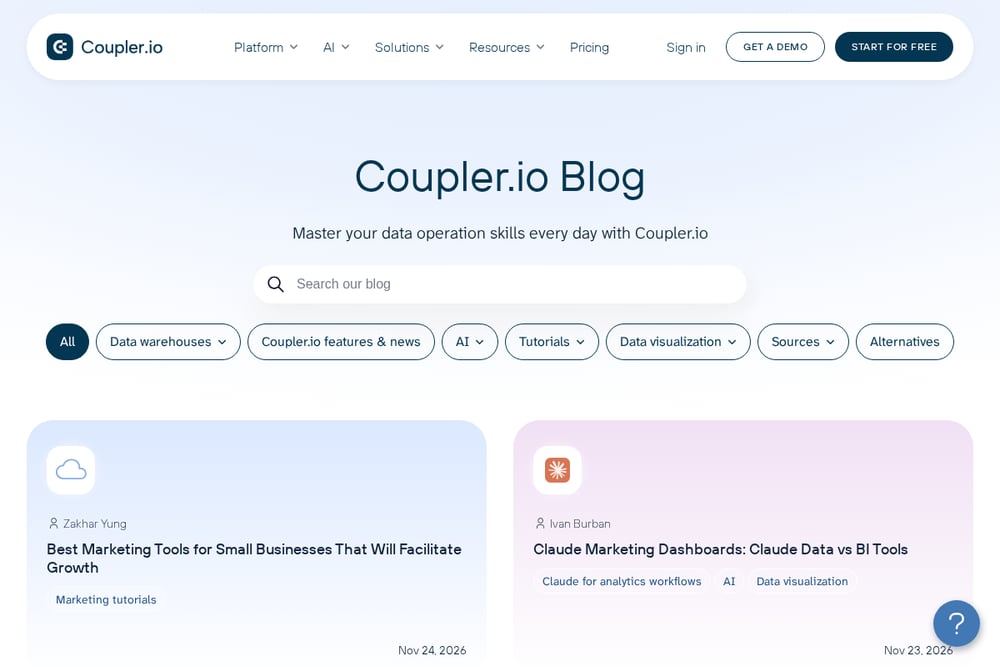 A screenshot of the Coupler.io website.
Coupler.io is a data pipeline tool that pulls from 400+ sources into Google Sheets, Excel, and BI platforms, and its blog publishes a well-known roundup of 30 Google Sheets dashboard examples. If you want to build a custom dashboard fed by live data, this gives you the plumbing and the inspiration. It's aimed at users comfortable with data flows, blending, and transformation. Like Coefficient, it's a subscription service rather than a one-time template purchase. Choose it if you enjoy building and want full control over what feeds your dashboard.
#5 Windsor.ai
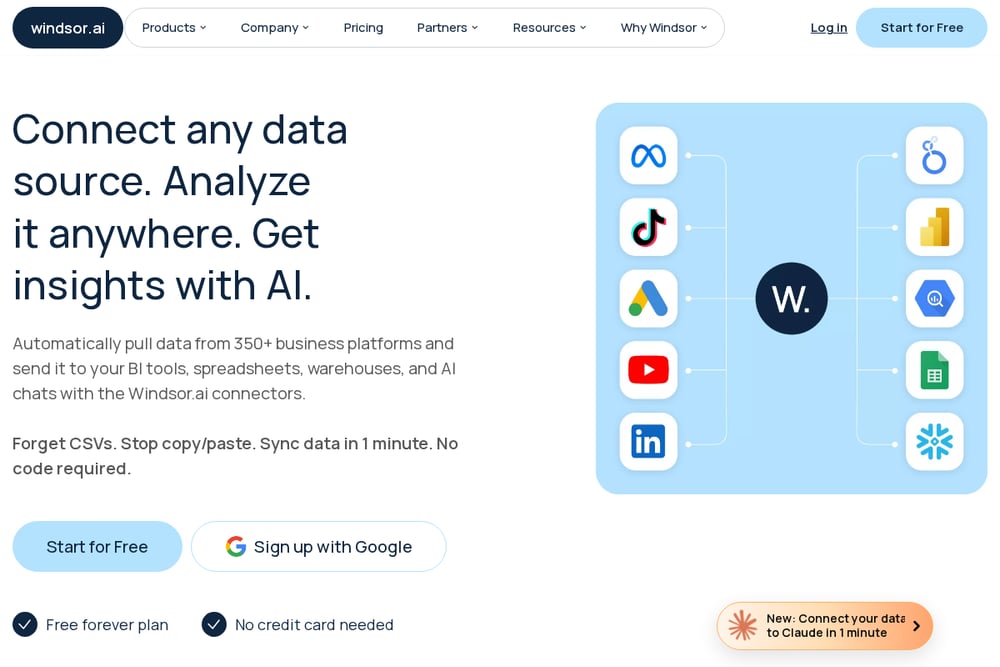 A screenshot of the Windsor.ai website.
Windsor.ai offers a template gallery with free small business dashboard templates for Looker Studio and Google Sheets, including setups that monitor profit and expenses from QuickBooks and track store sales. It's a marketing and data-connector platform at heart, so the templates lean toward connecting ad and commerce sources. That makes it a strong fit if your revenue runs through online channels and you want one place to watch performance. For a service business that just needs a clean profit and invoice view, it's more machinery than necessary. Still, the free templates are a useful starting point.
How to pick the right one for your business
Start with one question: where does your financial data already live? If the answer is "nowhere yet, I just need a structure," a downloadable workbook like ELQAVIENNE or a Taskdale template gets you moving fastest with a one-time cost. If your numbers already sit in QuickBooks, Stripe, or Shopify, a connector platform like Coefficient, Coupler.io, or Windsor.ai can automate the updates. Then weigh setup time against your patience. A $49 workbook you open today beats a subscription you never finish configuring. Finally, check that the tool answers all four owner questions: profit, cash, spending, and outstanding invoices. If it only covers one, you'll be back to stitching spreadsheets together.
A simple workflow to keep your numbers current
Whichever option you choose, set a weekly rhythm. Block 30 minutes every Friday to log transactions and update invoice statuses. Reconcile your bank balance against the workbook once a month. Review the dashboard before any pricing or hiring decision, not after. If you use a connector tool, schedule the data refresh to run automatically each morning so your dashboard is never stale. The goal isn't perfect bookkeeping; it's knowing your operating profit and outstanding invoices before they surprise you.
The bottom line
There's no single winner here, because the right pick depends on how your data already flows. If you want a focused, one-time workspace built around owner questions, ELQAVIENNE's Founder's Edition is the most direct route. If you want breadth, Taskdale has the catalog. If you want live, automated dashboards, Coefficient, Coupler.io, and Windsor.ai each bring real power at the cost of a subscription and some setup. Pick the one that matches your patience and your existing systems, then commit to the weekly habit that makes any of them work.