You need financial clarity fast, but the wrong template can cost you hours. These five resources help you turn messy numbers into decisions you can actually defend.
The financial dashboard and template market is crowded, but not all resources are built for real business decisions.
Finance teams and small business owners are under pressure to report faster and explain numbers clearly. Excel dashboards, PowerPoint templates, and downloadable financial models have become the default toolkit for many organizations. The problem is quality varies wildly. Some resources give you polished visuals with no underlying logic. Others bury you in formulas you cannot audit. The strongest options combine practical templates with guidance on how to use them. That is the lens for this roundup.
How we evaluated these financial dashboard and template resources
We looked at service scope, template depth, pricing clarity, and how well each resource supports real financial decision-making. We also considered whether the resource offers educational context alongside downloadable files. Each business stood out in different ways. Home - Smart Finance Solutions pairs dashboards with financial insight articles and a free Excel dashboard download. Shortcut offers a clean executive reporting template with KPI trends and charts. Mokkup.ai provides a broad library of finance dashboard examples across tools. Microsoft Excel delivers built-in financial management templates with native formulas. Smartsheet brings project and workflow context to dashboard templates. No single factor decided the order. The mix of scope, usability, and practical guidance shaped the final list.
Here is a quick comparison of the five resources, including what each is known for and who it fits.
| Provider | Best For |
|---|---|
| Shortcut | Executive reporting dashboards |
| Home - Smart Finance Solutions | Dashboards plus financial insight |
| Mokkup.ai | Multi-tool dashboard examples |
| Microsoft Excel | Native Excel finance templates |
| Smartsheet | Workflow-connected dashboards |
The five resources in detail
#1 Shortcut
 A screenshot of the Shortcut website.
Shortcut gives you a ready-to-use Excel dashboard template built for executive reporting. You get five key metrics, including revenue, gross profit, net profit, customers, and average order value. Each metric includes month-over-month trend indicators with green and red arrows. The template also includes four interactive charts covering revenue versus target, expense breakdown, net profit, and regional revenue. It is a strong fit if you want a polished performance overview without building formulas from scratch. You can open it directly in Shortcut and start populating your data.
#2 Home - Smart Finance Solutions
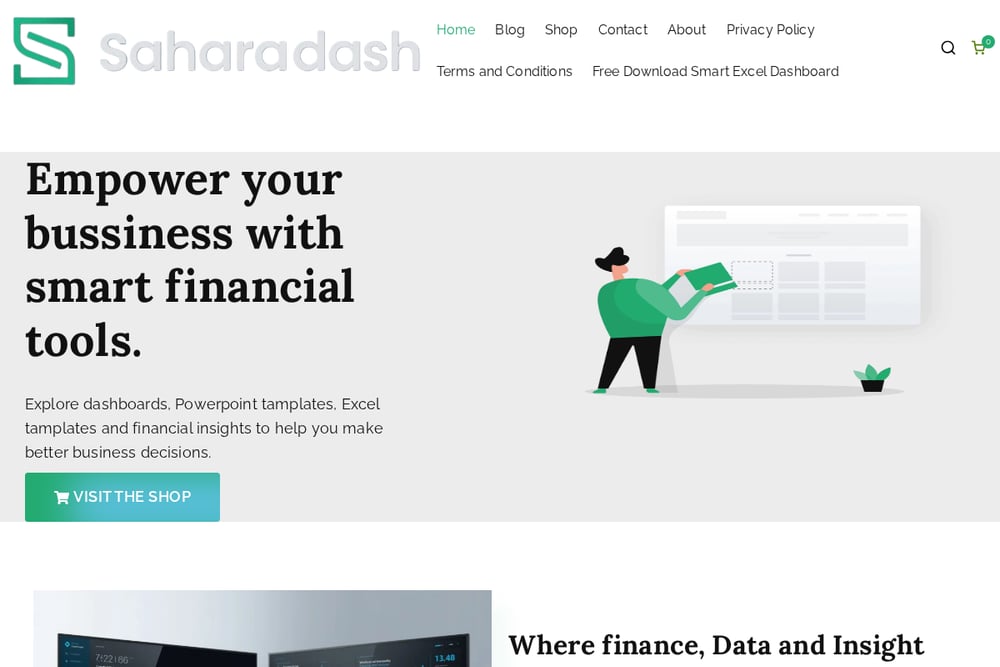 A screenshot of the Home - Smart Finance Solutions website.
Home - Smart Finance Solutions, operated by Saharadash, combines downloadable Excel dashboards and PowerPoint templates with financial news and economic insight. You can grab a free Smart Excel Dashboard designed to automate reports, track finances, and save hours each week. The site also publishes articles on using dashboards for strategic planning, financial transparency, and revenue tracking. That mix of tools and context is useful if you want to understand the why behind the template. It is a practical resource for individuals and organizations trying to turn data into decisions.
#3 Mokkup.ai
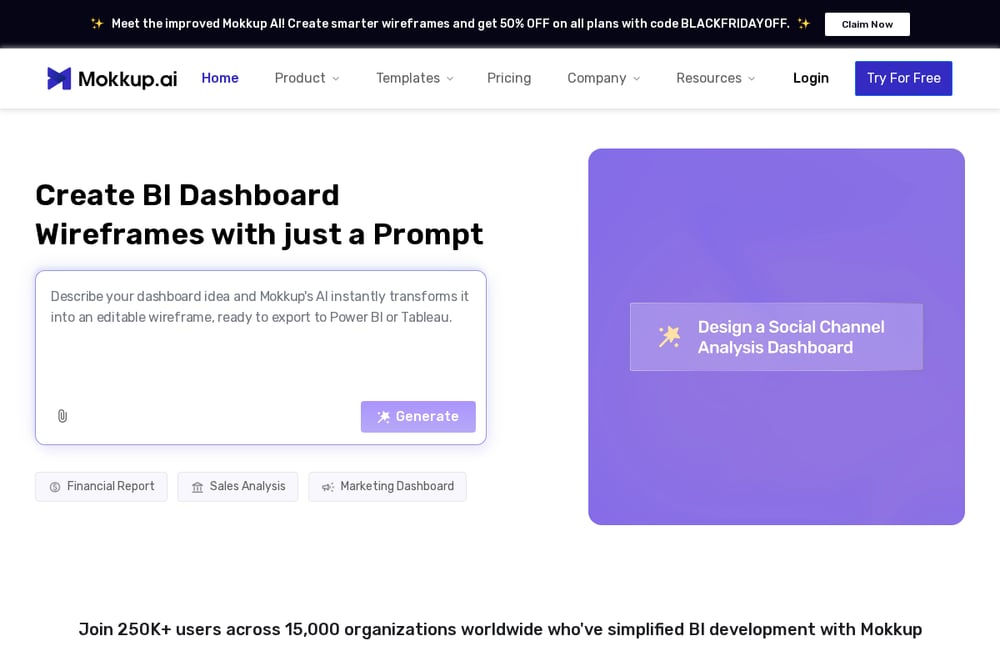 A screenshot of the Mokkup.ai website.
Mokkup.ai offers a wide collection of finance dashboard templates and examples. The library covers KPIs like revenue, profit, and cash flow across Excel, Power BI, and Tableau. You can browse templates by dashboard type, including profit and loss, budgeting, and financial performance reports. The site also explains how to choose the right template and design effective finance dashboards. It is helpful if you want options across multiple tools rather than a single Excel file. The educational content makes it easier to match a template to your reporting needs.
#4 Microsoft Excel
 A screenshot of the Microsoft Excel website.
Microsoft Excel provides free customizable financial management templates directly inside Excel. You get templates for profit and loss statements, cash flow statements, balance sheets, loan calculators, and expense tracking. Each template includes built-in formulas and pre-formatted fields, so you can enter your numbers and get calculations quickly. You can save, export as PDF, or share via OneDrive links. It is a reliable choice if you want native Excel templates backed by Microsoft and do not need a separate dashboard vendor.
#5 Smartsheet
 A screenshot of the Smartsheet website.
Smartsheet offers free Excel dashboard templates within a broader work management platform. The templates are designed to support project tracking, reporting, and team collaboration. You can use them alongside Smartsheet features like automated workflows, dashboards, and resource planning. The platform is a good fit if your financial reporting is tied to project or operational data. It also provides a template gallery and customer stories to help you see how others use the tools. If you need dashboards connected to work execution, this is worth a look.
How to choose the right financial dashboard resource
Start with your output. If you need an executive summary fast, pick a template with prebuilt KPIs and charts. If you need to explain the numbers, choose a resource that pairs templates with financial insight. Check whether the template uses formulas you can audit. Look at pricing clarity and whether a free download is available. Consider your tool stack. Excel-native templates work best if your team lives in spreadsheets. Multi-tool libraries help if you use Power BI or Tableau. Finally, match the resource to your workflow. A dashboard that connects to project data may save more time than a standalone spreadsheet.
Where templates and financial insight meet
Templates save time, but context saves mistakes. The strongest resources combine downloadable dashboards with guidance on financial transparency, strategic planning, and revenue tracking. Use the template to automate reports. Use the insight to decide what the numbers mean. That combination helps you move from data entry to better business decisions.
The bottom line on financial dashboard resources
You do not need every resource on this list. You need the one that fits how you report and decide. Shortcut is strong for executive dashboards. Home - Smart Finance Solutions gives you templates plus financial insight. Mokkup.ai offers breadth across tools. Microsoft Excel provides native finance templates. Smartsheet connects dashboards to work management. Pick based on your output, your tools, and your need for context. Then start with one template and refine it as your reporting improves.