You want clear answers about your money, not another sales pitch. These five calculator platforms give you the math, the formulas, and the freedom to plan on your own terms.
The DIY Financial Planning Boom
More Americans are taking retirement and investing math into their own hands. The rise of the FIRE movement, commission-free brokerages, and self-directed retirement accounts has created huge demand for transparent, no-sign-up calculators. You no longer need a financial advisor to answer basic questions like how much dividend income a portfolio produces or when you can stop saving. The tools in this space compete on breadth of calculators, clarity of assumptions, and how quickly you get an answer without handing over an email address.
How We Evaluated These Calculator Platforms
We looked at the same factors across every platform. First, calculator scope: does the site cover investing, retirement, savings, and pay topics, or just one niche? Second, pricing clarity: are the tools genuinely free, and is there a sign-up wall? Third, transparency: are formulas and assumptions explained, or hidden behind a result? Fourth, usability: does the interface load fast and work without an account? Fifth, independence: does the site push products or stay neutral? Evergreen Calc stood out for its broad catalog and explicit formula explanations. Dividends FIRE impressed with its dividend-specific modeling depth. Money365.Market offered a clean FIRE-focused interface with variant comparisons. Richify showed strong US tax and account awareness. MyFinanceTools delivered a wide tool library with portfolio tracking features.
Here is a quick look at how the five platforms compare on scope, access, and focus. Use this table to spot which one matches your planning style before you dive into the details.
| Provider | Best For |
|---|---|
| Dividends FIRE | Dividend-income FIRE planning |
| Evergreen Calc – Free Investing & FIRE Calculators | All-in-one free calculator coverage |
| Money365.Market | Comparing FIRE variants quickly |
| Richify | US retirement account awareness |
| MyFinanceTools | Multi-tool planning dashboard |
The Five Platforms in Detail
#1 Dividends FIRE
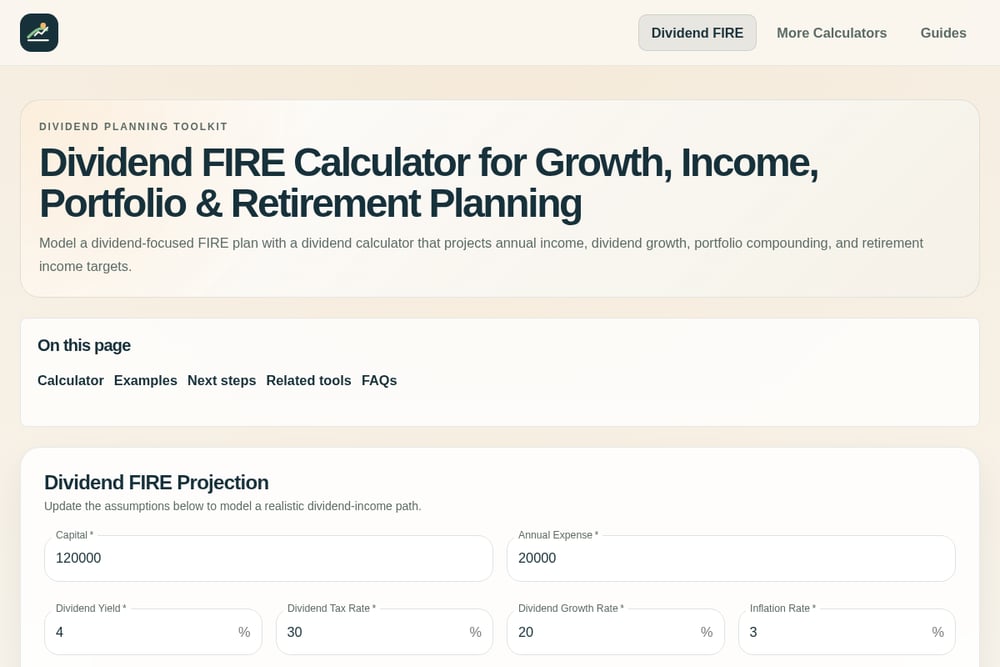 A screenshot of the Dividends FIRE website.
Dividends FIRE is built for one job and does it well: modeling a dividend-focused early retirement plan. You enter capital, annual expenses, dividend yield, tax rate, dividend growth, and inflation, then see a projected timeline to financial independence. The calculator lets you toggle annual dividend reinvestment, which matters if you want to compare compounding paths. It also links out to dividend data sources so you can pressure-test your yield assumptions. The site is upfront that results are planning ranges, not guarantees, and it includes a clear disclaimer. If dividends are the core of your strategy, this is a focused starting point.
#2 Evergreen Calc – Free Investing & FIRE Calculators
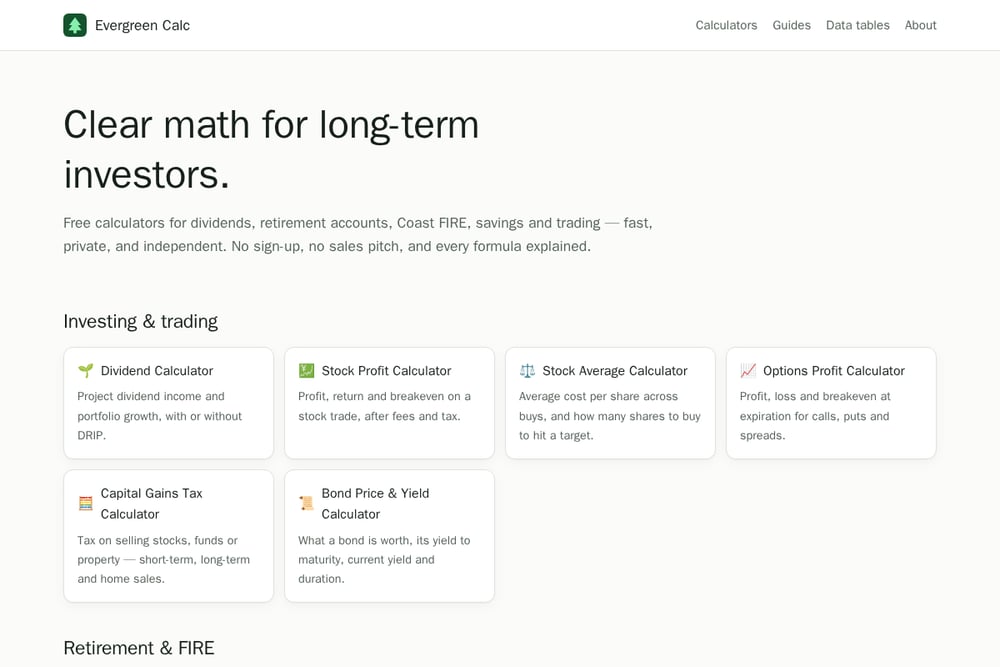 A screenshot of the Evergreen Calc – Free Investing & FIRE Calculators website.
Evergreen Calc takes a different approach: breadth without the sign-up wall. You get calculators for dividends, stock profit, options, capital gains tax, bonds, Coast FIRE, Roth IRA, 401(k) withdrawals, CDs, savings bonds, 529 plans, the Rule of 72, overtime, raises, salary conversion, and bonus taxes. Every formula is explained, so you can see exactly how the result was produced rather than trusting a black box. The site states plainly that there is no sales pitch and no product pushing, which keeps the math independent. It is a strong fit if you want one bookmark that covers both investing and everyday pay questions. The Coast FIRE and 401(k) withdrawal tax tools are especially useful for long-term planners.
#3 Money365.Market
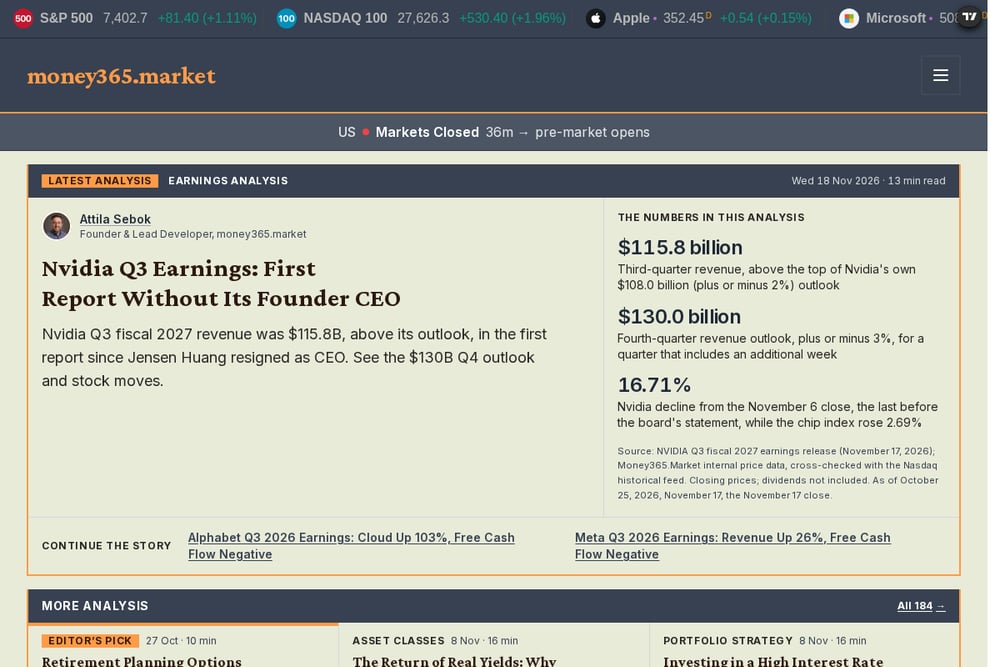 A screenshot of the Money365.Market website.
Money365.Market offers a FIRE calculator that walks you through the core inputs: age, savings, income, expenses, monthly investment, expected return, and withdrawal rate. What sets it apart is the built-in comparison of Lean, Normal, Fat, and Coast FIRE variants side by side. You see your FIRE number, savings rate, progress percentage, and a year-by-year portfolio projection in one view. The interface is clean and the results update as you adjust assumptions. It is a practical choice if you want to see how different FIRE lifestyles change your target number.
#4 Richify
 A screenshot of the Richify website.
Richify brings US-specific retirement details into its FIRE calculator. It factors in 401(k), IRA, Roth, and Social Security, and it explains the 10% early-withdrawal penalty and SEPP/72(t) exceptions. The tool shows Lean, Regular, and Fat FIRE targets alongside your projected FIRE age. It also runs what-if scenarios, such as saving more per month or spending less per year, and shows how many years each change could shave off your timeline. The site emphasizes that results run in your browser with no sign-up. If you want a FIRE calculator that speaks the language of US retirement accounts, this is worth a look.
#5 MyFinanceTools
MyFinanceTools is a broader financial toolkit with a dedicated financial independence calculator. It sits alongside compound interest, investment return, savings goal, and Coast FIRE calculators, plus portfolio tracking and goal planning features. The site covers multiple countries and languages, which makes it useful if your planning crosses borders. You can move from a FIRE number to a savings goal or a portfolio tracker without leaving the platform. The trade-off is that the FIRE tool is one piece of a larger product, so the experience is less laser-focused than single-purpose sites. It suits you if you want a dashboard-style home for multiple planning tasks.
How to Pick the Right Calculator for You
Start with the question you are actually trying to answer. If you want to know when dividend income can cover your expenses, a dividend-specific tool gives you the right levers. If you need a quick answer on a 401(k) withdrawal penalty or a raise after inflation, you want a broad catalog with explained formulas. Check whether the site requires an account; a no-sign-up policy saves time and keeps your data private. Look for transparency: does the tool show its assumptions, or just a number? Finally, consider whether you want a single-purpose calculator or a dashboard that ties several planning tasks together. Match the tool to your workflow, not the other way around.
Building a Repeatable Planning Routine
You do not need to run every calculation manually each month. Set a recurring calendar reminder to revisit your core numbers: portfolio value, annual expenses, savings rate, and expected return. Use a FIRE calculator to update your timeline, then check a dividend or withdrawal calculator to see how income projections shift. Keep a simple spreadsheet log of your assumptions so you can spot when a change is real versus noise. If a platform offers what-if scenarios, run one or two each quarter to see how small behavior changes affect your date. The goal is a lightweight loop: update inputs, compare outputs, adjust one variable, repeat.
The Bottom Line on DIY Financial Calculators
The best calculator is the one you will actually use. Dividends FIRE gives dividend-focused planners a deep, honest model. Evergreen Calc covers the widest range of investing, retirement, savings, and pay questions with explained formulas and no sign-up. Money365.Market makes FIRE variant comparison easy. Richify adds US retirement account context and what-if scenarios. MyFinanceTools offers a broader dashboard for multi-task planning. Try two or three, see which interface clicks with how you think, and keep the one that answers your questions fastest.