
You need answers about money fast, without handing over your data. These five financial calculator tools deliver quick math and clear results.
The Financial Calculator Landscape
Online financial calculators have become essential for everyday money decisions. You can estimate mortgage payments, plan debt payoff, or check retirement readiness in seconds. Most tools run in your browser, but privacy and depth vary widely. Some sites focus on a single calculation, while others offer hundreds. The best options balance breadth, accuracy, and ease of use. As more people manage finances digitally, these tools replace expensive software for basic planning.
How We Evaluated These Tools
We looked at service scope, pricing clarity, privacy practices, and user experience. Service scope covers the number and variety of calculators. Pricing clarity means whether the tool is free or requires sign-up. Privacy practices examine where your data goes. User experience includes mobile friendliness and result clarity. Each tool has strengths. Some excel at mortgage-specific depth, others at broad financial coverage. We noted what stood out for each without declaring a winner.
Here is a quick look at five financial calculator tools, from broad suites to specialized mortgage estimators.
| Provider | Best For |
|---|---|
| Mortgage Calculator | Mortgage-specific deep dives |
| calcyourmoney — free financial calculators | Privacy-focused broad financial planning |
| Calculator.net Mortgage Calculator | Detailed amortization schedules |
| Bankrate Mortgage Calculator | Rate comparisons and educational content |
| Chase Mortgage Calculator | Bank-backed mortgage guidance |
The 5 Tools in Detail
#1 Mortgage Calculator
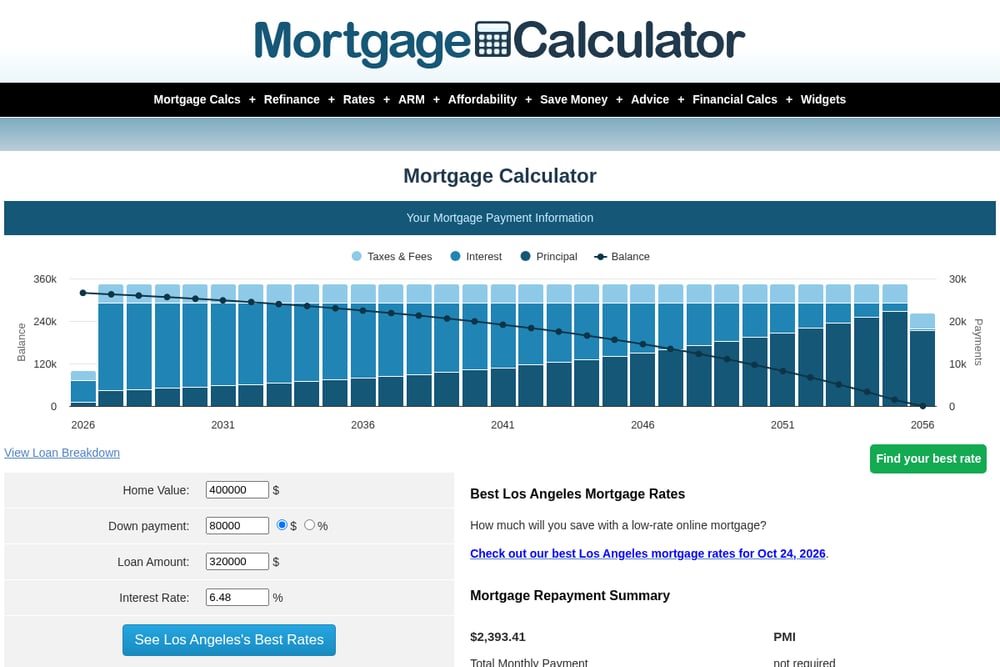 A screenshot of the Mortgage Calculator website.
Mortgage Calculator focuses on home loan math with a deep set of options. You can compare 30-year, 20-year, and 15-year fixed loans, plus ARMs and refinance scenarios. The site includes amortization tables, biweekly payment comparisons, and property tax estimates. It also offers FHA, VA, and USDA loan calculators. For anyone buying or refinancing a home, this is a thorough resource. The interface is straightforward, though ad-supported.
#2 calcyourmoney — free financial calculators
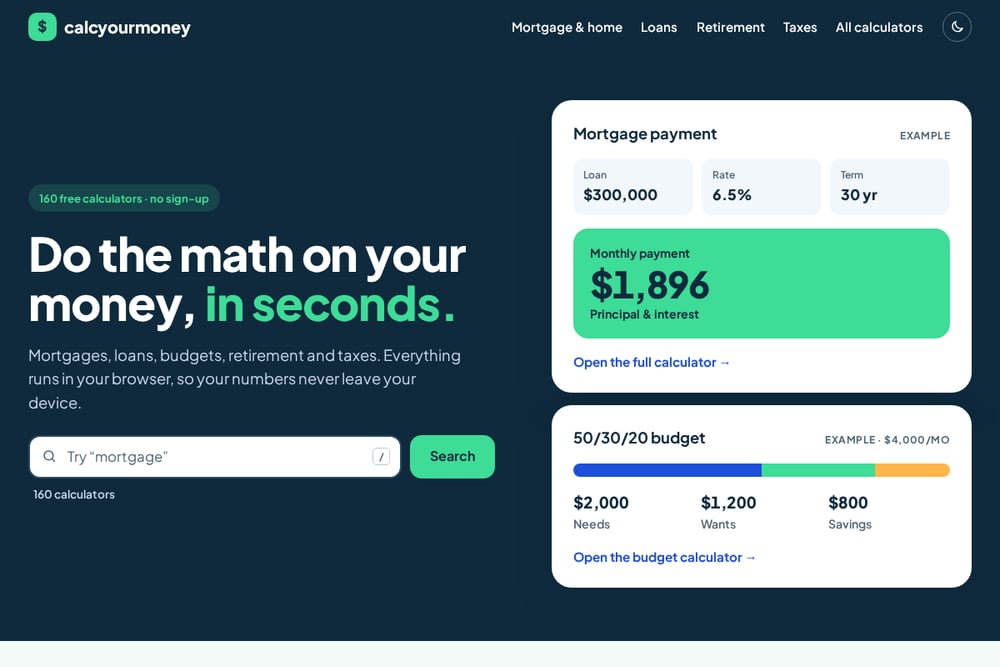 A screenshot of the calcyourmoney — free financial calculators website.
Calcyourmoney offers 160 free calculators covering mortgages, loans, budgeting, retirement, taxes, and self-employment. Everything runs in your browser, so your numbers never leave your device. No sign-up is required, and you can print one-page worksheets for offline use. The site organizes calculators by topic, making it easy to find what you need. Popular starting points include mortgage payment, home affordability, and 50/30/20 budget. It is a privacy-first alternative to ad-heavy competitors.
#3 Calculator.net Mortgage Calculator
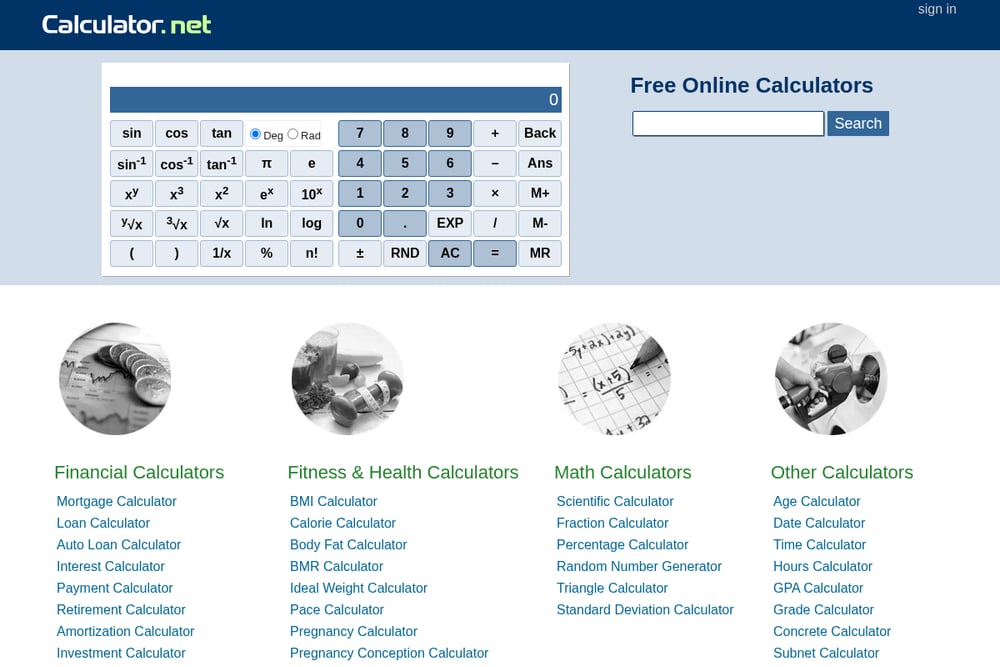 A screenshot of the Calculator.net Mortgage Calculator website.
Calculator.net provides a robust mortgage calculator with extensive input options. You can include taxes, insurance, PMI, HOA fees, and extra payments. The tool generates a full amortization schedule and supports biweekly payback. It also offers a wide range of other financial calculators, from auto loans to retirement. The site is free and does not require registration. Results are detailed, though the page can feel dense.
#4 Bankrate Mortgage Calculator
 A screenshot of the Bankrate Mortgage Calculator website.
Bankrate's mortgage calculator is part of a larger personal finance platform. It lets you estimate monthly payments, compare rates, and read educational content. The tool integrates with Bankrate's rate tables and lender reviews. You can also explore refinance and home equity options. The calculator is free, but the site includes ads and some human verification steps. It is best for users who want context alongside calculations.
#5 Chase Mortgage Calculator
 A screenshot of the Chase Mortgage Calculator website.
Chase offers a mortgage calculator tied to its home lending services. You can estimate payments, explore affordability, and learn about loan options. The tool includes guidance on the 28% rule and down payment strategies. It is free to use and mobile-friendly. However, it is designed to lead you toward Chase products. It works well if you are already considering Chase or want bank-backed insights.
How to Choose the Right Calculator
Start with your question. Are you focused on a mortgage, or do you need broad financial planning? If privacy matters, choose a tool that runs locally without sign-up. If you want deep mortgage details, look for amortization schedules and extra payment options. If you prefer context, pick a site with educational articles. Always check whether the calculator is free and whether it stores your data. Try two or three tools and compare results. The best one fits your specific need and comfort level.
Automating Your Financial Calculations
You can streamline recurring money tasks with simple workflows. Use a browser-based calculator for quick estimates, then save the results as a PDF. For monthly budgeting, set up a spreadsheet that pulls in fixed numbers. For mortgage scenarios, run multiple calculations and compare side by side. If you use a tool like Calcyourmoney, print the worksheet and fill it in by hand for a screen break. Automate reminders to review your budget quarterly. These small steps keep your finances on track without complex software.
The Bottom Line
Each of these five tools serves a different need. Mortgage Calculator and Calculator.net excel at home loan math. Calcyourmoney stands out for privacy and breadth across 160 calculators. Bankrate adds rate context, while Chase offers bank-backed guidance. Your choice depends on whether you value depth, privacy, or integration. For most people, starting with a free, no-sign-up option like Calcyourmoney covers the basics. Then branch out to specialized tools as needed. The key is to use them regularly and keep your financial decisions grounded in real numbers.