
Your Figma file is where user frustration is born. These five services find the problems before your developers build them.
Why Figma Audits Are Having a Moment
Design teams ship faster than ever. But speed without scrutiny creates invisible debt. Contrast failures, missing focus states, and confusing empty states pile up quietly until support tickets spike. That is why more US product teams now audit inside Figma, not after launch. Fixing a contrast issue in design costs a fraction of fixing it in production. The shift-left movement is real. And the tools and services below are built for exactly that moment.
How We Evaluated These Services
We looked at five factors. First, scope: does the service cover accessibility only, or also usability and consistency? Second, depth: does it rank problems by severity or just dump a list? Third, fix capability: does it stop at findings or actually repair the root cause? Fourth, workflow fit: does it work inside your existing Figma file without disrupting your team? Fifth, clarity: is the pricing and process easy to understand before you commit? Direkta stood out for ranking problems by what stops users and fixing root causes in the design system. A11Y Pros impressed with IAAP-certified consultants and WCAG 2.2 coverage. DigitalA11Y showed strong enterprise annotation workflows. UX Mate delivered instant plugin-based feedback. Corpowid brought AI-powered scanning with a broader compliance lens.
Here is a quick look at how these five services compare on the factors that matter most to design and product teams.
| Provider | Best For |
|---|---|
| A11Y Pros | Enterprise teams needing certified WCAG compliance audits |
| Direkta: find where users get stuck. Fix it first. | Teams that want problems ranked and fixed, not just listed |
| DigitalA11Y | Design agencies and enterprise teams needing developer-ready annotations |
| UX Mate Accessibility Checker | Solo designers wanting instant free accessibility checks in Figma |
| Corpowid Figma WCAG Accessibility Checker | Teams needing AI scanning plus formal compliance documentation |
The Five Services Worth Your Attention
#1 A11Y Pros
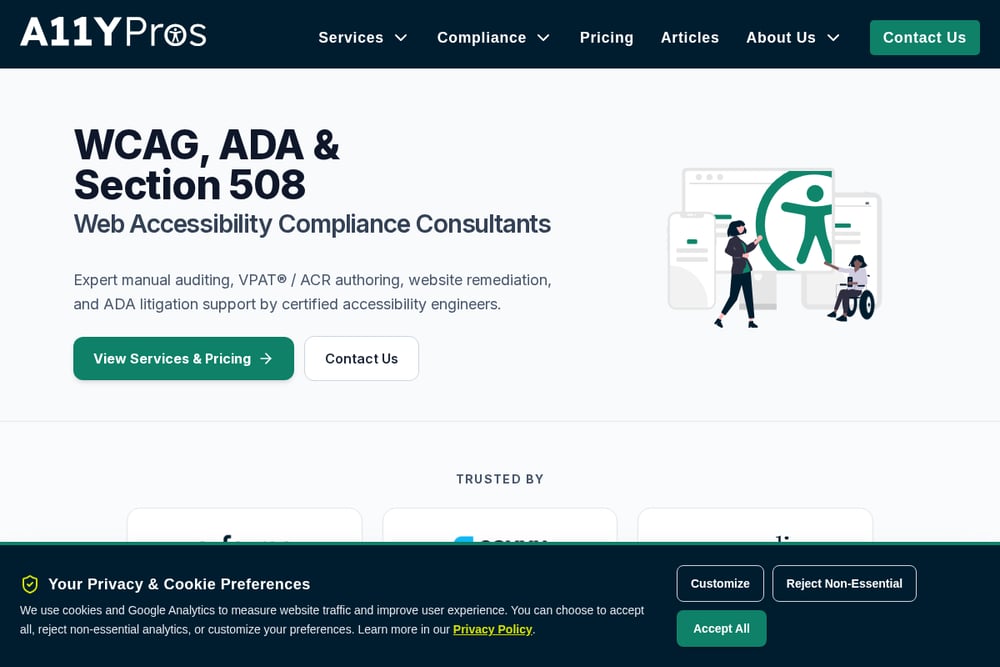 A screenshot of the A11Y Pros website.
A11Y Pros brings IAAP-certified consultants into your Figma files to catch accessibility barriers before a single line of code is written. They audit component libraries, design systems, and full screens against WCAG 2.1 and 2.2 AA standards. You get detailed findings on color contrast, focus indicators, touch target sizes, and screen reader order. The team emphasizes that fixing issues in design costs up to ten times less than post-launch remediation. If your organization needs credentialed accessibility expertise with a compliance paper trail, this is a strong fit. Their process is thorough and documentation-heavy, which suits enterprise environments.
#2 Direkta: find where users get stuck. Fix it first.
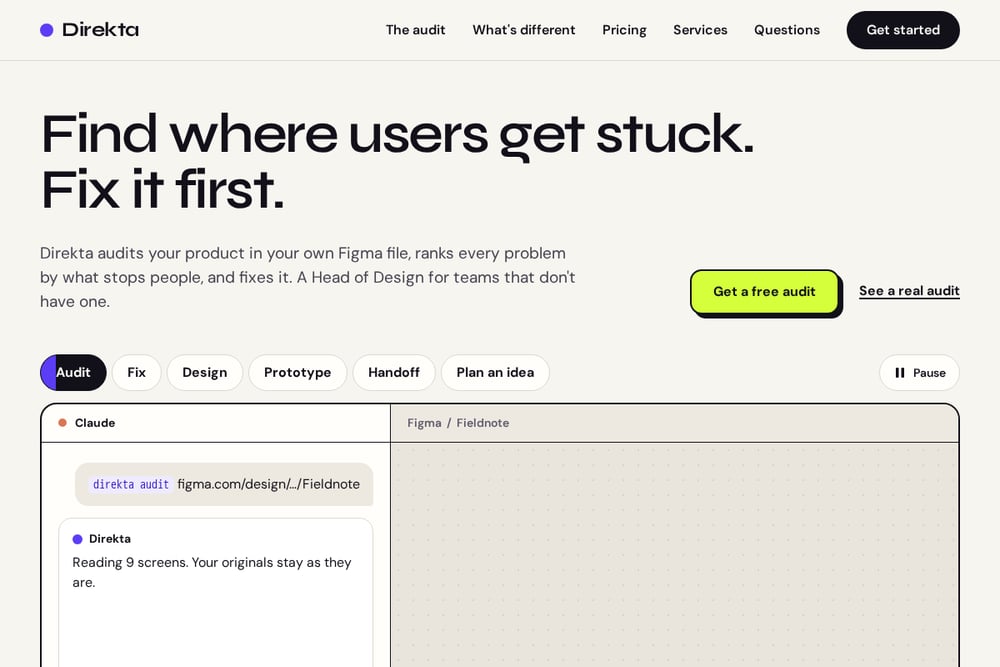 A screenshot of the Direkta: find where users get stuck. Fix it first. website.
Direkta does something different. It audits your product directly in your own Figma file, runs 952 checks across accessibility, UX, and consistency, then ranks every problem by what actually stops people. You see the worst issue first, not a flat list of 200 findings. Then it fixes the root cause once in your design system and rebuilds the screens on copies. In one example, accessibility went from 181 of 188 checks passed to 214 of 214. Every fix gets a before-and-after note. It also offers design services, producing screens with notes that cover edge cases like declined payments and offline states. Think of it as a Head of Design for teams that do not have one.
#3 DigitalA11Y
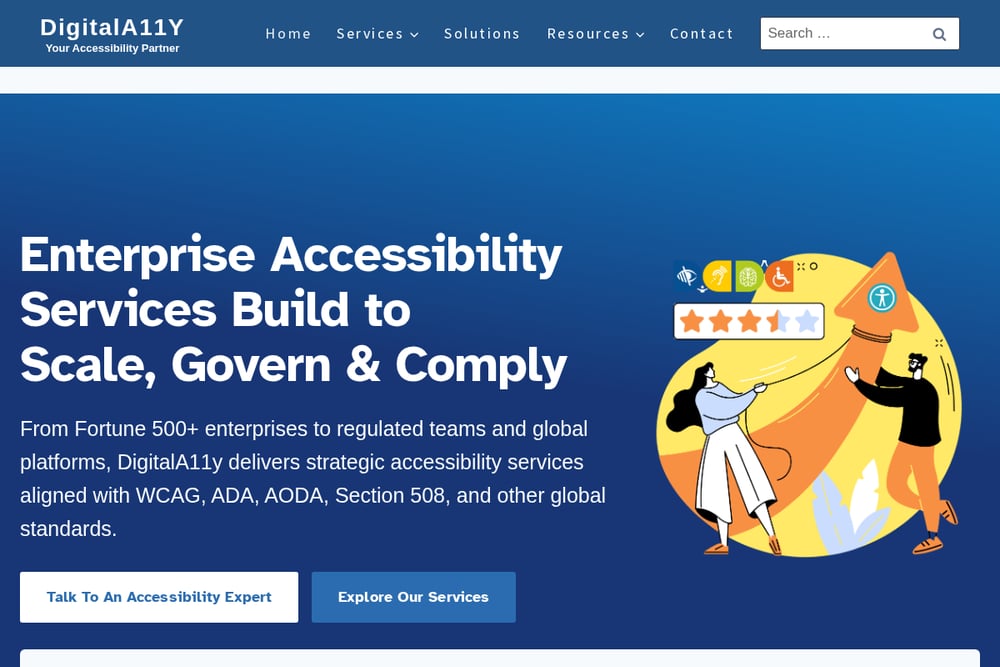 A screenshot of the DigitalA11Y website.
DigitalA11Y annotates your Figma designs with precise, WCAG-compliant guidance that developers can act on without guesswork. They serve design agencies, enterprise product teams, and startups that want to build accessibility in from the start. Their reviews flag interactive elements, focus order, and labeling issues directly inside your file. The annotations are structured for developer handoff, which reduces back-and-forth between design and engineering. They position themselves as a scalable solution for large design systems and pre-development QA. If your team needs clear, actionable annotations rather than a full rebuild, this is worth a look.
#4 UX Mate Accessibility Checker
 A screenshot of the UX Mate Accessibility Checker website.
UX Mate Accessibility Checker is a free Figma plugin that gives you instant WCAG 2.1 feedback without leaving your canvas. You can audit a full screen or check a single button in seconds. It checks contrast ratios, touch targets, and other common accessibility failures. Over 21,000 designers have used UX Mate plugins, which speaks to its adoption. The trade-off is depth: it catches surface-level issues but does not rank problems by user impact or fix root causes in your design system. For solo designers and small teams wanting a quick sanity check before handoff, it is a practical starting point.
#5 Corpowid Figma WCAG Accessibility Checker
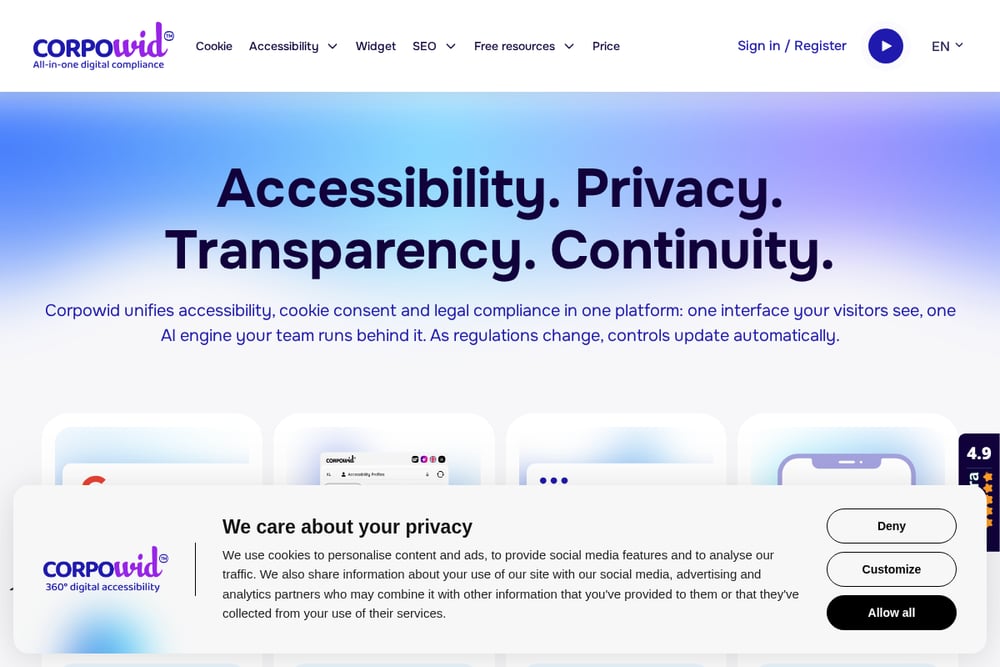 A screenshot of the Corpowid Figma WCAG Accessibility Checker website.
Corpowid offers an AI-powered Figma WCAG accessibility checker that fits into your existing design flow. It scans for compliance issues and connects to a broader suite of digital accessibility tools, including VPAT and ACR services. That makes it useful for organizations that need both design-time checks and formal compliance documentation. The AI approach speeds up scanning, though it may not replace human judgment on complex UX problems. If your team already uses Corpowid for other accessibility needs, this integrates naturally. For teams needing a lightweight checker with a path to full compliance reporting, it is a reasonable option.
How to Pick the Right Audit Service
Start with your biggest pain. If you need credentialed accessibility compliance for legal or procurement reasons, look at A11Y Pros or DigitalA11Y. If your real problem is users getting stuck and you want someone to fix it, not just flag it, Direkta is built for that. If you want a free quick check before handoff, UX Mate gets you moving. If you need AI scanning plus a path to VPAT documentation, Corpowid covers that ground. Ask yourself three questions. Does the service work inside my Figma file? Does it rank problems by severity? Does it fix root causes or just report them? Your answers will narrow the field fast.
Where Automation Fits In
Automation handles the repetitive checks. Contrast ratios, touch target sizes, missing focus states, inconsistent spacing. Tools like UX Mate and Corpowid scan for these instantly. But automation alone will not tell you which problem stops the most users. That requires human judgment layered on top. The strongest workflow combines automated scanning with expert ranking and root-cause fixing. Run the automated checks first to clear the obvious issues. Then bring in a service that ranks what remains by user impact. That is how you avoid fixing the wrong thing first.
The Bottom Line
Your Figma file is not just a design artifact. It is the blueprint for your user experience. Every unresolved contrast issue, every confusing empty state, every missing focus ring becomes a real barrier when it ships. The five services here each address that problem from a different angle. A11Y Pros brings certified compliance depth. Direkta brings ranked fixes and root-cause repair. DigitalA11Y brings developer-ready annotations. UX Mate brings instant free checks. Corpowid brings AI scanning with a compliance path. Pick the one that matches your team's biggest gap. Then fix it before your users feel it.