
Logging your own food is one thing. Logging it for a partner, two kids, and a guest at Sunday dinner is a different job entirely. These five apps each take a swing at making that easier.
Where household nutrition tracking stands right now
Photo-based calorie logging has gone mainstream. Point your camera at a plate and most modern apps will hand you calories, carbs, protein, and fat in seconds, which has pulled a lot of people back into tracking who quit during the database-search era. The catch is that almost all of these tools are built for one person. They assume a single diary, a single goal, and a single set of macros. Households have had to improvise, sharing one login or keeping separate accounts and comparing notes. A newer wave of apps is starting to treat the table as the unit, with per-person logs, shared recipes, and guest access. Pricing is drifting toward freemium with photo caps, and verified food databases remain the quiet differentiator behind accuracy claims.
How we looked at these apps
We weighed each app on the same factors. Scope mattered: does it handle one person or a whole household, and does it cover water and recipes alongside food? We looked at how logging actually happens, whether that is a photo, a barcode, a weight in grams, or a serving size, and how editable the estimates are afterward. Pricing clarity got a hard look, including what the free tier really allows and whether subscription terms are stated plainly. We also considered platform coverage across web, Android, and iPhone, plus how well each app fits a US household juggling different goals at one table. Finally, we noted how each handles accuracy, whether through staff-verified databases or published recognition research.
Here is the short version before the detail. Each entry below covers what the app does well, who it suits, and where it fits in a household routine.
| Provider | Best For |
|---|---|
| Cal AI | Solo trackers who want photo-first speed |
| Every Helping: food tracker for everyone at your table | Households cooking and eating together |
| MyNetDiary | Detail hounds who want verified nutrition data |
| SNAQ | Glucose-aware eaters and GLP-1 users |
| Calorie Mama AI | iPhone users who like recognition-based logging |
The five apps, one by one
#1 Cal AI
 A screenshot of the Cal AI website.
Cal AI leans hard into speed. You snap a photo and the app identifies the meal, including complex homemade dishes, fast food, and packaged items read straight from a barcode. The macro and protein tracking is aimed squarely at people chasing a calorie deficit or building muscle, with a calorie deficit calculator doing the math for you. It has pulled in over a million downloads and carries a 4.4-star rating across 272K reviews on Google Play, which tells you the photo-first approach resonates. The tradeoff is that it is a personal tracker at heart, so a household ends up running separate accounts. If you want the fastest possible single-user log, this is the one to try first.
#2 Every Helping: food tracker for everyone at your table
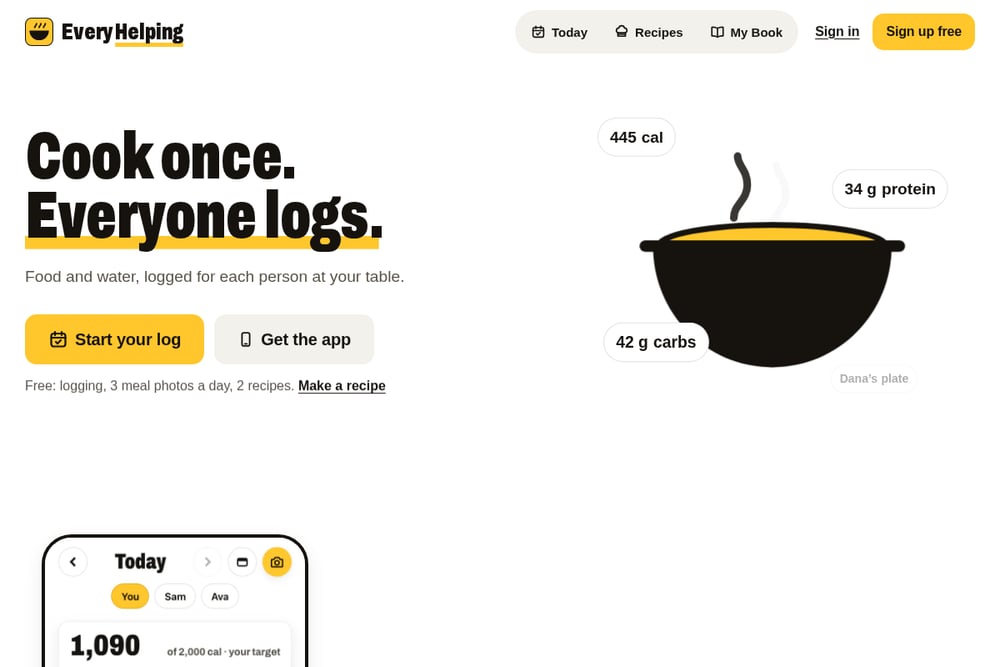 A screenshot of the Every Helping website.
Every Helping is the only app here built around the table rather than the individual. You pick who is eating, weigh the pot, and each person logs their own plate by weight or servings, so one cooked meal produces three or four accurate entries instead of one guess. Meal photos return calories, carbs, protein, and fat in seconds and everything stays editable. Guests can scan the table and log their portion without installing anything, and the recipe you cooked collects everyone's photos afterward. The free tier covers logging, three meal photos a day, and two recipes, with paid plans sold in the US on the website and available in-app elsewhere. It runs on the web and Android, with iPhone in beta.
#3 MyNetDiary
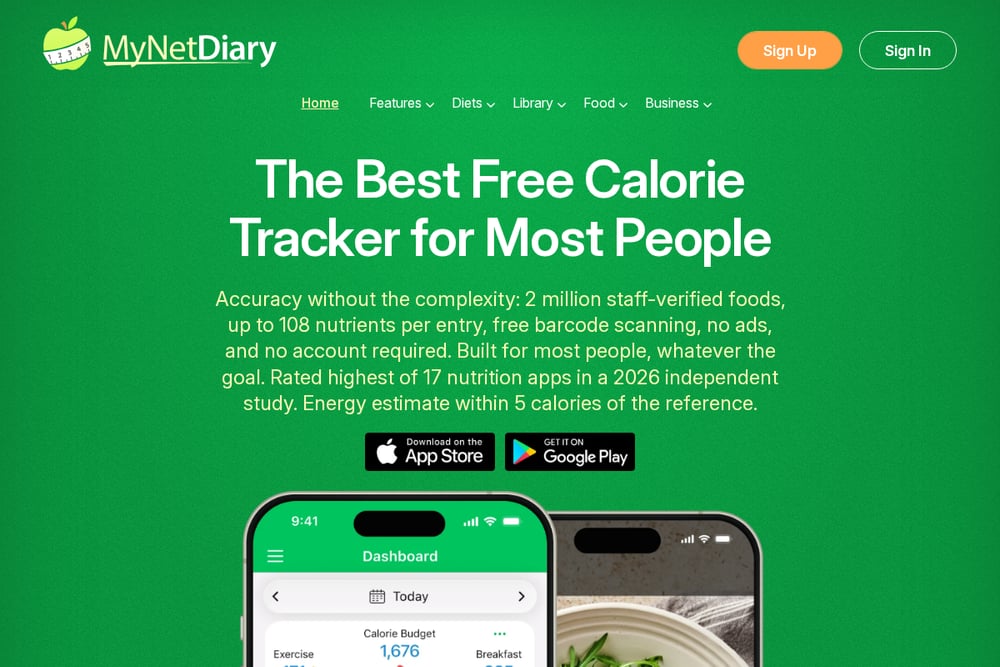 A screenshot of the MyNetDiary website.
MyNetDiary wins on data depth. Its staff-verified database covers over two million foods with up to 108 nutrients per entry, reviewed and updated at a rate of 2,500 to 3,500 items daily, and it is built on USDA and NCC research-grade sources. Barcode scanning is free, there are no ads, and you can start without an account. An independent 2026 study placed it highest among 17 nutrition apps, with energy estimates landing within five calories of the reference. It is a serious tool for anyone who cares about micronutrients, not just macros, though the household angle is thinner than Every Helping's.
#4 SNAQ
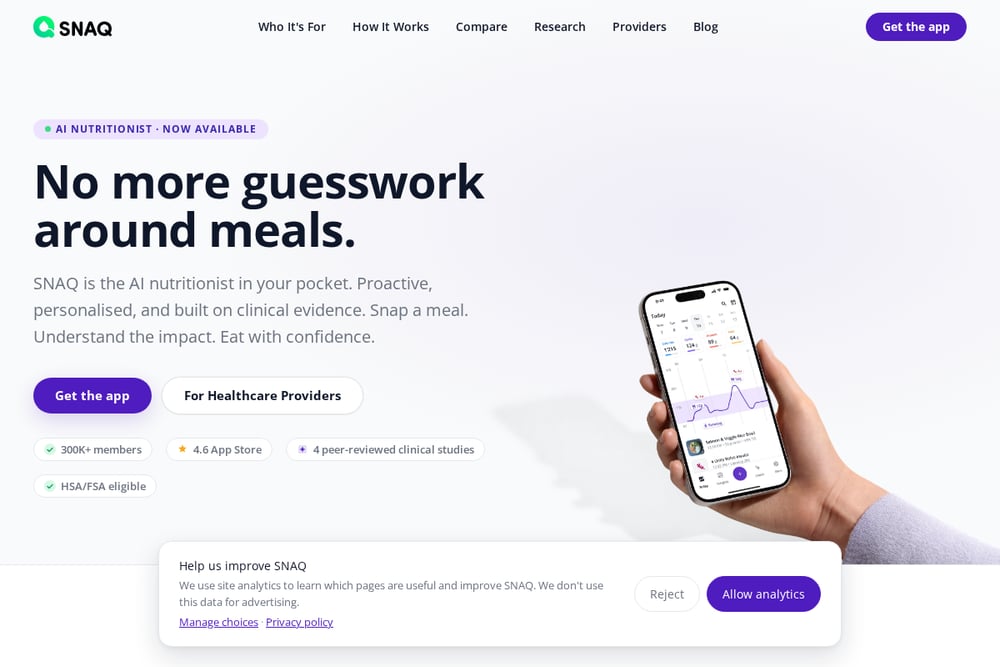 A screenshot of the SNAQ website.
SNAQ starts from a blunt observation: most people quit calorie counting within weeks, and data entry is the reason. So it logs a meal from a single photo and returns calories, carbs, protein, fat, and fibre in seconds, with voice, barcode, nutrition-label, and saved-meal options alongside. You can set daily targets for any nutrient or skip targets entirely, and every estimate is editable. It pairs with CGMs like Dexcom and FreeStyle Libre to show how a meal relates to your glucose, which is a meaningful edge for anyone on a GLP-1 or watching blood sugar. Its meal recognition has been evaluated in peer-reviewed studies and a randomised controlled trial, and there is a 7-day free trial on iOS and Android.
#5 Calorie Mama AI
 A screenshot of the Calorie Mama AI website.
Calorie Mama AI was one of the early photo-recognition calorie counters, and it still does that core job well. Snap a picture and it suggests what the food might be, covering staples, complex restaurant cuisines across Western, European, Asian, and Latin American cooking, plus packaged goods read by front-facing image or barcode. You confirm the suggestion and it logs, and the model improves the more you snap. Meal plans and recipes span keto, paleo, and vegan, and training plans come from personal trainers. It is iPhone-only, which limits it for mixed-device households, but the 4.8 rating across 4.5K reviews suggests users stick with it.
Picking the right one for your table
Start with who is actually logging. If it is just you, Cal AI or SNAQ will get you in and out fast, and MyNetDiary gives you the deepest nutrition data if you want to go beyond macros. If two or more people at your table are tracking, the math changes. Separate accounts mean duplicate work every time you cook, and shared logins corrupt the data. Look for per-person logs and a way to log a shared dish once. Then check the free tier honestly. Photo caps of three a day suit most people, but a family of four eating three meals together will hit that ceiling quickly. Confirm platform coverage too, since a household with one iPhone and two Android phones needs something that works everywhere. Finally, read the subscription terms before you commit, including whether the same plan carries across web and mobile.
A simple weekly routine that keeps logs honest
Set the household up once: name it, add each person, and agree on goals. When you cook, pick who is eating before you plate, weigh the pot once, and let each person log their portion by weight. Guests scan the table and log their own without an app. After the meal, add your photo to the recipe so next time the numbers are already there. At the end of the week, spend five minutes reviewing water and meal totals per person rather than per household, since that is where the useful signal lives. Keep one shared recipe book so repeat meals stop being repeat work.
The bottom line
Photo logging solved the tedium problem, and every app on this list benefits from that shift. What separates them is who they are built for. Cal AI, SNAQ, MyNetDiary, and Calorie Mama AI all optimize the individual experience, each with a different strength: speed, glucose context, verified data depth, or recognition breadth. Every Helping takes the harder road and treats the household as the unit, which is where most real meals actually happen. If you cook for others, start there. If you track alone, pick the one whose strength matches your goal and stop shopping.