You don't get good at Excel by watching. You get good by typing formulas until they stick. These five platforms are built around that simple truth.
Where Excel training is heading
Video courses taught a generation of spreadsheet users to watch and forget. The market has shifted toward hands-on practice: browser-based grids, real formulas, instant feedback. Learners want ten-minute sessions they can finish between meetings, not six-hour lectures. The platforms below all bet on doing over watching, but they differ sharply in depth, structure, and price.
How these platforms were compared
Each platform was assessed on four factors: how much of the learning happens through actual formula typing rather than passive content, the breadth of functions and tools covered, how clearly pricing and access are presented, and how well the experience holds up for a busy adult learner. Progress tracking, feedback quality, and language support also weighed in the assessment.
Here is the short version before the detail. Each entry below earns its place for a different reason, so match the platform to how you actually learn.
| Provider | Best For |
|---|---|
| Excel Exercises | Learners who want a proven, widely used practice platform |
| Learn Excel by doing: lessons with real formulas | Excel CSE | Structured step-by-step learners who want instant feedback |
| Excel Practice Online | Self-paced learners who want explanations alongside exercises |
| LogicExcel | Motivation-driven learners who like streaks and XP |
| Coddy | Coddy users who want a quick free Excel warm-up |
The five platforms in detail
#1 Excel Exercises
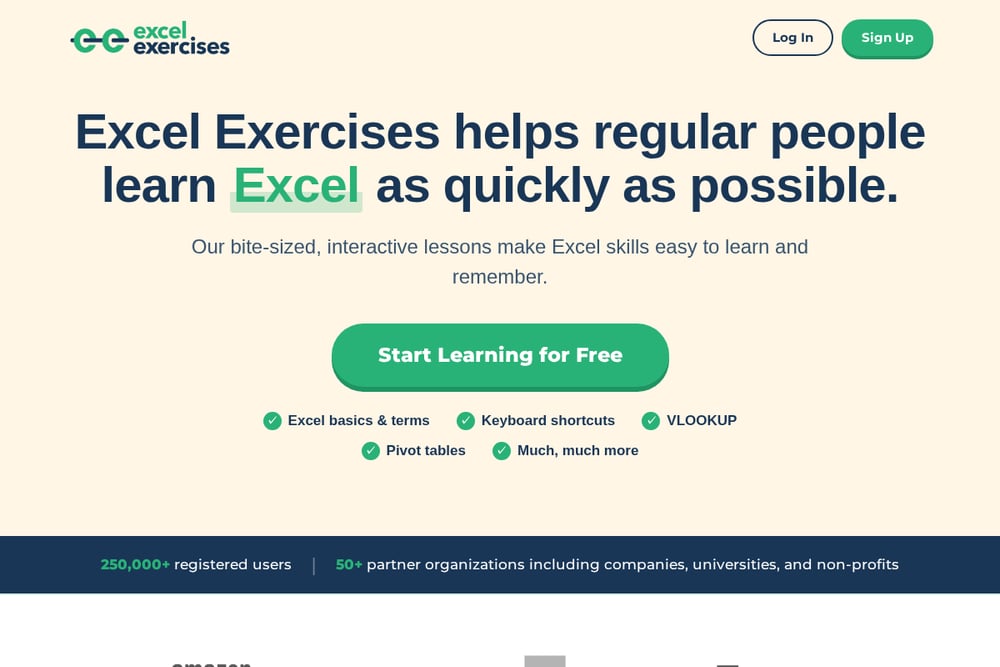 A screenshot of the Excel Exercises website.
This is the platform that made hands-on Excel practice mainstream, and it still sets the pace. Lessons are bite-sized and interactive, covering everything from basic terms and keyboard shortcuts to VLOOKUP and pivot tables. The site reports more than 250,000 registered users and partnerships with over 50 organizations, which tells you the approach has been tested at scale. The founder's story is refreshingly honest: he learned by getting his hands dirty at work, not by rewatching videos. If you want a proven, free-to-start practice environment, this is the safest first stop.
#2 Learn Excel by doing: lessons with real formulas | Excel CSE
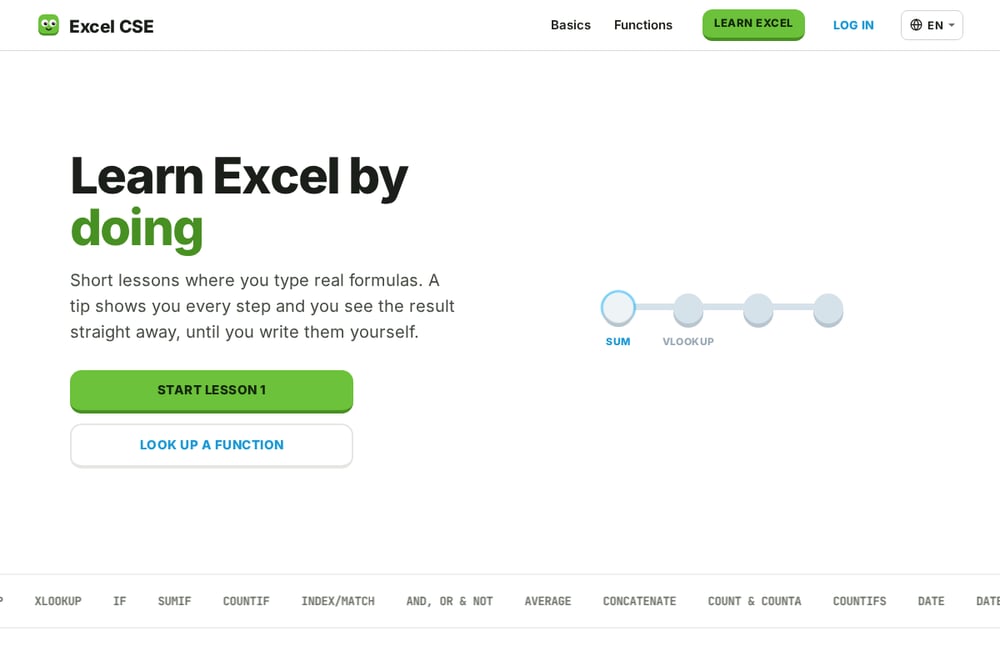 A screenshot of the Learn Excel by doing: lessons with real formulas | Excel CSE website.
Excel CSE takes the practice-first idea and turns it into a guided, step-by-step experience. Every lesson walks you through a real formula in five clear steps, with a tip at each stage and the result appearing instantly. You type =SUM(, drag across B2:B4, close the parenthesis, and press Enter, and the platform confirms you got it right. The function library is genuinely broad, spanning SUM and VLOOKUP through XLOOKUP, FILTER, SUMPRODUCT, TEXTBEFORE, and UNIQUE. Lessons run about ten minutes, progress saves as you go, and a green check marks every formula you nail. It also supports English, Spanish, French, Portuguese, German, and Dutch, plus regional number formats so everything behaves like your own Excel.
#3 Excel Practice Online
This site pairs a written explanation with an exercise you solve right on the page, no downloads required. The tutorials run from beginner to advanced, and the platform works on mobile, which is rare in this category. You get a self-assessment tool, practice tests, and a solid library of free resources covering basics, VLOOKUP, pivot tables, and shortcuts. It is less gamified than some rivals, but the explanation-then-exercise rhythm suits people who like a little context before they start typing. A dependable free option for building fundamentals.
#4 LogicExcel
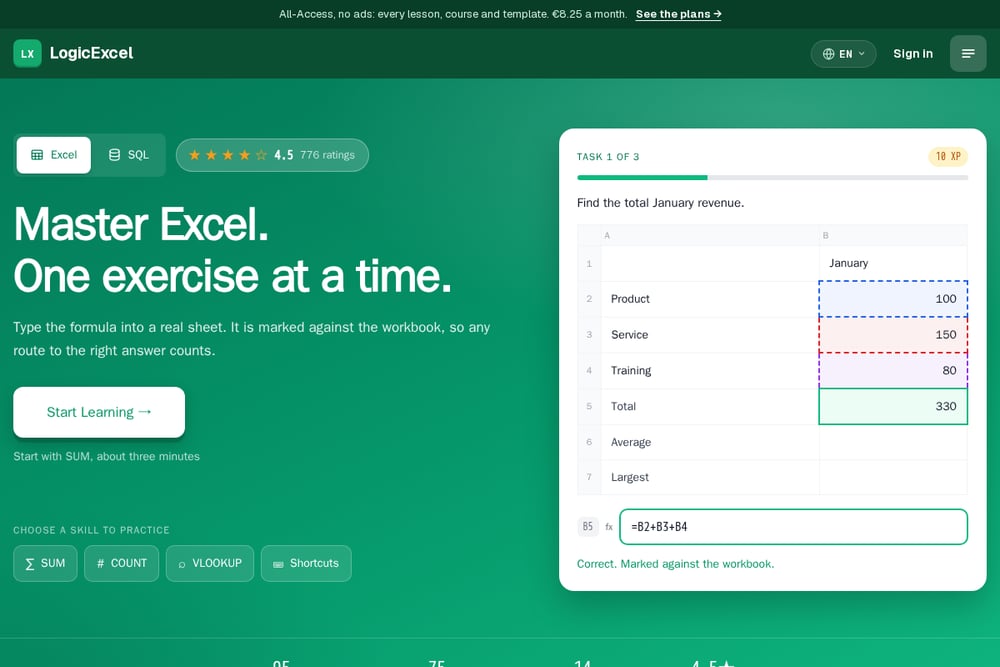 A screenshot of the LogicExcel website.
LogicExcel brings structure and motivation to practice with 95 interactive exercises across 14 skill areas. You type real formulas and press real shortcuts, earning XP and keeping a daily streak as you go. A Foundations course walks you through five guided lessons in a real grid and ends in a marked exam. The free tier is generous, while All-Access removes ads and unlocks every lesson, course, and template for a modest monthly fee billed yearly. If streaks and leaderboards keep you coming back, this one is built for you.
#5 Coddy
 A screenshot of the Coddy website.
Coddy is a broad programming playground, and Excel is one of its smaller offerings with 24 free formula exercises. That narrower scope is both the limitation and the appeal: you get a clean, no-frills environment without a paywall in sight. It suits someone who already uses Coddy for Python or SQL and wants a quick Excel warm-up in the same place. It won't take you from beginner to advanced on its own, but as a free supplement it earns a spot. Think of it as a light practice stop, not a full curriculum.
Choosing the right fit for you
Start with how much structure you need. If you want to be told exactly what to type next, pick a platform with guided steps and per-step tips. If you prefer to figure things out, a looser exercise library will suit you better. Next, check the function coverage against your actual job: someone building reports needs XLOOKUP and FILTER, while an analyst may want SUMPRODUCT and statistical functions. Then look at pricing clarity and whether progress saves across sessions. Finally, try one lesson on two platforms. Ten minutes of typing will tell you more than any comparison page.
A simple weekly practice routine
Set aside three ten-minute sessions a week and treat them like meetings you cannot move. Session one: drill a function you already know to keep it sharp. Session two: learn one new function from start to finish, typing every step yourself. Session three: apply that function to a small dataset from your own work, even a rough one. Track which formulas you got wrong and revisit them the following week. Over a month, that is twelve focused sessions and a handful of functions you will actually remember.
The bottom line
Every platform here agrees on one thing: you learn Excel by doing. The differences come down to structure, breadth, and motivation style. Excel Exercises offers the largest proven community, Excel CSE gives you the most guided step-by-step path with instant feedback and a wide function library, Excel Practice Online balances explanation with practice, LogicExcel adds streaks and exams, and Coddy is a free light supplement. Pick the one that matches how you stay consistent, then start typing.