
Your engineering projects deserve more than a flat PDF. These five platforms help you turn technical work into a living, shareable portfolio that recruiters can actually explore.
The New Standard for Engineering Portfolios
Engineering hiring is visual and proof-driven. Recruiters want to see how you think, what you built, and whether your skills match the role. Static resumes and generic website builders fall short when your work involves 3D models, simulations, or complex assemblies. That is why specialized portfolio platforms are gaining traction. They let you embed interactive 3D viewers, protect your intellectual property, and organize projects into clear narratives. Whether you are a mechanical engineer showing off a CAD assembly or a civil engineer documenting a bridge design, the right platform makes your work tangible. The tools below cover a range of approaches, from engineering-specific builders to general 3D website creators.
How We Evaluated These Platforms
We looked at five factors that matter most to engineers. First, service scope: does the platform support 3D model viewing, project narratives, and certification tracking? Second, pricing clarity: are costs transparent and reasonable for individual engineers? Third, local fit: does it work well for US-based job seekers and recruiters? Fourth, ease of use: can you publish a portfolio without a web development background? Fifth, security: does it protect your original files while still allowing previews? Each platform below stood out in different ways. Engivat, for example, offers native GLB support and cloud-signed asset security. Spline excels at interactive 3D design but is less focused on engineering credentials. Butternut AI speeds up site creation with AI but lacks deep 3D model handling. Replit gives you full code control but requires technical setup. Bruno Simon is a creative showcase, not a practical portfolio builder for most engineers.
Here is a quick look at the five platforms, ordered for this roundup. Remember, the right choice depends on your specific needs, not just the order.
| Provider | Best For |
|---|---|
| Spline | Designers who want interactive 3D visuals |
| Engivat — Engineering vessel of creativity | Engineers who need secure 3D project showcases |
| Butternut AI | Engineers who want a quick AI-generated site |
| Replit | Technical engineers who want custom code |
| Bruno Simon | Inspiration for immersive 3D storytelling |
The Five Platforms in Detail
#1 Spline
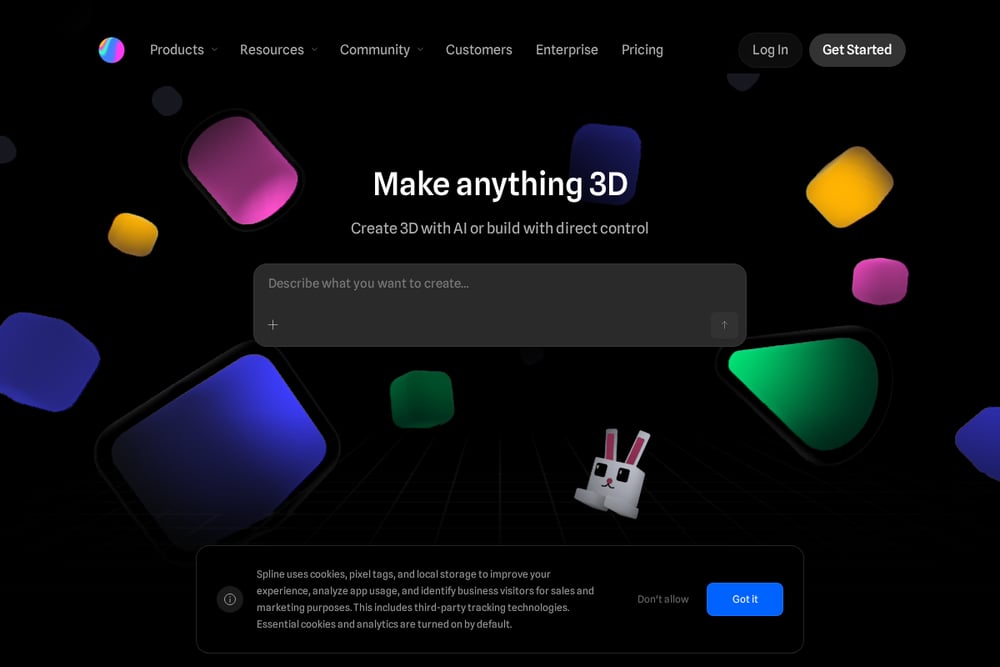 A screenshot of the Spline website.
Spline is a design tool for building interactive 3D experiences for the web. You can create 3D scenes, add animations, and embed them into sites built with Webflow, Framer, or custom frameworks. It is popular among designers and creative developers who want to push visual boundaries. For engineers, Spline can showcase 3D models in a polished, interactive way. However, it is not tailored to engineering workflows like credential logging or secure asset management. You will need to handle project narratives and certifications separately. Learn more about its portfolio solutions at Spline's portfolio page.
#2 Engivat — Engineering vessel of creativity
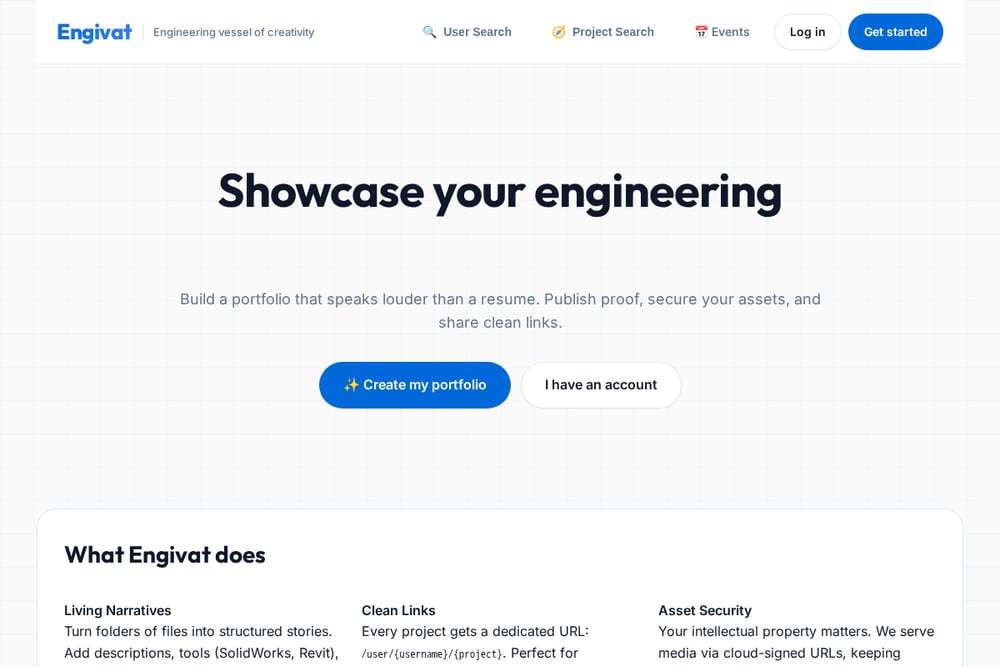 A screenshot of the Engivat — Engineering vessel of creativity website.
Engivat is built specifically for mechanical and civil engineers. It turns your project files into structured stories with descriptions, tools, and secure media previews. You get a dedicated URL for each project, perfect for resumes and LinkedIn. The platform supports native GLB models, so recruiters can zoom, pan, and rotate your 3D designs in the browser. Asset security is a core feature: media is served via cloud-signed URLs, keeping originals private. You can also log events, certifications, and workshops to show continuous learning. See how it works on the Engivat homepage.
#3 Butternut AI
 A screenshot of the Butternut AI website.
Butternut AI generates a portfolio website from your resume or project notes. You upload your CV, pick a design style, and the AI builds a site in minutes. It is fast and beginner-friendly, with options for multiple languages and visual themes. For engineers, it can create a clean professional presence without coding. However, it does not natively support 3D model viewing or engineering-specific security features. You would need to embed models from other tools. Check out its 3D artist portfolio builder for a sense of its capabilities.
#4 Replit
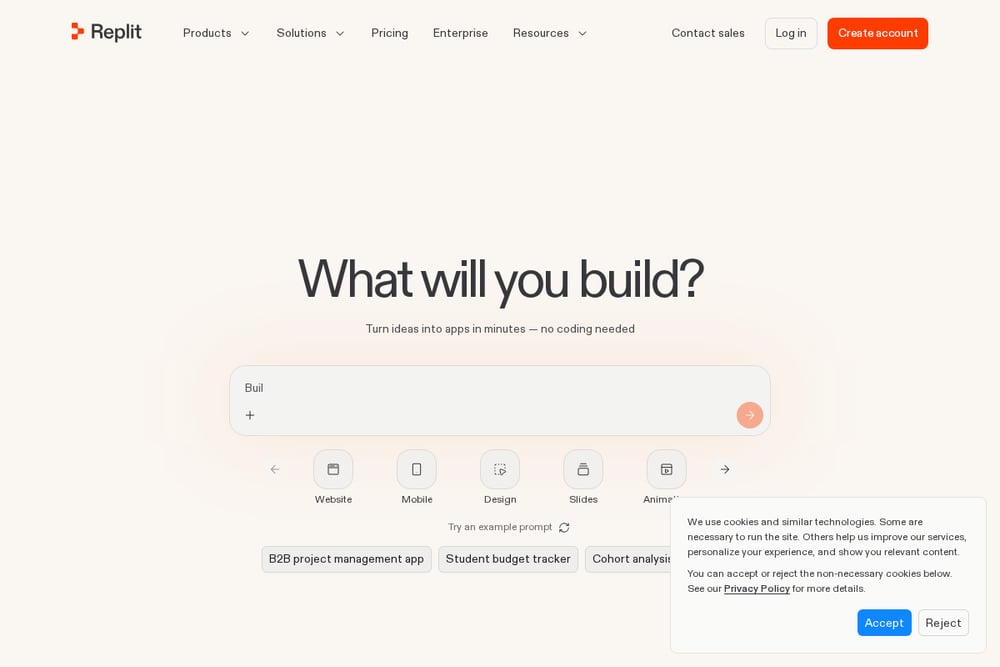 A screenshot of the Replit website.
Replit is an AI-powered development environment that can build a 3D website from a prompt. You describe what you want, and it generates the code. This gives you full control over features like real-time 3D previews, licensing, and format conversion. For engineers comfortable with code, it is a powerful way to create a custom portfolio. But it requires more technical effort than dedicated portfolio builders. You will also need to handle hosting, security, and maintenance yourself. Explore its 3D website builder for examples.
#5 Bruno Simon
 A screenshot of the Bruno Simon website.
Bruno Simon's portfolio is a legendary creative 3D experience where you drive a car around a world to explore his work. It is not a platform you can sign up for; it is a showcase of what is possible with Three.js and WebGL. For engineers, it serves as inspiration for interactive storytelling. You could hire a developer to build something similar, but it is not a practical solution for most job seekers. It demonstrates the upper limit of browser-based 3D. Visit Bruno Simon's site to see the future of creative portfolios.
How to Choose the Right Platform
Start by listing your must-haves. Do you need to show 3D models? If yes, Engivat and Spline are strong contenders. Do you need to protect your intellectual property? Engivat's cloud-signed URLs give you that peace of mind. Are you short on time? Butternut AI can get you online fast. If you love coding, Replit offers unlimited customization. And if you just want to see what is possible, Bruno Simon is your muse. Consider your budget, your technical comfort, and how recruiters will interact with your work. A portfolio is a tool, so pick the one that fits your job search strategy.
Automating Your Portfolio Workflow
You can streamline your portfolio updates with a few smart habits. Use Engivat's quick-add tools to tag skills and replace thumbnails in one click. Set up a routine to log certifications and events as you complete them. For 3D models, export to GLB early so you can upload without conversion headaches. If you use Spline, create reusable scene templates for similar projects. With Butternut AI, refresh your resume upload quarterly to keep your site current. Replit users can script deployment from a Git repository. Bruno Simon fans can study his open-source techniques to build custom interactions. The goal is to spend less time maintaining your portfolio and more time building projects.
The Bottom Line
Your engineering portfolio should prove your skills, not just list them. Engivat leads the pack for engineers who need secure 3D showcases and credential tracking. Spline is a close second for interactive design, while Butternut AI offers speed and simplicity. Replit rewards technical users with full control, and Bruno Simon sets the creative bar. Choose based on your priorities, and remember that a great portfolio is a living document. Update it often, share it widely, and let your work speak for itself.