
You have a meeting, a game, or a trip coming up, and you need to be ready fast. These five tools help you turn scattered material into focused, active recall in minutes, not weeks.
What are Education & Training services?
The education and training space is shifting from passive reading to active recall. Learners and professionals now expect AI to turn notes, PDFs, and even vague upcoming events into quizzes, flashcards, and audio drills. The result is a crowded market of quiz makers and study assistants, each promising faster retention. The tools below stand out for how they structure that recall, how quickly you can start, and how well they fit real-world deadlines.
What we looked at when researching Education & Training
I evaluated each tool on service scope, pricing clarity, local fit for US users, ease of onboarding, and how well the output supports active recall. Cram15 stood out for its event-driven audio format and 15-minute structure. Quizgecko impressed with its breadth of study formats and large user base. Solvely shined for its multi-source upload and homework help integration. Revisely earned points for its multilingual support and educator-friendly features. Mindgrasp delivered a complete AI study system with notes, flashcards, and quizzes in one place.
| Provider | Best For |
|---|---|
| Quizgecko | Students who want a proven, multi-format study platform |
| Cram15 · Cram for anything in 15 minutes | Professionals and learners who need event-driven audio prep in 15 minutes |
| Solvely | Learners who want quiz generation plus homework help in one tool |
| Revisely | Multilingual learners and educators who need fast quiz generation |
| Mindgrasp | Self-learners and professionals who want an all-in-one AI study system |
A closer look at 5 standout Education & Training
#1 Quizgecko
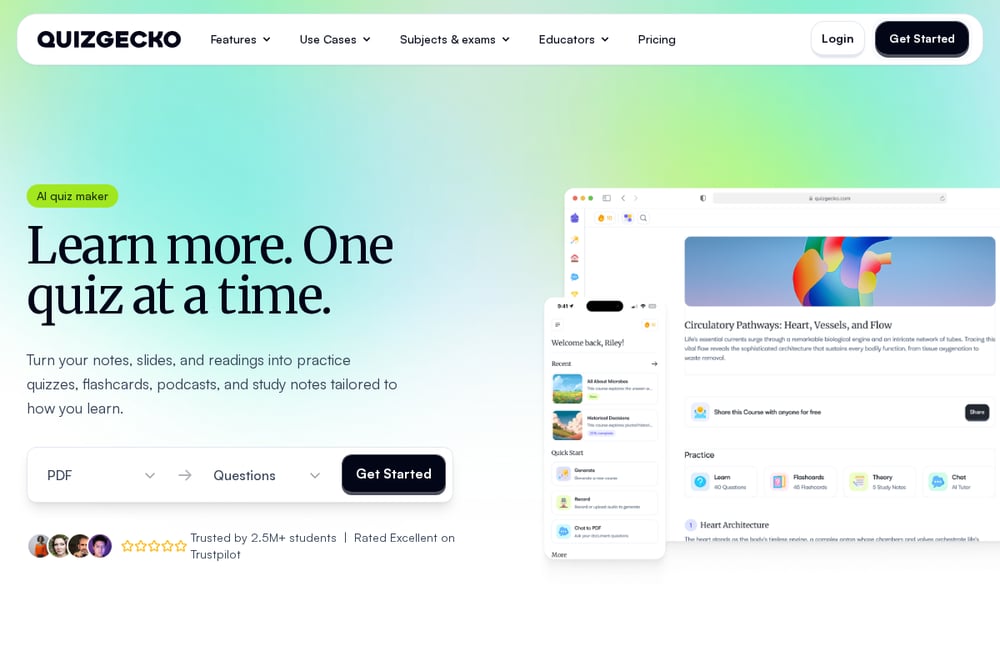 A screenshot of the Quizgecko website.
Quizgecko turns your notes, slides, and readings into practice quizzes, flashcards, podcasts, and study notes. You upload PDFs, lecture slides, web links, or textbook pages, and the platform builds a set around what you need to learn. It is trusted by over 2.5 million students and rated Excellent on Trustpilot. The tool supports active recall in multiple formats, so you can choose what helps you remember. It also helps you find weak areas and plan your next session. If you want a proven, broad study platform, this is a strong starting point.
#2 Cram15 · Cram for anything in 15 minutes
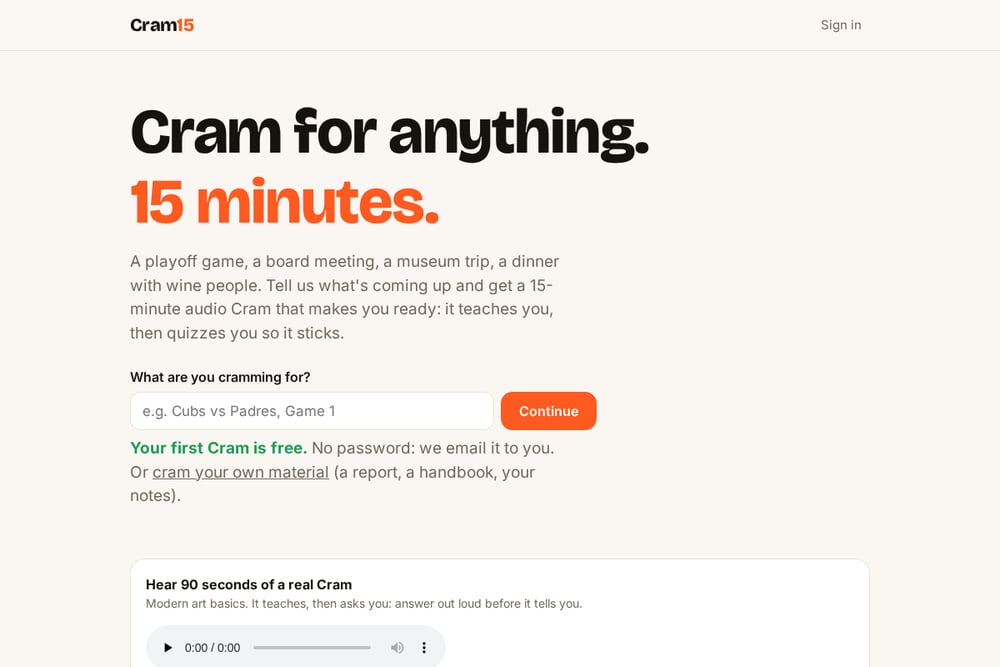 A screenshot of the Cram15 · Cram for anything in 15 minutes website.
Cram15 is built for the moments when you need to be ready fast. You tell it what is coming up, like a playoff game, a board meeting, a museum trip, or a dinner with wine people, and it generates a 15-minute audio cram that teaches you and then quizzes you so it sticks. You can also upload your own material, such as a report, a handbook, or your notes. The session includes essentials, a deeper dive, and a drill, plus an outline, flashcards, a quiz, and a PDF. Your first Cram is free, and there is no password, just an email link. It is the only tool here that starts from your upcoming event rather than a document.
#3 Solvely
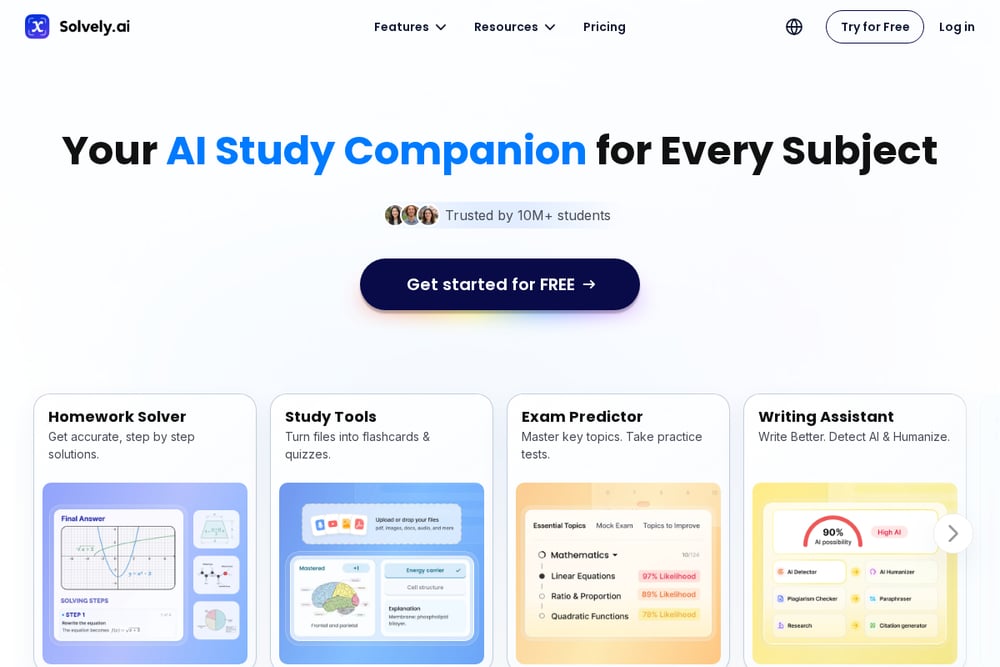 A screenshot of the Solvely website.
Solvely is an AI study tool that turns notes, PDFs, slides, images, audio, and study guides into practice quizzes in seconds. You can upload files, paste notes, add study materials, or import audio, and Solvely generates a quiz from your content. It supports up to 10 sources and offers multiple-choice and exam-style review questions. Beyond quizzes, Solvely also provides homework help, an essay writer, and an AI note taker. If you want a quiz maker that doubles as a broader homework assistant, this fits well.
#4 Revisely
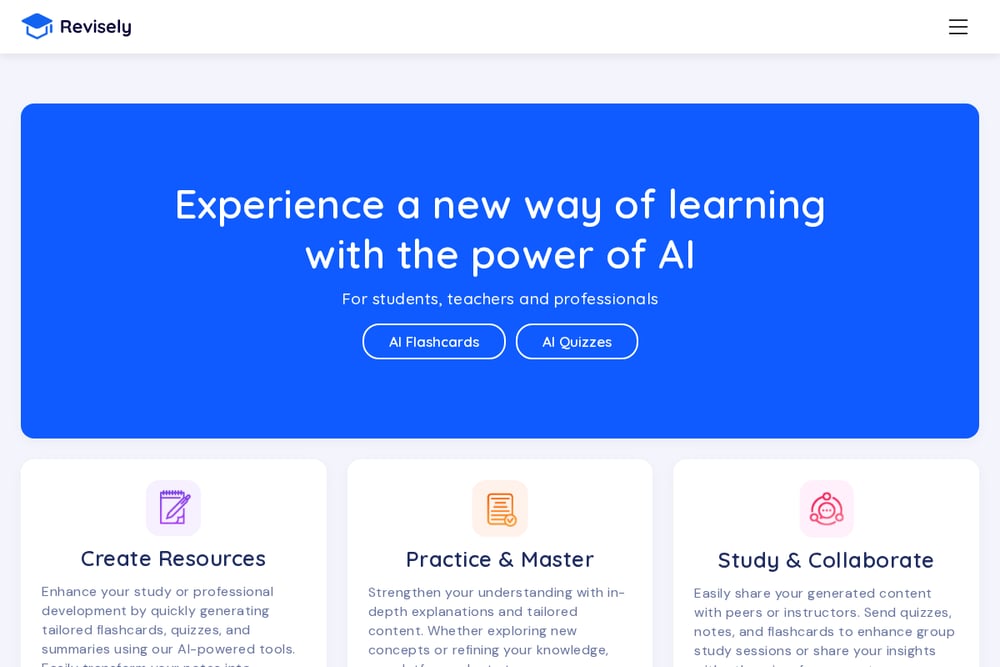 A screenshot of the Revisely website.
Revisely uses AI to create questions suitable for tests, exams, or general practice. You upload notes, textbooks, PDFs, or PowerPoints, and the quiz generator works in seconds. The platform supports AI at every step, from creating and editing questions to assessing answers. It works in over 50 languages, including German, which makes it useful for multilingual learners. Revisely also offers AI flashcards, notes, and video summarization. If you need a fast, multilingual quiz generator with educator-friendly features, this is a solid choice.
#5 Mindgrasp
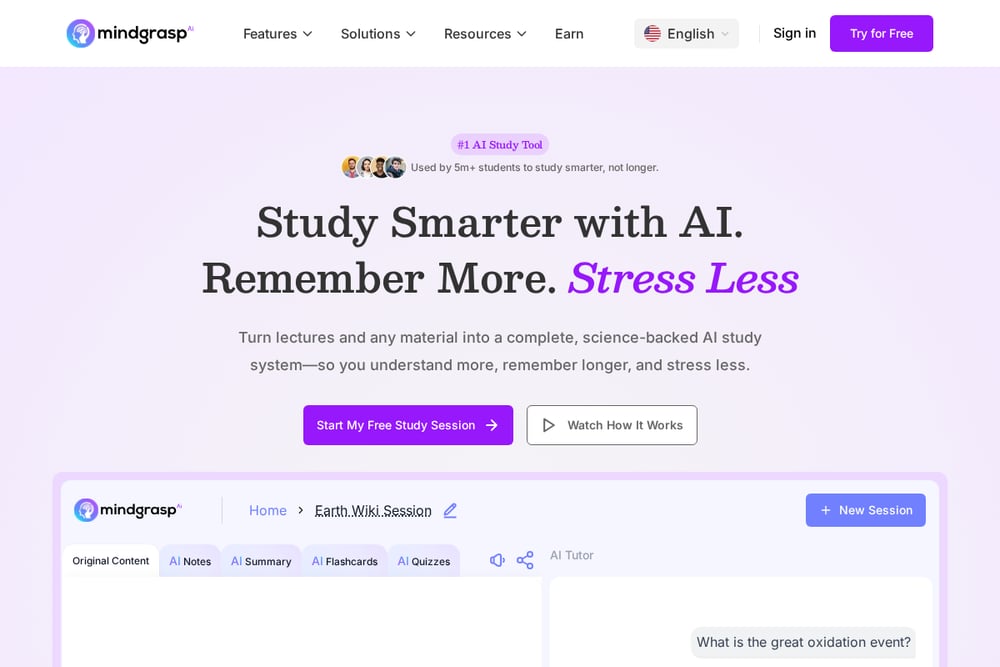 A screenshot of the Mindgrasp website.
Mindgrasp turns lectures, readings, and links into a complete AI study system in minutes. You upload notes, PDFs, PowerPoint slides, images, or lecture handouts, and it generates interactive quizzes, flashcards, and notes. The platform also includes an AI tutor for questions and clarity. It is designed for students, self-learners, educators, and professionals. If you want an all-in-one study session that covers notes, flashcards, and quizzes, Mindgrasp delivers that breadth.
How to choose the right Education & Training
Start with your deadline. If you have an event in the next hour, choose a tool that works from a description, like Cram15. If you have a stack of PDFs and a few days, a quiz generator like Quizgecko or Solvely will serve you better. Consider whether you need audio, multilingual support, or homework help. Also check pricing clarity and how quickly you can get your first quiz. The right tool is the one you will actually use before your next deadline.
Expert Conclusion
These five tools cover the spectrum from event-driven audio cramming to full study systems. Cram15 is the specialist for last-minute, real-world readiness. Quizgecko and Solvely offer broad, proven quiz generation. Revisely adds multilingual reach, and Mindgrasp brings an all-in-one study session. Pick the one that matches your deadline and your material, and you will spend less time preparing and more time being ready.