
You are standing in the driveway with a tape measure, a notepad, and a growing fear of buying the wrong amount of concrete. These five calculator hubs exist to make that moment less expensive and a lot less stressful.
Why Material Calculators Became the Quiet Backbone of DIY Planning
Residential construction math has always been unforgiving. Order too little concrete and you are making an emergency bag run. Order too much and you are storing pallets of waste behind the garage. That gap is exactly where online material calculators have carved out a real audience. Homeowners and small contractors now expect instant answers for gravel volume, roof pitch, fence posts, and slab yardage without opening a spreadsheet. The category has matured fast. What used to be a few scattered tools has become full libraries organized by trade, with waste allowances, compaction factors, and purchasing breakdowns baked into the output. Privacy and speed matter too. The strongest hubs run calculations client-side, so your project dimensions never leave your browser. If you are planning a roof replacement, a paver patio, or a fence line, these five resources are worth bookmarking before you call a supplier.
How We Evaluated These Calculator Hubs
We looked at the same factors across every site. First, scope: how many trades and project types does the library actually cover, and does it go beyond the obvious concrete and roofing tools? Second, formula transparency: does the site explain waste factors, compaction, and unit conversions, or does it just spit out a number? Third, output usefulness: can you take the result straight to a supplier, including bag counts, cubic yards, and purchasing breakdowns? Fourth, usability: how fast can you find the right tool, and does the interface stay out of your way? Fifth, privacy and trust signals: client-side calculations, absence of sponsored placements, and clear sourcing of formulas. BuildNook Hub stood out for trade-specific depth and a privacy-first, no-sponsorship approach. Omni Calculator impressed with breadth across construction and beyond. Home Project Calculator showed strong real-world assumptions like waste and compaction. BuildItCalc delivered a large, no-signup library with framing specialists. Inch Calculator combined construction tools with a deep general-purpose calculator ecosystem.
Here is the quick comparison before the deep dive. Each hub has a different center of gravity, so match the tool to your project rather than chasing a single winner.
| Provider | Best For |
|---|---|
| Omni Calculator Construction | Broad construction math across many trades |
| BuildNook Hub — Measure it. Calculate it. Build with confidence. | Privacy-first, trade-specific DIY material planning |
| Home Project Calculator | Real-world assumptions like waste and compaction |
| BuildItCalc | Large no-signup library with framing specialists |
| Inch Calculator Construction Calculators | Construction math inside a general calculator ecosystem |
The 5 Calculator Hubs in Detail
#1 Omni Calculator Construction
 A screenshot of the Omni Calculator Construction website.
Omni Calculator is the broadest construction library on this list, with 161 calculators spanning carpentry, masonry, roofing, and material conversion. You get tools like a board foot calculator, cubic yard calculator, and square footage calculator alongside niche converters for aluminum weight and balusters. The site is built for people who switch constantly between square feet of driveway and pounds of cement, which is exactly the daily reality for remodelers and tradespeople. Formula explanations are usually included, so you can sanity-check the math instead of trusting a black box. The trade-off is that construction is one section inside a much larger general calculator site, so the experience is less focused than a dedicated build hub.
#2 BuildNook Hub — Measure it. Calculate it. Build with confidence.
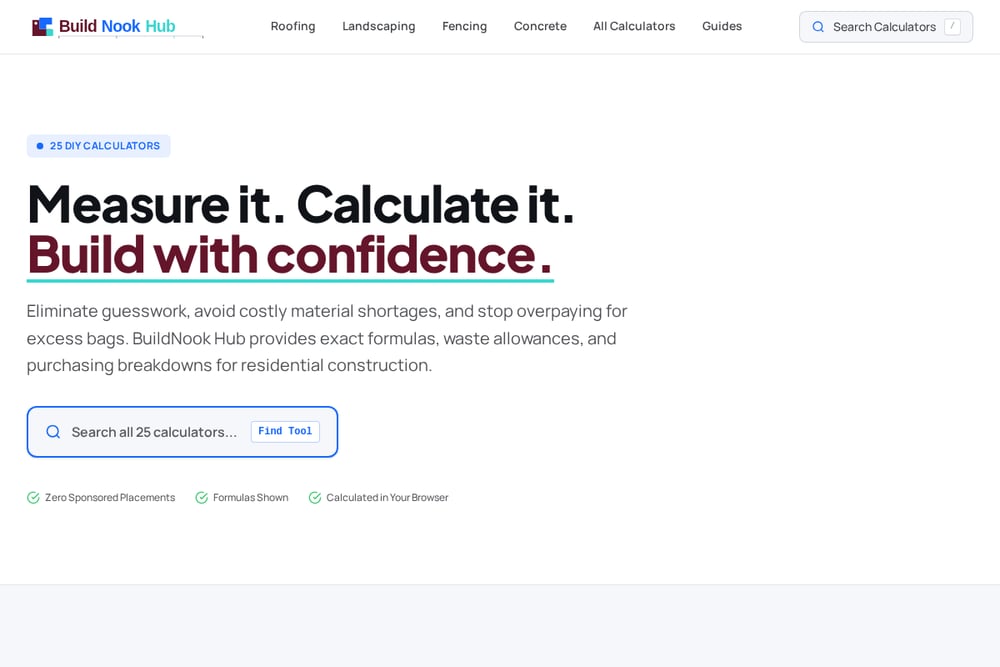 A screenshot of the BuildNook Hub — Measure it. Calculate it. Build with confidence. website.
BuildNook Hub is a focused library of 23 production-grade DIY calculators organized by four trades: roofing, landscaping, fencing, and concrete. You get seven roofing tools covering pitch, surface area, squares, shingles, metal panels, trusses, and replacement budgets, plus seven landscaping tools for gravel, pea gravel, driveway base, retaining wall drainage, mulch, topsoil, and patio pavers. The fencing section handles post counts with shared corner logic, picket quantities with spacing, and total material lengths, while the concrete tools compute cubic yardage and premixed bag counts for slabs, foundations, footings, and sonotubes. Every calculation runs client-side, so your project dimensions stay in your browser, and the site carries zero sponsored placements. Outputs include waste allowances and purchasing breakdowns, which means you can take the number straight to a supplier.
#3 Home Project Calculator
 A screenshot of the Home Project Calculator website.
Home Project Calculator is a growing library of 60-plus free tools built on real construction formulas, with categories for concrete, asphalt, aggregates, roofing, lumber, interior work, fencing, coatings, and home systems. What sets it apart is the emphasis on job-site conditions: waste factors, compaction, thickness, and unit conversions are treated as first-class inputs rather than afterthoughts. You can move from a gravel estimate to a retaining wall or insulation calculation without leaving the site. The interface is organized by category and popular tools, so finding the right calculator is quick. Testimonials on the site highlight scenarios like avoiding over-ordering gravel, which matches the practical tone of the toolset.
#4 BuildItCalc
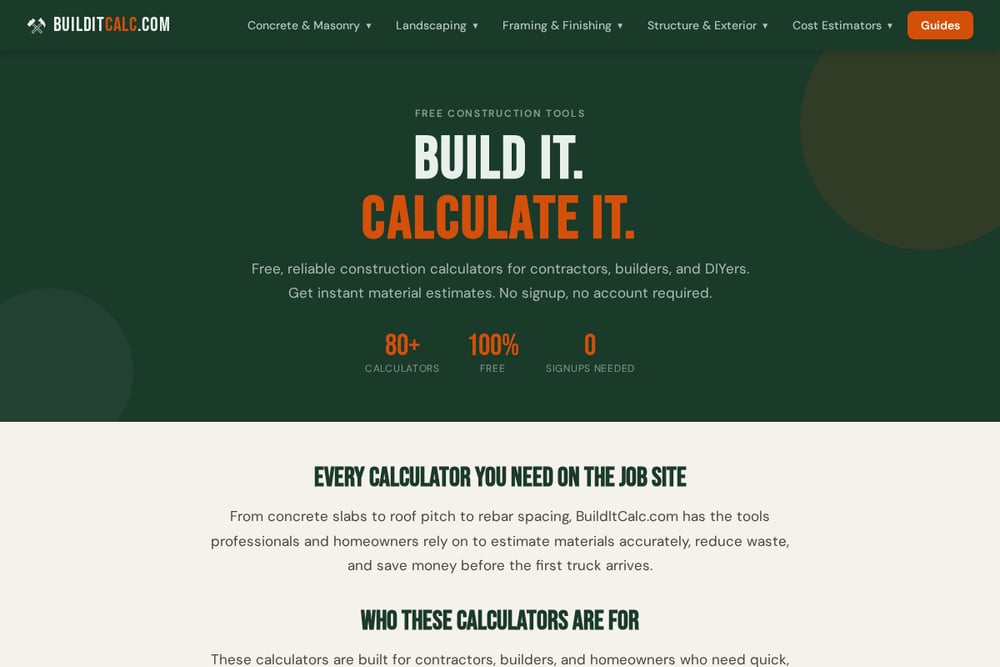 A screenshot of the BuildItCalc website.
BuildItCalc offers 80-plus free construction calculators with no signup and no account required, aimed at contractors, builders, and DIYers who need fast material estimates. The library covers concrete and masonry, landscaping, framing and finishing, structure and exterior, and cost estimators. Specialist framing tools stand out, including a rake wall calculator, window header size calculator, and beam and header calculator, which handle the trickier geometry that generic tools skip. Concrete tools cover cubic yards, pre-mix bags, footings, rebar with a live grid preview, and brick counts with mortar. The site also publishes guides on fence cost, deck cost, roof pitch, and how contractors estimate costs, which helps you interpret the numbers you get.
#5 Inch Calculator Construction Calculators
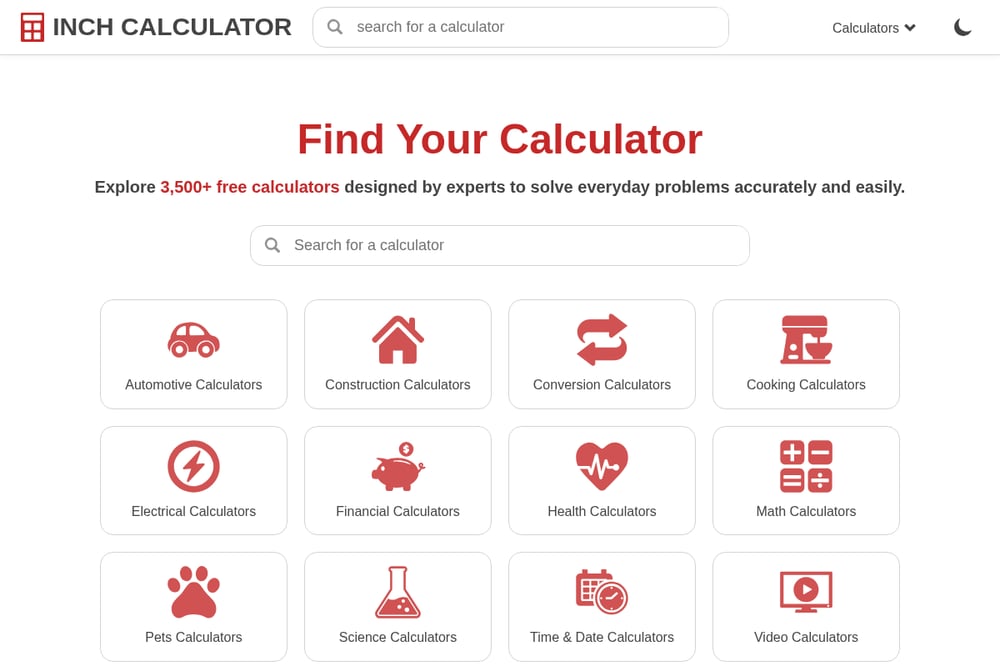 A screenshot of the Inch Calculator Construction Calculators website.
Inch Calculator pairs a construction calculator section with a much larger general-purpose calculator ecosystem, so you can estimate materials for concrete, landscaping, fencing, flooring, siding, roofing, decks, patios, and carpentry in one place. The construction section includes carpentry and trim tools like board and batten layout, board foot, cabinet door, framing, rafter length, and wainscoting layout calculators. Because the site also hosts automotive, financial, health, and math calculators, it is a convenient single bookmark if you want construction math without a dedicated build-only site. The trade-off is that construction is one category among many, so the depth per trade is narrower than a focused hub. Still, for quick estimates and layout math, it covers the essentials.
How to Choose the Right Calculator Hub for Your Project
Start with your trade, not the brand. If you are pouring a slab or setting footings, prioritize a hub with strong concrete coverage, bag counts, and rebar math. If you are building a fence, look for shared corner handling and picket spacing logic, because those details are where cheap calculators fall apart. For roofing, pitch and surface multipliers matter more than shingle counts, since everything downstream depends on the slope. Next, check whether the tool exposes its assumptions. A calculator that shows waste factor, compaction, and unit conversions is more trustworthy than one that hides the math. Then consider privacy. Client-side tools keep your dimensions in your browser, which is a real benefit if you are planning a full home renovation. Finally, think about workflow. A focused hub with 23 deep tools may serve you better than a general site with hundreds of shallow ones, especially if you are ordering materials the same day.
Turning Calculator Outputs into a Repeatable Workflow
You can make these tools work harder by treating them as a pipeline instead of one-off lookups. Measure your project once, then run the dimensions through every relevant calculator in sequence: area first, then material volume, then waste allowance, then purchasing breakdown. Save the outputs in a simple project note so you can compare quotes from two suppliers without redoing the math. For multi-phase jobs, like a fence plus a gate plus a concrete pad, calculate each phase separately and sum the totals before you order. If a hub offers guides alongside calculators, read the guide for your trade before you trust the number, because it often explains the waste factor or compaction assumption you should be using. The goal is not just a number. It is a repeatable estimate you can defend when the delivery truck arrives.
The Bottom Line on DIY Material Calculators
The best calculator hub for you depends on whether you want depth in one trade or breadth across many. Omni Calculator gives you the widest construction library and strong formula transparency. BuildNook Hub gives you a focused, privacy-first set of 23 trade-specific tools with waste allowances and purchasing breakdowns built in. Home Project Calculator emphasizes real job-site conditions like compaction and waste. BuildItCalc delivers a large no-signup library with specialist framing tools. Inch Calculator wraps construction math inside a broader calculator ecosystem. Pick the one that matches your next project, run the numbers before you buy, and let the calculator absorb the guesswork instead of your budget.