You don't need a sales pitch to learn dental lab software. You need a video that shows you exactly where to click. Here are five resources that do that.
The State of Dental Lab Case Management Training
Dental practices and labs are drowning in digital workflows. DDX, Dentrix integrations, case tracking, billing, and patient records all demand hands-on knowledge. Yet most software vendors bury their training in PDFs or paid onboarding. Video tutorials have become the fastest way for dental professionals to get up to speed without leaving the chair. The resources below range from pure video libraries to full lab management platforms with embedded support. Each serves a different need, but all recognize that seeing a workflow beats reading about it.
How We Evaluated These Resources
We looked at four factors: depth of video coverage, ease of navigation, practical relevance to daily dental workflows, and clarity of the learning path. PittmanConnect DDX Guide stands out for its topic-organized video library focused entirely on DDX operations. 3Shape Lab Management Software offers a broad ecosystem with training modules tied to digital dentistry workflows. Seazona Dental Lab Software provides a structured tutorial list with time-stamped videos for lab staff. Magic Touch Dental Lab Software pairs its platform with educational content aimed at small labs. EasyRx VisualDLP combines case management features with visual learning resources. Each resource was assessed on how quickly a new user could find a relevant tutorial and apply it.
Here's a quick comparison of the five resources, from pure video guides to full software platforms with training built in.
| Provider | Best For |
|---|---|
| 3Shape Lab Management Software | Labs invested in the 3Shape ecosystem |
| PittmanConnect DDX Guide — Video Resources for Dental Professionals | DDX users who need step-by-step video help |
| Seazona Dental Lab Software | Seazona users seeking quick task-specific videos |
| Magic Touch Dental Lab Software | Small labs comparing software features |
| EasyRx VisualDLP | Labs wanting visual case management |
The Five Resources in Detail
#1 3Shape Lab Management Software
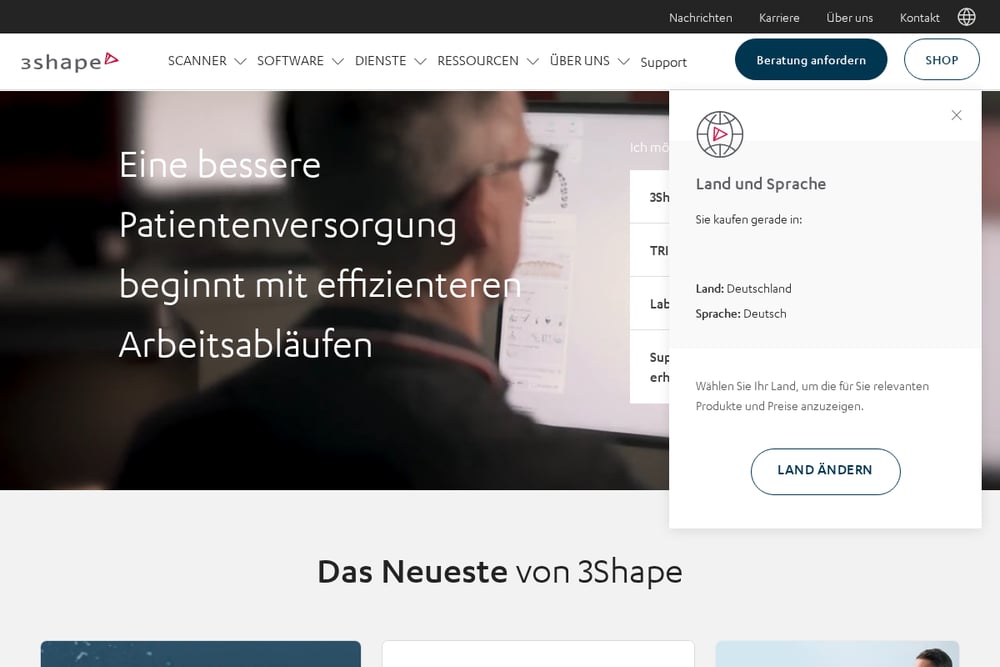 A screenshot of the 3Shape Lab Management Software website.
3Shape is a heavyweight in digital dentistry, and its Lab Management Software (LMS) comes with a deep bench of training resources. The company's 3Shape Academy offers tutorials and step-by-step guidance on complete digital dental treatment workflows. You can find webinars, ebooks, and case studies that go beyond basic software clicks. For labs already using TRIOS scanners or 3Shape design tools, the LMS training feels like a natural extension. The breadth is impressive, though it can feel overwhelming if you only need a quick refresher on one task. See the LMS page at https://www.3shape.com/en-us/software/lms for the full scope.
#2 PittmanConnect DDX Guide — Video Resources for Dental Professionals
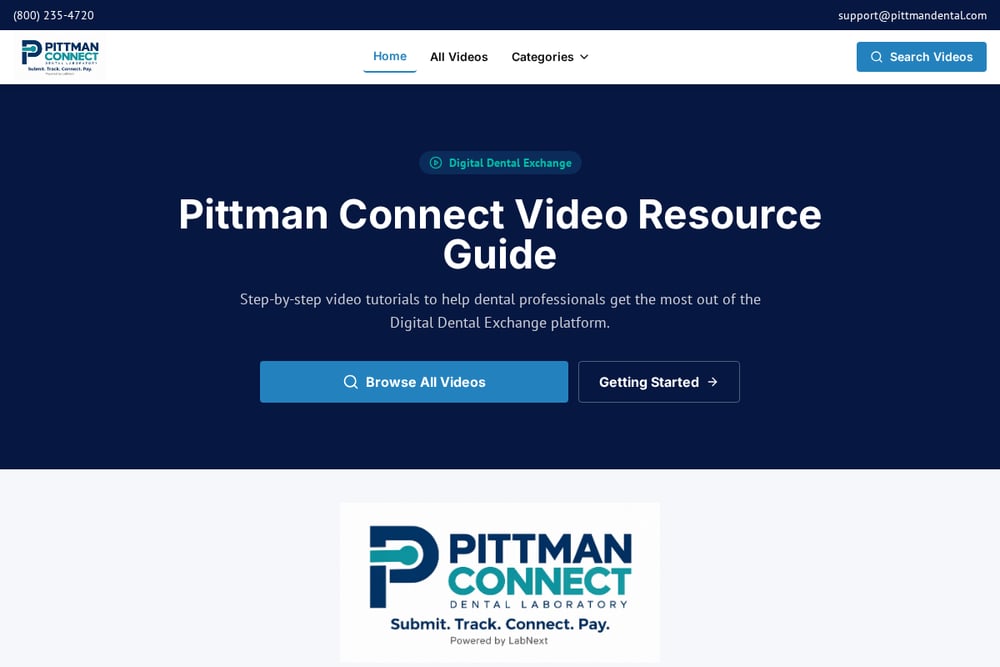 A screenshot of the PittmanConnect DDX Guide — Video Resources for Dental Professionals website.
This is the resource you wish came with every software login. PittmanConnect DDX Guide is a video library built specifically for dental professionals using the Digital Dental Exchange platform. Tutorials are organized by topic: Getting Started, Case Submission, Billing, Patient Records, Case Management, Account Settings, Users and Notifications, and Tracking Cases. You can watch a quick video on logging in, then jump to a walkthrough on marking a case as Arrived from the lab. The site also features a video on integrating DDX with Dentrix. New videos are added regularly, so the library stays current. Visit https://pittmanconnect.com/ to browse the full catalog.
#3 Seazona Dental Lab Software
Seazona's support page is a no-frills tutorial hub that gets straight to the point. Videos are listed with time stamps, covering everything from adding clients and products to case management, billing, and delivery confirmation. You'll find specific walkthroughs like Case Basics, Remakes, and Monthly Statement generation. The format is simple: click a topic, watch a short video, and get back to work. It's especially useful for lab staff who need to train new employees on specific tasks. The tutorial list at https://support.seazona.net/Tutorials.aspx is a solid reference for Seazona users.
#4 Magic Touch Dental Lab Software
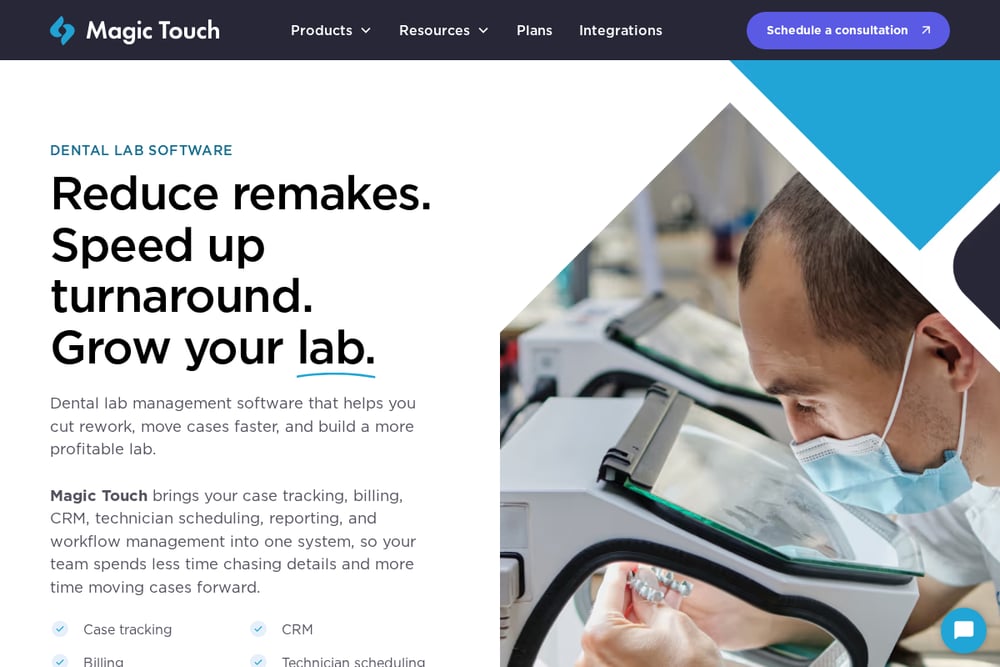 A screenshot of the Magic Touch Dental Lab Software website.
Magic Touch approaches education through its blog and resource center, with a focus on small labs. Articles like the small lab software checklist help you understand what to look for in a system, while product pages detail features like scheduling, case-status visibility, and billing tracking. The content is practical and manager-friendly, though it's less video-centric than a pure tutorial library. If you're evaluating lab software for a small team, the guidance here can save you from costly missteps. Explore the resources at https://www.magictouchsoftware.com/ to see if the platform fits your workflow.
#5 EasyRx VisualDLP
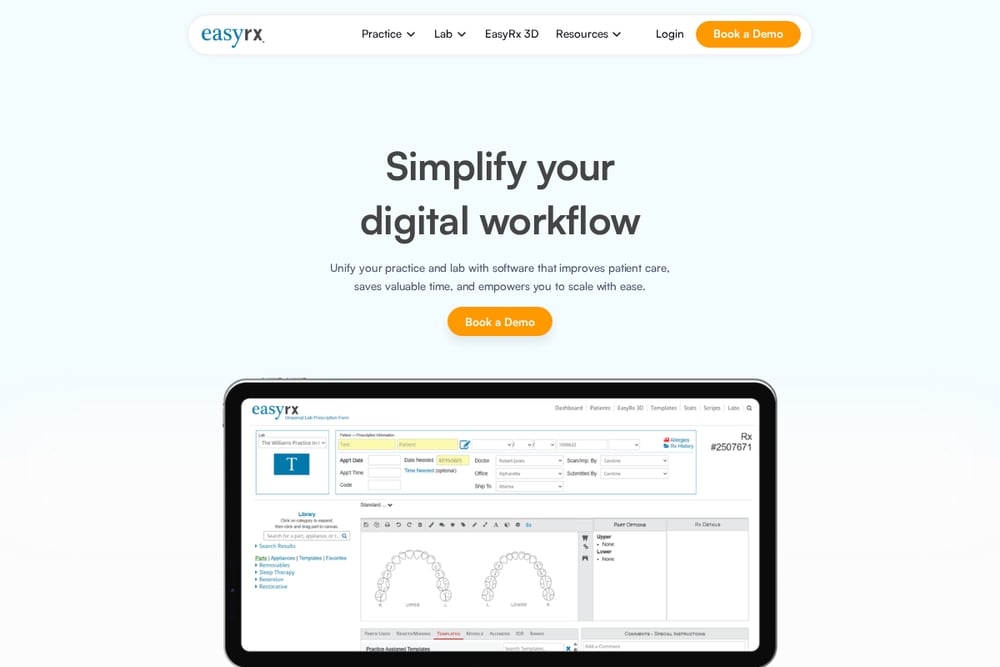 A screenshot of the EasyRx VisualDLP website.
EasyRx VisualDLP bundles case management with visual tools that help you see what's happening across your lab. The platform emphasizes a single dashboard for client and production management, with treatment images, doctors' notes, and order receipts in one place. Its blog and resource section includes roundups like the five dental lab management software tools, which can orient you to the category. While it's not a dedicated video tutorial library, the visual approach to case data makes learning more intuitive. Check out https://easyrxcloud.com/ for the full feature set.
How to Pick the Right Learning Resource
Start with your software. If you use DDX, the PittmanConnect guide is the most direct path to answers. If you're on Seazona, its tutorial page will save you time. For labs still shopping, look at platforms like 3Shape, Magic Touch, or EasyRx and check whether their training materials match your team's learning style. Video-first learners should prioritize libraries with short, topic-specific clips. Managers who need to train staff will benefit from structured categories and time-stamped content. Finally, consider how often the resource is updated. Software changes, and stale tutorials waste more time than they save.
Automating Your Learning Workflow
You can turn these resources into a repeatable training system. Create a shared bookmark folder with direct links to the video categories you use most, like case submission or billing. Assign one team member to watch a new tutorial each week and summarize it in a quick huddle. Use the search function on video hubs to find answers during a live case rather than guessing. For DDX users, set a calendar reminder to check the PittmanConnect library monthly for new videos. Pair video learning with hands-on practice in a sandbox account if available. This turns scattered tutorials into a living knowledge base for your practice.
The Bottom Line on Dental Lab Video Training
You don't need a formal course to master dental lab software. You need the right video at the right moment. The PittmanConnect DDX Guide delivers exactly that for DDX users, with a clean, topic-organized library that covers the workflows you touch every day. The other resources each bring something different: 3Shape for ecosystem depth, Seazona for task-specific brevity, Magic Touch for small-lab strategy, and EasyRx for visual case management. Pick the one that matches your software and your learning style, then make it part of your routine. Your future self, staring at a confusing case status, will thank you.