Your dating profile photo is doing a job you never hired it for. These five services put real eyes on it before a stranger does.
The Photo Feedback Economy
Dating apps compress your entire first impression into a single thumbnail. That pressure has created a small but growing industry of photo review services, ranging from human panels to AI raters. Some give you scores. Some give you sentences. The difference matters more than the price tag. You are not buying a number. You are buying a clearer picture of how you land.
How We Looked at These Services
We weighed four things. First, who is actually looking at your photo: verified humans, anonymous voters, or a model. Second, what you get back: scores, verbatim comments, edits, or a shot list. Third, pricing clarity: whether you can see the cost before you commit. Fourth, fit for the US dating market, where apps like Hinge and Bumble reward a specific kind of first photo. SwipeClimb stood out for verbatim human feedback and same-face edits. Photofeeler stood out for its long track record and trait scoring. Keeper stood out for audience targeting. SciMatch stood out for speed and AI-driven reasoning. Rizzman stood out for a free, no-account entry point.
Here is the short version before the deep dive. Each service solves a slightly different problem, so match the tool to the question you are actually asking.
| Provider | Best For |
|---|---|
| Photofeeler | Trait scores across dating and professional photos |
| SwipeClimb — Your dating photo, rated by 20 verified women | Verbatim female feedback plus same-face edits |
| Keeper | Audience-targeted photo ratings |
| SciMatch | Fast AI photo ratings with written reasoning |
| Rizzman | Free no-account photo lineup check |
The Five, One by One
#1 Photofeeler
 A screenshot of the Photofeeler website.
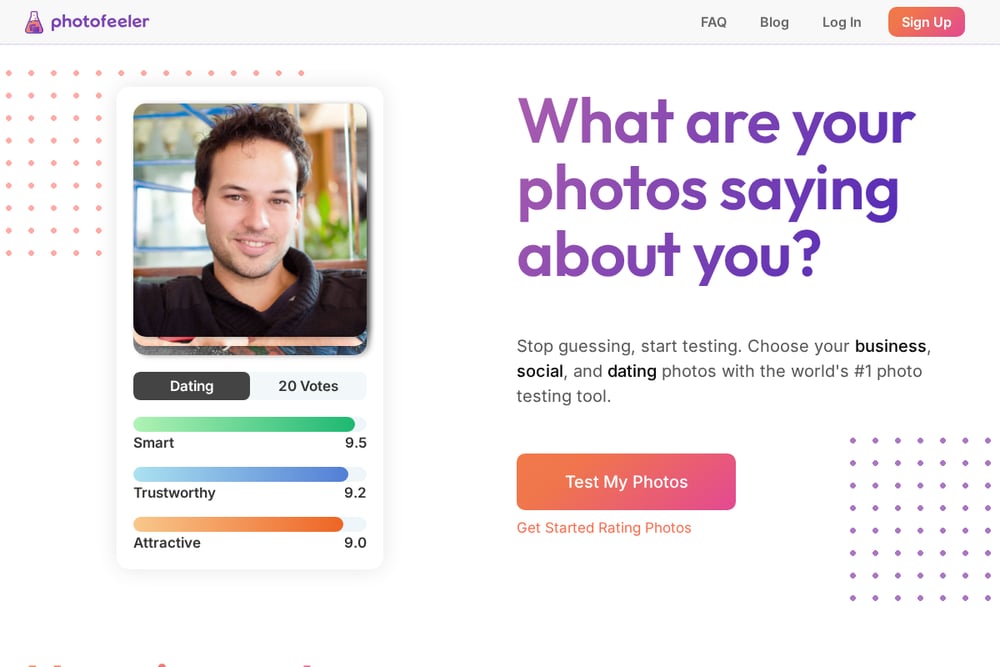
Photofeeler is the veteran of this category. You upload a photo, real people vote on it, and you get scores across three traits: attractive, trustworthy, and smart. The platform covers dating, business, and social photos, so you can test a LinkedIn headshot with the same account. Feedback is moderated and kindly stated, which keeps the experience civil. You can earn votes by rating others or buy credits for faster results. It is a solid starting point if you want data before you want advice.
#2 SwipeClimb — Your dating photo, rated by 20 verified women
 A screenshot of the SwipeClimb website.
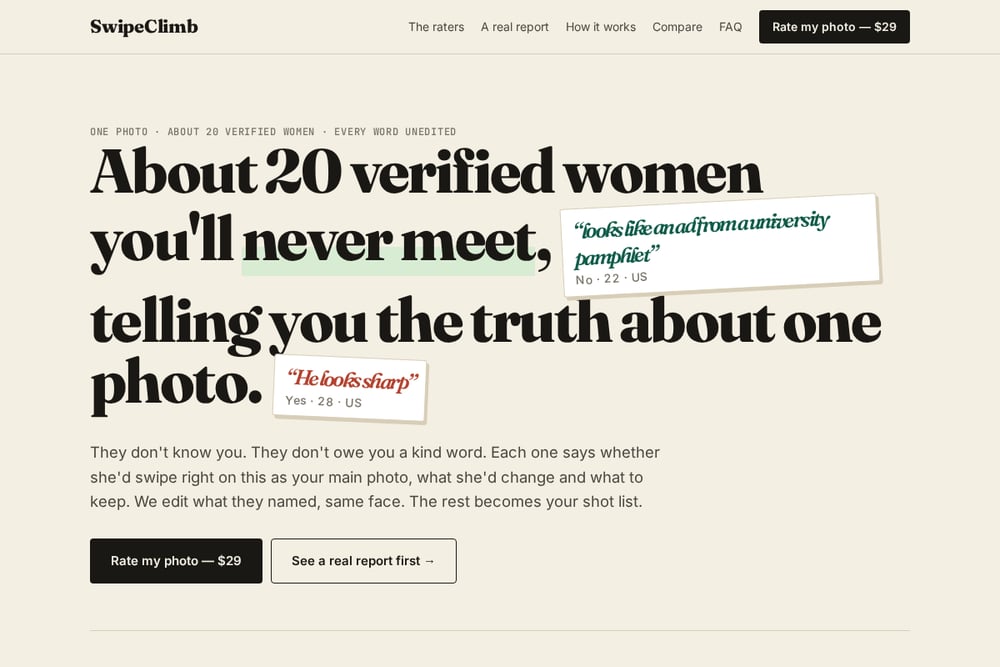
SwipeClimb takes a different angle. About 20 verified women rate one photo, and you read every word they wrote, unedited. Each rater says whether she would swipe right on it as your main photo, what she would change, and what to keep. Then SwipeClimb edits what they named, keeping the same face, and the rest becomes your shot list. The default panel is US women 18 to 29, with options for men, 20 countries, and four age bands. At $29, usually same day, it is one of the few services that pairs human feedback with an actual edit.
#3 Keeper
 A screenshot of the Keeper website.
Keeper frames photo testing as a targeting problem. You choose the audience you want to attract, and ratings come from that group rather than a random pool. Scores are normalized to account for harsh versus generous raters, and you can break results down by age or ethnicity. Each score comes with short notes explaining what stood out. You buy credits or earn them by rating other photos. If you have a specific type in mind, Keeper lets you test against it.
#4 SciMatch
 A screenshot of the SciMatch website.
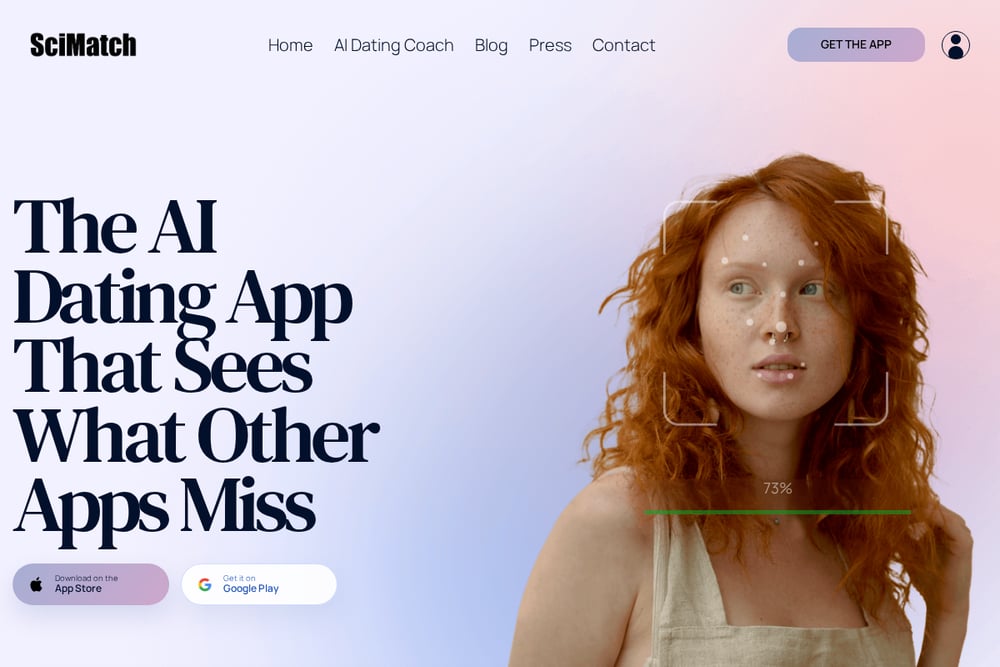
SciMatch is the AI option on this list. You upload your Tinder, Bumble, or Hinge pictures and get each one rated out of 10 with a written reason. The review covers what each photo signals, which one should lead, and quick fixes you can make. Results arrive in about 60 seconds, and your photos are not shown to other people. It also offers profile writing and chat tools alongside the photo review. If you want speed and a structured read, this is the one.
#5 Rizzman
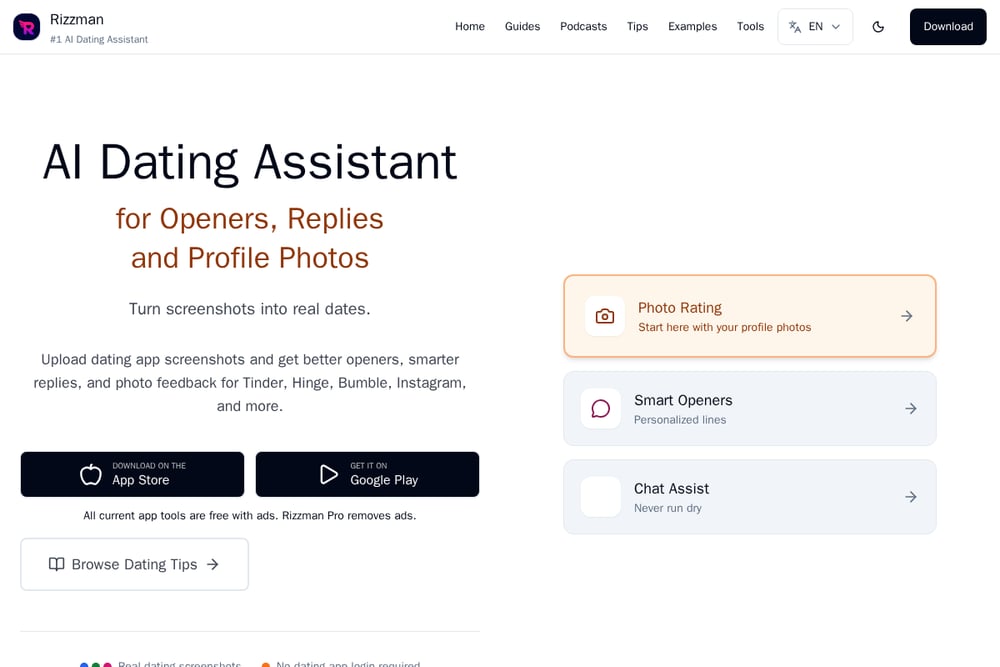 A screenshot of the Rizzman website.
Rizzman offers a free AI photo rater with no account required. You upload up to five photos, get scores and specific feedback, and receive a recommended profile order. The tool comments on lighting, expression, composition, and background. It also shows a before-and-after example so you can see the kind of output before you upload. Because it is free and account-free, it works well as a first pass before you pay for anything. Think of it as a quick sanity check on your lineup.
Pick the Feedback You Will Actually Use
Start with the question you are asking. If you want to know whether a photo works at all, a free AI rater gives you a fast signal. If you want to know why it works or fails, you need sentences, not scores. Human panels give you the language strangers use in their heads. If you want the fix done for you, look for a service that edits based on the feedback. And check the price before you upload. A $29 flat fee with a same-day turnaround is easy to justify. A credit system takes more planning.
A Simple Workflow You Can Run This Week
Step one: run your current main photo through a free rater to get a baseline. Step two: send the same photo to a human panel and read the verbatim comments. Step three: apply the edits the panel named, keeping your face the same. Step four: re-test the edited photo against the original. Step five: use the remaining comments as a shot list for your next photo session. Repeat once a quarter or after any major change in your look.
The Bottom Line
No service can make a photo into something it is not. What these tools can do is remove the guesswork. Photofeeler gives you scores. Keeper gives you targeting. SciMatch and Rizzman give you speed. SwipeClimb gives you the thing most people actually want: a room of women telling you, in their own words, what they see, followed by an edit that keeps you looking like you. Start there if you want the full picture. Use the free tools to check your work along the way.