
You have the photos. What you don't have is everyone in the same frame. These five services fix that, turning separate pictures into one portrait you'll actually want to hang.
The Composite Portrait Market Is Having a Moment
Family photos used to be a single moment captured by whoever was in the room. Today, families are spread across states and generations, and some of the people you love most are only available as old prints. That gap has created a fast-growing niche: services that merge separate photos into one cohesive portrait. The category splits into two camps. Hand-painted studios like PortraitFlip deliver traditional oil and pencil artwork with a human artist behind every stroke. AI-driven platforms like BringBack, PixReunion, Kinpict, and Happily Us generate a preview in minutes, often for free, and let you pay only when you love the result. Pricing ranges from roughly $20 for a digital file to several hundred dollars for a framed painting. The common thread is emotional: memorial portraits, wedding completions, multi-generation reunions, and holiday cards that finally include everyone.
How We Evaluated These Services
We looked at the same factors across every provider. First, service scope: can the platform handle old, faded, or black-and-white prints, and does it support pets, babies, and deceased loved ones? Second, pricing clarity: is the cost visible before you commit, and is there a free preview or money-back guarantee? Third, turnaround and delivery: how fast do you see a result, and can you get a physical canvas or print? Fourth, style range: does the service offer enough themes and formats to match your taste? Fifth, local fit for US buyers: shipping, currency, and support. Happily Us stood out for its no-card free preview and sub-$30 digital pricing. PortraitFlip stood out for hand-painted craftsmanship and a pay-20-percent-upfront model. BringBack stood out for curated themes and a restoration-first workflow. PixReunion stood out for 4K output and a broad tool suite. Kinpict stood out for its family-scenario presets and credit-based plans.
Here's a quick look at how the five services compare on format, starting price, and the kind of buyer each one suits. Use this table to narrow your shortlist before you read the full breakdown.
| Provider | Best For |
|---|---|
| PortraitFlip | Buyers who want a hand-painted heirloom and don't mind waiting |
| Happily Us | Family portraits and storybooks from your photos | Families who want a fast, low-cost preview before committing |
| BringBack | Restoring old prints and combining them with modern family photos |
| PixReunion | Large groups and buyers who want one tool for multiple photo projects |
| Kinpict | Scenario-driven portraits like memorial, generational, and pet-inclusive shots |
The Five Services, Up Close
#1 PortraitFlip
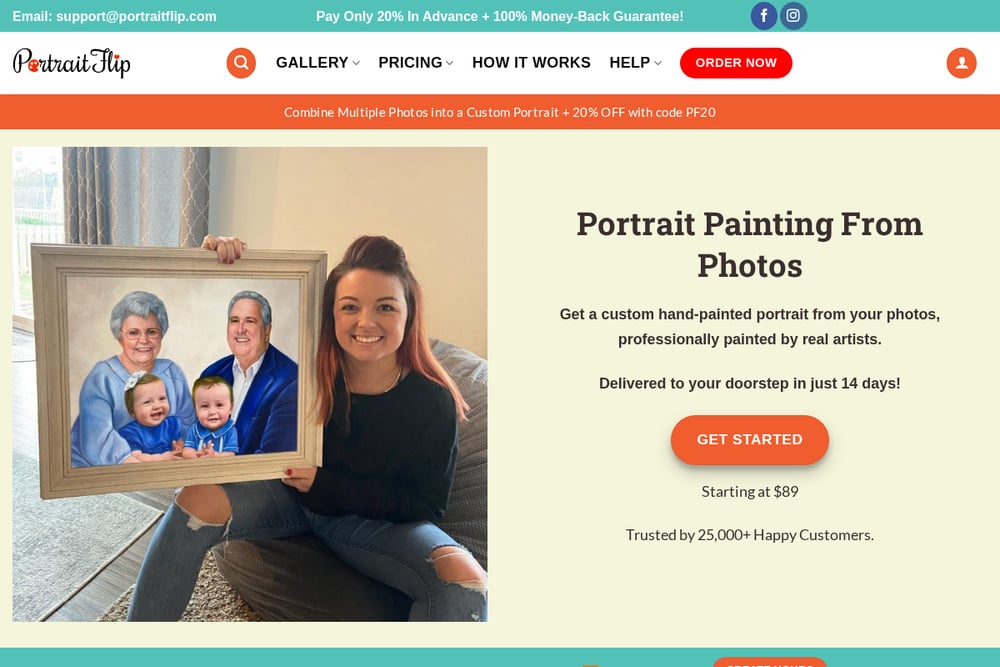 A screenshot of the PortraitFlip website.
PortraitFlip is the hand-painted option in this lineup. You send separate photos, and a human artist merges them into an oil painting, pencil sketch, charcoal drawing, watercolor, or acrylic piece. The company specializes in compilation portraits, memorial portraits, and wedding completions, and it accepts bad or damaged source photos. Pricing starts around $89, and you pay only 20 percent upfront with the balance due after you approve the painting. That approval step matters if you care about likeness. Turnaround is measured in weeks, not minutes, so plan ahead for holidays. It also ships worldwide and backs the work with a money-back guarantee.
#2 Happily Us | Family portraits and storybooks from your photos
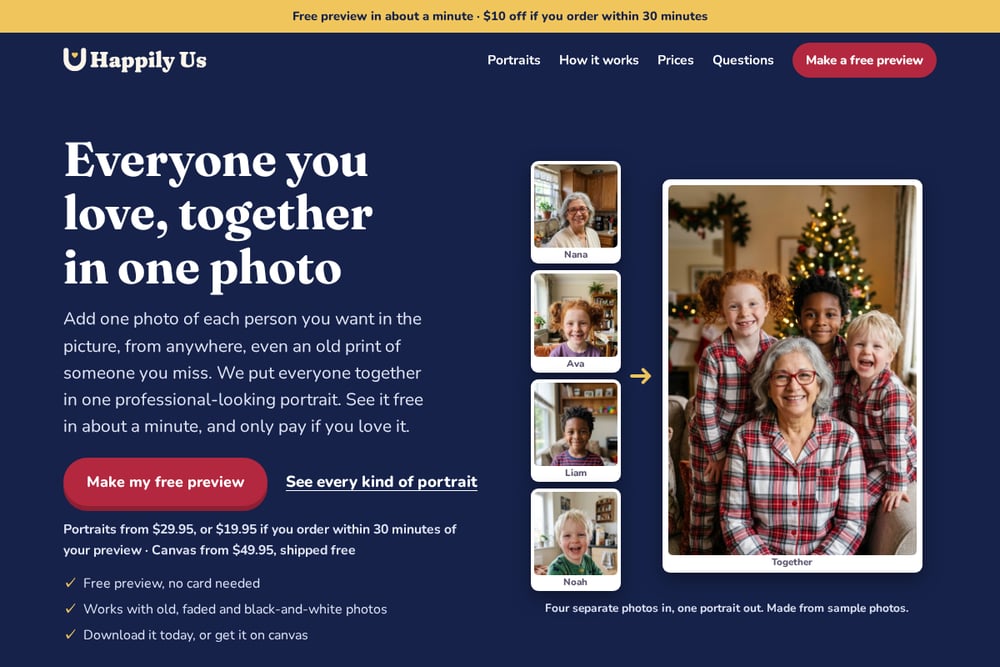 A screenshot of the Happily Us website.
Happily Us is built around speed and zero risk. You add one photo of each person, including old, faded, or black-and-white prints, and you see a free preview in about a minute with no card required. Portraits start at $29.95, or $19.95 if you order within 30 minutes of your preview, and canvas prints start at $79.95 with free US shipping. The service covers the scenarios families actually ask for: someone you miss, the whole family up to eight people, couples and weddings, a new baby with grandparents, and pets. You can download the full-size file immediately or order a made-to-order canvas. If someone in the preview isn't quite right, you can regenerate it before you pay.
#3 BringBack
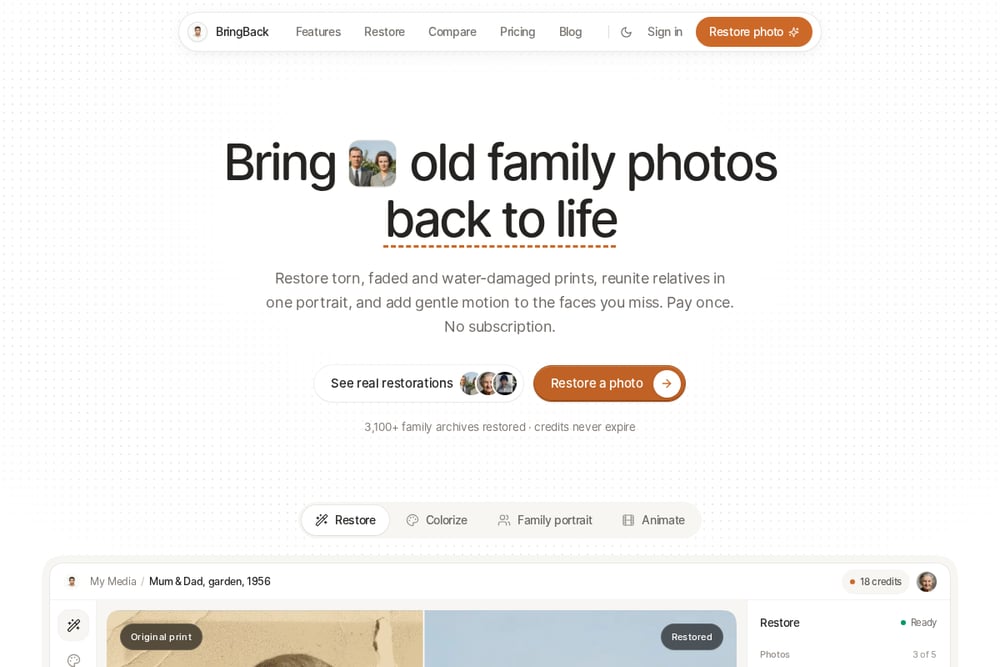 A screenshot of the BringBack website.
BringBack pairs photo restoration with portrait creation, which makes it a strong fit for ancestor photos and memorial keepsakes. You upload up to eight family reference photos, choose from 24 curated themes, and the platform generates one new shared portrait rather than a pasted collage. Themes range from studio matte black and dark brown vignette to wildflower meadow, poolside summer, and winter snow day. The workflow is designed for long-distance families, multi-generation reunions, and cases where a late grandparent needs to be added to a modern family photo. It has been used by more than 3,100 families, according to the site. The restoration-first approach means damaged prints get cleaned up before they enter the composite.
#4 PixReunion
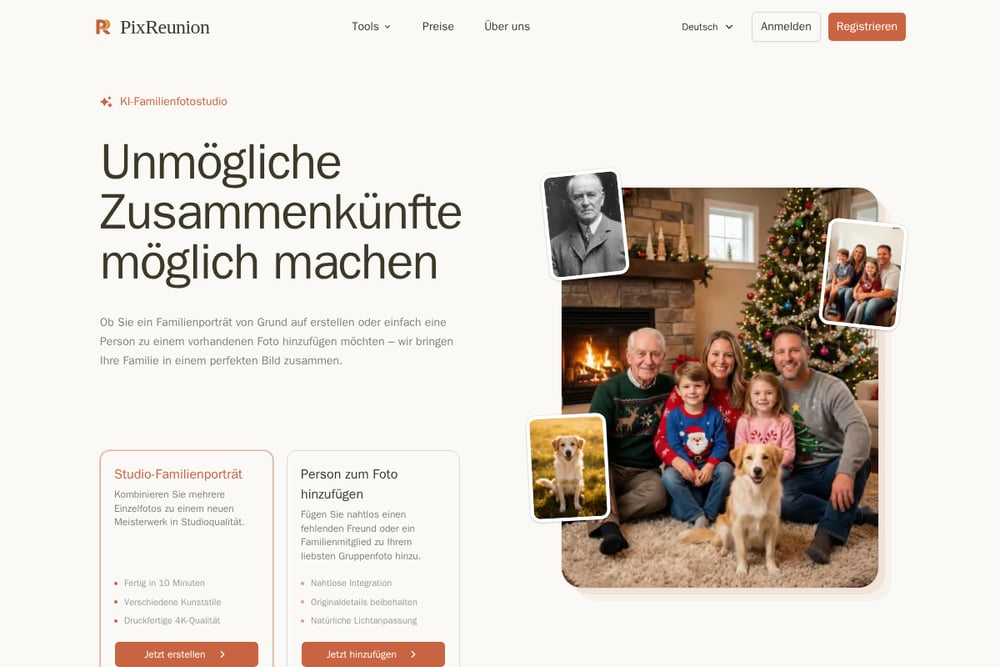 A screenshot of the PixReunion website.
PixReunion is a broader AI photo toolkit with a dedicated family portrait generator at its center. You can upload up to eight photos, or up to 12 people for larger reunions, and the service renders results in 4K printable quality. Style options are extensive: formal, black and white, kitchen mood, picnic, European royal, oil painting, superhero, WPAP art, beach, boho chic, autumn leaves, and multiple Christmas themes. Beyond portraits, the platform offers add-person-to-photo, old photo restoration and colorization, image upscaling, object removal, and a baby generator. That makes it useful if you want one subscription for several family-photo projects. Output is designed for printing on canvas, metal, ornaments, or cards.
#5 Kinpict
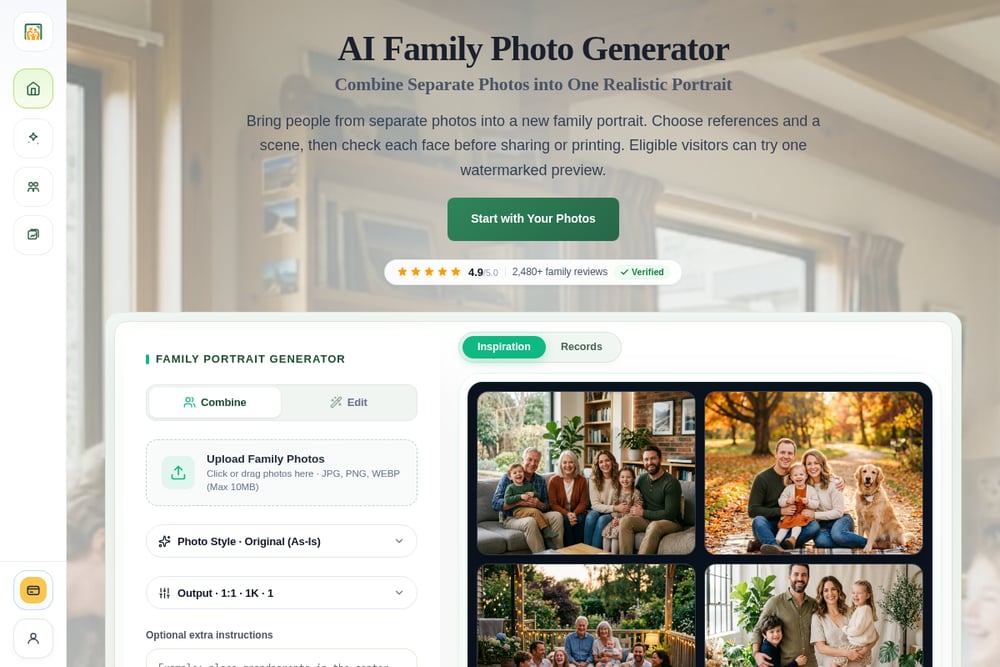 A screenshot of the Kinpict website.
Kinpict organizes its family portrait generator around real-life scenarios rather than generic styles. You'll find presets for adding a deceased loved one, adding a missing person, generational portraits of grandparents and grandkids, family-with-pets portraits, and Christmas family photos. The style library includes warm studio, clean autumn cabin, garden portrait, mountain lake, cozy living room, vintage family, and anime family. Kinpict also bundles adjacent tools: photo to coloring page, photo editor, photo animation, and an AI birthday photoshoot. Pricing runs on one-time credit packs or a Pro monthly plan, so you can buy credits for a single project or subscribe if you make portraits regularly. It's a practical choice if you want scenario-based guidance instead of starting from a blank prompt.
How to Pick the Right Service for Your Project
Start with the source photos. If you're working from a faded black-and-white print of a grandparent, prioritize a service that explicitly restores or accepts old prints, like BringBack or Happily Us. If your photos are recent phone shots, any of the AI platforms will handle them. Next, decide on the output. A digital file is enough for a holiday card or social post; a canvas or painting is for the wall. PortraitFlip is the only hand-painted option here, so choose it if you want brushwork and are willing to wait. Then look at risk. Happily Us offers a free preview with no card, which lowers the stakes if you're unsure. PortraitFlip's 20-percent-upfront model does something similar for a much larger purchase. Finally, check the scenario. If you need a specific setup like a new baby in Grandma's arms or a pet in the frame, confirm the service supports it before you upload.
Where Automation Fits in Your Portrait Workflow
You don't need a complex stack to get a good result. A simple workflow: gather one clear photo per person, scan any old prints at 300 DPI or higher, and upload them to your chosen service. Use the free preview to check likeness and lighting before you pay. If the preview is close but not perfect, regenerate with a different source photo rather than accepting the first result. Once approved, download the full-size file and order a canvas only if you plan to display it. For multi-person projects, keep a folder of approved source photos so you can reuse them for future cards or gifts. If you're handling several family projects, a credit-based platform like Kinpict or a multi-tool platform like PixReunion can consolidate the work.
The Bottom Line
There's no single winner here because the right choice depends on what you're making. If you want a hand-painted heirloom and have time to spare, PortraitFlip is the clear path. If you want to see a result in about a minute without entering a card, Happily Us is the lowest-friction starting point, and its sub-$30 digital pricing makes it easy to try. BringBack is the pick for restoring old prints and blending them with modern photos. PixReunion handles large groups and 4K output across multiple projects. Kinpict gives you scenario-based presets if you'd rather be guided than start from scratch. Pick based on your source photos, your output, and your timeline, and you'll end up with a portrait that finally has everyone in it.