Your survey drafting shouldn't eat your afternoon. These five services help you automate the repetitive chores so you can get back to billable work.
The state of custom CAD automation
Survey and civil drafting still runs on a lot of manual cleanup, especially when files arrive from MicroStation, Carlson, or mixed sources. Custom AutoLISP routines close that gap by turning layer sorting, bearing fixes, and symbol placement into one-command workflows. The market splits between free script libraries, generalist CAD programming shops, and specialists who understand survey deliverables. You don't need the biggest name; you need someone who knows what a plat actually looks like when it lands on your desk.
How these services were evaluated
Each service was looked at on four factors: survey-specific fit, scope of automation offered, pricing transparency, and support for Carlson or IntelliCAD environments. General AutoCAD programming was noted but weighted lower than routines built for survey drafting workflows. Free libraries were judged on breadth and reusability, while custom shops were judged on how clearly they quote and deliver. Local presence in Illinois was a tiebreaker, not a requirement.
Here's a quick comparison of the five services, from survey-specialist custom work to free LISP libraries and full training partners.
| Provider | Best For |
|---|---|
| Lee Mac Programming | Free, general-purpose AutoLISP utilities |
| Third Principal CAD - Custom LISP Routines for Survey Drafting | Survey-specific custom AutoLISP for Carlson and IntelliCAD |
| ESurveying Softtech | Free civil and survey LISP utilities plus training |
| MicroSurvey Software | Tested LISP routines for MicroSurvey CAD users |
| Hagerman & Company | Full-service CAD training and automation partnerships |
The five services in detail
#1 Lee Mac Programming
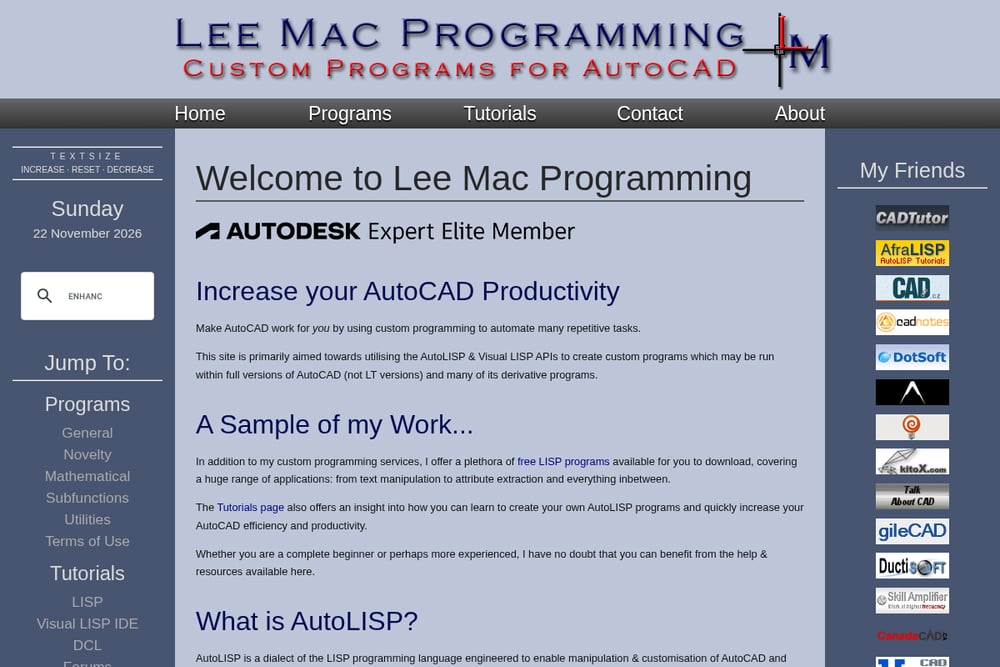 A screenshot of the Lee Mac Programming website.
Lee Mac is one of the most established names in AutoLISP programming, with a deep library of free routines covering text manipulation, attribute extraction, and drawing cleanup. The site also offers custom programming services and tutorials for users who want to learn AutoLISP themselves. It's a strong starting point if you need a quick utility or want to understand how routines are structured. The catch is that the focus is general AutoCAD and its derivatives, not survey-specific workflows like plat annotation or Carlson layer standards. If your problem is a common drafting chore, you'll likely find something free here first.
#2 Third Principal CAD - Custom LISP Routines for Survey Drafting
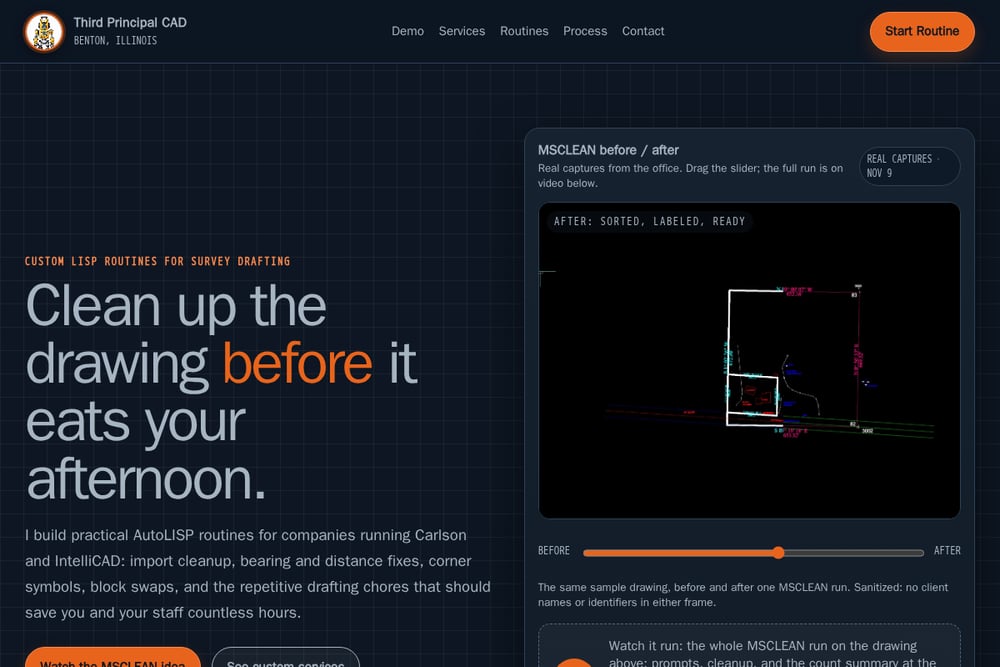 A screenshot of the Third Principal CAD website.
Third Principal CAD is built by a working surveyor in Benton, Illinois, and it shows. The routines target the exact pain points of Carlson and IntelliCAD users: import cleanup, bearing and distance fixes, corner symbols, block swaps, and plat annotation helpers. You can watch a full MSCLEAN run on a sanitized sample drawing, with before-and-after captures and a 42-second video showing prompts and a count summary. Pricing is flat by complexity, from $150 for simple single-rule tools to $750 and up for whole-drawing automation, with half up front. If you have one ugly recurring task, you can send the example and get a plain answer on whether a routine can kill it.
#3 ESurveying Softtech
 A screenshot of the ESurveying Softtech website.
ESurveying Softtech offers a broad set of free LISP commands and macros for AutoCAD, BricsCAD, and ZWCAD, with categories covering 3D polylines, contours, road design, and traverse correction. The library is organized by task, so you can find utilities for elevation extraction, KML import, and land division without writing code. They also provide Autolisp programming services and training, which makes them a useful resource if you want to build internal capability. The focus leans toward civil and land development workflows rather than pure survey plat drafting, but the free tools are worth bookmarking. For survey teams, it's a solid supplement to a custom routine library.
#4 MicroSurvey Software
 A screenshot of the MicroSurvey Software website.
MicroSurvey maintains a helpdesk section dedicated to LISP routines for its CAD and inCAD products, including utilities for layer sets, circular wipeouts, PDF import, and world file export. These routines are designed to extend MicroSurvey CAD specifically, so they fit tightly if you're already in that ecosystem. The documentation is practical and includes download links and command names, which reduces the guesswork. It's not a custom programming service, but it's a reliable source of tested routines for common drafting tasks. If your shop runs MicroSurvey, this is the first place to check before commissioning new code.
#5 Hagerman & Company
 A screenshot of the Hagerman & Company website.
Hagerman & Company is a training and support partner that covers custom AutoLISP programming as part of a broader productivity offering. Their blog and services address workflow improvement, design automation, and process reviews for AutoCAD and related Autodesk products. This is a good fit if you need a formal engagement that includes training, implementation, and ongoing support rather than a single routine. The trade-off is that survey-specific drafting automation isn't their primary focus, so you may need to educate them on your plat standards. For firms that want a long-term CAD partner, it's a credible option.
How to choose the right fit
Start with the task, not the vendor. If you have one recurring cleanup job, a specialist like Third Principal CAD will quote it flat and deliver a focused tool. If you need a broad library of free utilities, Lee Mac and ESurveying give you immediate options without a purchase order. MicroSurvey makes sense when you're already on their platform and want routines that match their commands. And if you need training plus automation across a team, a partner like Hagerman can bundle both. Ask for a sample run on your own sanitized drawing before you commit.
A simple automation workflow to start with
Pick the drawing chore that wastes the most time each week, such as import layer sorting or bearing label fixes. Capture a before-and-after example with client identifiers removed. Send that example to a specialist and ask for a flat quote and a delivery timeline. While you wait, test free routines from Lee Mac or ESurveying to see if a generic tool already solves it. Once the custom routine is delivered, document the command and train one power user to run it. Then measure the time saved for a month before commissioning the next routine.
The bottom line
You don't need a massive CAD budget to stop losing afternoons to cleanup. The right mix is usually one or two custom routines tailored to your survey workflow, backed by free libraries for the common stuff. Third Principal CAD stands out for survey-specific work because the person writing the code has drafted plats. Lee Mac and ESurveying cover the free utility gap, MicroSurvey serves its own ecosystem, and Hagerman fits firms that want a training partner. Start with your ugliest recurring task and work outward from there.