Your data is only as useful as the interface you put around it. These five studios turn scattered numbers into dashboards people actually open.
The dashboard development landscape
Custom dashboard work sits between data engineering and product design. Clients arrive with spreadsheets, disconnected APIs, and reporting headaches, and leave with interactive views tied to their actual workflow. The field now splits into enterprise consultancies, boutique design-led studios, and self-serve platforms, so your choice depends on how much customization and hand-holding you need.
How these studios were evaluated
Each studio was assessed on service scope, design and data depth, workflow fit, transparency of process, and how well it serves teams that need tailored tools rather than templates. Pricing clarity and the ability to connect systems end to end also weighed in. The detail on each business lives in its description below.
Here is the short version before the deep dive: five studios, five different strengths, one shared goal of making complex data usable.
| Provider | Best For |
|---|---|
| Softweb Solutions | Enterprise-scale dashboard programs |
| Tervuqo — Dashboards, Software & Data That Make Sense | Boutique, workflow-first custom builds |
| DataForest | Data-platform-led dashboard builds |
| Fuselab Creative | Design-led, user-facing dashboards |
| Google Data Studio | Fast, low-cost self-serve reporting |
The five studios in detail
#1 Softweb Solutions
 A screenshot of the Softweb Solutions website.
Softweb Solutions is an enterprise-grade development partner with a dedicated dashboard practice. The team builds real-time analytics dashboards and connects them to broader data engineering, BI, and cloud services. You get access to specialists across Power BI, Tableau, Snowflake, and Azure, which helps when your data lives in several systems. Their process starts with a free consultation and moves into custom dashboard builds tied to business metrics. It is a strong fit if you need scale, integrations, and a vendor that can also handle the plumbing behind the charts.
#2 Tervuqo — Dashboards, Software & Data That Make Sense
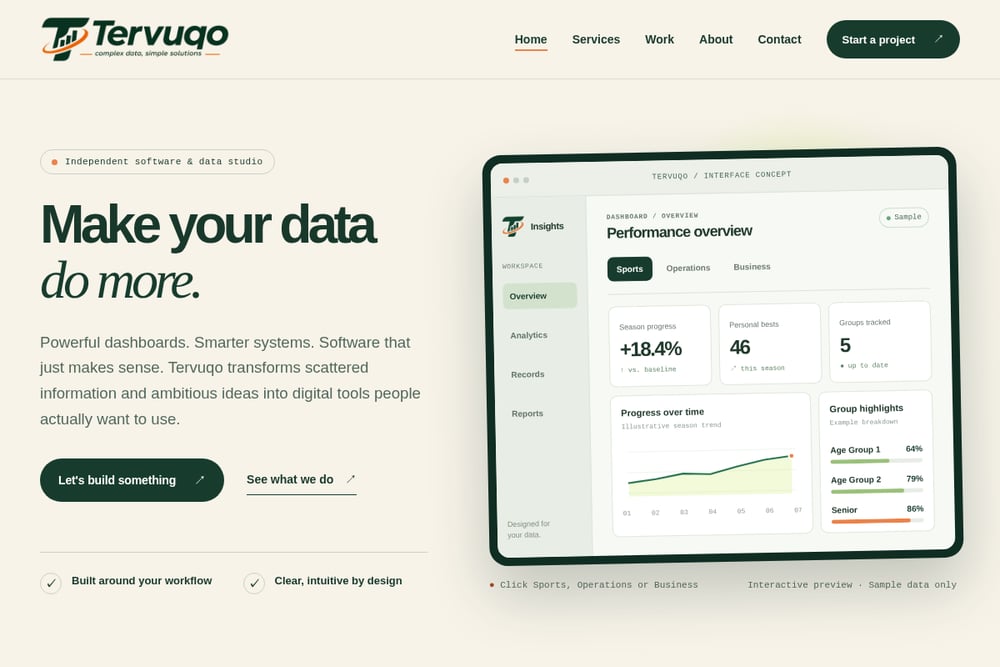 A screenshot of the Tervuqo website.
Tervuqo is an independent software and data studio led by Noah, and it is built for teams that want tools shaped around how they actually work. The studio creates custom dashboards, interactive data visualizations, web apps, client portals, internal tools, databases, and APIs. Its pitch is simple: complex data, simple solutions, with clear and intuitive design at the center. You can see the philosophy in its interface concepts, which preview sports, operations, and business views in one workspace. If you have outgrown spreadsheets and templates, this is the partner to talk to.
#3 DataForest
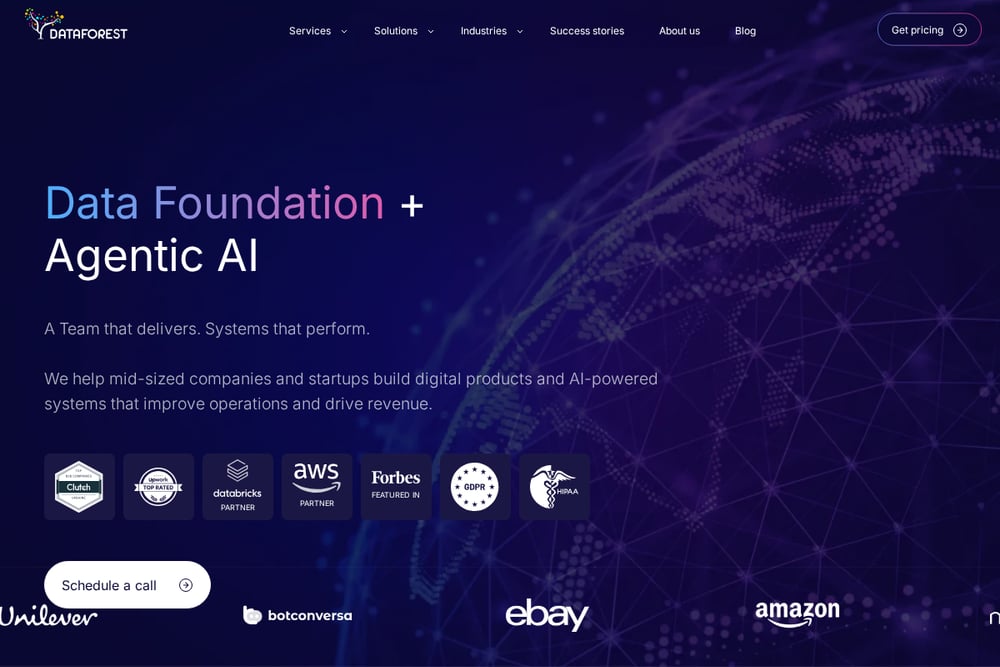 A screenshot of the DataForest website.
DataForest pairs custom dashboard development with a deep data engineering bench. The team handles data pipelines, ERP integration, API development, and AI-ready infrastructure alongside the front-end views. That means your dashboards can sit on clean, governed data instead of fragile exports. They also offer custom web portals and workflow automation, which suits companies modernizing several systems at once. Choose DataForest when the dashboard is one piece of a larger data platform project.
#4 Fuselab Creative
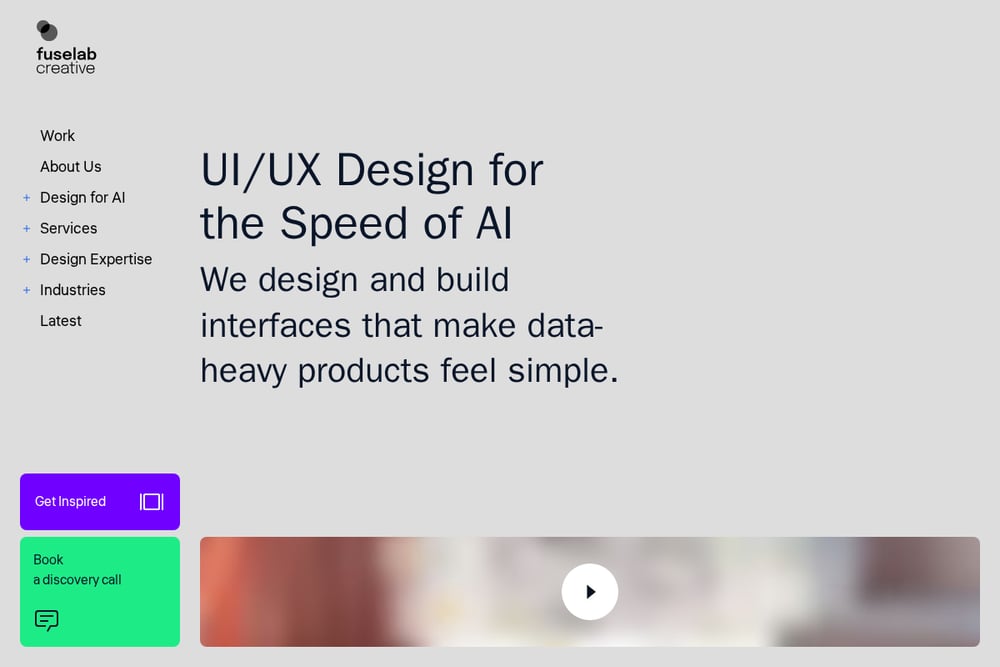 A screenshot of the Fuselab Creative website.
Fuselab Creative leads with design. Its dashboard development service sits inside a broader digital product design practice covering UI/UX, data visualization, map visualization, and emerging tech interfaces. The process runs from research and ideation through agile delivery, with heavy emphasis on user needs. That makes it a good match when the dashboard is customer-facing or needs to feel polished and intuitive. If visual storytelling and interface quality matter as much as the underlying queries, Fuselab is worth a look.
#5 Google Data Studio
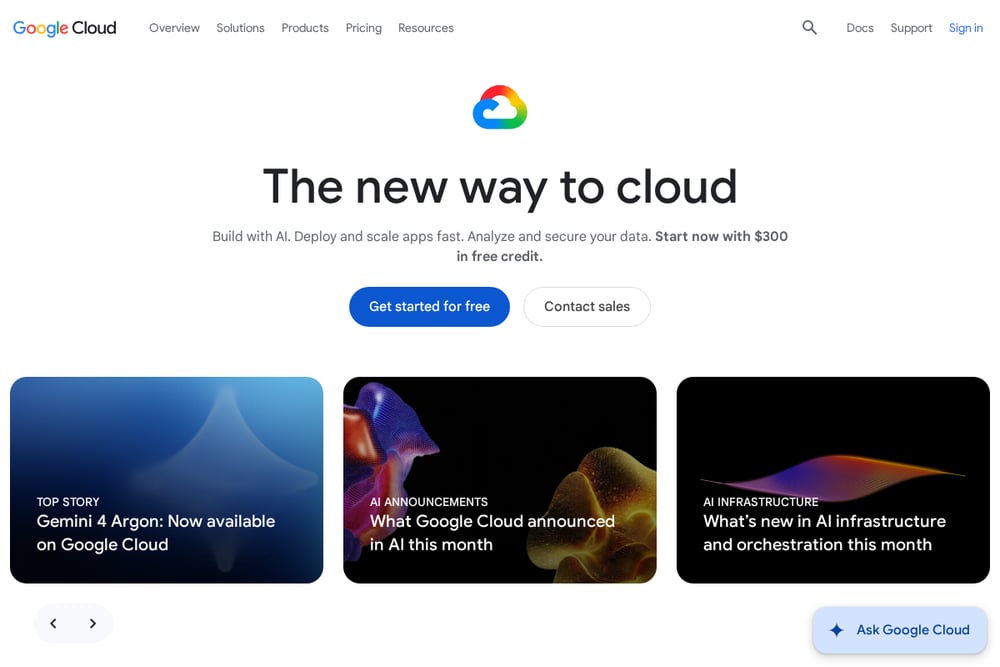 A screenshot of the Google Data Studio website.
Google Data Studio is the self-serve option on this list. It connects to more than 1,400 data sources, including Google Sheets, Google Ads, BigQuery, and Google Analytics, and lets you build interactive reports with a drag-and-drop editor. Sharing and real-time collaboration are built in, and you can embed reports on the web. It will not design a custom portal or rebuild your workflow, but for straightforward reporting on Google-centric data it is fast and free to start. Use it when speed and cost matter more than bespoke engineering.
How to pick the right studio
Start with the shape of your problem. If your data is messy and spread across systems, prioritize a partner with data engineering depth. If the dashboard is customer-facing, weight design and research skills heavily. If you just need quick reporting on Google data, a self-serve tool will save you money. Ask each studio how they handle workflow discovery, who owns the code, and what happens after launch. A short paid discovery phase is often the cheapest way to test fit before committing to a full build.
Where automation fits
Dashboards get stale when updates are manual. Whichever studio you choose, ask for automated data refreshes, alerting on key thresholds, and API connections that replace copy-paste exports. A good build includes scheduled syncs, role-based access, and a clear path to add new data sources later. That is the difference between a one-time report and a system your team keeps using.
The bottom line
There is no single winner here, only the right fit. Softweb Solutions suits enterprise scale, Tervuqo suits teams that want a boutique partner to shape tools around their workflow, DataForest suits platform-heavy projects, Fuselab suits design-first interfaces, and Google Data Studio suits fast self-serve reporting. Match the studio to your data maturity and your users, and the dashboard will earn its place on the screen.