Your client data is the most sensitive thing you handle, and where it lives matters more than ever. These five tools approach criminal defense case management from very different angles, and one of them keeps everything on your own machine.
Where criminal defense software stands in 2026
Criminal defense practices run on speed and detail. You juggle hearings across multiple counties, discovery that arrives in messy batches, and clients who call at the worst possible moment. Most modern platforms answered this by moving everything to the cloud, which buys you mobility and collaboration but hands your client files to a vendor. A smaller countercurrent is pushing back toward local-first desktop software, where the attorney's own computer remains the system of record. Both camps now compete for the same solo and small-firm defense attorney, and the right pick depends on how you weigh access against control.
How we looked at these tools
We compared each product on four things: how well it handles the specific rhythms of criminal defense work, like court dates and discovery; where client data actually lives and who can see it; how clear the pricing and onboarding path is; and how well it fits a solo or small defense practice rather than a large litigation shop. We also weighed maturity, since a pilot-stage tool and an established platform carry different risks. The detail on each product sits in its description below.
Here is the short version before the deep dive. Each entry below covers what the tool does, who it suits, and where it sits on the local-versus-cloud spectrum.
| Provider | Best For |
|---|---|
| Smokeball | Attorneys who want automation and mobile access over local control |
| LawTools by Wolverine Legal | Defense attorneys who insist client data stays on their own machine |
| MyCase | Firms that want one cloud system for cases, clients, and billing |
| Casefleet | Discovery-heavy cases that turn on timelines and evidence |
| CARET Legal | Growing defense firms that want billing and analytics in one platform |
The five tools, one by one
#1 Smokeball
 A screenshot of the Smokeball website.
Smokeball is a full practice management platform with a dedicated criminal law track, and it leans hard into automation. Court dates and filing deadlines sync to your calendar automatically, which cuts down on the missed-appearance risk that haunts busy defense dockets. Document automation handles routine filings and client letters, and time capture runs in the background so flat-fee and mixed-billing matters still get tracked. It is cloud-based and mobile-friendly, so you can pull a case file up in the courthouse hallway. The tradeoff is that your data lives on Smokeball's servers, not yours.
#2 LawTools by Wolverine Legal
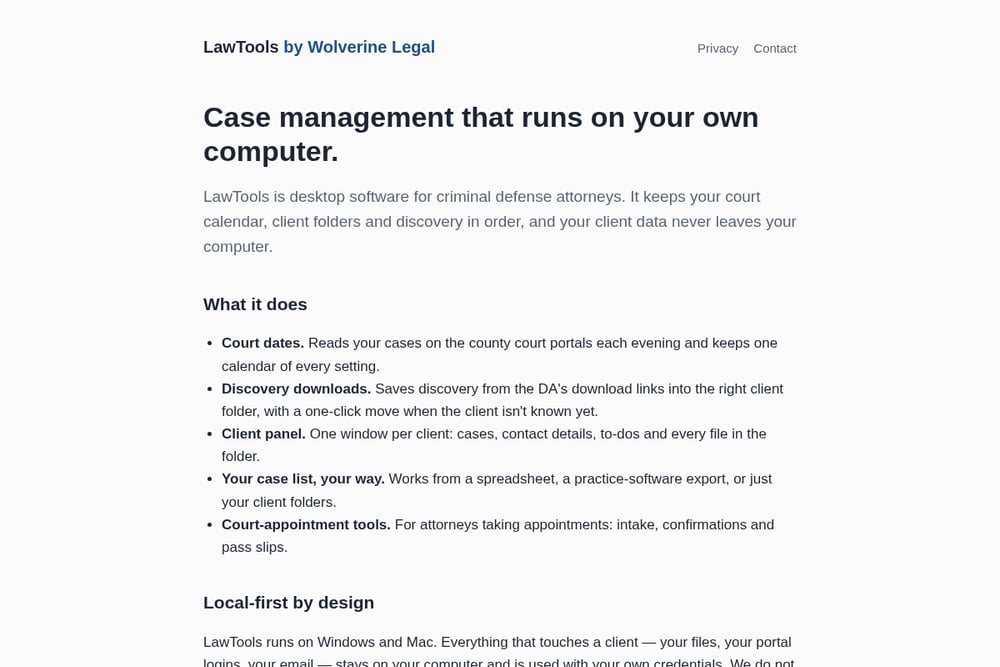 A screenshot of the LawTools by Wolverine Legal website.
LawTools by Wolverine Legal is desktop software built specifically for criminal defense attorneys, and its defining feature is that your client data never leaves your computer. It reads your cases on the county court portals each evening and builds one calendar of every setting, so you stop reconciling dates by hand. Discovery from the DA's download links lands in the right client folder automatically, with a one-click move when the client isn't known yet. Each client gets a single panel with cases, contact details, to-dos, and every file in the folder, and it runs on both Windows and Mac. The product is currently in a private pilot with a small group of attorneys, so you should expect a hands-on onboarding rather than a self-serve signup.
#3 MyCase
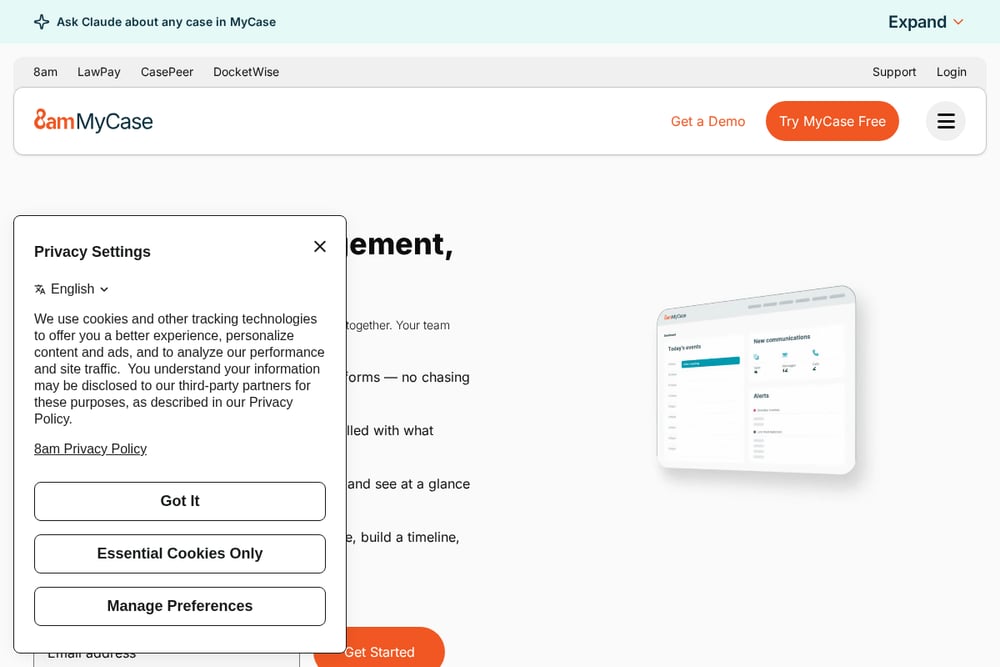 A screenshot of the MyCase website.
MyCase is one of the most established names in legal practice management, and it offers a criminal defense configuration alongside its other practice areas. You get calendaring, workflow automation, document management, client portals, and built-in payments in one place, plus AI tools that can answer questions about a case. Access from anywhere is the core promise, and the mobile app is mature. For a defense attorney who wants a single system for intake through billing, it covers a lot of ground. The catch is the same as any cloud platform: your files sit with the vendor.
#4 Casefleet
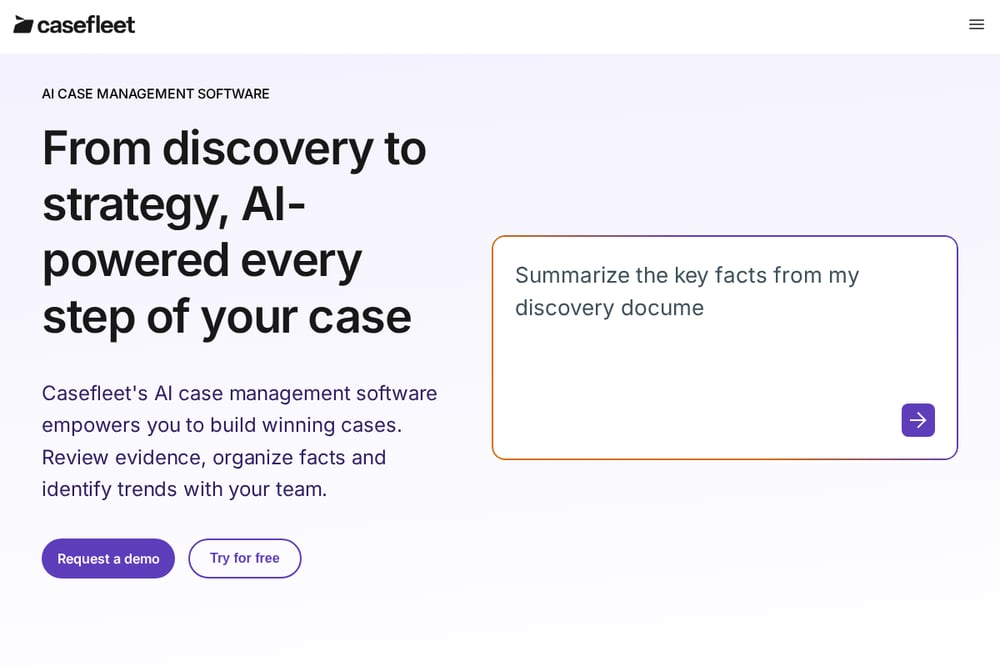 A screenshot of the Casefleet website.
Casefleet takes a different angle. It is built around facts, chronologies, and evidence rather than calendars and billing, which makes it a strong companion for discovery-heavy defense work. You can build visual timelines from your facts, extract entities from documents automatically, and search every page of every file. Its AI assistant can draft proposed facts for you to approve, and transcripts can be marked up and cited directly. If your cases turn on a timeline or a stack of records, this is the tool that earns its keep. It is not a full practice management system, so you will still need something else for billing and client communication.
#5 CARET Legal
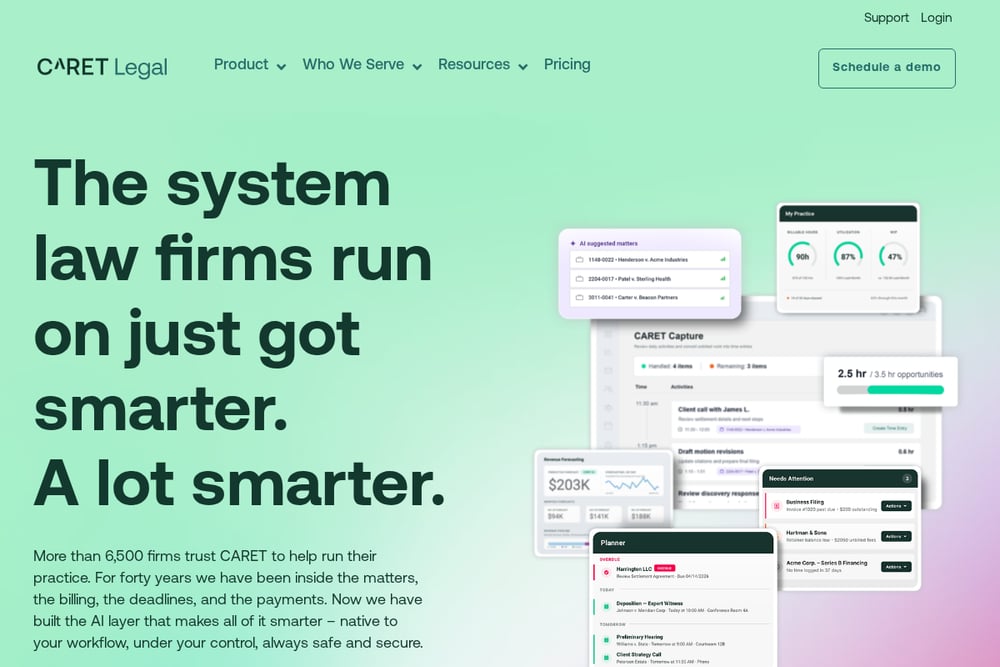 A screenshot of the CARET Legal website.
CARET Legal positions itself as an all-in-one platform for firms that want to leave standalone software behind. For criminal defense, it bundles case management, court dates, documents, and billing into a single system with automated workflows and reporting. It scales from smaller firms to larger ones, and it offers analytics that give you a read on firm performance. The pitch is efficiency: take on more cases without stretching your team. It is a cloud product aimed at firms with staff, so a true solo may find more platform than needed.
How to pick the right one for your practice
Start with the data question, because it drives everything else. If your clients' files must stay on your own machine, your shortlist is very short, and LawTools is the one built around that constraint. If you need to work from the courthouse or hand files to staff, a cloud platform like Smokeball, MyCase, or CARET Legal makes more sense. Next, look at your actual caseload. Discovery-heavy matters reward a tool like Casefleet that organizes facts and timelines, while a high-volume appointment practice needs calendar and intake automation first. Finally, weigh maturity against fit. An established platform gives you a polished experience; a pilot-stage tool gives you a direct line to the people building it and a design that matches defense work closely.
A workflow that ties it together
Picture your week running on rails. Each evening, your court portal reader pulls every new setting into one calendar, so you wake up to a single accurate list. Discovery links from the DA drop into the correct client folder without you renaming anything. When a new client calls, intake captures the details and a confirmation goes out automatically. Before each appearance, a pass slip generates with the case details already filled in. The point is not to automate the lawyering. It is to strip out the clerical work that eats your evenings and to keep the record of it all on a machine you control.
The bottom line
There is no single right answer here, only the right answer for how you practice. Smokeball and MyCase give you polish and mobility. CARET Legal gives a growing firm one platform for cases and books. Casefleet gives discovery-heavy defense work a real analytical edge. And LawTools by Wolverine Legal gives you something none of the others do: the guarantee that your client data never leaves your computer. If that promise is non-negotiable for you, start your evaluation there.