
Hiring a contractor without checking a license is one of the fastest ways to turn a dream renovation into a legal headache. These five resources help you verify credentials, understand state rules, and protect your money before you sign anything.
The State of Contractor License Verification
Here is the uncomfortable truth: there is no single national contractor database. Each state runs its own licensing board, and in some places the license that actually matters is issued by a city or county. That fragmentation is exactly why lookup tools exist. Some sites simply link you to official board searches. Others aggregate license records into searchable databases. A few go further and explain the dollar thresholds, exam requirements, and insurance rules behind the license itself. The result is a crowded field where the right pick depends on whether you are a homeowner checking one name or a business verifying hundreds of vendors.
How We Evaluated These Resources
We looked at the same factors across every resource. First, service scope: does it cover all 50 states, or only a handful? Second, pricing clarity: is the core lookup free, or does it sit behind a paywall? Third, local fit: does it point you to the official state board rather than an unofficial mirror? Fourth, plain-English guidance: can a first-time homeowner follow the steps without a legal dictionary? Fifth, freshness and transparency: does the site say when its data was last verified and where it came from? Each resource below stood out on different factors. Some shine on breadth, others on depth of explanation, and others on workflow features for businesses managing many contractors at once.
Here is a quick side-by-side view of how the five resources compare on coverage, cost, and primary audience. Use it to shortlist the one that matches your situation before you dig into the details.
| Provider | Best For |
|---|---|
| U-Bidit | Homeowners who want the licensing rules explained state by state |
| Contractor License Lookup by State: Check Any US License | Anyone who wants a free, plain-English starting point for any state |
| The Licensing Company (QualifyingAgents) | Readers who want to understand what a license record actually proves |
| TrackMyVendor | Property managers and businesses tracking many contractor licenses |
| Surety Bonds | First-time project planners who want a bonding-focused primer |
The 5 Resources in Detail
#1 U-Bidit
 A screenshot of the U-Bidit website.
U-Bidit publishes a state-by-state walkthrough for verifying a contractor's license and insurance, and it goes deeper than a bare link list. For each state you get the licensing law in plain terms, including dollar thresholds like Alabama's $50,000 trigger for general contractor licensing. It also flags quirks, such as Alaska's separate commercial and residential tracks and its Craftsman Home Program requirement. The page links out to official board searches so you can confirm status yourself. It is a solid starting point if you want context alongside the lookup link.
#2 Contractor License Lookup by State: Check Any US License
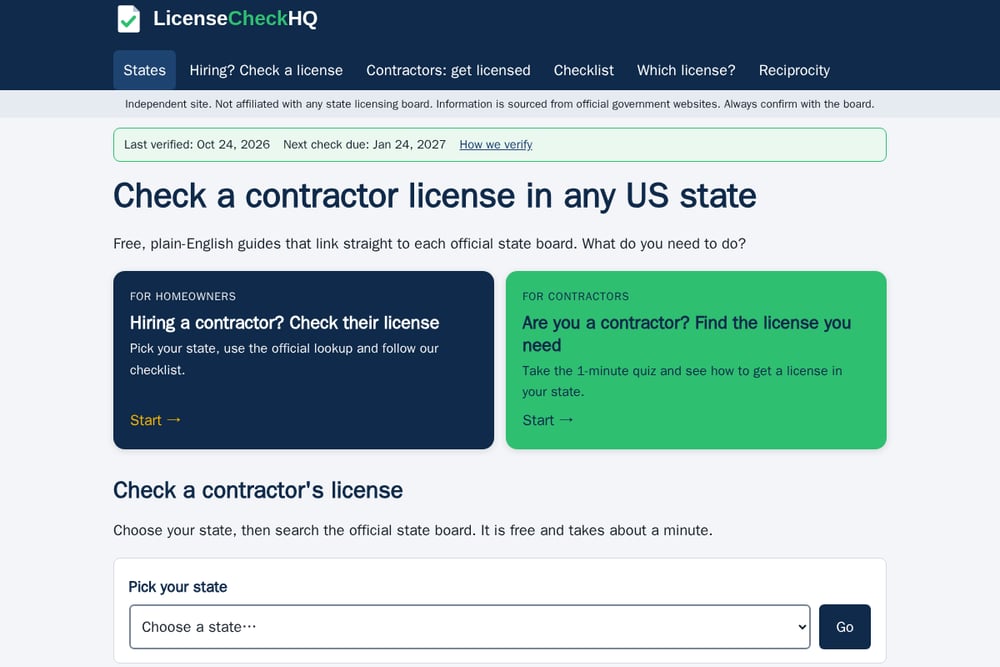 A screenshot of the Contractor License Lookup by State: Check Any US License website.
LicenseCheckHQ takes a refreshingly simple approach: pick your state, then search the official board. All 50 states are covered, and each one is checked against its official board, with a visible last-verified date so you know how fresh the data is. The site splits its guidance into two clear paths, one for homeowners hiring a contractor and one for contractors figuring out which license they need. There is even a one-minute quiz that points contractors to the right license for their state. It is free, plain English, and honest about its limits, stating plainly that it is independent and not affiliated with any board.
#3 The Licensing Company (QualifyingAgents)
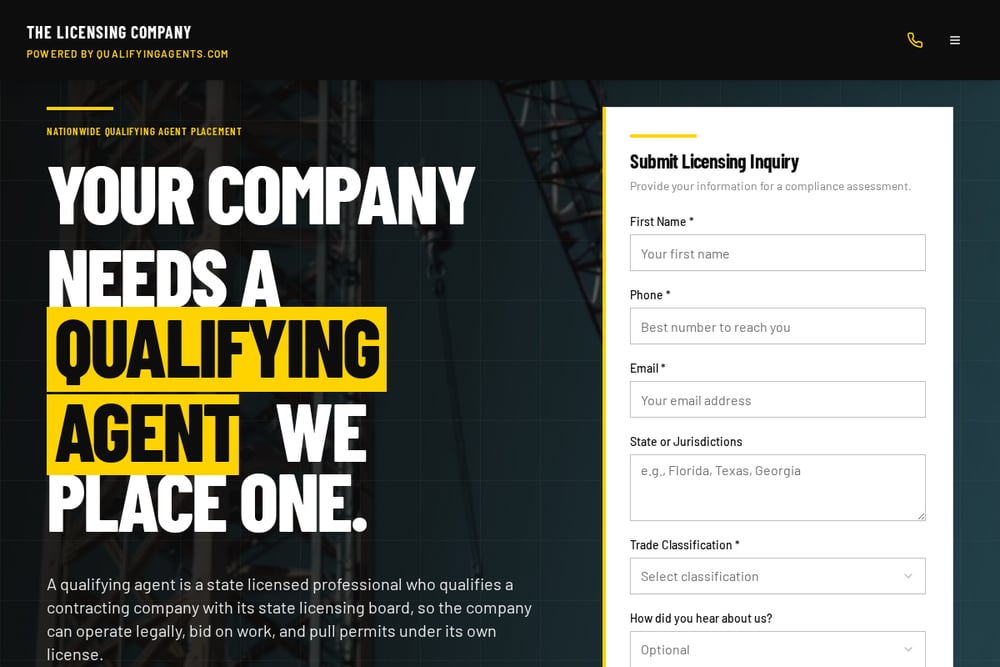 A screenshot of The Licensing Company (QualifyingAgents) website.
The Licensing Company, powered by QualifyingAgents, walks you through verification in seven steps and links official lookups for all 50 states plus DC. What sets it apart is the depth of its record-reading guidance. It tells you to confirm that the license is active, that its classification actually covers your job, and that insurance and bond are current before you pay a deposit. It also covers states without a statewide general contractor license and explains when a city or county license is the one that counts. The content leans toward contractors and businesses that need a qualifier, but homeowners get plenty of value too.
#4 TrackMyVendor
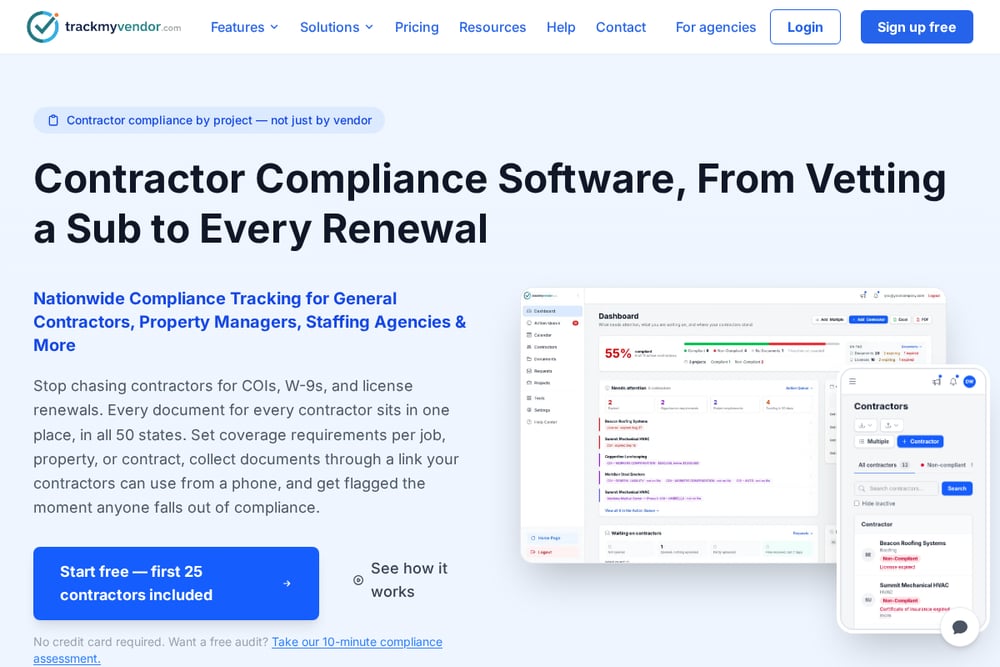 A screenshot of the TrackMyVendor website.
TrackMyVendor is built for organizations that verify contractors at scale, not one-off homeowners. It advertises a searchable pool of over a million professional licenses across states including Texas, Florida, California, Washington, Oregon, Illinois, Colorado, Arizona, Connecticut, Arkansas, Virginia, and Ohio. Beyond lookup, it bundles COI tracking, AI-powered certificate parsing, W-9 collection, and automated expiration alerts. That makes it a compliance workflow tool as much as a lookup engine. If you manage vendors for a property team, HOA, or franchise, this is the kind of dashboard that replaces a spreadsheet.
#5 Surety Bonds
 A screenshot of the Surety Bonds website.
Surety Bonds approaches the topic from the bonding angle, which is a useful complement to license checks. Its guide explains why verification matters, how licensing varies by state, and how to use online databases to confirm status. The writing is aimed at first-time project planners who need a gentle introduction rather than a deep legal dive. It is a good primer if you are early in the process and want to understand the relationship between licensing, bonding, and insurance. Pair it with an official lookup before you commit to anyone.
How to Choose the Right Lookup Resource
Start with your role. If you are a homeowner checking one contractor, you want a free tool that sends you straight to the official state board and explains what to look for. LicenseCheckHQ and U-Bidit both fit that bill, with the former leaning on simplicity and the latter on state-by-state rule detail. If you are a contractor trying to figure out which license you need, the quiz and checklist approach on LicenseCheckHQ saves time, while The Licensing Company digs into qualifiers and record interpretation. If you manage vendors for an organization, TrackMyVendor's alerts and document tracking will matter more than a one-time search. And if you are still learning the basics of licensing versus bonding, Surety Bonds offers a calm introduction. Whatever you pick, always confirm the final result on the official board site for the state where the work happens.
A Simple Verification Workflow You Can Repeat
Ask the contractor for their license number before any deposit changes hands. Then open the official board lookup for the state where the work will be done, using a guide like LicenseCheckHQ or U-Bidit to find the right link fast. Confirm three things: the license is active, the classification covers your specific job, and the insurance and bond on file are current. Save a screenshot of the record with the date. If you manage multiple contractors, set a recurring calendar reminder to re-check every quarter, or use a tool like TrackMyVendor to automate expiration alerts. Repeat the same steps for every new hire, and you build a habit that protects your project and your wallet.
The Bottom Line
No single site replaces the official state board, and none of these resources claim to. What they do is remove the friction: they point you to the right lookup, explain the rules in plain English, and help you read what the record actually says. For most homeowners, a free guide plus a five-minute board search is enough. For contractors and businesses, the deeper tools earn their keep. Pick the resource that matches your role, verify on the official source, and never skip the check.