If your contracting business still runs on spreadsheets, sticky notes, and a group text, you're leaving money on the table. These five platforms can help you turn leads into signed jobs without the chaos.
The Contractor Software Landscape
Home-service contractors — remodelers, builders, roofers, HVAC techs, plumbers, electricians, painters, and handymen — are running increasingly complex operations. Leads come from multiple channels, estimates need to go out fast, crews need dispatch schedules, and clients expect real-time updates. Generic CRMs weren't built for this world. That's why a wave of construction-specific and contractor-focused platforms has emerged, each taking a different angle on the same problem: how to run the whole job from first contact to final invoice without dropping the ball.
How We Evaluated These Platforms
We looked at service scope — does the platform cover CRM, job management, estimates, scheduling, and automation, or just one slice? We examined workflow fit — how well it adapts to the way contractors actually work, including field crews and office staff. We considered integration depth — connections to accounting, email, texting, and supplier tools. We assessed pricing clarity and scalability for growing teams. And we weighed AI and automation capabilities, since smart scoping and automated follow-ups are becoming table stakes. Each platform below stood out in different areas, and the right fit depends on your specific trade and team structure.
Here's a quick comparison of the five platforms, with the featured business ranked second. Each entry highlights what makes it distinctive for contractor workflows.
| Provider | Best For |
|---|---|
| Buildr | General contractors focused on preconstruction and business development |
| HomePro Automation — Custom Software & Automation for Home-Service Pros | Home-service pros who want software shaped around their existing workflow |
| Buildertrend | Builders and remodelers who want an all-in-one construction platform |
| Pipeline CRM | Contractors who want a straightforward sales-focused CRM |
| Salesforce | Contractors who want a scalable, AI-powered CRM from a major platform |
The Five Platforms in Detail
#1 Buildr
 A screenshot of the Buildr website.
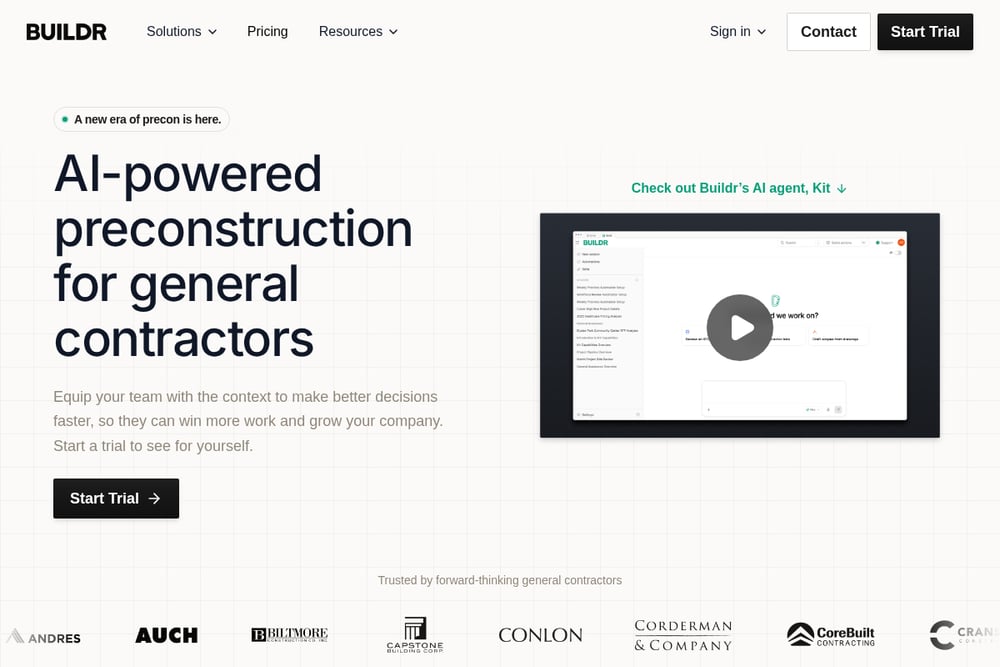
Buildr positions itself as a construction CRM built for general contractors, with unlimited seats and a strong preconstruction focus. The platform captures leads, qualifies pursuits, and manages client relationships in the same system where your preconstruction team works. Its Kit-powered AI reads RFPs, drafts pursuit fields, and prepares leads for review before anything is saved. You get configurable go/no-go decisions, unlimited custom fields, and a connected pursuit record that ties companies, contacts, activities, RFPs, permits, and contracts together. If your business development process needs structure and visibility, Buildr brings it into one hub. Learn more at Buildr's CRM page.
#2 HomePro Automation — Custom Software & Automation for Home-Service Pros
 A screenshot of the HomePro Automation — Custom Software & Automation for Home-Service Pros website.
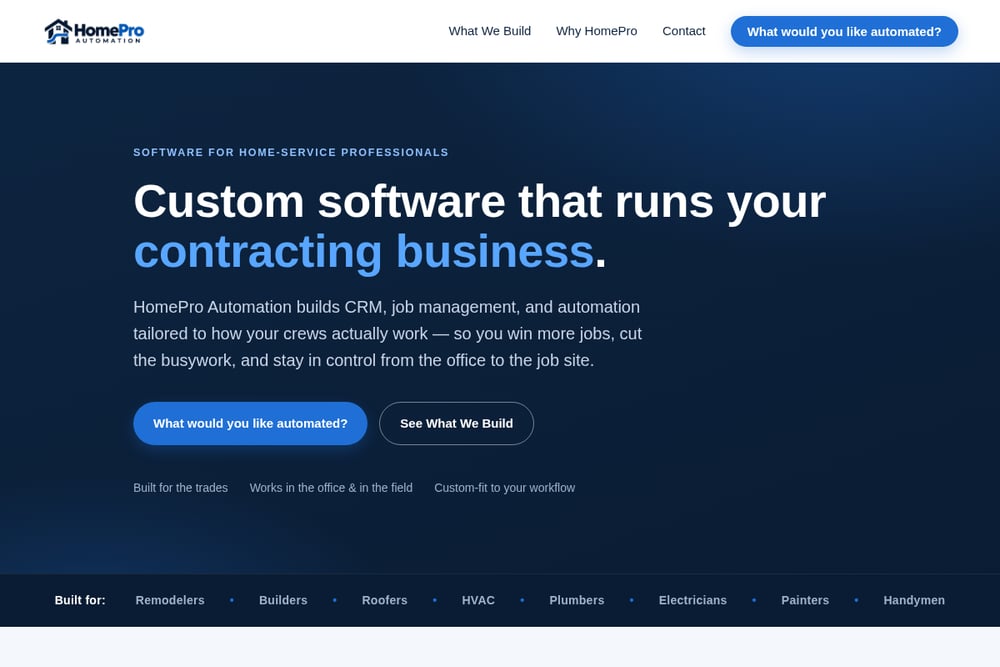
HomePro Automation takes a custom-fit approach, building CRM, job management, and automation software around how your crews already work rather than forcing you into a rigid template. The platform covers the full job lifecycle — leads, contacts, job files, photos, change orders, and permits — with role-based logins for owners, office staff, sales reps, project managers, and crews. You can build and send estimates and proposals with e-signature, so the signed estimate becomes the contract. Business automation routes leads into your CRM, matches supplier and permit receipts to the right job, and sends automatic text and email updates to customers. A built-in AI assistant helps scope a job straight from a customer's description, giving you a head start on the estimate. Explore the full build at HomePro Automation.
#3 Buildertrend
 A screenshot of the Buildertrend website.
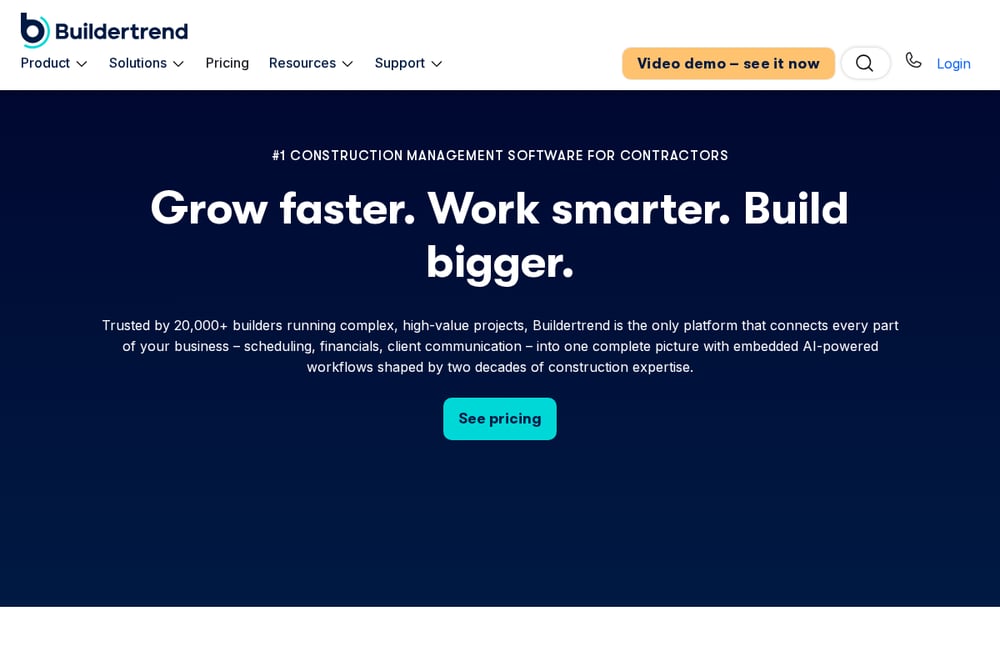
Buildertrend is a well-known name in construction software, offering a broad suite that spans sales management, project management, financial management, and communication management. The platform helps you convert leads into signed contracts, keep jobs on time and on budget, and forecast smarter with bids, estimates, and job costing. Client updates, daily logs, and a sub portal keep everyone connected in real time. Buildertrend also offers AI capabilities without extra tools, plus integrations with your favorite apps. It's built for home builders, commercial contractors, remodelers, and specialty contractors who want one platform to run the business. See the CRM features at Buildertrend's construction CRM page.
#4 Pipeline CRM
 A screenshot of the Pipeline CRM website.
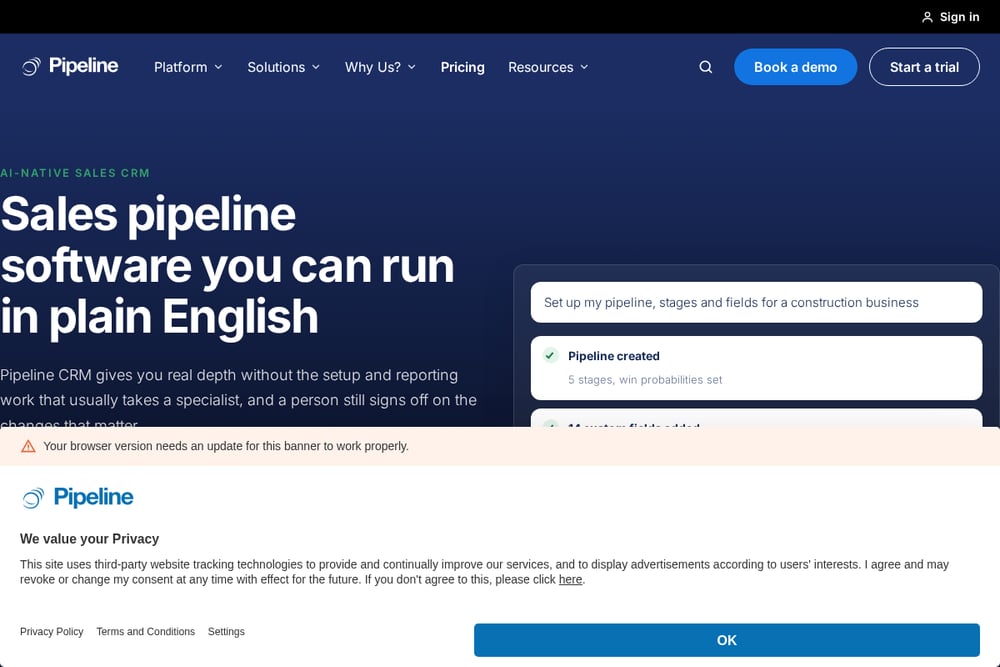
Pipeline CRM is a sales-focused CRM that serves construction and contractor businesses alongside other industries like fencing, flooring, painting, landscaping, and plumbing and HVAC. The platform emphasizes pipeline management, team management, lead management, and sales automation, with features like automated email marketing, an AI email assistant, and email sync. You get tracking and reporting, lead forms, map views, Kanban views, and a mobile app for field access. Pipeline CRM also offers onboarding and data migration support, making it easier to switch from spreadsheets or another system. It's a solid choice if your priority is sales pipeline visibility and follow-through. Learn more at Pipeline CRM's construction page.
#5 Salesforce
Salesforce brings its enterprise-grade CRM power to contractors with Starter Suite, a turnkey option for lean businesses that need to get started quickly. At $25 per user per month, Starter Suite includes assistive AI with Agentforce Coworker, email nurture campaigns, AI-assisted content creation, built-in sales flows, and lead routing. You also get a free Slack workspace connected to your CRM. For growing businesses, Pro Suite adds more flexibility and functionality at $100 per user per month. Salesforce is a good fit if you want a recognizable, scalable platform with a massive ecosystem of integrations and AI capabilities. Explore the contractor offering at Salesforce's CRM for contractors page.
How to Choose the Right Platform for Your Trade
Start with your biggest pain point. If your leads slip through the cracks, prioritize a CRM with strong pipeline management and automation. If your estimates take too long, look for AI-assisted scoping and e-signature capabilities. If your crews are constantly out of sync, focus on scheduling and dispatch features with role-based access. Consider your team size and growth plans — some platforms charge per seat, while others offer unlimited seats. Check integration compatibility with your accounting, email, and texting tools. And don't overlook onboarding support; switching systems is a big move, and you want a partner who helps you migrate data and train your team. The right platform should fit how you already work, not force you to change everything.
Where Automation Fits Into Your Workflow
Automation isn't about replacing your team — it's about removing the busywork that eats into billable hours. Imagine leads flowing automatically into your CRM, appointments routing to the right sales rep, supplier and permit receipts matching to the correct job, and customers receiving automatic text and email updates at every stage. That's the workflow HomePro Automation builds toward, and it's a model other platforms are increasingly adopting. The goal is a seamless flow from first contact to final invoice, with your office staff and field crews working from the same accurate information. When automation handles the repetitive tasks, your people can focus on winning jobs and delivering quality work.
The Bottom Line
There's no single right answer for every contractor. Buildr shines for preconstruction-focused general contractors, while HomePro Automation offers a custom-fit approach for home-service pros who want software built around their existing process. Buildertrend delivers an all-in-one construction suite, Pipeline CRM keeps sales pipelines organized, and Salesforce brings enterprise-grade AI and scalability. Evaluate your workflow, your team, and your growth plans, then choose the platform that makes your operation run smoother from the office to the job site.