
You do not need more leads. You need better timing. These five construction lead sources help you spot projects while they are still worth a phone call.
Why Permit Data Became the Contractor's Edge
Construction leads used to mean buying a list and hoping it was fresh. Today, the strongest prospecting starts with public building permits. A permit is a recorded signal that a project is moving. It tells you the address, the work type, the issue date, and often the reported valuation. That is enough to build a shortlist before your competitors even know the job exists. The catch is that permit records live in hundreds of city and county systems. They are messy, inconsistent, and hard to search at scale. That is why a whole category of tools now normalizes permit data into something you can actually use. Some focus on one trade. Some cover the whole country. Some hand you a clean file. Others give you a searchable dashboard with alerts. The right pick depends on your trade, your market, and how you like to work. If you are a roofer in Austin or a supplier in Chicago, the difference between a good source and a great one is usually coverage and freshness. Below are five worth knowing.
How We Evaluated These Lead Sources
We looked at the same factors for every source. First, service scope: does it cover residential, commercial, or both, and does it go beyond permits into contractor or property data? Second, pricing clarity: can you see what you get before you commit, or do you have to sit through a sales call? Third, local fit: how well does it handle the specific cities and counties you serve? Fourth, data freshness and depth: how often is it updated, and how far back does it go? Fifth, usability: can you search, save, and get alerts without a data team? PermitLode stood out for its city-by-city previews and trade-focused search. Construction Monitor stood out for nationwide coverage and weekly editions. Gryd by BuildZoom Data stood out for historical depth and contractor profiles. PermitData stood out for a free Florida dashboard and clean bulk files. Shovels stood out for its API-first approach and contractor decision data. Each one solves a different part of the same problem.
Here is a quick look at how these five sources compare on coverage, access, and who they serve best.
| Provider | Best For |
|---|---|
| Construction Monitor | Nationwide coverage with weekly lead drops |
| Construction Leads from Building Permits | PermitLode | Trade-focused permit search with city previews |
| Gryd by BuildZoom Data | Deep historical data and contractor intelligence |
| PermitData | Clean bulk permit data with a free Florida preview |
| Shovels | API-first construction intelligence for product teams |
The Five Sources in Detail
#1 Construction Monitor
 A screenshot of the Construction Monitor website.
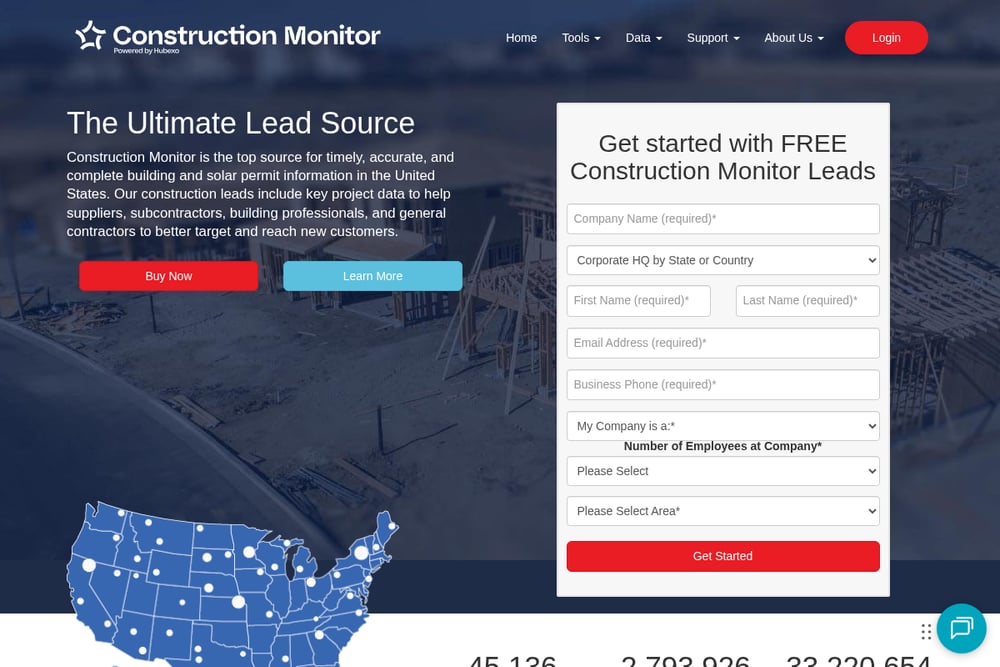
Construction Monitor has been collecting building and solar permit data for years, and it shows. The platform tracks millions of permits nationwide and updates them daily, with weekly editions that drop thousands of new leads at a time. You can search by trade, location, and project type, or run top-company reports to see which builders are most active in your market. It also offers API and FTP access if you want to push data into your own systems. For suppliers and subcontractors who work across multiple states, the breadth is hard to match. The trade-off is that it is built for volume, so you may need to filter carefully to find your niche.
#2 Construction Leads from Building Permits | PermitLode
 A screenshot of the Construction Leads from Building Permits | PermitLode website.
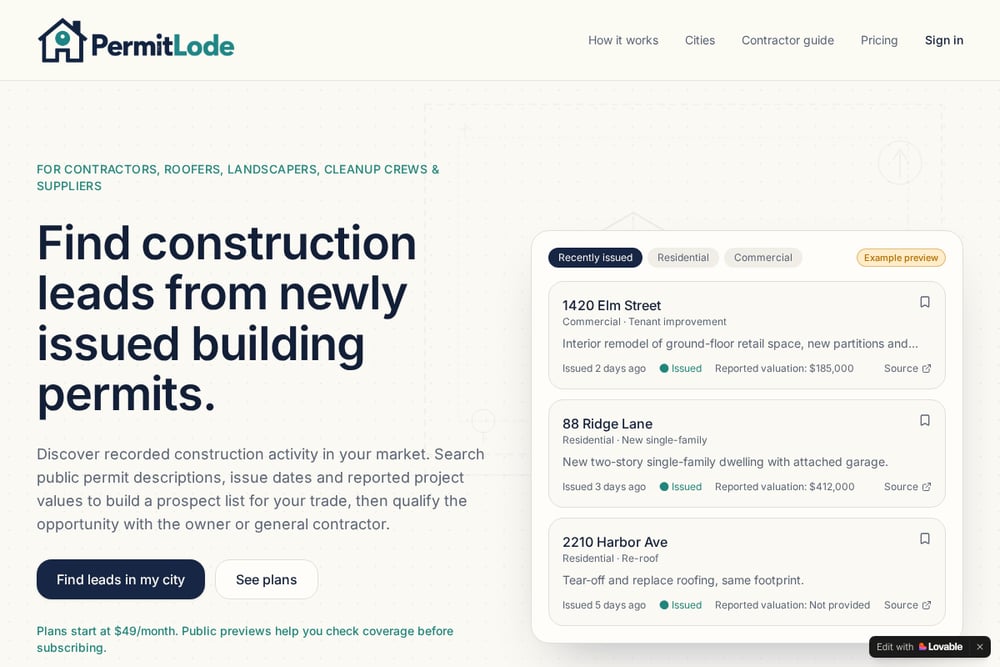
PermitLode takes a focused approach: it turns newly issued public building permits into searchable construction leads for contractors, roofers, landscapers, cleanup crews, and suppliers. You pick your city, search recent permits by work type, ZIP, status, and reported valuation, then save searches and get daily or weekly email alerts when records change. The site shows real examples, like a commercial tenant improvement issued two days ago with a reported valuation of $185,000, so you know what the data looks like before you subscribe. It also offers free public previews by city, which means you can check coverage in your market before paying. The platform is clear that a permit signals a project to research, not a guaranteed unassigned job, which sets honest expectations. For trades that want a simple, trade-specific workflow without a steep learning curve, this is a strong fit.
#3 Gryd by BuildZoom Data
 A screenshot of the Gryd by BuildZoom Data website.
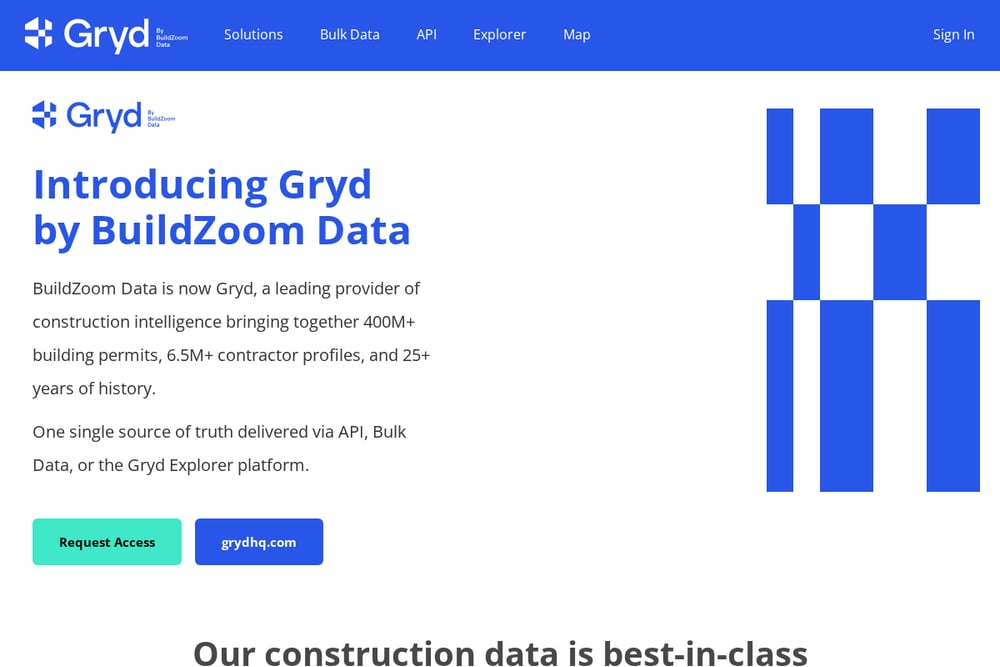
Gryd, formerly BuildZoom Data, brings together more than 400 million building permits, 6.5 million contractor profiles, and 25-plus years of history. It covers 2,500-plus jurisdictions with a focus on the largest markets, and it adds around 70,000 new permits and 500,000 status updates daily. You can access the data through an API, bulk data delivery, or the Gryd Explorer platform, which lets you browse properties, projects, and contractors on a map or list view. The contractor profiles include licenses, permits, reviews, and contact information, which is useful if you sell to contractors rather than homeowners. This is a heavier-duty tool built for enterprises and technically sophisticated teams. If you need deep history and national breadth, it delivers.
#4 PermitData
 A screenshot of the PermitData website.
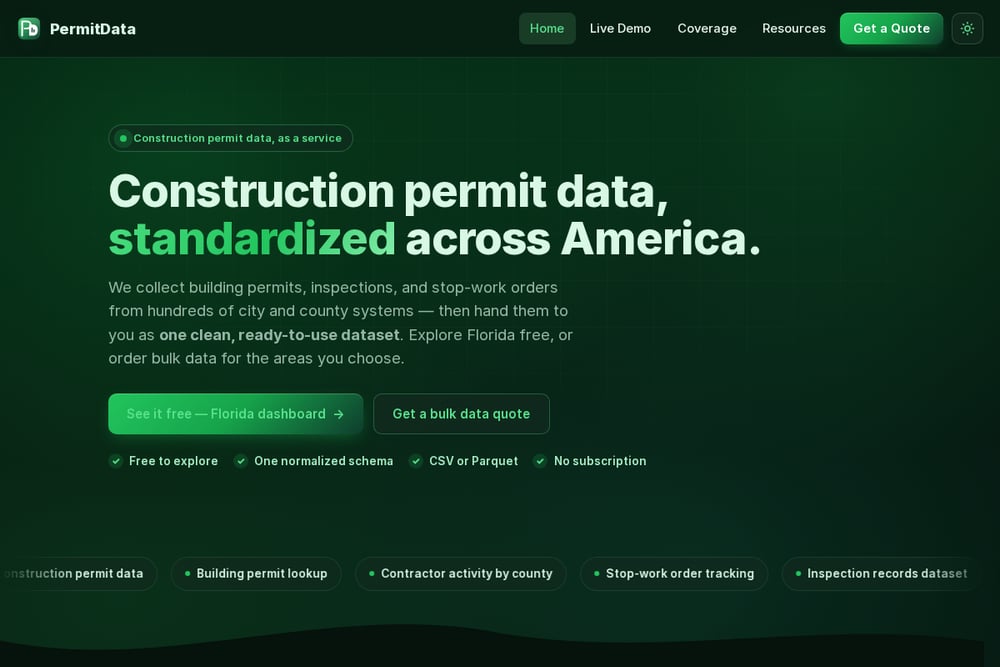
PermitData collects building permits, inspections, and stop-work orders from hundreds of city and county systems, then normalizes them into one clean dataset. You can explore Florida for free through a live dashboard, which is a rare no-strings way to see the data before you buy. For other areas, you order bulk data as CSV or Parquet, with a standardized schema, geocoded addresses, and deduped records that trace back to the source municipality. There is no subscription model, so you pay for the scope you choose. That makes it a good fit for teams that want to load data into a CRM, spreadsheet, or warehouse without an integration project. If you prefer a ready-made search interface, this is more of a data feed than a daily dashboard.
#5 Shovels
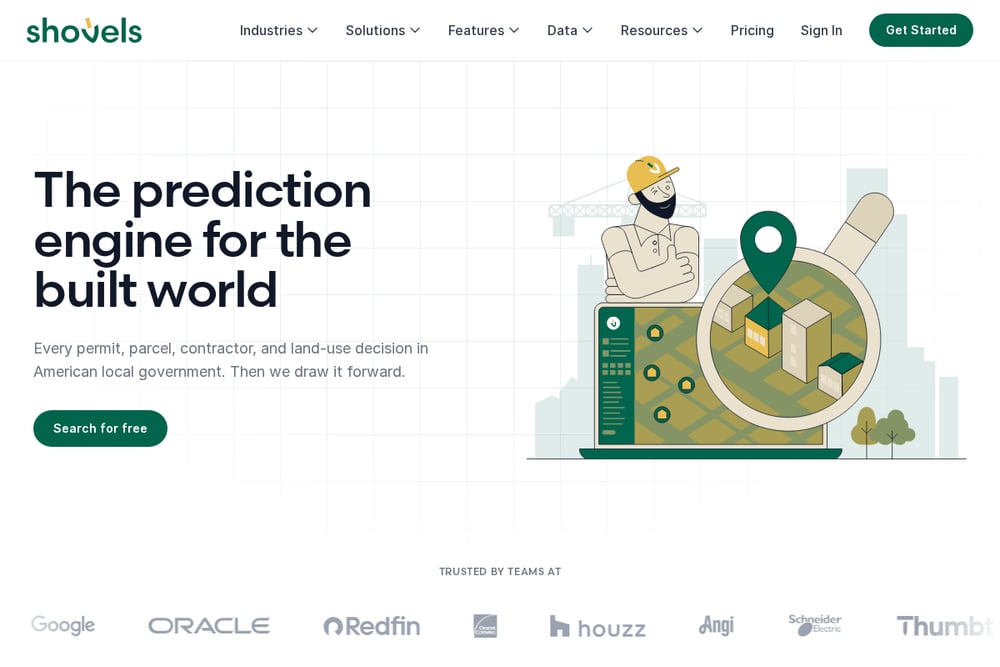 A screenshot of the Shovels website.
Shovels is built for companies that sell to contractors, such as lenders, SaaS providers, and building materials suppliers. Its platform combines permit data with contractor and property data, and it offers an API, a GIS tool, and a CLI for teams that want to embed construction intelligence into their own products. The company also publishes practical guides, like how to find construction leads using building permit data, which shows it understands the prospecting problem from the user's side. Because it is API-first, it is less about browsing a dashboard and more about powering your own workflow. If you have developer resources and want to build lead generation into your product, Shovels is worth a look. It is not the simplest starting point for a solo roofer, but it is powerful for the right team.
How to Choose the Right Lead Source for Your Trade
Start with your market. If you work in one or two cities, check whether the source covers those jurisdictions well. PermitLode and PermitData both let you preview coverage before you commit, which is a smart first step. Next, think about your workflow. Do you want to log in and search every morning, or do you want data pushed to your inbox or your CRM? PermitLode and Construction Monitor lean toward search-and-alert workflows. PermitData and Shovels lean toward data delivery and integration. Then consider your trade. Roofers and landscapers often need residential permits with clear scope descriptions. Commercial subcontractors and suppliers may care more about valuation and contractor names. Finally, be honest about your technical capacity. If you do not have a developer, an API-first tool will sit unused. If you do, it can become a serious advantage. Match the tool to how you actually work, not how you wish you worked.
Turning Permit Alerts into a Repeatable Prospecting Routine
The real win is not finding one lead. It is building a routine that surfaces new opportunities every week without you thinking about it. Here is a simple workflow. First, choose your city and your core work types, then save that search. Second, set a daily or weekly email alert so new permits land in your inbox. Third, spend fifteen minutes triaging: check the address, the scope, and the reported valuation. Fourth, qualify the opportunity by confirming the project stage in the original public source and checking whether the owner or general contractor still needs your service. Fifth, log the qualified leads in a simple spreadsheet or CRM with a follow-up date. Repeat this every week, and you will stop chasing cold lists and start having conversations with people who are already planning work. That is the difference between hoping for leads and building a pipeline.
The Bottom Line on Construction Lead Sources
There is no single source that fits every contractor, and that is fine. Construction Monitor gives you nationwide volume. PermitLode gives you a trade-focused search with city previews and alerts. Gryd by BuildZoom Data gives you deep history and contractor profiles. PermitData gives you clean bulk files with a free Florida dashboard. Shovels gives you an API-first path to embedding construction intelligence. The common thread is public permit data, and the common goal is timing. Pick the source that matches your market, your trade, and your workflow. Then build a routine around it. Do that, and you will spend less time looking for leads and more time closing them.