
Your ComputerEase system is sitting on years of job cost, AP, AR, and purchasing data. The problem is getting it out and actually using it. These five services help contractors turn that locked-up accounting data into dashboards, reports, and AI-powered answers.
Why ComputerEase Data Integration Is Suddenly a Big Deal
Construction accounting teams have lived with the same workflow for years: run a report in ComputerEase, export it to Excel, email it around, and watch it go stale the moment someone edits a copy. The ComputerEase API covers jobs and vendors, but it stops short of purchase orders, AP, the GL, and inventory quantities. That gap leaves contractors with two versions of the truth and a back office that spends more time building reports than analyzing them. A new category of integration services has emerged to close that gap. They extract ComputerEase data nightly into a cloud warehouse, model it into clean views, and layer dashboards or AI agents on top. The result: your CRM, scheduling, and field tools finally see what accounting sees, and every question about a job doesn't turn into a report request.
How We Evaluated These ComputerEase Integration Services
We looked at five factors. First, service scope: does the provider only move data, or do they also build the dashboards and AI layers that make it useful? Second, pricing clarity: published prices and fixed quotes signal confidence; vague custom quotes do not. Third, data ownership: does your data land in a warehouse you control, or does it stay in the vendor's black box? Fourth, construction-specific depth: do they understand job cost, WIP, commitments, and the quirks of ComputerEase? Fifth, implementation speed: how fast can you see your first dashboard or report? Blue Bolt Analytics stands out for publishing tiered fixed prices and landing data in your own Microsoft tenant. Datateer emphasizes a centralized warehouse that survives ERP migrations. Kroo offers broad connector coverage across 83 construction systems. dltHub gives technical teams an open-source Python pipeline they can run themselves. HH2 focuses on tying ComputerEase into field operations and HR workflows. Each approach fits a different kind of contractor.
Here is a quick look at how these five services compare on scope, pricing model, and the type of contractor they serve.
| Provider | Best For |
|---|---|
| Datateer | Contractors who want a migration-safe warehouse and automated WIP reporting |
| Blue Bolt Analytics | ComputerEase data, dashboards and AI agents | Contractors who want fixed pricing, data ownership, and a path from dashboards to AI |
| Kroo | Contractors who need ComputerEase data unified with many other construction systems |
| dltHub | Technical teams who want to build and own their own ComputerEase data pipeline |
| HH2 | Contractors who want field, HR, and AP workflows connected to ComputerEase |
The 5 Services in Detail
#1 Datateer
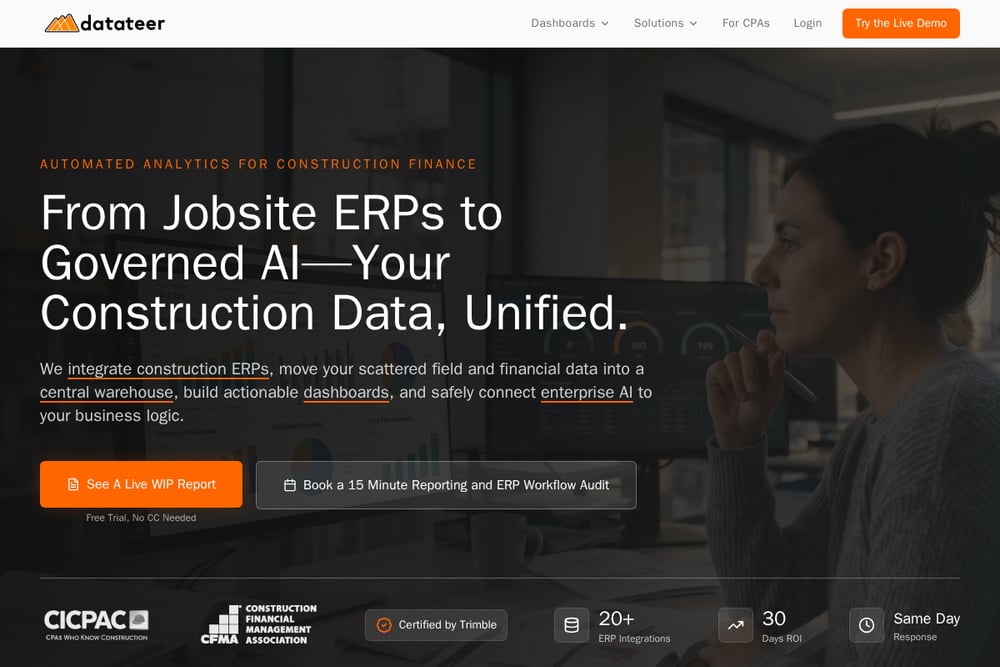 A screenshot of the Datateer website.
Datateer pulls your Deltek ComputerEase data into a centralized warehouse rather than building fragile point-to-point connections. That one-to-many architecture means once your data is in the warehouse, it stays clean and ready for any dashboard or AI tool you want to build on top. They map your cost codes and commitments automatically, so WIP, billings, and over/under earnings refresh themselves without CSV exports. If you are planning an ERP migration, Datateer acts as a bridge that preserves your historical project data so reporting does not skip a beat. Their pitch is simple: stop digging for answers manually and start seeing your first WIP report in days, not months.
#2 Blue Bolt Analytics | ComputerEase data, dashboards and AI agents
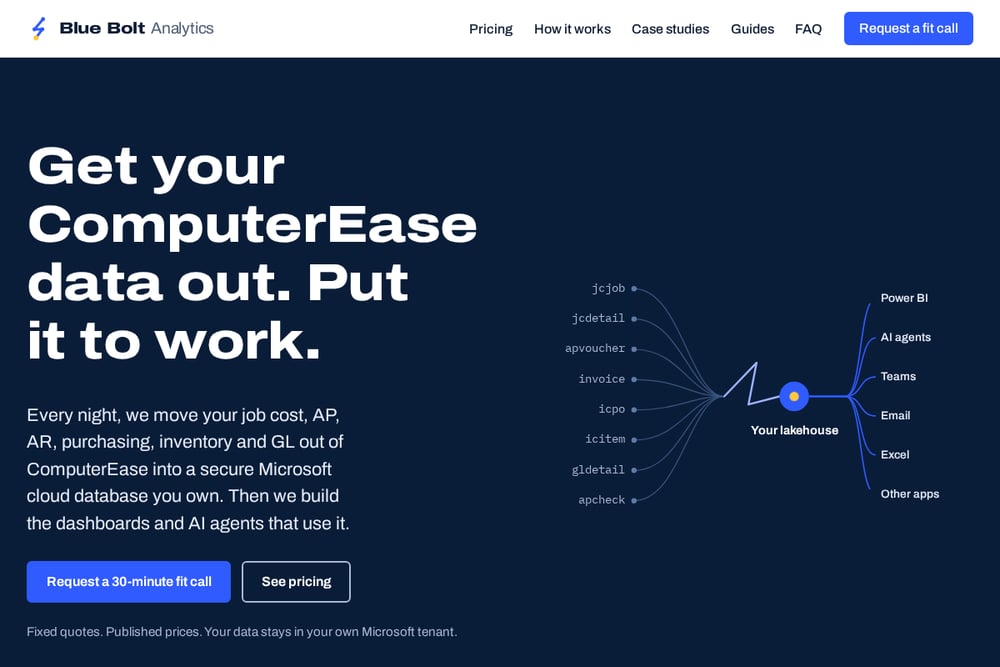 A screenshot of the Blue Bolt Analytics website.
Blue Bolt Analytics moves your job cost, AP, AR, purchasing, inventory, and GL out of ComputerEase every night into a secure Microsoft cloud database you own. They publish their prices and give you a fixed quote after a free 30-minute fit call and a short look at your setup. The Land package starts at $12,500 and lands your data in Microsoft Fabric or Azure SQL as clean, documented views checked against your CE screens. The See package from $22,500 adds Power BI dashboards for job cost, AR, purchasing, and cash, with this-period-versus-last comparisons and outside data like your CRM joined in. The Ask package from $35,000 layers on AI agents that let you query your own accounting data. Everything they sell is running in production today, not an experiment with your data.
#3 Kroo
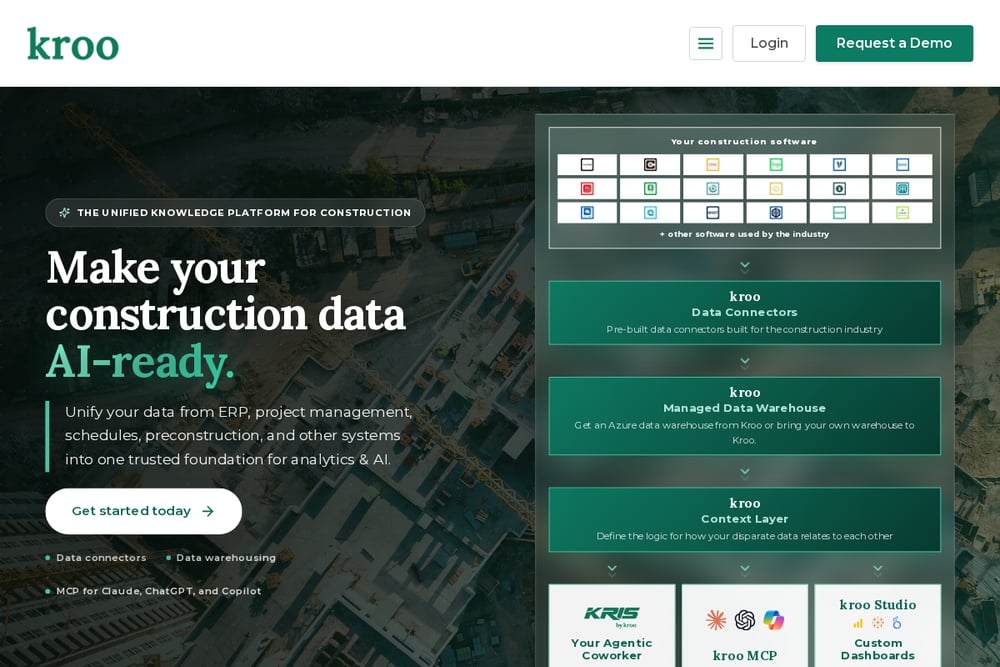 A screenshot of the Kroo website.
Kroo provides a Deltek ComputerEase data connector that extracts all commercially available data and centralizes it in a secure data warehouse. The platform supports automated custom data syncs and pipeline monitoring, so you are not manually babysitting the connection. Kroo's biggest differentiator is breadth: they offer 83 connectors across project management, ERP, scheduling, HRIS, and more, which means you can unify ComputerEase data with the rest of your construction stack. That unified view enables analytics and AI use cases on clean, structured data. If your problem is not just ComputerEase but getting all your systems to talk to each other, Kroo is built for that.
#4 dltHub
 A screenshot of the dltHub website.
dltHub offers an open-source Python library called dlt that handles authentication, pagination, and schema evolution for the Deltek ComputerEase REST API. The API base URL is api.computerease.com/v1, and requests require an API key passed in the Authorization header. With dlt, you can load endpoints like jobs, employees, equipment codes, phases, expense types, and timesheets into a database in under 10 minutes. They also provide AI context files that help code assistants generate production-ready pipelines. This is not a done-for-you service; it is a toolkit for contractors with in-house developers or a willing IT partner. If you want full control over your data pipeline and do not mind writing Python, dltHub gives you the building blocks.
#5 HH2
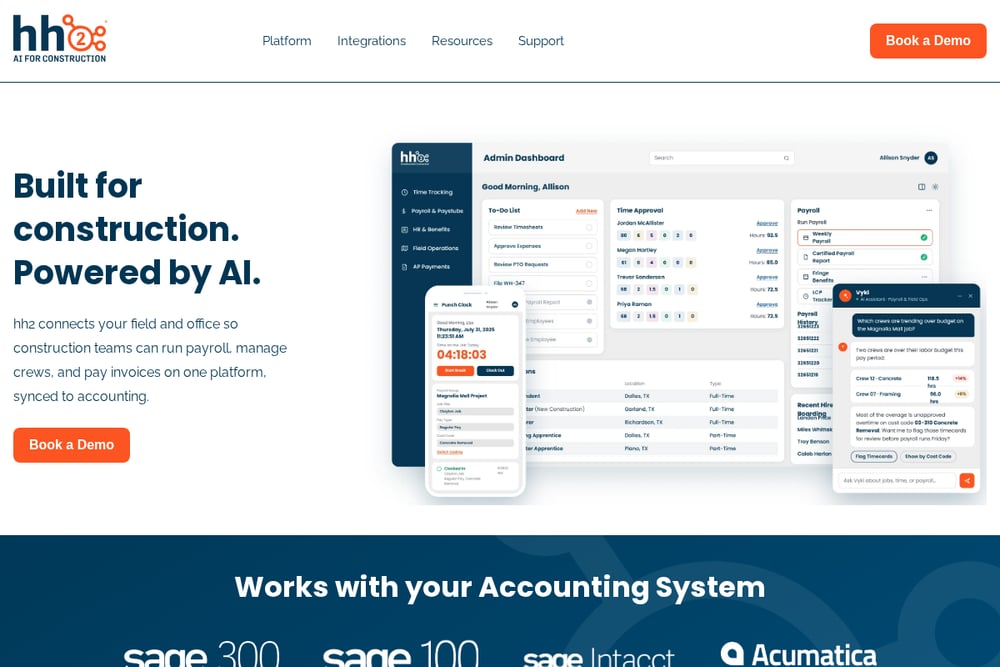 A screenshot of the HH2 website.
HH2 approaches ComputerEase integration from the field operations and human capital side. Their platform connects ComputerEase with time tracking, digital field reports, daily incident reports, expense management, and AP routing. They also integrate with Sage 300 CRE, Sage 100, Sage Intacct, QuickBooks Desktop, QuickBooks Online, and Foundation, so they understand multi-system construction environments. The focus is on eliminating manual data entry between the field and finance, not just building dashboards. If your pain point is rekeying job cost details or chasing paper timesheets into ComputerEase, HH2 addresses that workflow directly. They are a fit for contractors who want their field and HR data flowing into accounting without the double entry.
How to Choose the Right ComputerEase Integration Service
Start with one question: do you have an in-house SQL or Power BI person? If yes, a data-only service like Blue Bolt's Land package or dltHub's open-source pipeline gives you the foundation and lets your team build on top. If no, you need a provider that also delivers dashboards and AI, like Blue Bolt's See and Ask packages or Datateer's automated WIP reporting. Next, think about data ownership. Do you want your data in your own Microsoft tenant, or are you comfortable with a vendor-hosted warehouse? Blue Bolt lands data in your tenant; Datateer and Kroo centralize in their warehouses. Then consider scope. If ComputerEase is your only system, a focused provider works. If you have a dozen construction tools, Kroo's 83 connectors or HH2's field-to-finance workflow may save you more time. Finally, demand pricing clarity. Published prices and fixed quotes after a fit call beat open-ended custom estimates every time.
What a Nightly ComputerEase Automation Workflow Looks Like
A typical automated workflow runs while you sleep. At night, an extraction job pulls job cost, AP, AR, purchasing, inventory, and GL data from ComputerEase through the REST API or a direct database connection. That raw data lands in a cloud warehouse such as Microsoft Fabric or Azure SQL. Transformation steps clean and document the data into views that match what you see on your ComputerEase screens. From there, scheduled refreshes update Power BI dashboards for job cost, AR, purchasing, and cash, with this-period-versus-last comparisons. If you have AI agents enabled, they query the same clean views to answer questions like how a specific job is performing. The next morning, your team opens a dashboard instead of building a report. No CSV exports, no stale email attachments, no two versions of the truth.
The Bottom Line on ComputerEase Data Integration
ComputerEase holds years of answers, but getting them out is the hard part. The five services here solve that problem in different ways. Datateer gives you a migration-safe warehouse with automated WIP. Blue Bolt Analytics gives you fixed prices, data ownership in your own Microsoft tenant, and a clear path from extraction to dashboards to AI agents. Kroo unifies ComputerEase with 83 other construction systems. dltHub hands technical teams an open-source pipeline they can run themselves. HH2 connects field and HR workflows back into accounting. Your job is to match the approach to your team, your budget, and your appetite for owning the stack. Pick the one that fits how you actually work, and stop emailing report books around.