
Finding the right colors shouldn't feel like guesswork. These five US-accessible palette tools help you pull exact shades from images and turn them into ready-to-use code.
The State of Color Palette Tools
Color palette tools have become essential for designers, developers, and brand strategists. They let you extract dominant colors from images, generate harmonies, and export values in formats like CSS, JSON, and HEX. Most modern tools run in the browser, which means faster results and better privacy. The market is crowded, but the best options balance speed, accuracy, and export flexibility. Whether you're building a brand or refining a UI, these tools save hours of manual color matching.
How We Evaluated These Tools
We looked at five factors: extraction accuracy, export options, privacy practices, ease of use, and overall value. Each tool was tested with real images to see how well it identified dominant colors. We also checked whether it required an account, stored your images, or limited free usage. Export formats like CSS, JSON, and image downloads were compared. Finally, we considered extra features like harmony generation and contrast checking. No single tool wins on every factor, but each has a clear strength.
Here's a quick look at the five tools in this roundup, ordered by their overall usefulness for most US-based designers and developers.
| Provider | Best For |
|---|---|
| Coolors Image Picker | Designers who want a full suite of color tools |
| Color Palette Generator – Create Palettes From Images, HEX & More | Privacy-conscious users who want fast, free extraction |
| Adobe Express Color Palette Generator from Image | Adobe users who want seamless integration |
| Proicon Color Palette Extractor | Brand builders who need quick CSS exports |
| ColorKit Color Palette from Image | Artists who want manual control over color picking |
The Five Tools in Detail
#1 Coolors Image Picker
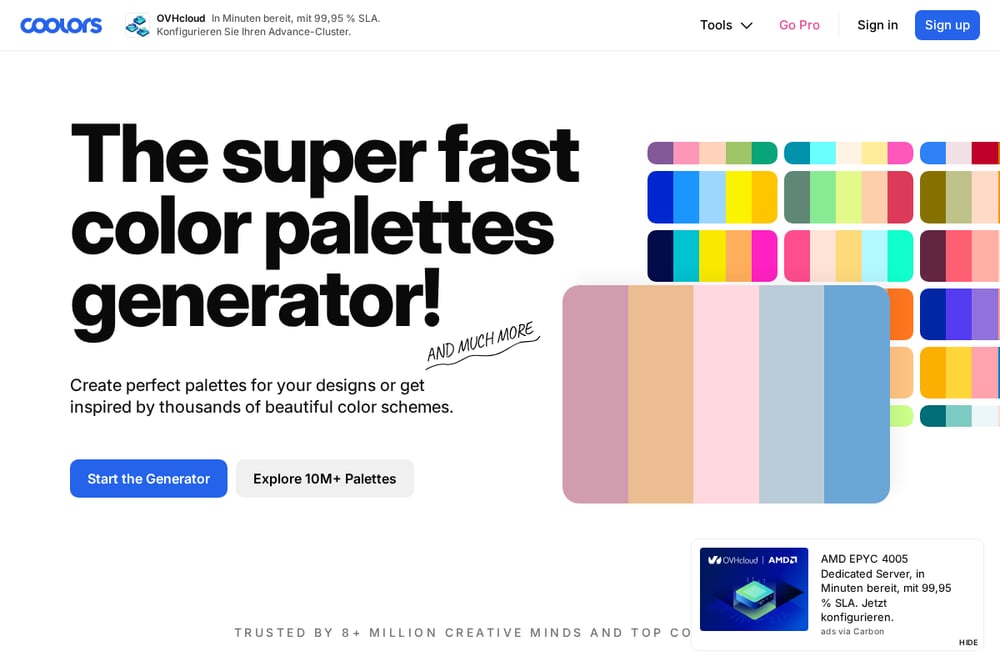 A screenshot of the Coolors Image Picker website.
Coolors is one of the most recognized names in color tooling, and its Image Picker lives up to the reputation. You can upload a photo and instantly get a palette of dominant colors. The tool also offers a contrast checker, palette visualizer, and a massive library of user-generated palettes. Export options include CSS, SVG, and PNG, though some advanced features require a Pro account. It's a solid all-rounder for teams that want a familiar interface and plenty of extras.
#2 Color Palette Generator – Create Palettes From Images, HEX & More
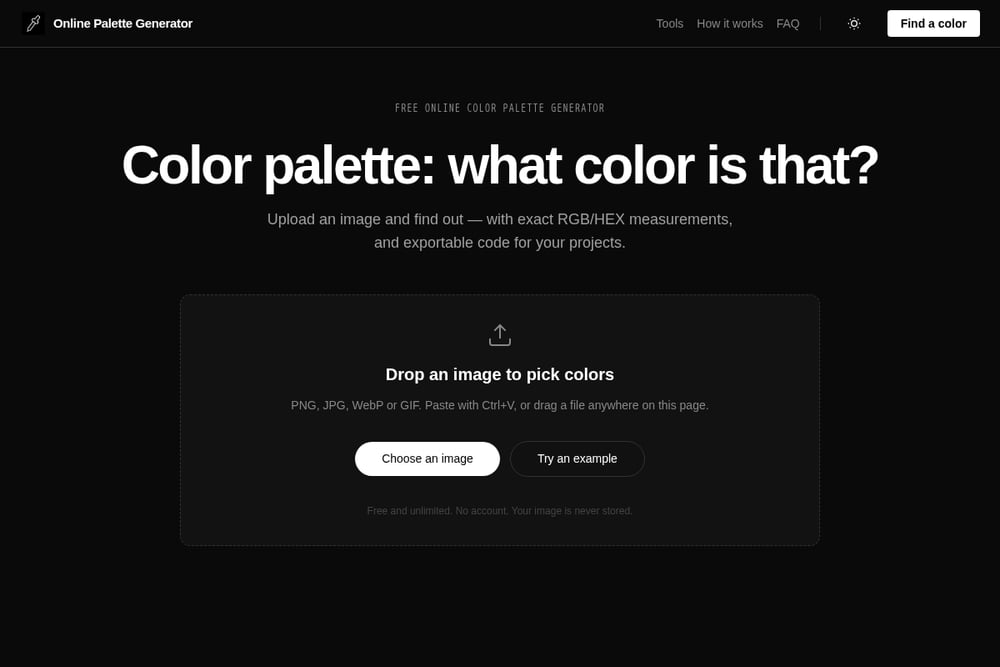 A screenshot of the Color Palette Generator – Create Palettes From Images, HEX & More website.
This free tool from Online Palette Generator focuses on speed and privacy. You drop an image, and a local K-Means algorithm clusters the dominant pixels into a clean palette. Everything runs in your browser, so your images are never uploaded or stored. You get exact RGB and HEX values, plus one-click export to CSS, JSON, text, or a palette image. It also includes harmony modes like complementary, analogous, and triadic. For a no-account, no-paywall experience, it's hard to beat.
#3 Adobe Express Color Palette Generator from Image
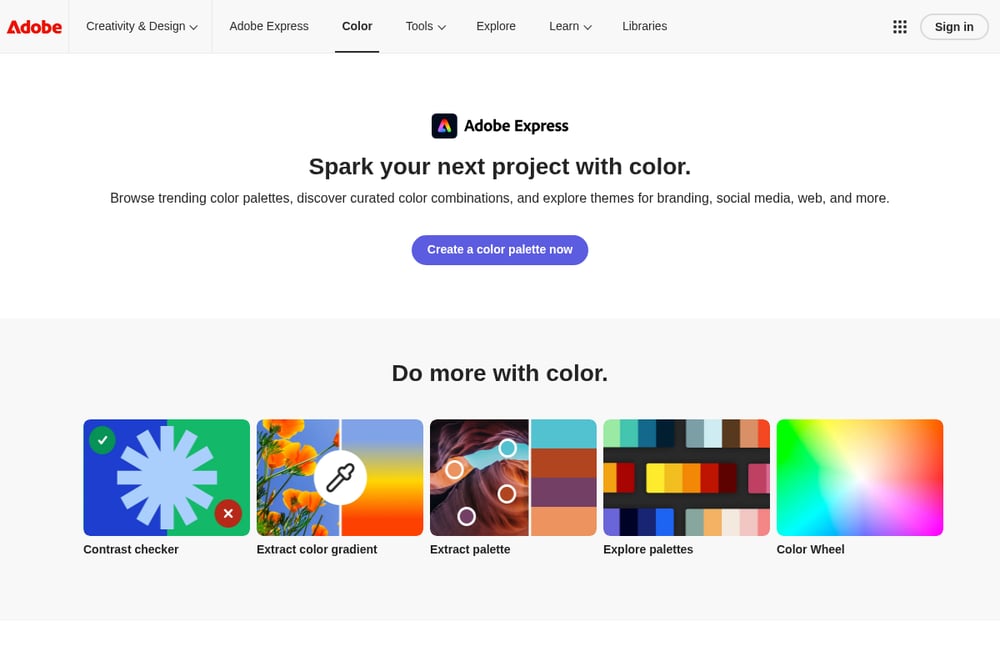 A screenshot of the Adobe Express Color Palette Generator from Image website.
Adobe's entry brings the power of Creative Cloud to color extraction. You upload an image, and it automatically detects dominant and accent colors. You can fine-tune swatches by dragging handles directly on the image. The tool integrates with Adobe Express, so you can apply your palette to templates and social posts. However, automatic application to designs requires a paid plan. It's a strong choice if you're already in the Adobe ecosystem.
#4 Proicon Color Palette Extractor
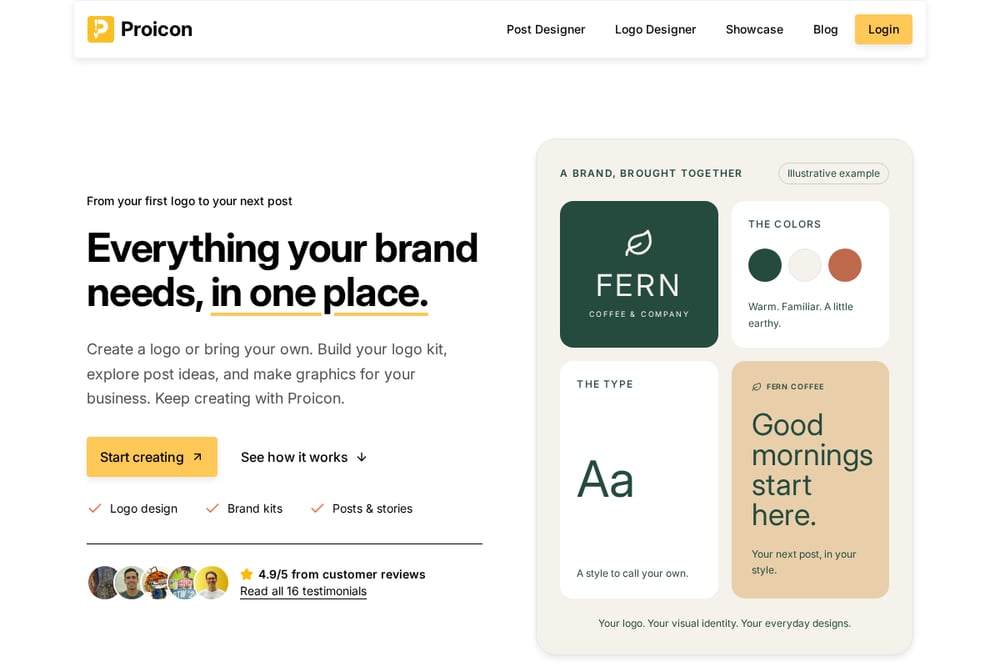 A screenshot of the Proicon Color Palette Extractor website.
Proicon offers a straightforward extractor that runs entirely in your browser. Upload an image up to 10MB, and it identifies dominant colors ranked by prominence. You can copy individual HEX codes or export the whole palette as CSS variables, JSON, or plain text. The interface is clean and requires no signup. It's particularly useful for brand identity work, as it helps you build cohesive palettes from product photos or mood boards. The tool is free and private, though it lacks some of the advanced harmony features found elsewhere.
#5 ColorKit Color Palette from Image
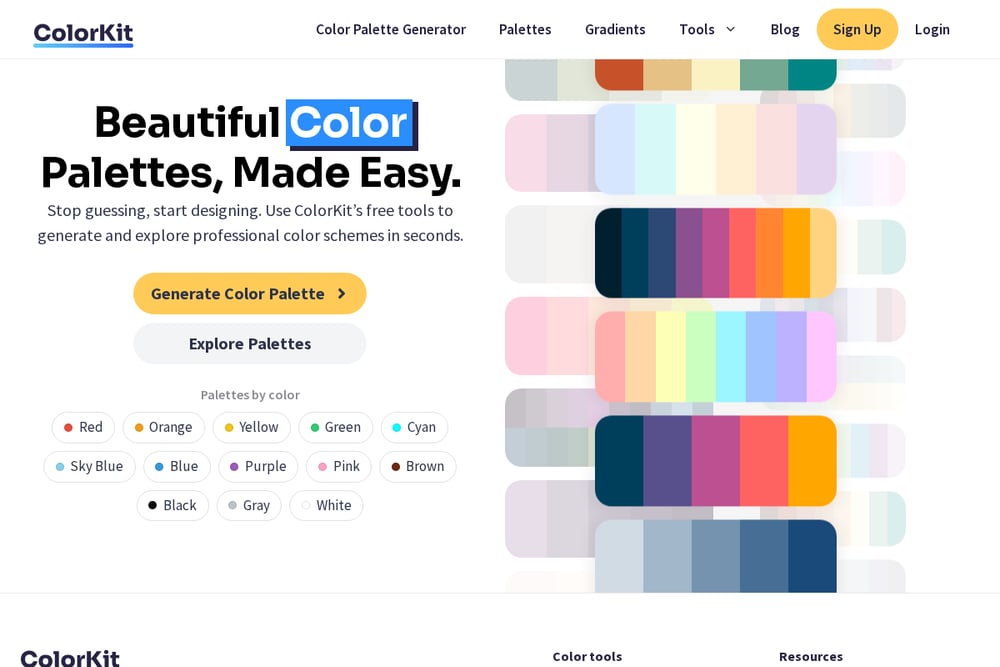 A screenshot of the ColorKit Color Palette from Image website.
ColorKit lets you pick colors directly from an image with draggable points. You can set the number of colors from 2 to 10, and fine-tune each shade. It also includes a collage creator and an editor for saving and refining palettes. Export options include PNG and direct copy of HEX codes. The tool pulls from a built-in Unsplash library if you don't have an image handy. It's a flexible option for artists and marketers who want more control over the selection process.
How to Choose the Right Palette Tool
Start by asking what you value most. If privacy is your top concern, look for tools that process images locally in your browser. If you need to export code for development, check which formats are supported. If you work within a larger creative suite, integration might matter more than standalone features. Consider whether you need harmony generation, contrast checking, or collage tools. Also, test the free version first. Some tools limit exports or require an account for advanced features. Pick the one that fits your workflow, not just the one with the most features.
Automating Your Color Workflow
You can speed up your design process by combining palette extraction with automation. For example, use a tool that exports CSS variables, then feed those into your build system. Or extract a palette from a mood board and apply it to a design system automatically. Some tools offer APIs or plugins for Figma and Chrome. If you frequently work with brand colors, set up a master palette file and reuse it across projects. The goal is to reduce manual copying and pasting, so you can focus on the creative decisions.
Final Thoughts
Each of these five tools brings something different to the table. Coolors offers a rich ecosystem, while Online Palette Generator prioritizes privacy and speed. Adobe Express integrates deeply with Creative Cloud, Proicon focuses on clean exports, and ColorKit gives you manual control. Your choice depends on your specific needs. Try a couple of them with your own images to see which feels most natural. The right tool will make color selection a quick, even enjoyable, part of your workflow.