Finding a coding game your kid actually sticks with is harder than it looks. These five options give you a real starting point.
The kids' coding market is crowded, but not all of it is built the same.
Parents today have more options than ever for introducing kids to programming. The market ranges from free browser games to subscription platforms with full curricula. What separates the good ones from the noise is how quickly a child can start, how much adult help they need, and whether the experience respects your family's privacy. Many platforms require accounts, push upgrades, or track user behavior. Others stay simple and free. The five picks below cover that spectrum, so you can match the tool to your child's age, your budget, and your comfort level with data collection.
How we evaluated these coding games
We looked at five factors across every option. First, ease of access: can a child start playing without a login or a download? Second, learning value: does the game teach real programming concepts like sequences, loops, and debugging? Third, pricing clarity: is the free tier genuinely useful, or just a teaser? Fourth, privacy and safety: are there ads, trackers, or account requirements? Fifth, device fit: does it work on the hardware you already own? Each business below stood out on different factors. Kitchen Table Code impressed with its no-account, no-tracking approach and local progress saving. Rodocodo stood out for its classroom-friendly free hour of code. Kidlo Coding offered a broad game library with a clear subscription model. Kahoot! Coding brought multiplayer energy and a strong free trial. CodeMonkey delivered structured courses with a wide age range.
Here is a quick side-by-side of the five options. Use this table to see how they differ on access, pricing, and learning focus before you dive into the details.
| Provider | Best For |
|---|---|
| Rodocodo | Classroom and home beginners aged 4-11 |
| Kitchen Table Code | Privacy-conscious families who want free, no-account play |
| Kidlo Coding | Kids who want a wide variety of coding-themed games |
| Kahoot! Coding | Competitive kids aged 8-14 who like multiplayer |
| CodeMonkey | Families who want a structured, long-term curriculum |
The five coding games worth knowing
#1 Rodocodo
 A screenshot of the Rodocodo website.
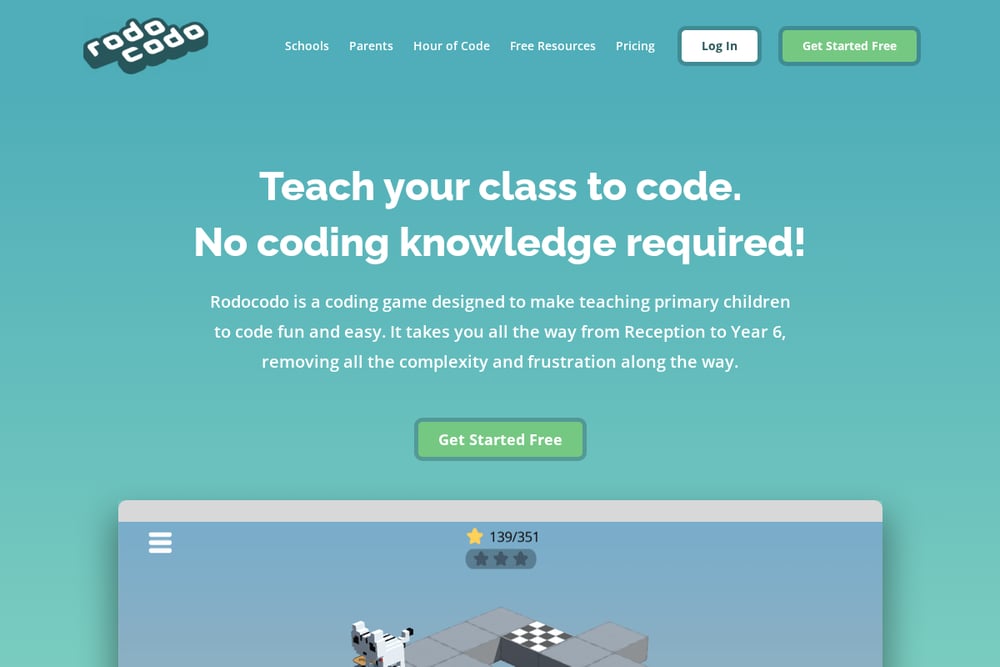
Rodocodo's Code Hour is a free coding game designed for kids aged 4 to 11. You do not need any coding knowledge to get started, which makes it a low-pressure entry point for parents and teachers alike. The game teaches programming, debugging, and logical reasoning through short puzzles, and kids get instant feedback as they go. Teachers report that children progress at their own pace without realizing they are learning. It is a solid choice if you want a structured but playful first experience. Visit the free coding game page to see the full scope.
#2 Kitchen Table Code
 A screenshot of the Kitchen Table Code website.
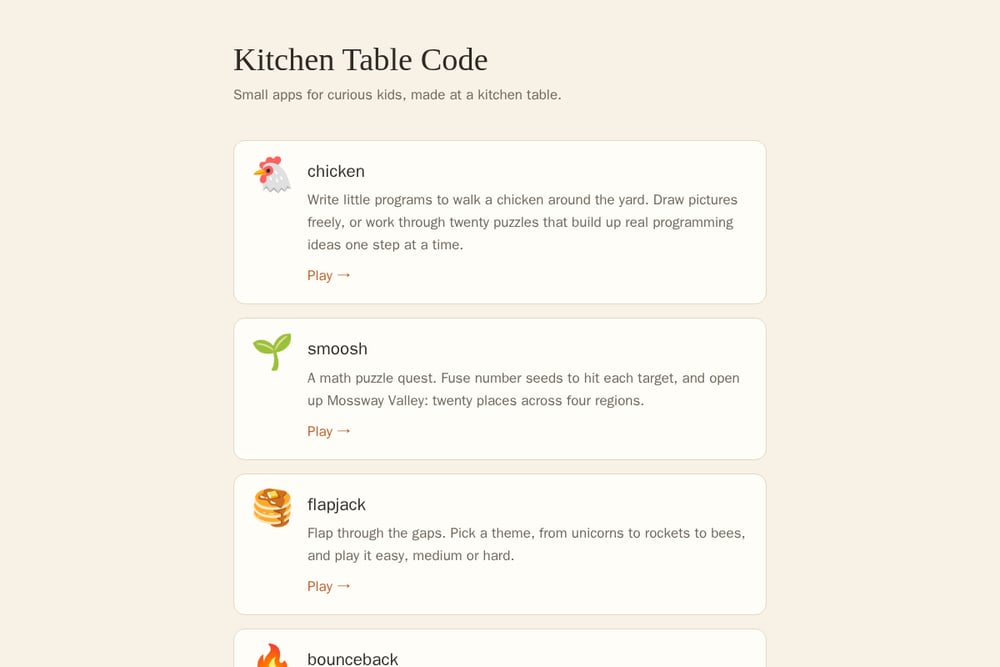
Kitchen Table Code is a collection of small, free browser apps made by a parent at a kitchen table. Your child can write little programs to walk a chicken around the yard, solve number puzzles in a math quest, or navigate mazes with hidden secrets. There are no accounts, no ads, and no tracking, and progress stays on your device in the browser. The site emphasizes privacy and simplicity, with apps that work on a laptop or desktop with a keyboard. It is a refreshingly low-friction option if you want your kid to try coding without signing up for anything. More apps are in development, and you can reach the maker directly with questions or bug reports.
#3 Kidlo Coding
 A screenshot of the Kidlo Coding website.
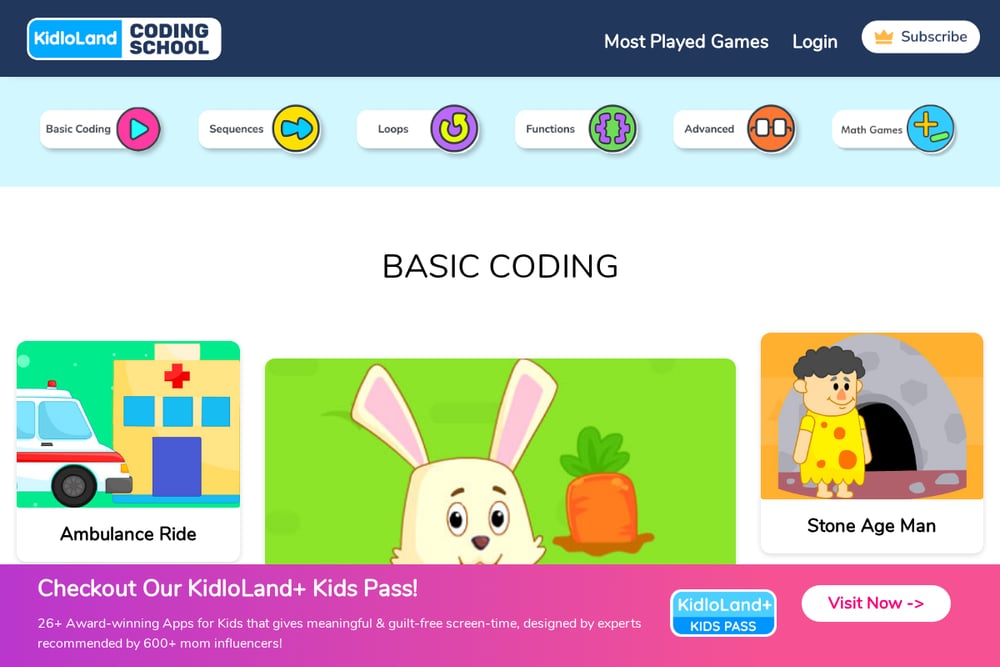
Kidlo Coding offers a large library of coding games for kids, covering basic coding, sequences, loops, debugging, functions, and coordinates. The games are grouped by concept, so you can pick a skill and let your child practice through themes like ambulance rides, alien escapes, and smoothie makers. There is also a math games section for addition and subtraction practice. The platform uses a subscription model to unlock the full version, but many games are playable for free. It is a good fit if your child likes variety and you want a single app with many activities. Check the site for the current free selection and subscription details.
#4 Kahoot! Coding
Kahoot! Coding is designed for kids aged 8 to 14 and teaches basic sequences, loops, and parameters through logic puzzles. Your child programs a pet to collect stars, mirroring core coding principles in a playful environment. The multiplayer mode lets 2 to 6 players compete, which adds a social element that many coding games lack. Kahoot! offers a limited number of free challenges, with full access available through a Kahoot!+ subscription. The platform is ad-free and emphasizes a child-safe environment with content moderation. It is a strong pick if your kid thrives on competition and rewards.
#5 CodeMonkey
CodeMonkey provides game-based programming courses for a wide range of ages, from young beginners to high school students. The course catalog includes CodeMonkey Jr., Beaver Achiever, Dodo Does Math, Coding Adventure, Game Builder, and more advanced topics like data science and AI. Each course is structured as a series of challenges, so kids build skills progressively. CodeMonkey offers free tools and a free trial, with paid plans for teachers, parents, and districts. It is a good choice if you want a more formal curriculum that can grow with your child. The site also provides resources for homeschoolers and after-school programs.
How to choose the right coding game for your kid
Start with your child's age and attention span. Younger kids do better with short, visual puzzles and immediate feedback. Older kids can handle more complex sequences and may enjoy multiplayer or structured courses. Next, decide how much you want to spend. Free options like Kitchen Table Code and Rodocodo's Code Hour let you test the waters without a subscription. If you want a broader library or a full curriculum, paid tiers from Kidlo Coding, Kahoot!, and CodeMonkey may be worth it. Finally, consider privacy. If you prefer no accounts and no tracking, look for games that save progress locally. If you are comfortable with a parent account, subscription platforms often provide more features and progress tracking.
The bottom line
There is no single coding game that fits every family. Rodocodo gives you a free, teacher-friendly start. Kitchen Table Code keeps things simple and private. Kidlo Coding offers variety. Kahoot! Coding brings competition. CodeMonkey provides structure. Try one or two that match your child's interests and your comfort level, and let them explore. The best game is the one your kid actually wants to play again tomorrow.