
Your client says "looks good" in a chat thread, and three weeks later nobody can prove what they actually approved. These five tools fix that by turning a vague yes into a dated, defensible sign-off.
Why client approval is finally getting its own software category
Creative and digital work has always ended the same way: a file gets emailed, a comment lands in WhatsApp, and the real decision disappears into a thread. When a client later says "I never approved that," you have nothing to show. That gap is now a product category. Client approval software gives your client one place to review work, leave feedback, and make an explicit decision, then keeps a record of who said yes, when, and to which version. The shift is toward fewer logins and less friction. Clients do not want another account. They want a link they can tap on their phone. The tools below answer that in different ways, from revision counting to pinned comments to timestamped receipts.
How we looked at these tools
We judged every tool on the same factors. First, client friction: can your client open a link and decide without creating an account? Second, record quality: does the approval capture a name, a date, and the exact version approved? Third, revision handling: does the tool count rounds and make overages visible to both sides? Fourth, pricing clarity: is there a flat number you can budget for, or per-client billing that grows quietly? Fifth, fit for creative work: image markup, video review, and file storage. ClientOkay stood out for counting revision rounds in a way the client can see. Ancor stood out for tying every sign-off to a numbered version. ClientProof stood out for timestamped verification receipts. Reviso stood out for website-specific sign-off tied to a page. ApprovePost stood out for stripped-down social media proofing with no annotation overload.
Here is the short version before the detail. Each tool below solves the same core problem, but they aim at different kinds of work and different client relationships.
| Provider | Best For |
|---|---|
| Ancor | Design teams that need sign-off tied to a specific version |
| Client Approval Software with Revision Tracking | ClientOkay | Agencies that want revision rounds counted and visible to the client |
| ClientProof | Freelancers who need a verification receipt for every approval |
| Reviso | Web agencies that need page-level sign-off |
| ApprovePost | Social media teams that want simple proofing without markup |
The five tools, one by one
#1 Ancor
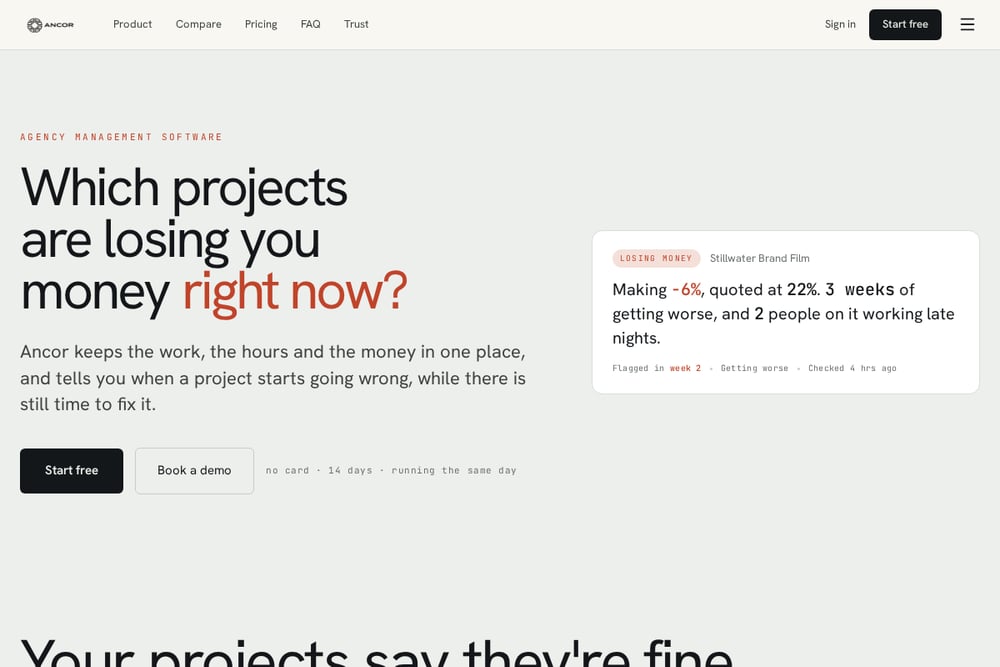 A screenshot of the Ancor website.
Ancor builds its approval flow around one rule: no version, no approval. Your team adds a version to a deliverable, and the portal will not accept a sign-off on a piece with nothing to look at. Clients open a private link with no account, pin comments to a spot on an image, and approve or request changes. Every approval is pinned to the exact version, and each round of changes is numbered. If new feedback contradicts an earlier round, the client gets warned before sending it. That version-first discipline makes it a strong fit for design teams who need an airtight paper trail.
#2 Client Approval Software with Revision Tracking | ClientOkay
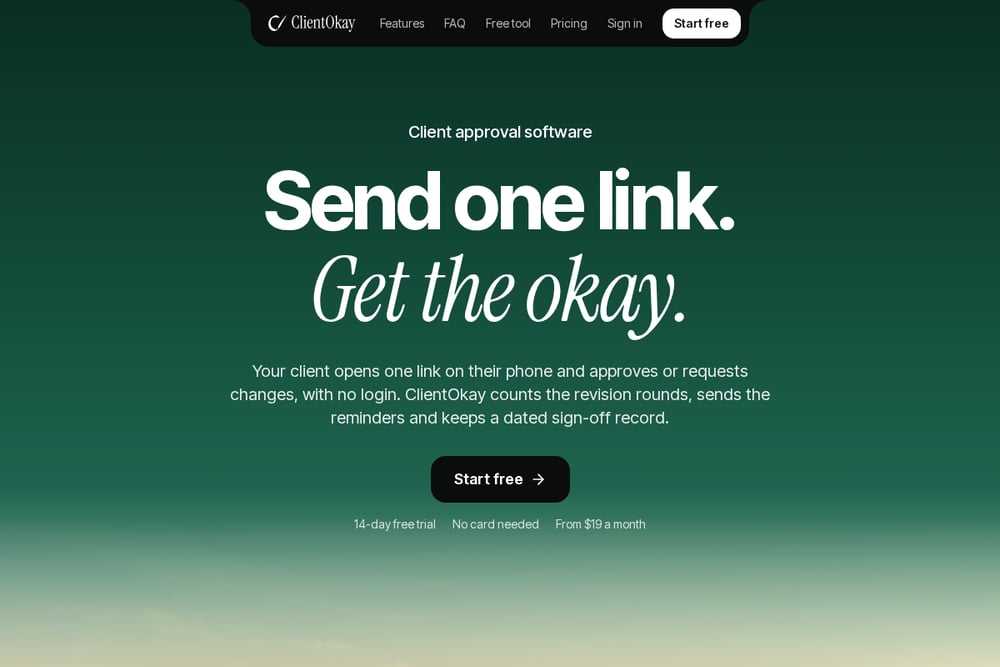 A screenshot of the Client Approval Software with Revision Tracking | ClientOkay website.
ClientOkay sends your client one link. They open it on their phone, type a name and email, and approve or request changes with no login. The part that matters is revision tracking your client can actually see: each new version moves the count forward on your page and on theirs, so when work goes past what you agreed, both of you see it before anyone gets a surprise invoice. Reminders go out 48 hours before the due date, 24 hours before, and at the due time, and auto-approve can close a request 24 hours after the deadline if your client agreed to it. Every decision is saved with the reviewer's name, email, and a dated sign-off record. Pricing starts at $19 a month with a flat rate and no per-client fees, plus private file storage.
#3 ClientProof
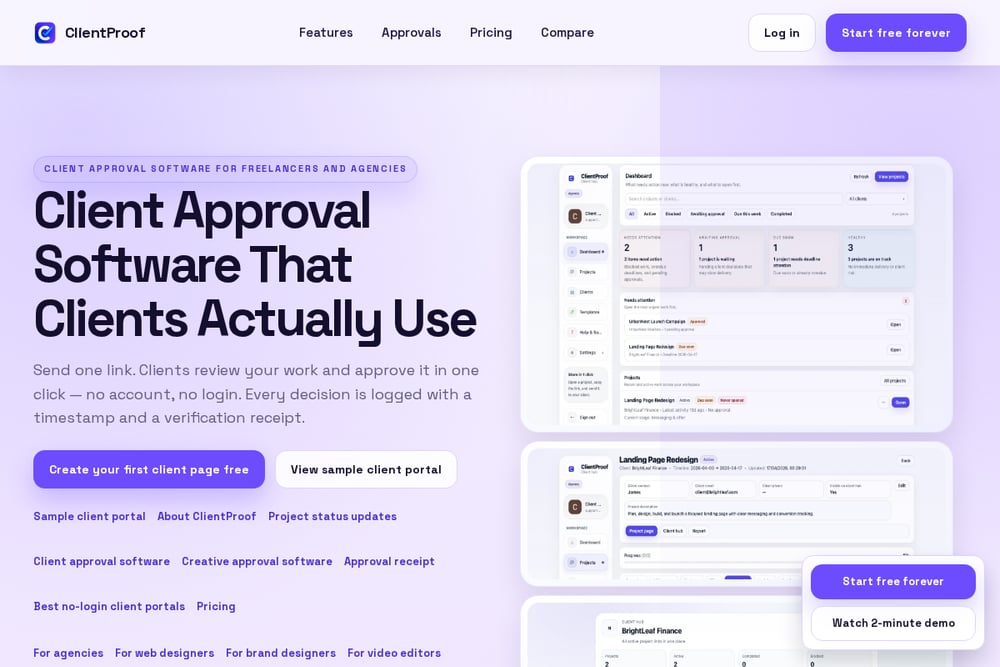 A screenshot of the ClientProof website.
ClientProof leans hard into trust signals. Clients approve from a shared link with no account, and every decision creates a receipt with the approver name, decision time, file context, and a verification code. That receipt is the whole pitch: proof of sign-off you can point to later. Setup takes under five minutes, and pricing is a flat $19 with no per-client billing complexity. It is a clean choice if your clients are the type to question what they agreed to, or if you work with procurement teams who want documentation.
#4 Reviso
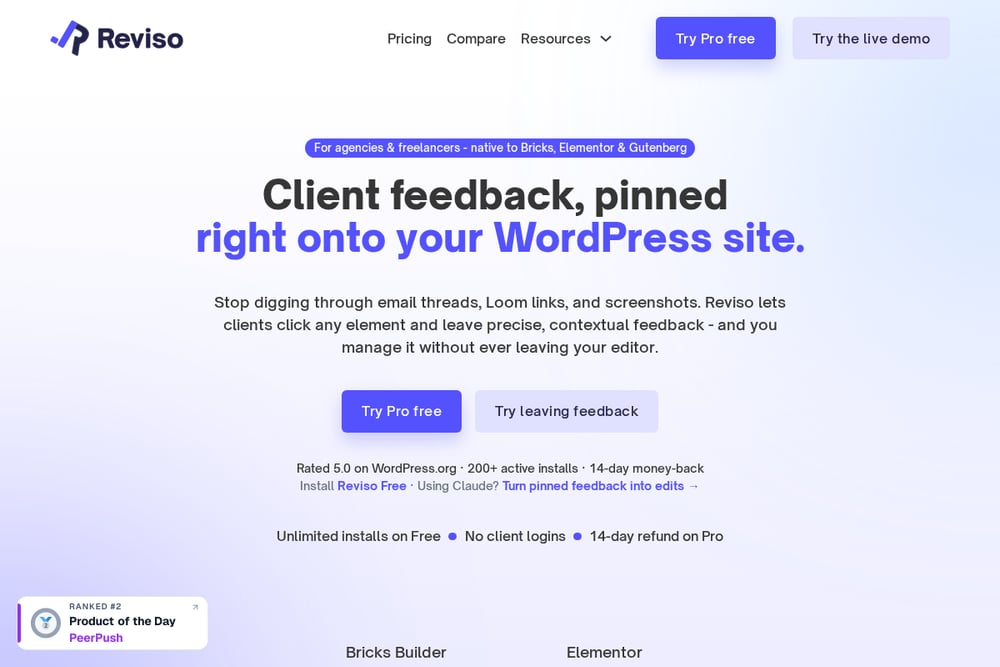 A screenshot of the Reviso website.
Reviso focuses on website work specifically. It turns a vague "looks good" into a recorded, timestamped sign-off tied to the exact page or deliverable the client approved, not the project in general. That specificity matters on web builds, where scope creep hides until the hours are gone. The tool pairs comments resolved before approval with a record you can file or send, so each round closes in a defensible place. If your work is websites and landing pages, this is aimed squarely at you.
#5 ApprovePost
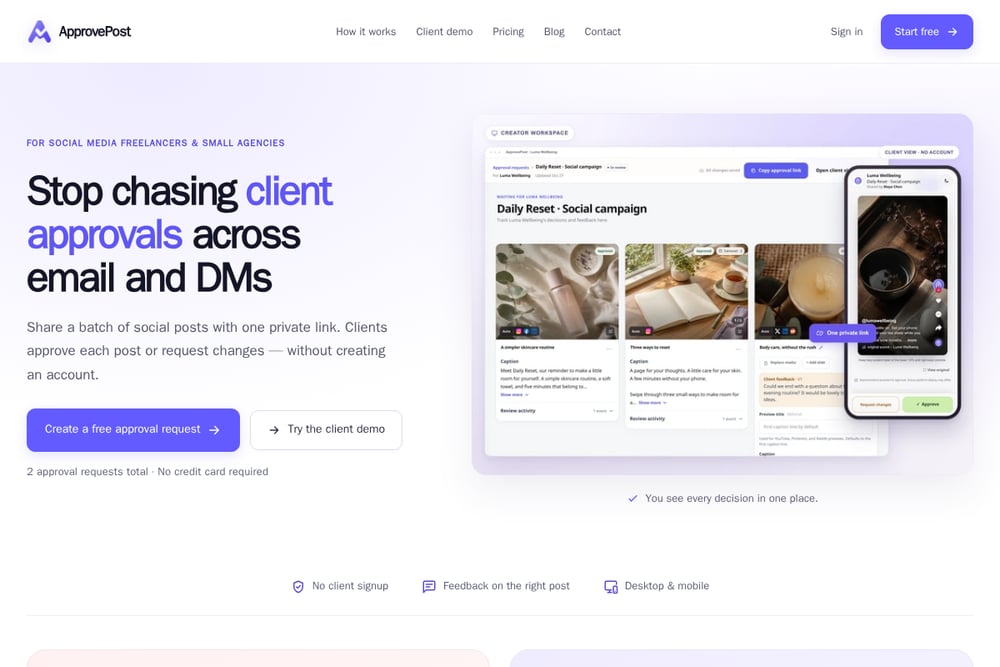 A screenshot of the ApprovePost website.
ApprovePost is deliberately lightweight. You share finished social images, videos, carousels, and captions through one private approval link, and clients approve or request changes without an account. It shows the current media, caption, feedback, and status together, and each resubmission becomes a new version in the review history. There are no annotations or timecode comments, which is the point: focused feedback instead of markup overload. A free plan with no credit card makes it easy to test on your next social campaign.
How to pick the right one for your studio
Start with the shape of your work. If you ship websites, page-level sign-off matters more than anything else, so look at Reviso. If you ship brand and design files with lots of rounds, revision counting and version pinning should drive the decision, which points you toward ClientOkay or Ancor. If your clients are corporate and want documentation, a verification receipt like ClientProof's earns its keep. If you mostly push social content, ApprovePost keeps the review focused. Then check the friction on the client side. Ask one question: can my client approve this from a phone in under a minute without a password? Finally, look at pricing structure. Flat monthly rates beat per-client billing once you have more than a handful of accounts, and a free trial with no card lets you test the real workflow before you commit.
Where automation earns its place
The chasing is what eats your week. Set up reminders to fire automatically before every due date so you stop writing "just checking in" emails. Turn on auto-approve only where your client has explicitly agreed to it, and make sure they are told first. Let the tool count revision rounds so the overage conversation happens in the interface, not in an awkward call. And route every approval into one dated record you can pull up months later. Do that, and your approval workflow runs itself while you get back to the actual work.
The bottom line
None of these tools will make a difficult client easy. What they will do is end the ambiguity. A recorded, dated sign-off tied to a specific version is the difference between a clean close and a debate you cannot win. Pick the one that matches your deliverables, test it on a real project with a real client, and keep the record. Your future self, staring at an invoice dispute, will thank you.