
The citizenship interview is where preparation meets real pressure. These five tools help you practice in English, understand in Spanish, and walk in ready.
The New Reality of Citizenship Prep
The U.S. citizenship interview is not a multiple-choice test. It is a live conversation in English with a USCIS officer, and that is exactly what makes people nervous. In 2025, USCIS introduced a new civics exam with 128 possible questions, while applicants who filed earlier may still take the 2008 version with 100 questions. Either way, you must answer verbally, in English, without seeing options in front of you. That is why practice tools have moved beyond flashcards. Today, the most useful resources simulate the interview itself: the greeting, the oath, the N-400 questions, the reading and writing test, and the civics questions. For Spanish-speaking Latinos in the United States, the best tools combine English audio with Spanish support so you can build confidence without losing comprehension. The five options below each take a different approach, from free web-based simulators to mobile apps with AI feedback. Your job is to find the one that matches how you study and where you feel least ready.
How We Evaluated These Tools
We looked at the same factors for every tool. First, service scope: does it cover the full interview or only the civics questions? Second, language support: how well does it help Spanish speakers bridge the gap to English? Third, pricing clarity: is it free, freemium, or paid, and is that clear before you start? Fourth, local fit: does it include state-specific answers like your governor and senators? Fifth, practice realism: does it simulate the actual interview format or just quiz you? Paso a Ciudadano stood out for offering a free virtual officer with Spanish help and no account required. Citizen Now impressed with CarPlay audio and AI feedback for hands-free study. Citizenry showed strength in unlimited video-style mock interviews and broad language coverage. Examen de Ciudadanía de EE. UU. delivered a straightforward free app with audio and flashcards. Simulador de examen de ciudadanía 2025 from VILLAR&GARCÍA offered a simple web-based quiz with instant scoring. Each tool has a different center of gravity, and that is useful when you know what you need.
Here is a quick look at five tools that help you practice for the U.S. citizenship interview, each with a different strength.
| Provider | Best For |
|---|---|
| Citizen Now: US Citizenship | Hands-free audio study and AI feedback |
| Examen de ciudadanía en español: practica tu entrevista gratis | Paso a Ciudadano | Free Spanish-supported interview simulation |
| Citizenry | Unlimited video-style mock interviews |
| Examen de Ciudadanía de EE. UU. | Simple free audio and flashcard practice |
| Simulador de examen de ciudadanía 2025 - VILLAR&GARCÍA | Quick multiple-choice knowledge check |
The 5 Tools in Detail
#1 Citizen Now: US Citizenship
 A screenshot of the Citizen Now: US Citizenship website.
Citizen Now is a mobile app built for people who want to study everywhere, including in the car. It covers both the 2008 and 2025 civics exams, with audio for every question and answer so you can practice listening while you drive using CarPlay. The app includes an AI-powered interview simulator that listens to your spoken answers and gives feedback, which helps you get used to speaking English out loud. You also get flashcards, N-400 practice, and reading and writing exercises. State-specific answers for your governor and senators are included by postal code. It is free to download with in-app purchases for full access.
#2 Examen de ciudadanía en español: practica tu entrevista gratis | Paso a Ciudadano
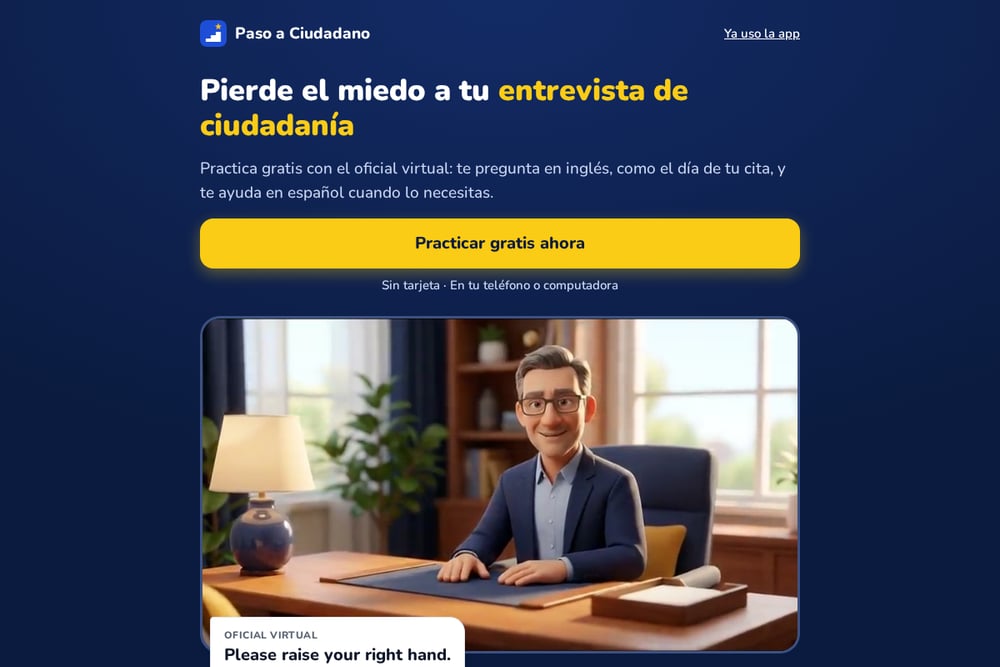 A screenshot of the Examen de ciudadanía en español: practica tu entrevista gratis | Paso a Ciudadano website.
Paso a Ciudadano is a free web-based tool that puts you in front of a virtual officer who speaks English, just like the real interview. You hear the greeting, the oath, and questions about your N-400, and if you do not understand, you can slow it down or see the Spanish translation. The site includes all 128 civics questions for the 2025 exam, plus the 100 questions from 2008 and the special 65/20 set. You can practice reading and writing with official vocabulary, take random quizzes, and look up your state's governor and senators by postal code. No account or credit card is needed, and it works on your phone or computer. It is made in Spanish for Latinos in the United States, which shows in every detail.
#3 Citizenry
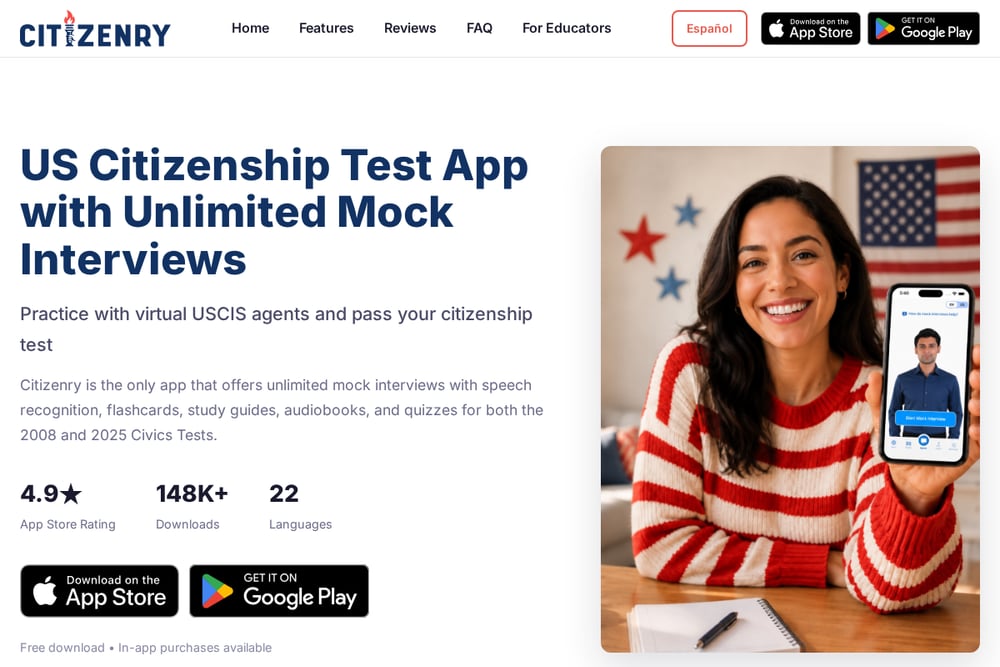 A screenshot of the Citizenry website.
Citizenry is a mobile app that focuses on unlimited simulated interviews with virtual USCIS agents. You practice on video, speak your answers, and get voice recognition feedback so you can reduce nerves before the real day. The app covers both the 2008 and 2025 civics exams with study guides, quizzes, flashcards, and an audiobook mode for hands-free learning. It supports 22 languages, which makes it accessible if English is not your first language. You can also search by postal code to find your local representatives, senators, and governor. It is free to download with in-app purchases available.
#4 Examen de Ciudadanía de EE. UU.
 A screenshot of the Examen de Ciudadanía de EE. UU. website.
This free Android app from VZ INC APPS is a straightforward study tool for the civics interview. It includes flashcards you can star for later review, audio that plays all questions and answers automatically, and three different practice modes. The app explains the real test format clearly: you must answer 6 of 10 questions correctly for the 2008 version or 12 of 20 for the 2025 version, all verbally in English. It covers both question sets so you can prepare for whichever exam applies to you. The focus is on listening and speaking skills, with pronunciation for every question and answer. It contains ads and has over 100,000 downloads.
#5 Simulador de examen de ciudadanía 2025 - VILLAR&GARCÍA
 A screenshot of the Simulador de examen de ciudadanía 2025 - VILLAR&GARCÍA website.
This is a web-based practice exam from the immigration law firm Villar & García. It gives you 20 multiple-choice questions based on the official USCIS civics topics, and you get your score at the end. The page explains that the real exam is not multiple choice, so you should use this as a study guide rather than a substitute for verbal practice. It is a quick way to check your knowledge of history, government, and civics principles. The simulator is free and requires no download or account. It is best for a fast self-assessment before you move on to interview-style practice.
How to Choose Your Practice Tool
Start by identifying what makes you most nervous. If it is speaking English under pressure, choose a tool with a realistic interview simulation, like Paso a Ciudadano or Citizenry. If you learn best by listening while you do other things, Citizen Now or Examen de Ciudadanía de EE. UU. will fit your routine. If you just want to test your civics knowledge quickly, the Villar & García simulator gives you a fast score. Think about language support too. Some tools offer full Spanish translations and explanations, while others assume you are comfortable in English. Check the pricing model before you invest time. Free tools like Paso a Ciudadano and the Villar & García simulator have no paywall, while apps like Citizen Now and Citizenry offer free downloads with in-app purchases. Finally, make sure the tool covers the exam version you will take. The 2025 exam has 128 questions, but if you filed earlier, you may still be on the 2008 version with 100 questions. The best tool is the one you will actually use every day.
Building a Daily Practice Routine
You do not need to practice for hours. You need consistency. Set aside 15 minutes each day and rotate through three activities. First, listen to the civics questions in English without looking at the answers. Second, answer out loud and check yourself. Third, do one full mock interview once a week to simulate the real thing. Use a tool like Paso a Ciudadano for the interview simulation, then switch to Citizen Now or Examen de Ciudadanía de EE. UU. for audio review during downtime. If you have a commute, let the audio play in the background. If you have a study partner, take turns asking each other the questions. The goal is to make the English questions sound familiar, so that on interview day, nothing feels new. Track your progress by noting which questions you miss most, and review those first. Small daily sessions beat one long cram session every time.
The Bottom Line
Preparing for the U.S. citizenship interview is about more than memorizing answers. It is about hearing English questions so many times that they feel normal. The five tools here each help you do that in a different way. Paso a Ciudadano gives you a free virtual officer with Spanish support, which is a powerful combination for Latino applicants. Citizen Now and Citizenry bring AI feedback and mobile convenience. Examen de Ciudadanía de EE. UU. keeps it simple with audio and flashcards. The Villar & García simulator gives you a quick knowledge check. Try one or two, find what fits your learning style, and practice a little every day. Confidence comes from repetition, and repetition is something you control.