
Your students’ games hold the key to their improvement. These five chess coaching apps help you unlock it faster.
The Chess Coaching App Landscape
Chess coaching has moved beyond static puzzle books and manual game reviews. Today’s coaches need tools that analyze student games, generate personalized drills, and track practice habits—all without adding hours to lesson prep. The US market for chess education is growing, driven by online play and a surge in scholastic interest. Coaches now expect apps that integrate with platforms like Lichess and Chess.com, explain mistakes in plain language, and give parents visible progress. The five apps below each tackle a different slice of this workflow, from deep game analysis to student accountability.
How We Evaluated These Chess Coaching Apps
We looked at five factors: coaching-specific features, student tracking, pricing transparency, platform compatibility, and ease of use. CoachMate stands out for its coach dashboard and practice streaks. Aimchess offers personalized lessons built from your games. DecodeChess excels at explaining engine moves in human terms. Chess Coach: Learn & Play brings a massive puzzle library to iPhone. Chess Coach on Google Play focuses on structured offline training. Each app serves a different coaching need, so consider your workflow before choosing.
Here’s a quick comparison of the five apps, ranked by their overall fit for chess coaches and students.
| Provider | Best For |
|---|---|
| Aimchess | Coaches who want data-driven student assessments |
| CoachMate — the chess coaching app: see who practiced | Coaches who need to track student practice and prep lessons fast |
| DecodeChess | Coaches who want to explain complex positions in simple terms |
| Chess Coach: Learn & Play | Students who want a massive puzzle library and game review on iPhone |
| Chess Coach | Students who want structured offline chess training on Android |
The 5 Chess Coaching Apps in Detail
#1 Aimchess
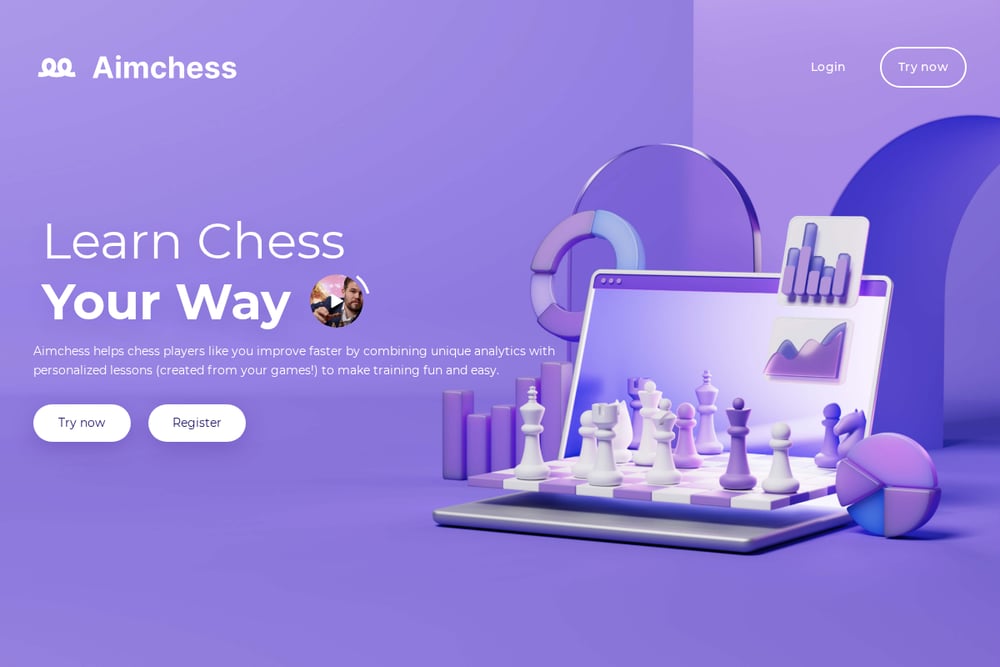 A screenshot of the Aimchess website.
Aimchess analyzes every move from your recent games and measures six core skills: tactics, endgame, advantage capitalization, resourcefulness, time management, and opening performance. It then builds personalized puzzles from your mistakes and pairs them with lessons from grandmasters and coaches. For coaches, this means you can assign targeted training without manually creating drills. The platform also includes an Advantage Capitalization Trainer and Opening Improver. It’s a strong fit if you want data-driven insights to guide your students’ study plans. See how it works at Aimchess.
#2 CoachMate — the chess coaching app: see who practiced
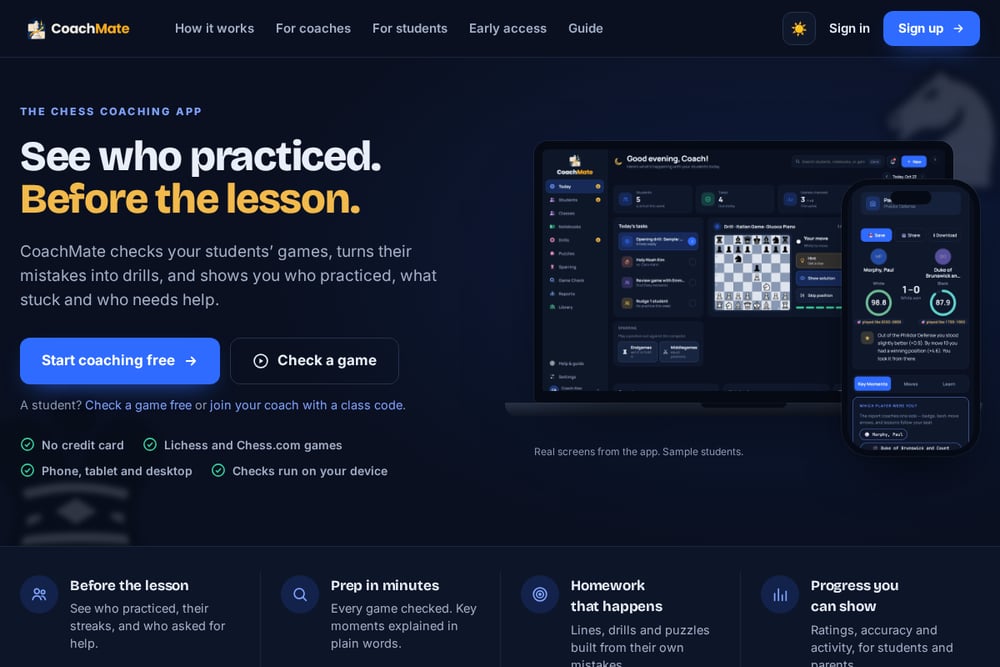 A screenshot of the CoachMate — the chess coaching app: see who practiced website.
CoachMate checks your students’ games, turns their mistakes into drills, and shows you who practiced before the lesson. You paste a game or username, and every mistake is explained in plain words and one tap away from becoming a drill. The coach dashboard displays streaks, check-ins, and progress for every student on one screen. It supports Lichess and Chess.com games, works on phone, tablet, and desktop, and runs checks on your device. Start free with no credit card. Learn more at CoachMate.
#3 DecodeChess
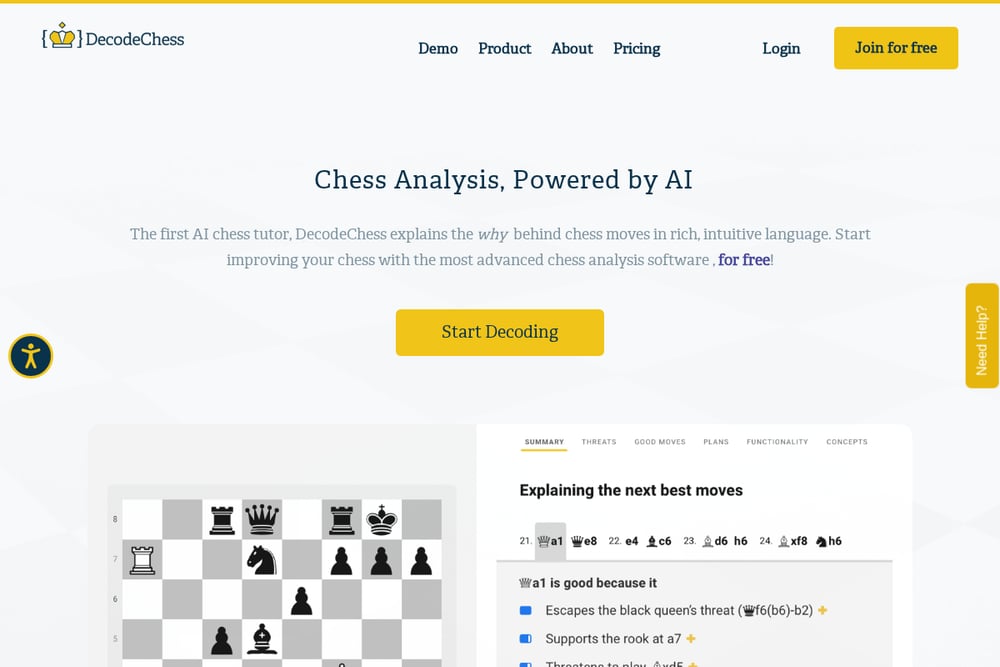 A screenshot of the DecodeChess website.
DecodeChess uses AI to explain the why behind chess moves in rich, intuitive language. It combines Stockfish NNUE with a unique algorithm to provide feedback on threats, good moves, plans, piece functionality, and concepts. Coaches can use it to help students understand engine recommendations without drowning in evaluation numbers. The platform is recommended by top players like GM Anish Giri and GM Boris Gelfand. It’s ideal for deepening positional understanding. Try it at DecodeChess.
#4 Chess Coach: Learn & Play
 A screenshot of the Chess Coach: Learn & Play website.
Chess Coach: Learn & Play is an iPhone app with over 5.7 million puzzles and tactical themes. It lets you import PGNs or connect to platforms for cloud engine analysis, complete with accuracy scores and move classifications. A Retry Mode helps students replay mistakes and find better continuations. The app adapts to your schedule, whether you have five minutes or an hour. It’s a solid training companion for students who want extra practice. Find it on the App Store.
#5 Chess Coach
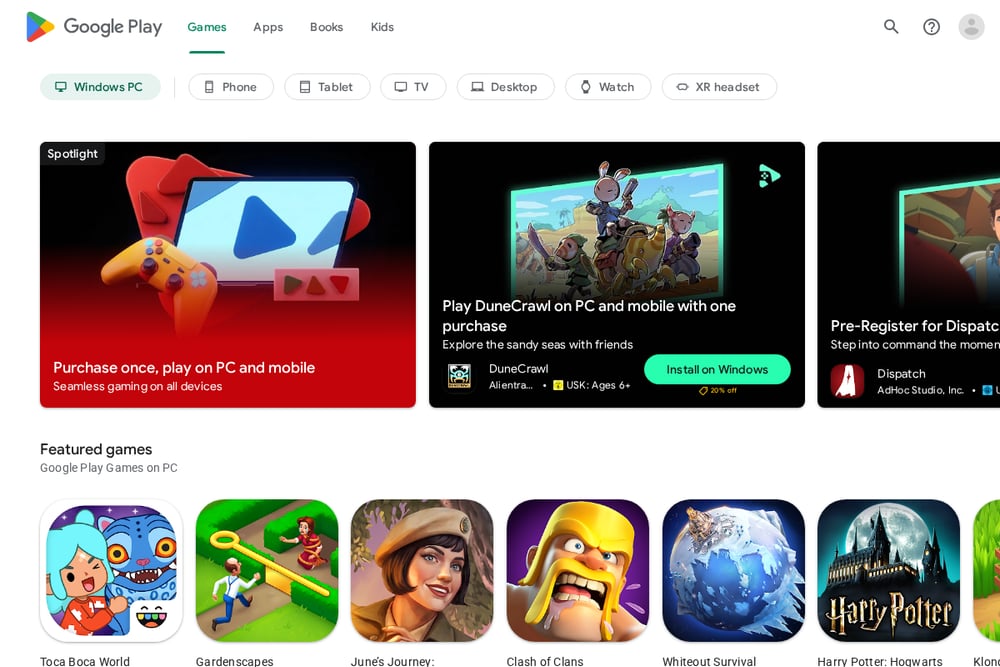 A screenshot of the Chess Coach website.
Chess Coach on Google Play offers structured offline training with sections on checkmate, middlegame tactics, and chess clock challenges. It’s designed for players of any age to learn chess basics and improve intuition through standard tactical ideas. The app includes 30-second move challenges to build speed and accuracy. With over 1 million downloads and a 4.7-star rating, it’s a popular choice for self-training. It’s best for students who need a guided, offline-friendly course. See it on Google Play.
How to Choose the Right Chess Coaching App
Start by mapping your coaching workflow. Do you need to track practice between lessons? CoachMate’s dashboard and streaks are built for that. If you want to diagnose weaknesses across multiple skills, Aimchess provides detailed analytics. For explaining why a move is good or bad, DecodeChess translates engine lines into human language. If your students need a huge puzzle library on iPhone, Chess Coach: Learn & Play delivers. And for Android users who prefer offline training, Chess Coach on Google Play is a strong option. Consider pricing, platform compatibility, and whether the app integrates with Lichess or Chess.com. Most offer free tiers, so you can test before committing.
Automating Your Coaching Workflow
You can automate lesson prep by connecting CoachMate to your students’ Lichess or Chess.com accounts. Every game is checked automatically, mistakes become drills, and you see who practiced before the lesson. Assign drills that return right before students would forget them, with hints when they’re stuck. Use the dashboard to spot who needs help and walk into each lesson prepared. This reduces admin time and keeps students accountable.
The Bottom Line
No single app does everything, but together they cover the coaching spectrum. Aimchess gives you deep analytics. CoachMate keeps students practicing and shows you who’s ready. DecodeChess explains the why. Chess Coach: Learn & Play and Chess Coach offer puzzle-heavy training on iPhone and Android. Try the free tiers, see which fits your style, and let the tools handle the busywork so you can focus on teaching.