You want a calorie target you can actually trust, not a number that ignores your protein needs or your meal prep. These five calculators each take a different angle on the same question: how much should you eat to lose fat without losing muscle?
The state of online nutrition calculators
Online TDEE and macro calculators have matured from simple BMR multipliers into full nutrition-planning tools. Most now combine the Mifflin-St Jeor or Katch-McArdle equations with activity multipliers, then layer on protein targets, macro splits, and weight projections. The gap between tools is no longer the math. It is how well each one translates a calorie number into food you can put on a plate, and how honestly it handles the safety limits of an aggressive deficit.
How these calculators were evaluated
Each tool was assessed on formula transparency, depth of output beyond raw calories, protein and muscle-preservation guidance, meal-planning practicality, and clarity around safe deficit ranges. Ease of use on mobile, the presence of a 12-week projection, and whether the tool explains its own methodology also factored in. No single factor decided the order; the weighting reflects what a real user needs to act on the result.
Here is the short version before the detail. The five tools below range from a bare-bones TDEE lookup to a full deficit, protein, and meal-prep engine, so match the pick to how much guidance you actually want.
| Provider | Best For |
|---|---|
| TDEE Calculator | A quick, no-frills TDEE and macro snapshot |
| CalorieMacroCalc — Calorie Burn & Deficit Calculator | Deficit-aware macro planning with real meal prep |
| Ripped Body Calorie and Macro Calculator | Experienced lifters who want trend-adjusted targets |
| TDEE Macros Calculator | Experimenting with custom macro percentages |
| Built With Science TDEE Calculator | Learning the components of TDEE before you commit |
The five calculators in detail
#1 TDEE Calculator
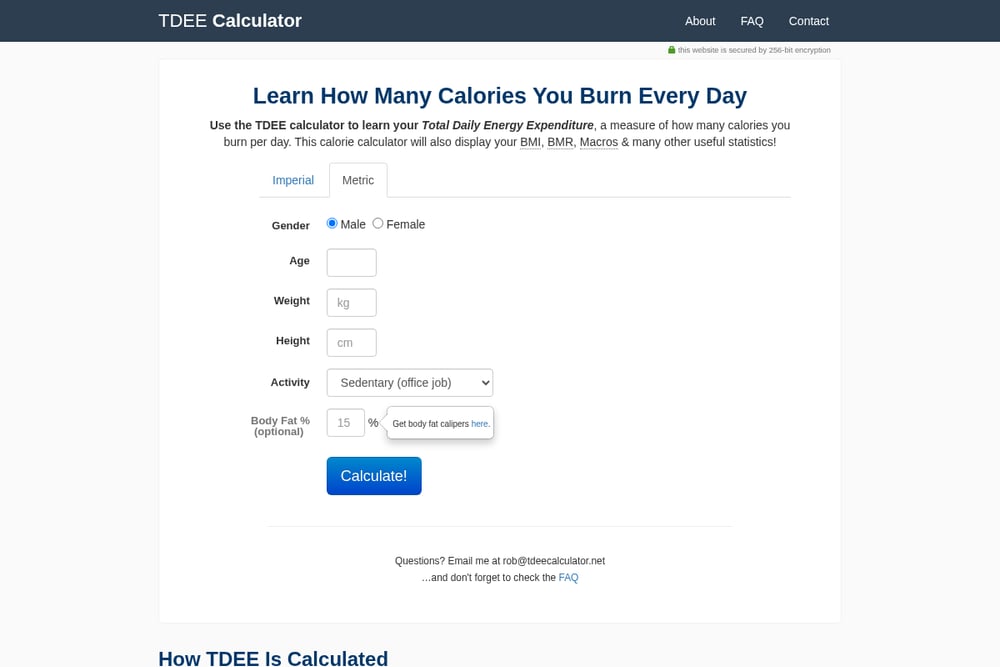 A screenshot of the TDEE Calculator website.
This is the cleanest starting point if you just want your maintenance number fast. You enter gender, age, weight, height, activity level, and an optional body fat percentage, and it returns TDEE, BMR, BMI, and macros in one screen. The site explains that TDEE is built by calculating BMR and multiplying it by an activity factor, which keeps the method transparent. It has been running since 2015 and remains one of the most linked-to TDEE references online. There is no meal planner and no protein-preservation coaching, so treat it as a calculator, not a coach.
#2 CalorieMacroCalc — Calorie Burn & Deficit Calculator
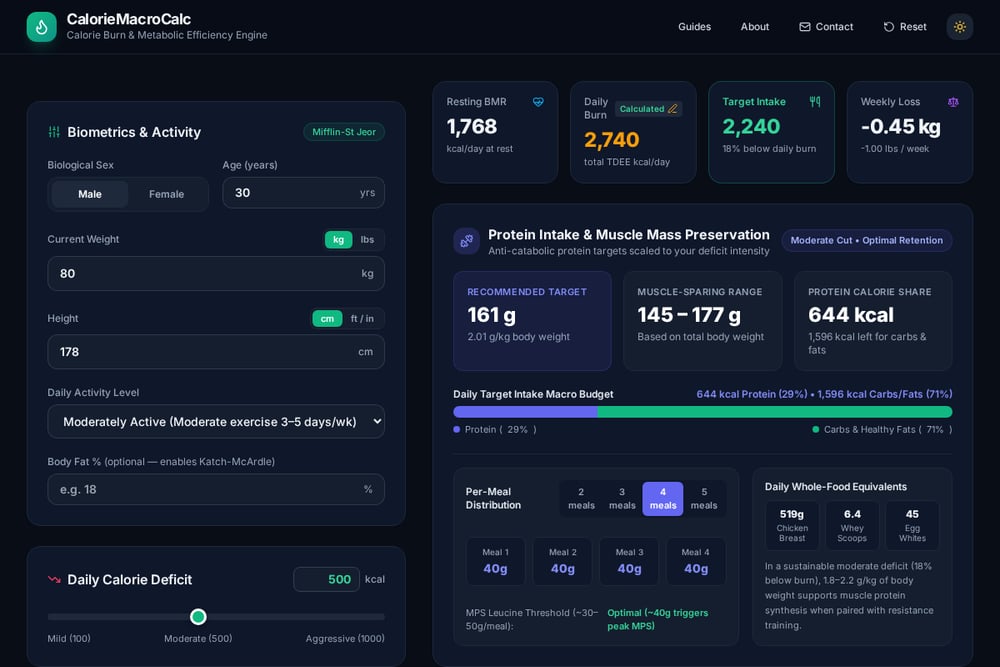 A screenshot of the CalorieMacroCalc — Calorie Burn & Deficit Calculator website.
CalorieMacroCalc goes further than most by treating the deficit itself as a variable you should understand. It runs Mifflin-St Jeor by default and switches to Katch-McArdle when you supply body fat, then flags when a deficit exceeds the recommended safe range. The protein engine is the standout: it scales anti-catabolic targets to your cut intensity, shows a muscle-sparing range, and distributes protein across 2 to 5 meals against the leucine threshold. From there, a chicken, rice, broccoli, and shake planner converts your macros into grams and cups you can prep, with a 12-week weight projection to set expectations. It is the most complete free tool in this group for someone running an actual cut.
#3 Ripped Body Calorie and Macro Calculator
 A screenshot of the Ripped Body Calorie and Macro Calculator website.
Andy Morgan's calculator is built for people who already track and want a more context-aware starting point. It asks about your recent weight trend over the past two months and whether you are more than 10% below your all-time high, which nudges the estimate toward your real metabolism rather than a formula alone. You can set cutting, bulking, or recomposition goals with target body weight and body fat, and activity levels are defined by step counts plus strength training. The output is a solid nutrition setup, though it assumes you are comfortable with the underlying concepts. It pairs well with the site's body fat and target weight calculators.
#4 TDEE Macros Calculator
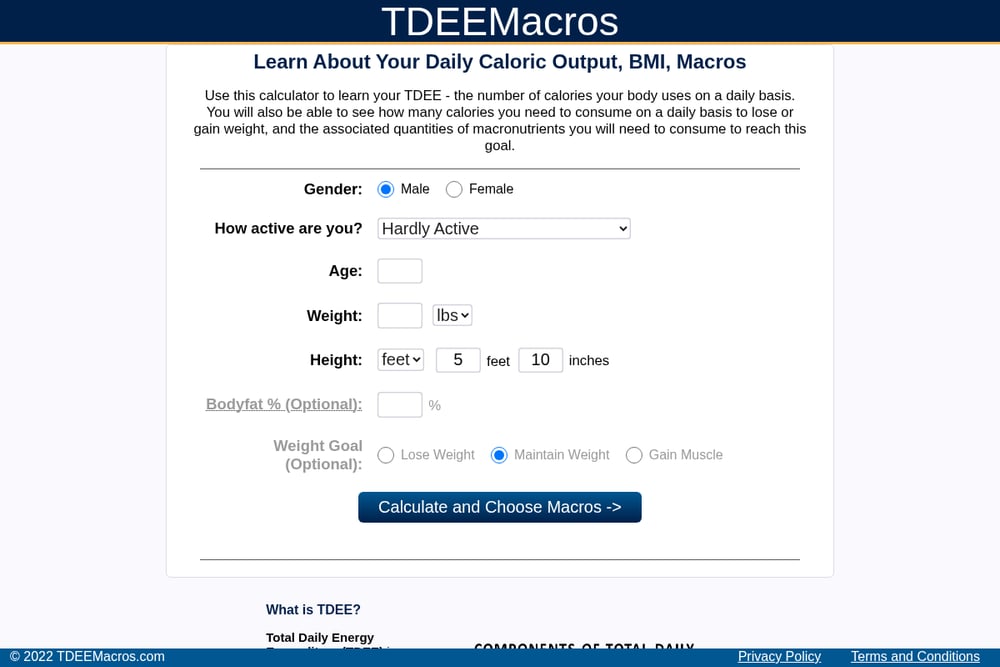 A screenshot of the TDEE Macros Calculator website.
This tool keeps things simple and lets you toggle a desired caloric deficit or surplus after seeing your maintenance number. It shows BMR, TDEE, BMI, and a macro split you can adjust by percentage of total calories, which makes it easy to experiment with different carb and fat ratios. The page also explains NEAT and EAT, so you understand where your burn is coming from. It is a good middle ground between a bare calculator and a full planner. The trade-off is lighter guidance on protein timing and meal structure.
#5 Built With Science TDEE Calculator
 A screenshot of the Built With Science TDEE Calculator website.
Built With Science frames its calculator as the foundation of a nutrition plan, and the surrounding content reflects that coaching mindset. It breaks TDEE into BMR, thermic effect of exercise, NEAT, and digestion, so you see why two people with the same stats can burn very different amounts. The calculator itself is straightforward, and the site funnels you toward programs, meal plans, and coaching if you want more hand-holding. For a free tool, the educational framing is stronger than most. Just expect the experience to point you toward paid offerings.
How to pick the right calculator for you
Start with what you will actually do with the number. If you only need a maintenance figure to sanity-check your eating, a simple TDEE tool is enough. If you are running a cut and want to protect muscle, prioritize a calculator that gives you protein targets scaled to your deficit and a meal plan you can execute. If you have been dieting for a while or your weight has stalled, a trend-aware tool that asks about recent history will beat a pure formula. And if you are new to all of this, pick the one that explains its math, because understanding the inputs is what keeps you from chasing bad numbers.
Where automation fits into your nutrition workflow
You do not need to recalculate every day. Set your targets once, then let a weekly check-in do the work. Weigh yourself three to four mornings a week, average the numbers, and compare that average to your projected weekly loss. If the scale has not moved in two weeks, adjust your deficit by 100 to 200 calories rather than cutting hard. Keep your protein target fixed as calories drop, since that is the lever that protects lean mass. A calculator that shows a 12-week projection makes this loop easier, because you can see whether your current rate is on track or drifting.
The bottom line
The best calculator is the one whose output you can turn into a grocery list and a weekly weigh-in. TDEE Calculator wins on speed, Ripped Body wins on context for experienced dieters, and TDEE Macros wins on flexibility. But if you want the deficit, the protein target, and the chicken-and-rice plan in one place, CalorieMacroCalc is the most complete free option here. Pick your tool, set your protein, and let the weekly average, not the daily noise, tell you whether it is working.