
Your landlord has 21 days to return your deposit or explain every deduction. Miss that window and the stakes get serious. These five tools help you check the clock, the paperwork, and the charges without guessing.
What are Legal Services services?
California's security deposit rules are strict but easy to misread. Civil Code § 1950.5 sets a 21-calendar-day deadline, requires itemized statements with receipts, and caps deductions to specific categories. Recent updates add photo requirements and electronic refund rules. Renters and landlords alike now turn to online calculators and checkers to avoid costly mistakes. The tools below range from free deadline counters to full property-management platforms, each with a different focus.
What we looked at when researching Legal Services
We looked at service scope, pricing clarity, local fit, and how well each tool explains the statute. Some tools are built for renters checking a landlord's math. Others serve landlords managing compliance. We also weighed whether the free version is genuinely useful and whether the legal language is cited accurately. Every tool on this list offers something distinct, so your choice depends on whether you are the tenant or the property owner.
| Provider | Best For |
|---|---|
| McKee Properties | Landlords and property managers who need a compliance checklist |
| FightMyDeposit: check your security deposit return | California renters who want exact statute language and citations |
| SmartLeaseFlow | Landlords tracking multiple California deadlines in one place |
| TenantShield | Renters in multiple states who want a quick deadline check |
| Shuk | Landlords already using Shuk's property management platform |
A closer look at 5 standout Legal Services
#1 McKee Properties
 A screenshot of the McKee Properties website.
McKee Properties offers a free security deposit return deadline calculator built for California landlords and property managers. You enter the move-out date and the tool counts 21 calendar days from the statute, then shows a checklist of what the itemized statement must include. It also asks how the tenant paid rent and when the tenancy began, so it can flag newer rules like electronic refunds and move-in photos. The calculator is part of a broader San Diego property management site, which means you get practical landlord context alongside the deadline. If you manage rentals and want a quick compliance check, this is a solid starting point.
#2 FightMyDeposit: check your security deposit return
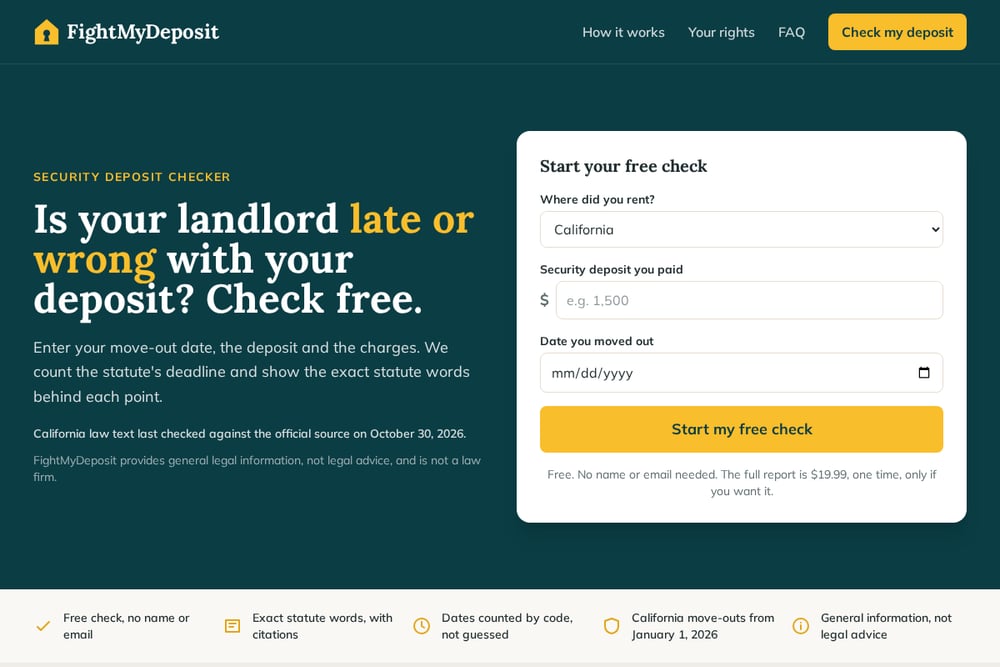 A screenshot of the FightMyDeposit: check your security deposit return website.
FightMyDeposit is a free online checker that puts the statute front and center for California renters. You enter your move-out date, deposit amount, and charges, and it counts the deadline by code rather than guessing. Every legal point comes with the exact statutory quote, a citation, and a link to the official source. The free check requires no name or email, and a full report is $19.99 one time if you want the detailed breakdown. It is a lightweight, renter-focused tool that makes the law readable without a lawyer.
#3 SmartLeaseFlow
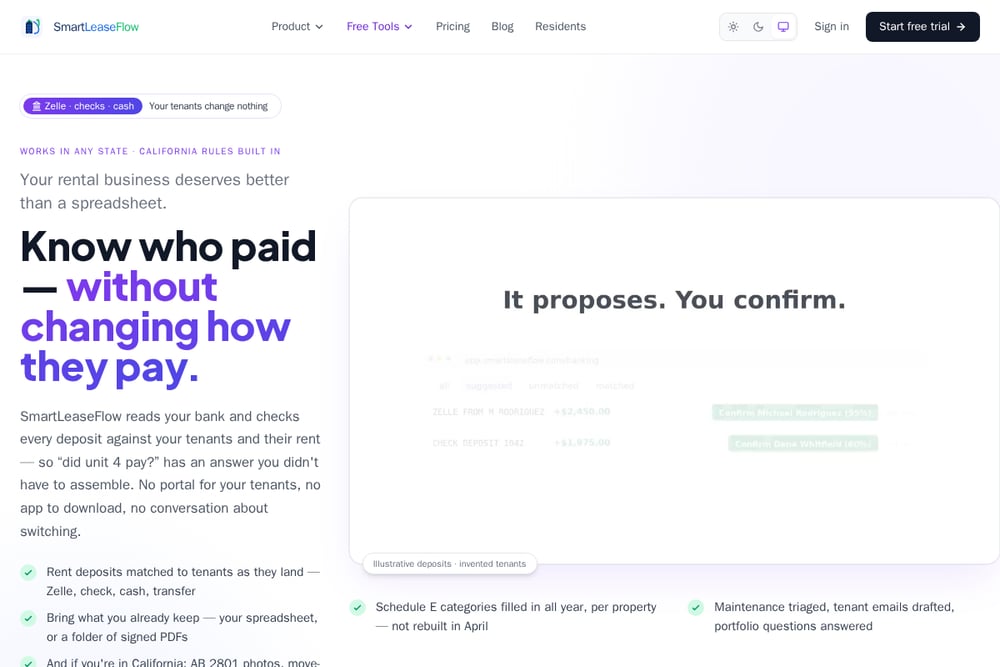 A screenshot of the SmartLeaseFlow website.
SmartLeaseFlow's California landlord deadline calculator goes beyond deposits. You enter the day the tenant vacated and it maps out every deadline that follows, with the Civil Code section beside each one. It also includes a new AB 628 calculator for recalled stoves and refrigerators, which became a habitability issue in January 2026. The tool is part of a property management platform, so it is aimed at landlords who want to track dates against actual tenancies. If you manage multiple units and need a broader compliance calendar, this is worth a look.
#4 TenantShield
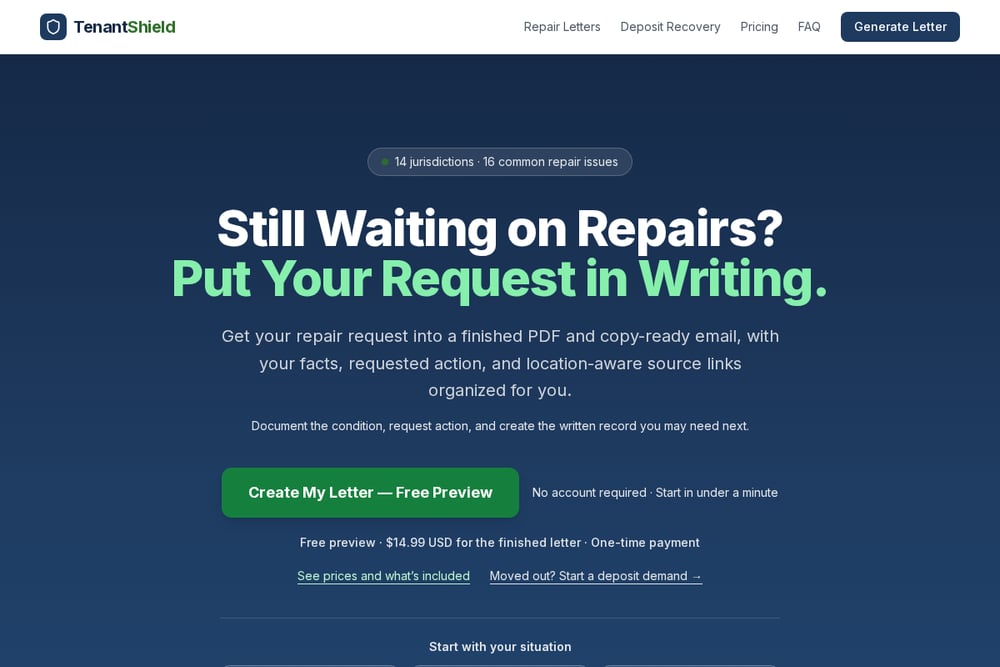 A screenshot of the TenantShield website.
TenantShield's security deposit deadline calculator covers multiple states, including California, and is built for renters. You enter your move-out date and keys-returned date, and it tells you whether the landlord's deadline has passed under the state's general rule. The California result cites the 21-calendar-day rule and links to the official statute. It also keeps your dates on your device, which is a nice privacy touch. If you are a renter in California or another state and want a quick late-or-not check, this tool is straightforward.
#5 Shuk
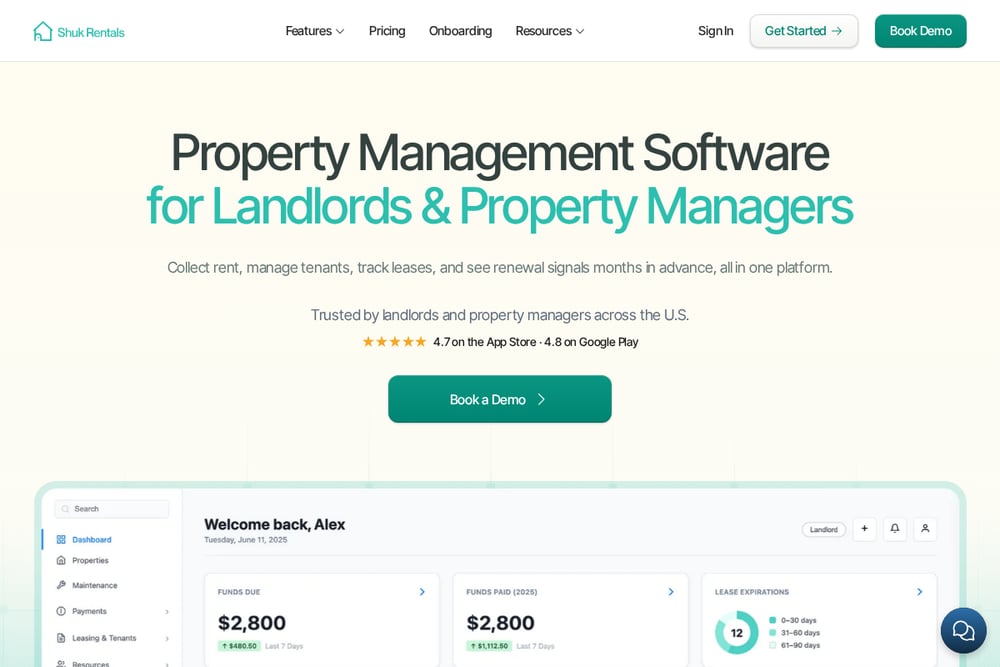 A screenshot of the Shuk website.
Shuk offers a California security deposit return deadline calculator as part of its rental management platform. The tool focuses on the 21-day rule and is designed for landlords who use Shuk's broader suite of leasing, screening, and payment features. You get a clear deadline count with the statute reference, but the calculator is one piece of a larger property management system. If you are already using Shuk or want an all-in-one platform with a built-in deadline tool, this fits naturally into your workflow.
How to choose the right Legal Services
Start with your role. If you are a renter, look for a tool that shows the exact statute words and does not require personal data. FightMyDeposit and TenantShield are built with renters in mind. If you are a landlord, you need a checklist that covers itemized statements, receipts, and newer rules like electronic refunds. McKee Properties and SmartLeaseFlow give you that compliance angle. Shuk makes sense if you want the calculator inside a full management platform. Also check pricing clarity: free is free, but a one-time report fee should be obvious before you enter anything.
Expert Conclusion
California's deposit rules reward precision. The right tool depends on whether you are checking a landlord's math or managing your own compliance. FightMyDeposit stands out for renters who want exact citations without a paywall. McKee Properties and SmartLeaseFlow serve landlords who need a broader deadline checklist. TenantShield keeps it simple across states, and Shuk bundles the calculator into a full platform. Pick the one that matches your side of the lease, and always verify the statute yourself.