
You need a business loan, but you have no idea what the bank will actually approve. These five calculators help you run the numbers before you ever sit down with a lender.
The Business Loan Calculator Landscape
Business loan calculators have become essential tools for entrepreneurs navigating an increasingly complex lending environment. Whether you are applying for an SBA loan, a traditional term loan, or a line of credit, understanding your monthly payments, total interest costs, and debt service coverage ratio can mean the difference between approval and rejection. Banks evaluate your application using metrics like DSCR, LTV, and cash conversion cycles, and the right calculator helps you see your numbers through the lender's eyes. The tools range from simple payment estimators to comprehensive financial modeling platforms that account for origination fees, compounding frequencies, and amortization schedules. For small business owners, these calculators provide a low-risk way to test scenarios, compare offers, and prepare a stronger application before approaching a bank.
How We Evaluated These Calculators
We looked at the breadth of financial tools offered, the clarity of explanations, and how well each resource helps you understand the lender's perspective. Biz Intel Desk stood out for its plain-English guides on DSCR, collateral, and working capital, plus a suite of free calculators that go beyond basic payment estimates. Calculator.net impressed with its detailed amortization tables and APR calculations that include fees. BMO delivered a polished, bank-backed calculator with educational resources for business borrowers. Bank of Brodhead provided a straightforward tool focused on monthly cash-flow impact. Peoples State Bank offered a clean calculator integrated with a full suite of business lending products. Each resource serves a different need, from quick estimates to deep financial education.
Here is a quick look at five business loan calculators worth knowing, each with a distinct approach to helping you understand financing costs.
| Provider | Best For |
|---|---|
| Calculator.net | Detailed amortization and APR calculations |
| Biz Intel Desk - How banks really read your business loan application | Understanding lender metrics and ratios |
| BMO | Bank-backed calculator with support access |
| Bank of Brodhead | Quick monthly cash-flow estimates |
| Peoples State Bank | Comparing multiple loan products |
The 5 Calculators Worth Knowing
#1 Calculator.net
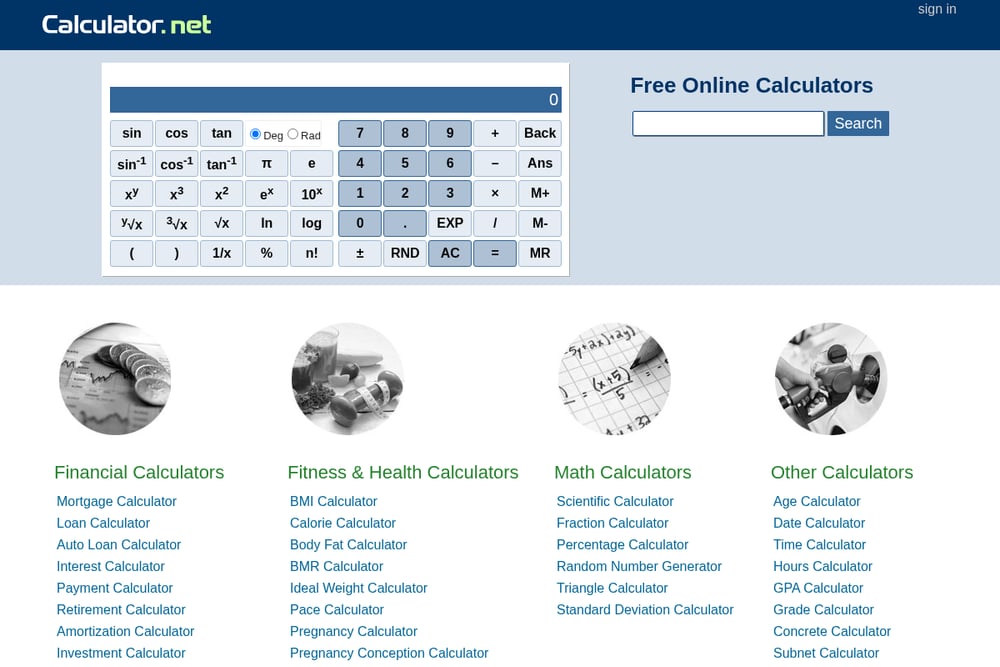 A screenshot of the Calculator.net website.
Calculator.net delivers a robust business loan calculator that goes beyond simple monthly payment estimates. You can input loan amount, interest rate, compounding frequency, and term, then see your payback amount, total interest, and the real APR when fees are included. The tool generates a full amortization table, so you can see exactly how each payment splits between principal and interest over time. It also explains common loan types like SBA loans, helping you understand which option fits your business. For anyone who wants a no-frills, numbers-first approach, this is a go-to resource.
#2 Biz Intel Desk - How banks really read your business loan application
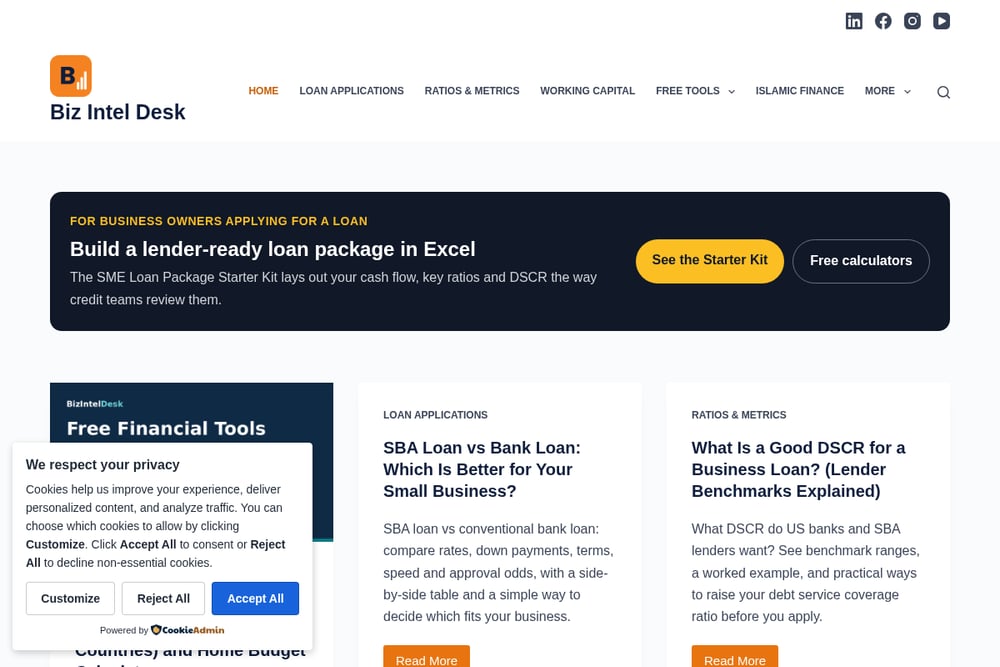 A screenshot of the Biz Intel Desk - How banks really read your business loan application website.
Biz Intel Desk takes you inside the lender's mind with plain-English guides on how banks assess business loans. You get free calculators for DSCR, LTV, cash conversion cycle, break-even, and working capital, plus a business loan calculator and EMI calculator. The site explains ratios like current ratio versus quick ratio and why stock can hide a liquidity problem. Articles cover collateral valuation, personal guarantees, and Islamic financing structures like Murabaha and Ijara. If you want to understand the metrics banks actually use, this resource bridges the gap between borrower and lender.
#3 BMO
BMO offers a business loan calculator backed by a major bank, giving you confidence in the numbers. The tool helps you estimate monthly payments and explore different loan terms, with educational content on SBA loans and equipment leasing. You can also connect with a BMO representative directly from the calculator page if you want personalized guidance. The interface is clean and user-friendly, making it easy to adjust variables and see how they affect your payments. It is a solid choice if you prefer a bank-backed tool with support options.
#4 Bank of Brodhead
 A screenshot of the Bank of Brodhead website.
Bank of Brodhead provides a business loan calculator focused on monthly cash-flow impact. You can adjust loan amount, term, rate, fees, and payment frequency to compare affordability across scenarios. The tool estimates monthly payments, total interest, fees, and total repayment cost, giving you a clear picture of what the loan will cost your business. It is straightforward and easy to use, with no unnecessary complexity. This calculator is ideal for small business owners who want a quick, practical estimate before applying.
#5 Peoples State Bank
 A screenshot of the Peoples State Bank website.
Peoples State Bank integrates its business loan calculator with a full suite of lending products, including term loans, lines of credit, commercial real estate, and SBA loans. The calculator helps you estimate payments and understand financing costs, while the surrounding site provides detailed information on each loan type. You can explore acquisition financing, construction loans, and equipment loans all in one place. The bank also offers personal and ag loan calculators, making it a versatile resource for diverse borrowing needs. It is a practical tool for business owners who want to compare multiple financing options.
How to Choose the Right Calculator for You
Start by identifying what you need. If you want to understand how banks evaluate your application, look for resources that explain DSCR, LTV, and other lender metrics. If you just need a quick monthly payment estimate, a simple calculator will do. Consider whether you want amortization tables, APR calculations that include fees, or the ability to compare multiple loan scenarios. Bank-backed calculators often come with access to loan officers, while independent tools may offer deeper educational content. Think about your comfort level with financial jargon and choose a resource that matches your experience. Finally, check if the calculator supports the loan types you are considering, such as SBA loans, lines of credit, or equipment financing.
Automating Your Loan Preparation Workflow
You can streamline your loan preparation by combining these calculators with a simple spreadsheet. First, use a calculator to estimate your monthly payment and total interest for each loan scenario. Then, input those numbers into a spreadsheet alongside your business revenue, expenses, and cash flow projections. Calculate your DSCR by dividing net operating income by total debt service. Use a working capital calculator to determine how much you need to cover day-to-day operations. Finally, compare your ratios against typical lender requirements and adjust your loan request accordingly. This workflow helps you approach lenders with confidence and a clear understanding of your financial position.
The Bottom Line on Business Loan Calculators
These five resources each bring something different to the table. Calculator.net gives you detailed amortization and APR insights. Biz Intel Desk helps you think like a lender with guides on DSCR, collateral, and working capital. BMO offers a polished, bank-backed tool with support access. Bank of Brodhead keeps it simple with cash-flow-focused estimates. Peoples State Bank lets you explore multiple loan products in one place. Use them together to build a complete picture of your financing options. The more you understand your numbers, the better prepared you will be when you sit down with a lender.