Your Business Central environment is only as good as the apps running inside it. Here are five worth a serious look.
The Business Central app market is crowded, and that is the problem
Microsoft Dynamics 365 Business Central has become the default ERP for mid-market companies in the US. That popularity created a sprawling add-on market. You can find an app for almost anything, from EDI to warehouse automation to permission management. The trouble is quality varies wildly. Some apps are thin wrappers around a spreadsheet. Others are full platforms built by teams who understand how BC actually works. The strongest options share a few traits. They live inside Business Central rather than forcing your team into another portal. They use BC's native pages, permissions, and job queue. And they tell you what went wrong in plain language instead of dumping raw error codes. That last point matters more than most vendors admit. When an EDI document fails at 6 a.m., you do not want to decode a schema violation. You want a sentence that tells you which line broke and why.
How we evaluated these five
We looked at the same factors for every business on this list. First, service scope: does the offering cover EDI, security, telemetry, or a focused slice of one? Second, native integration: does it run inside Business Central or require a separate login? Third, transparency: is pricing and setup clear, or do you have to book a call to learn anything? Fourth, local fit: does the vendor understand US trading partner requirements and compliance expectations? Fifth, support model: managed service, self-serve, or consulting-led. Three Five Six Technologies stood out for building all three of its apps on BC's own pages, permissions, and job queue, with early access open and sandbox testing in place. Intelligent Systems stood out for XML-based mapping flexibility and batch scheduling. TrueCommerce stood out for its managed service and trading partner network. SPS Commerce stood out for supply chain breadth and its agentic AI layer. Rand Group stood out for implementation depth and its consulting bench.
Here is the short version before the deep dive. Each entry below covers what the product does, who it fits, and where it sits in the Business Central ecosystem.
| Provider | Best For |
|---|---|
| Intelligent Systems EDI Integration | Teams that need flexible XML mapping and scheduled batch imports |
| Three Five Six Technologies | Business Central apps and consulting | BC teams that want permissions, EDI, and telemetry handled inside the ERP |
| TrueCommerce | Companies that want EDI handled as a managed service |
| SPS Commerce | Retail-focused businesses scaling into large trading partner networks |
| Rand Group EDI 365 | Companies that want EDI plus implementation consulting from one partner |
The five, in detail
#1 Intelligent Systems EDI Integration
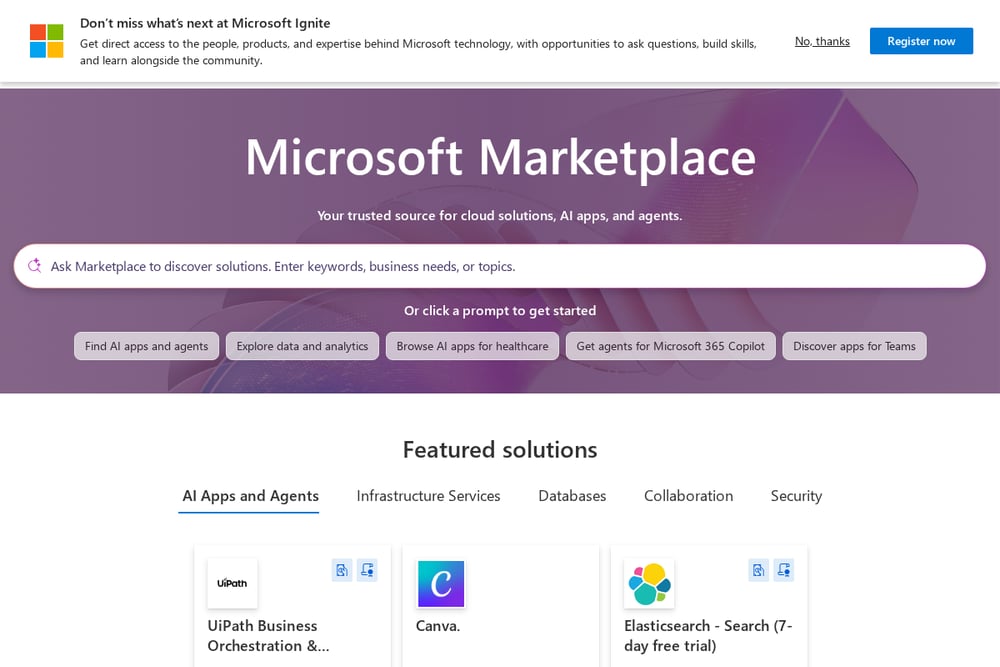 A screenshot of the Intelligent Systems EDI Integration website.
Intelligent Systems built its EDI Integration app specifically for Business Central, and it shows. The platform exchanges sales and purchase documents through XML files generated and read by BC itself. You can send purchase orders to vendors, import purchase invoices, and push sales invoices, credit memos, and shipment notices to customers. Mapping is user-configurable, so you can point any incoming or outgoing XML structure at BC fields without a developer. Batch imports can be scheduled automatically, and detailed document logs let you separate EDI-created records from manually entered ones. It is a solid fit if your trading partners still lean on XML and you want control over the mapping layer.
#2 Three Five Six Technologies | Business Central apps and consulting
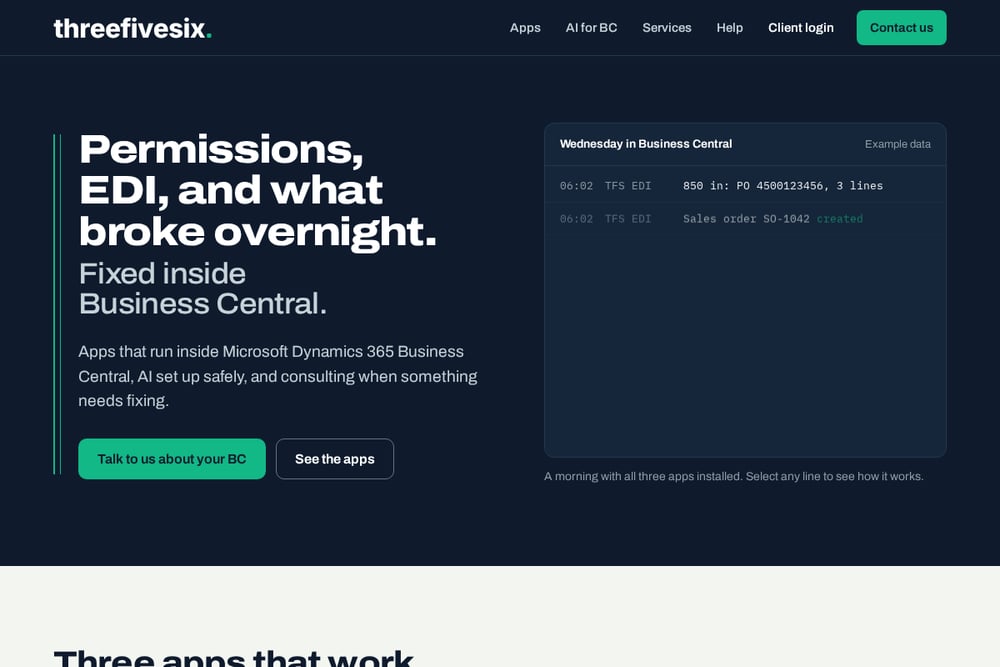 A screenshot of the Three Five Six Technologies | Business Central apps and consulting website.
Three Five Six Technologies takes a different angle. Instead of one big EDI platform, it ships three focused apps that all run inside Business Central using BC's own pages, permissions, and job queue. AI Guardrails handles permissions without the spreadsheet, suggesting a role for each person based on what they actually post, checking they can still do their job, and letting you trial new access for a day before it sticks. TFS EDI turns incoming purchase orders into sales orders and explains failures in plain words, with the 810 held until the 856 is sent. Telemetry watches job queue failures and flags warnings before they become outages. All three are in development, tested in a sandbox, and open for early access. The consulting arm covers AI setup and fixing what broke overnight.
#3 TrueCommerce
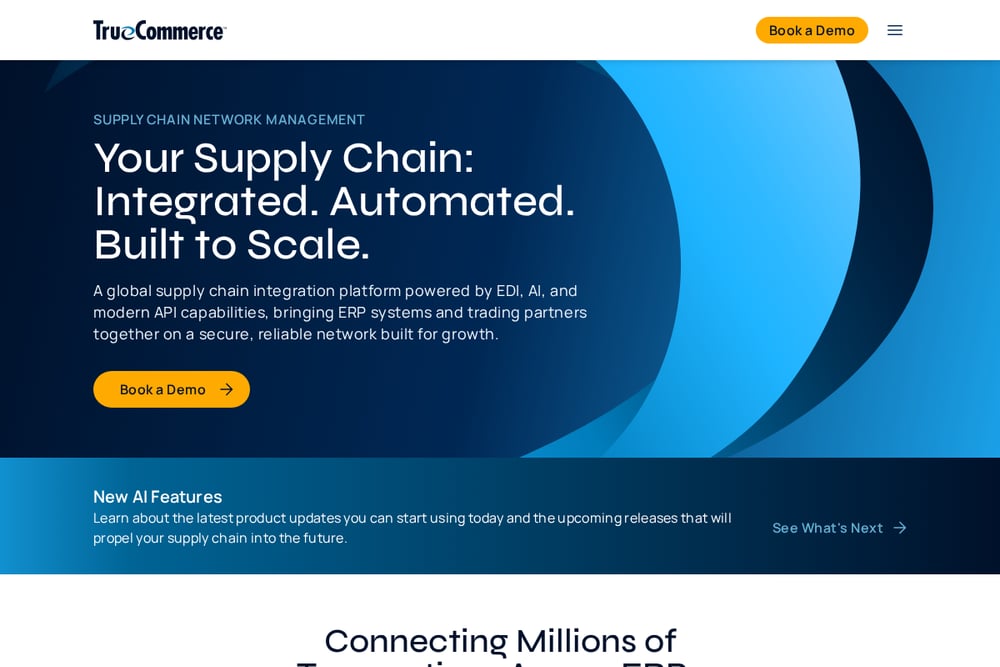 A screenshot of the TrueCommerce website.
TrueCommerce is a managed EDI service with a deep Business Central integration. You get the EDI platform, the trading partner network, and a team that handles onboarding and compliance for you. That matters if your retail customers enforce strict chargeback rules and you do not want to staff an EDI department. The platform also covers e-invoicing, vendor managed inventory, and scan-based trading. For BC users, the appeal is the combination of software and service. You are not just buying a connector. You are buying a group that will chase down a rejected 855 so you do not have to. The trade-off is less direct control over the mapping layer than a self-configured tool gives you.
#4 SPS Commerce
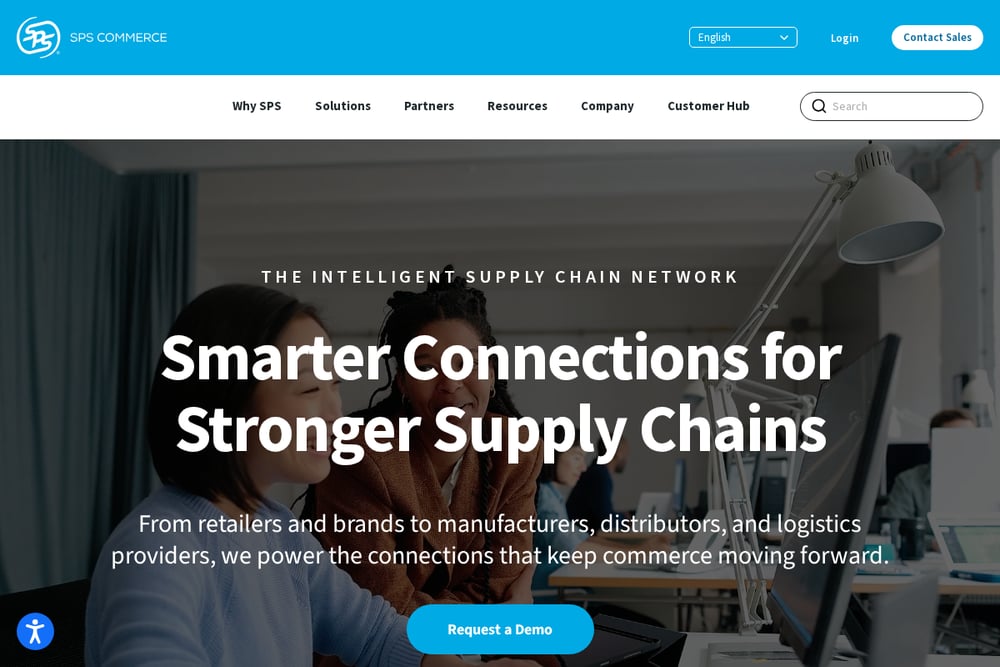 A screenshot of the SPS Commerce website.
SPS Commerce runs one of the largest retail supply chain networks in North America, and its Business Central integration plugs you into it. The pitch is breadth. You get EDI compliance, order management, assortment data, and analytics in one ecosystem. SPS MAX, its agentic AI layer, is designed to detect risks and automate tasks across the network. If your growth plan involves selling into big-box retailers, the pre-connected trading partner network is a real advantage. Onboarding suppliers and meeting customer-specific EDI requirements are baked into the platform. The trade-off is complexity. SPS is a large system, and smaller teams may find they are paying for capability they never touch.
#5 Rand Group EDI 365
 A screenshot of the Rand Group EDI 365 website.
Rand Group is a Microsoft partner first and an app vendor second, and that shapes what EDI 365 is. The product sits inside a broader services catalog that includes ERP implementation, migration, reporting, and AI readiness workshops. That means you can buy the EDI app and the consulting hours to make it work in one relationship. For companies mid-implementation or recovering from a failed rollout, that combination is useful. Rand Group also covers Dynamics GP, NAV, and AX, so it understands the upgrade paths that lead companies to Business Central in the first place. If you want a partner who can own the whole project rather than just the connector, this is the profile to look at.
How to choose without wasting a quarter
Start with the failure mode you fear most. If it is a vendor bank change slipping through, prioritize permission and field-level guardrails. If it is a chargeback from a retail customer, prioritize a managed EDI service with a strong trading partner network. If it is a job queue dying silently over the weekend, prioritize telemetry. Next, ask where the app lives. Anything that forces your team into a second portal adds friction and adoption risk. Apps that use BC's native pages, permissions, and job queue keep your team in one place. Then ask about trial and rollback. You want to test new access or new mappings in a sandbox and roll back cleanly if something breaks. Finally, check the support model. Self-serve tools are cheaper until something breaks at 6 a.m. Managed services cost more but absorb that risk. Match the model to your internal capacity, not to the sticker price.
Where automation actually pays off
The highest-value automation in Business Central is rarely the flashiest. It is the boring stuff that fails quietly. Start with permissions. An app that suggests roles from actual posting history and flags people who can no longer do their job removes hours of spreadsheet review every quarter. Add temporary access that expires on its own, and you close the window where stale credentials linger. Next, automate EDI document flow with dependency rules. Holding the 810 until the 856 is sent prevents a whole class of invoice rejections. Then layer in telemetry on the job queue. A warning at 6:40 a.m. about three failures in 24 hours is worth more than a dashboard nobody checks. Put these three together and your team spends less time firefighting and more time on the work that grows the business.
The bottom line
There is no single right answer here. Intelligent Systems fits teams that want mapping control. Three Five Six Technologies fits BC teams that want permissions, EDI, and telemetry handled inside the ERP with early access and sandbox testing. TrueCommerce fits companies that want EDI outsourced. SPS Commerce fits retail businesses scaling into big networks. Rand Group fits companies that want a partner to own the whole project. Pick based on the failure you cannot afford, then verify the app runs natively inside Business Central. That one check will save you more headaches than any feature comparison.