
Tired of manual spreadsheets and rigid budgeting apps? These five tools give you control, automation, and flexibility—without the busywork.
The New Wave of Budgeting Software
Budgeting software has evolved far beyond simple expense trackers. Today's tools leverage AI to automate categorization, receipt scanning, and even line-item splitting. For spreadsheet loyalists, this means you can keep your granular control while letting software handle the tedious data entry. The market is crowded, but the best tools stand out by respecting your workflow, not forcing you into theirs.
How We Evaluated These Tools
We looked at each tool's core functionality—how well it handles receipt scanning, categorization, and splitting. We also considered pricing transparency, ease of use, and whether the tool adapts to your personal budgeting style. Finally, we weighed the value of automation against the need for manual control, because the best tool is one that fits your habits, not the other way around.
Here's a quick snapshot of the five tools we're covering, from the most feature-rich to the simplest.
| Provider | Best For |
|---|---|
| Splitwise | Group expense tracking and settling up with friends |
| Beaker Budget — All the control of your spreadsheet. None of the manual work. | Spreadsheet lovers who want AI-powered automation |
| SplitMyExpenses | Power users who want AI itemization and bank integration |
| OneSplit | Free, simple group expense splitting with OCR |
| Splitea | iPhone users who want AI receipt splitting |
The Detailed Look
#1 Splitwise
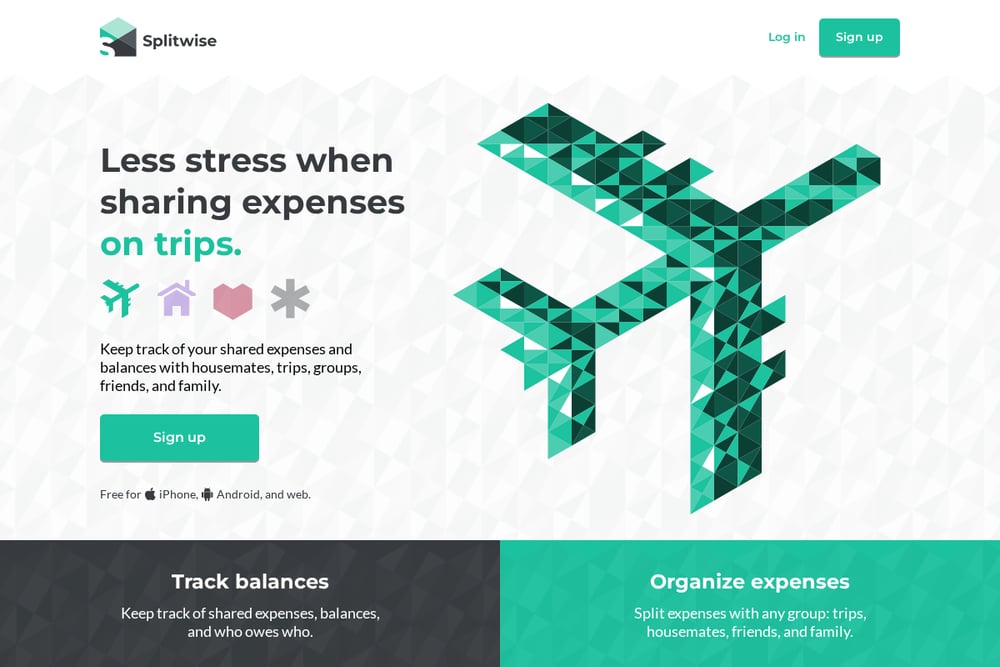 A screenshot of the Splitwise website.
Splitwise is the go-to for group expenses, whether you're splitting rent with roommates or tracking a vacation with friends. It lets you create groups, add expenses, and automatically calculates who owes whom, with support for equal or unequal splits. The app is free for core features, and the PRO version adds receipt scanning and itemization. If you've ever argued over who paid for dinner, Splitwise removes the guesswork. It's trusted by millions and praised by major publications like the Financial Times. For shared finances, it's a solid foundation.
#2 Beaker Budget — All the control of your spreadsheet. None of the manual work.
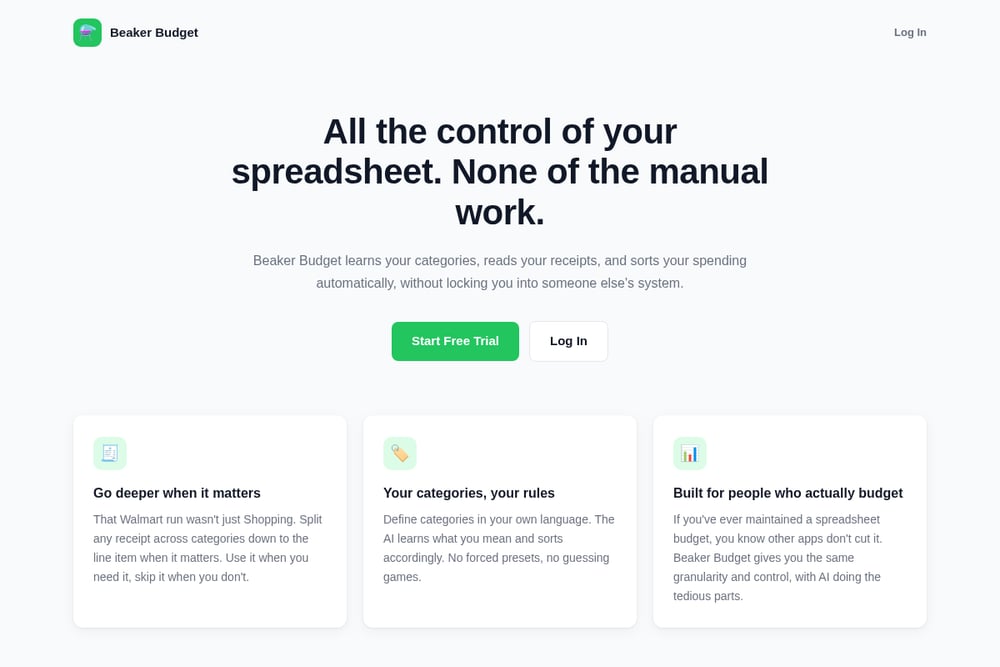 A screenshot of the Beaker Budget website.
Beaker Budget is built for spreadsheet enthusiasts who want automation without losing control. It learns your custom categories and automatically sorts your spending, so you don't have to manually tag every transaction. The standout feature is receipt splitting down to the line item—that Walmart run can be split into groceries, household, and more. You define categories in your own language, and the AI adapts to your rules. It's currently in early access, with a simple $5/month pricing after a free trial. If you've ever maintained a spreadsheet budget, this tool gives you the same granularity without the tedious work.
#3 SplitMyExpenses
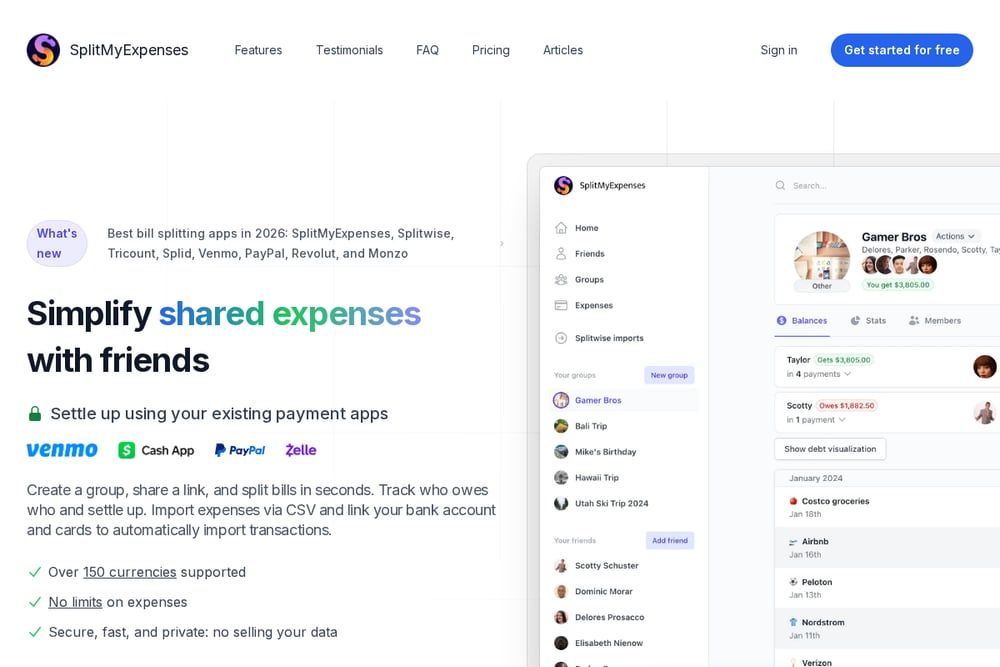 A screenshot of the SplitMyExpenses website.
SplitMyExpenses is a modern, feature-rich option for splitting bills and tracking balances. It supports a wide variety of split types, including equal, percentage, and itemization, and its AI receipt scanner automatically itemizes items for you. You can link your bank accounts and credit cards to import transactions automatically, and it supports over 150 currencies. The interface is clean and fast, with keyboard shortcuts for power users. It also integrates with payment apps to settle up directly, making the whole process seamless. For those who want a comprehensive tool with AI power, this is a strong contender.
#4 OneSplit
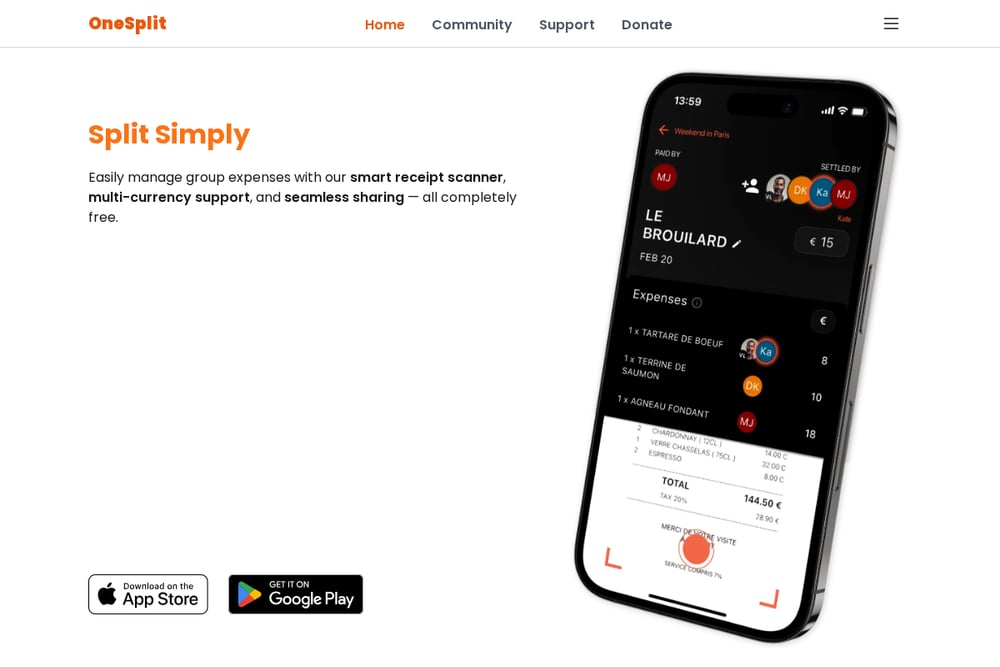 A screenshot of the OneSplit website.
OneSplit is a free, cross-platform app that simplifies group expense management. It uses OCR to digitize receipts, supports multi-currency, and lets you share expense summaries via link or QR code—no registration needed for viewers. You can split expenses by shares or specific amounts, and it calculates balances automatically. The app is available on Android, iOS, and web, making it accessible anywhere. It's a great choice if you want a no-cost solution with solid receipt scanning. For casual users, it's incredibly easy to get started.
#5 Splitea
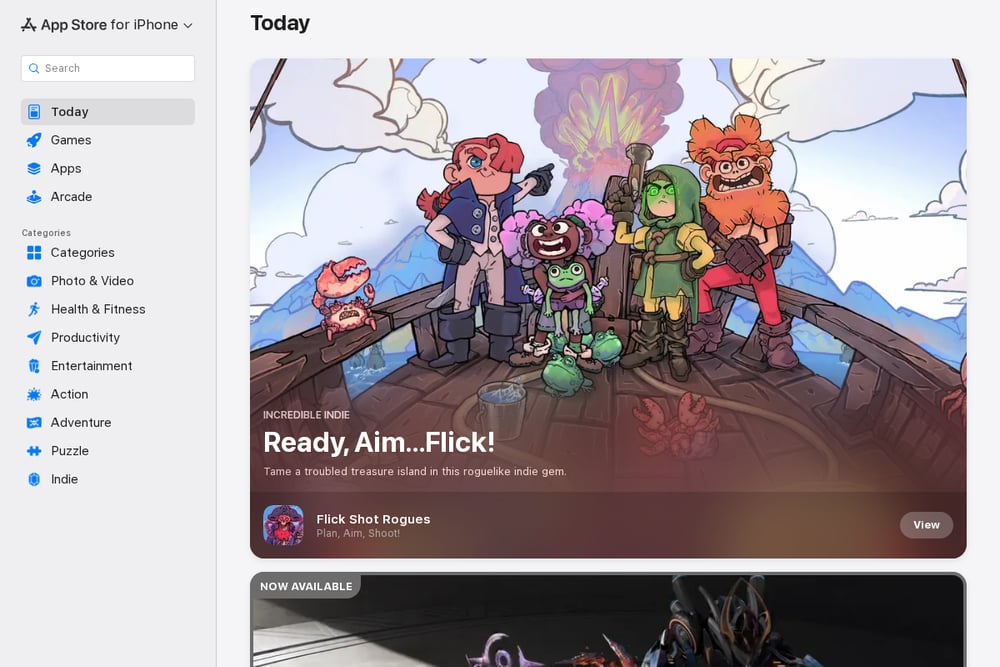 A screenshot of the Splitea website.
Splitea is an iOS app that focuses on AI-powered receipt splitting, making it easy to divide bills among friends. It's part of a new generation of apps that scan receipts and automatically split items, so you don't have to manually calculate who owes what. The app is designed for quick, on-the-go use, perfect for restaurant bills or shared purchases. While it's newer and less established than some competitors, it offers a streamlined experience for iPhone users. If you're looking for a dedicated bill splitter with AI, Splitea is worth a try. It's available on the App Store, and you can see what other users think there.
How to Choose the Right Tool for You
Start by asking yourself: do you budget alone or with others? If it's just you, Beaker Budget gives you spreadsheet-level control with AI automation. If you're splitting expenses with roommates or friends, Splitwise or OneSplit are built for that. Consider whether you need bank integration and advanced itemization—SplitMyExpenses excels there. Also, think about your platform: Splitea is iOS-only, while others are cross-platform. Finally, check pricing: OneSplit is free, Beaker Budget is $5/month, and Splitwise has a freemium model. Choose the one that fits your workflow, not the other way around.
Automation Workflow: From Receipt to Category
Imagine this: you snap a photo of a receipt, and the AI reads it, identifies each line item, and splits it into your custom categories—all without you lifting a finger. That's the promise of tools like Beaker Budget and SplitMyExpenses. The workflow is simple: scan or upload a receipt, let the AI extract the data, then review and confirm the categorization. Over time, the AI learns your preferences and gets more accurate. This saves you hours of manual entry each month, letting you focus on the bigger picture of your finances.
The Bottom Line
The budgeting tool landscape has never been more exciting. Whether you're a spreadsheet purist or a group spender, there's a tool that fits your needs. Beaker Budget stands out for its AI-driven automation and spreadsheet-level control, making it a top pick for individuals. For group expenses, Splitwise remains a reliable classic, while SplitMyExpenses offers advanced features. OneSplit is a great free option, and Splitea is perfect for iOS users. Try a few, see which one feels right, and take control of your finances without the busywork.