Printing a clean answer sheet shouldn't cost you a prep period. These five browser-based tools get you from blank page to printable bubbles in minutes.
The quiet backbone of classroom assessment
Bubble sheets never went out of style. Even in an era of digital quizzes, teachers still hand out printed answer sheets for chapter tests, standardized test practice, and quick exit tickets. The reason is simple: a separate answer page keeps the test reusable, makes grading faster, and gives you a paper record of every response.
The tooling around bubble sheets has shifted too. Instead of buying pre-printed Scantron forms, teachers now generate their own sheets in a browser. The strongest options render at exact print size, support US Letter and A4, and let you dial in question counts, answer choices, and column layouts. Many now add grading helpers like answer keys, grade calculators, and phone-camera scanning.
Privacy has become a differentiator. The tools worth your time run client-side, meaning nothing you generate leaves your browser. No accounts, no uploads, no student data sitting on someone else's server.
How we looked at these tools
We judged every tool on the same factors. First, layout flexibility: how many question counts, answer-choice sets, and column arrangements can you actually produce? Second, print fidelity: does the sheet come out at true US Letter or A4 size with bubbles that align when scanned or overlaid?
Third, privacy and friction: does it require a signup, an email, or a file upload, or does everything stay in your browser? Fourth, the surrounding toolkit: answer keys, grade calculators, timers, and camera grading all add practical value beyond the sheet itself.
Finally, clarity: is it obvious how to use the tool, and is the free tier genuinely free? Each tool below stood out on at least one of these factors, and some on several.
Here's the short version before the deep dive. All five are free to try, all five print answer sheets, and they differ mainly in layout range, privacy posture, and how much grading help they bundle in.
| Provider | Best For |
|---|---|
| PuzzlePage Bubble Sheet Generator | Teachers who want one hub for all classroom printables |
| Free Bubble Sheet Generator & Printable Answer Sheets | Privacy-first teachers who want exact print sizing and a full grading workflow |
| Catpin Bubble Test Form Generator | Teachers who reuse the same form and want larger bubbles for young students |
| Papeez Bubble Sheet Generator | Quick one-off sheets and embedding the tool in a course site |
| EMStudio Bubble Sheet Generator | Fast grading with auto-generated answer keys |
The five tools, one by one
#1 PuzzlePage Bubble Sheet Generator
PuzzlePage treats bubble sheets as one piece of a much larger teacher toolkit. Alongside its answer-sheet maker, the site offers quiz makers, exit tickets, flash cards, and dozens of puzzle generators, so you can build an entire assessment packet in one place. The bubble sheets are described as scannable answer sheets for any test, which matters if you plan to run them through a scanner later. For teachers who want one hub for printables, that breadth is genuinely useful. The tradeoff is that the bubble sheet tool sits inside a broader product, and some of the deeper classroom features live behind a paid plan.
#2 Free Bubble Sheet Generator & Printable Answer Sheets
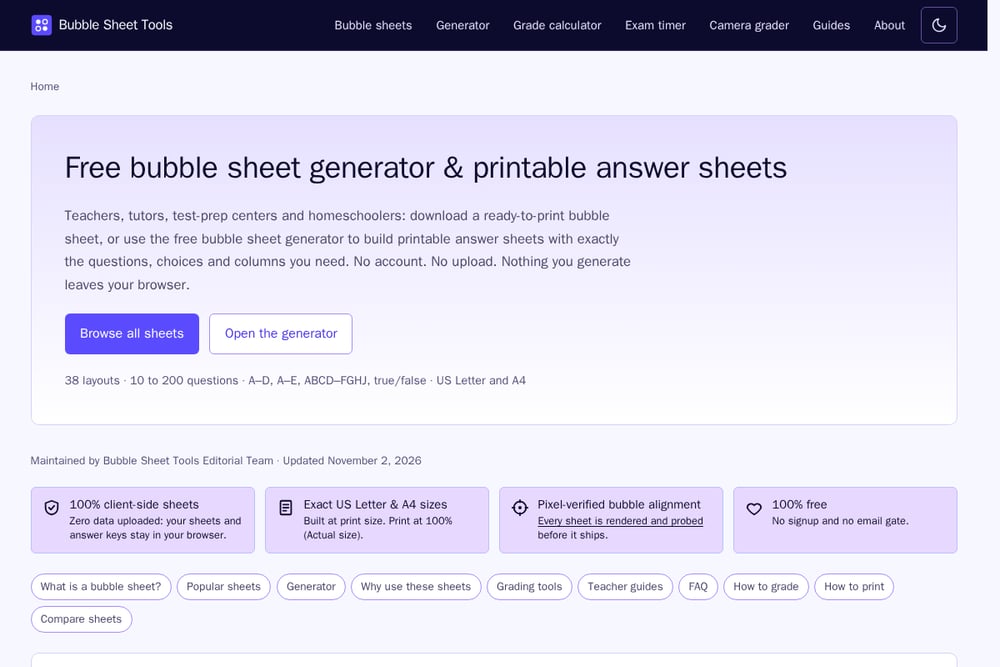 A screenshot of the Free Bubble Sheet Generator & Printable Answer Sheets website.
This is the most focused tool of the bunch, and that focus pays off. You get 38 ready-made layouts spanning 10 to 200 questions, plus a generator that goes from 1 to 300 questions with A–D, A–E, ABCD–FGHJ, and true/false choices. Everything runs client-side, so your sheets and answer keys never leave your browser, and there's no account or email gate anywhere in the flow.
The print engineering is where it pulls ahead. Sheets are built at exact US Letter and A4 size, and every layout is rendered and pixel-probed before it ships, so bubble alignment holds up when you print at 100%. Beyond the generator, you get a grade calculator, an exam timer, and a camera grader, plus plain-language guides on how to grade and how to print. For a free tool with zero signup, that's a complete workflow.
#3 Catpin Bubble Test Form Generator
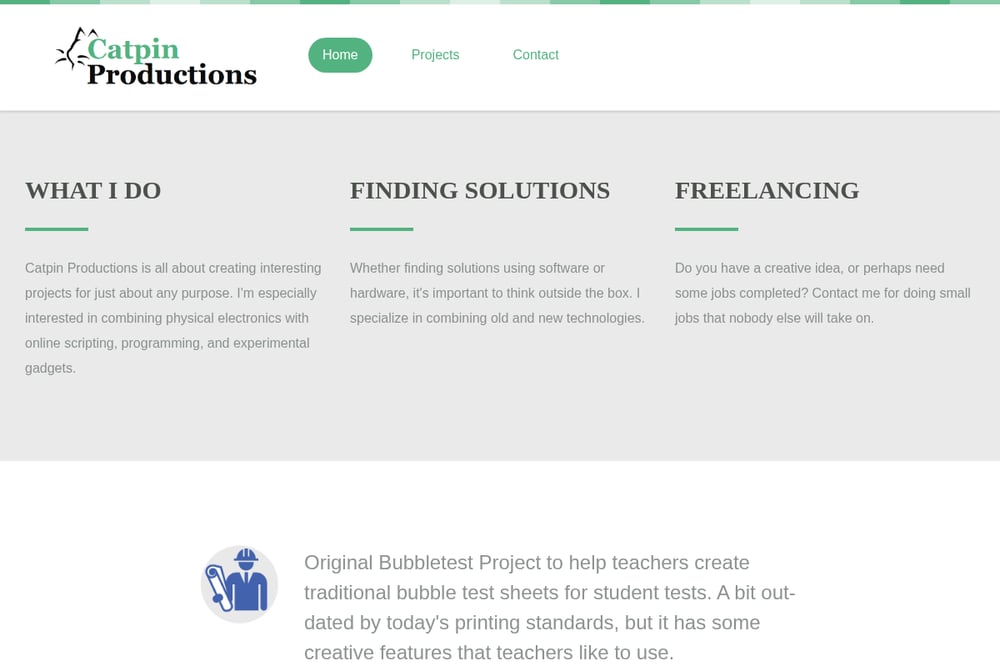 A screenshot of the Catpin website.
Catpin is the veteran here, and it shows in the small details. The site has been serving teachers for years and offers both a browser-based generator and a separate PDF version that outputs pixel-clear sheets you can save to your computer. There's a library of teacher-submitted graphics, including larger bubble styles in the '500' section that work well for younger students or students with challenged motor skills.
It also supports saving and retrieving sheets by test ID, which is handy if you reuse the same form every term. The interface feels dated compared with newer tools, and the site leans on donation requests, but the practical guidance on transparency overlays and printer margins is hard to find elsewhere.
#4 Papeez Bubble Sheet Generator
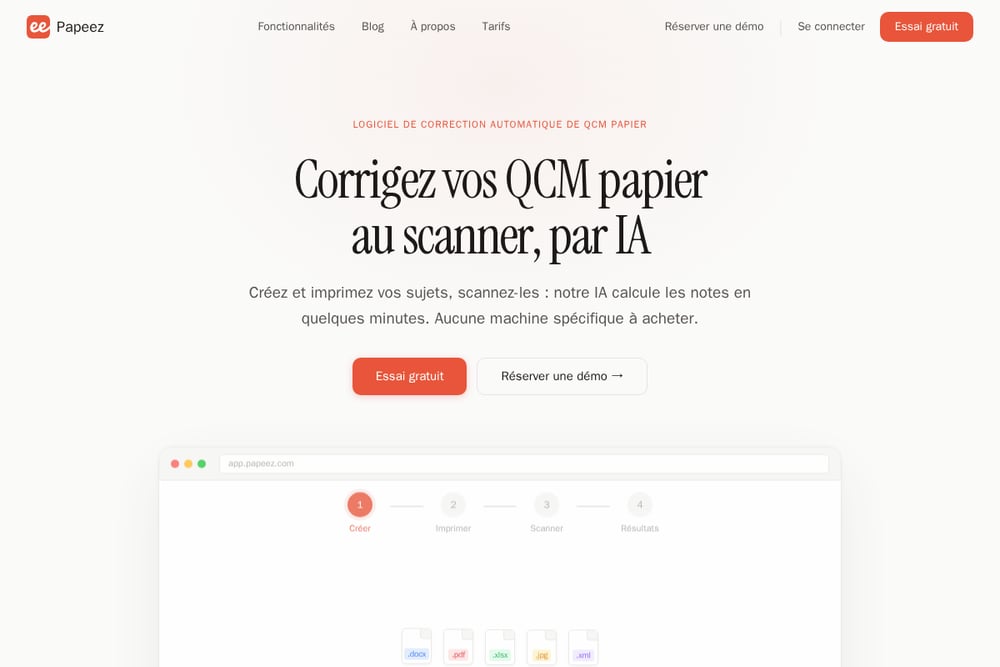 A screenshot of the Papeez website.
Papeez keeps the generator dead simple: pick your question count and answer count, and the grid draws itself. You can print it or download a PDF, and it's free with no sign-up. The ready-made templates cover the common shapes, including 20, 50, and 100-question sheets, an OMR practice sheet, and a pub quiz form with a team name field.
Options include a sheet title, name and student ID blocks, class and date lines, and a reserved barcode frame. Paper size toggles between A4 and Letter, and the site explicitly warns you to print at 100% rather than fit-to-page so the corner marks stay put. It also offers an embed snippet so you can drop the tool into a course site or VLE. The feature set is tidy rather than deep, but it covers the essentials cleanly.
#5 EMStudio Bubble Sheet Generator
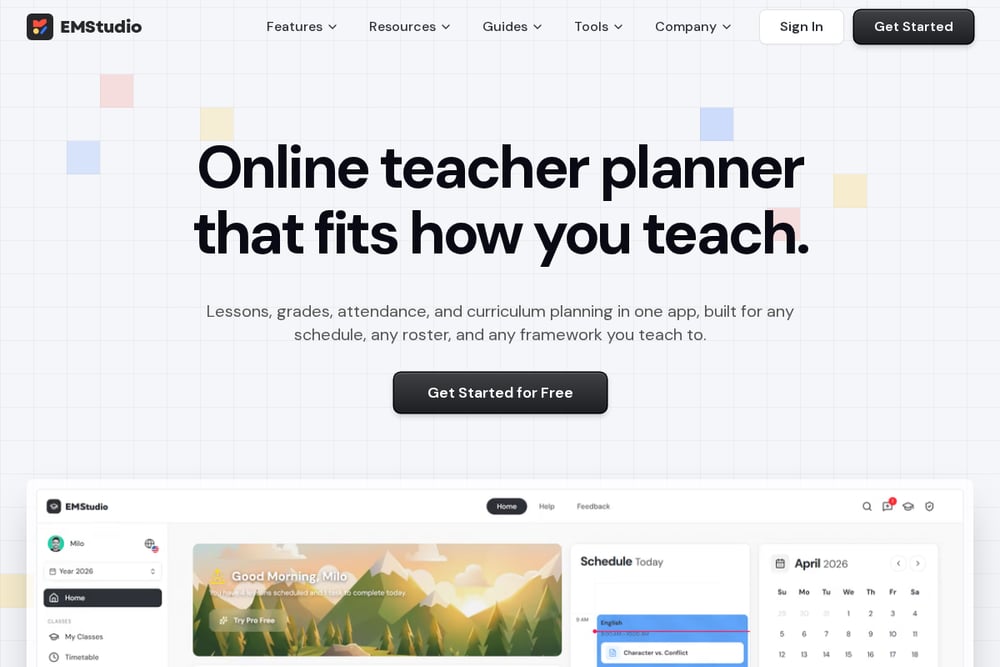 A screenshot of the EMStudio website.
EMStudio's generator is built around the answer key. You choose A–D, A–E, or true/false, set the question count from 1 to 100, and optionally type the correct answers as a string like ABDC to auto-fill a key. The tool then produces both the worksheet and a matching answer key, which makes grading a stack of papers noticeably faster.
Layout controls are more granular than most: vertical or horizontal format, two to six problems per row, and three text sizes. You get US Letter and A4 output, a title and directions header, and a name and date line. It's free in your browser with no sign-up, and the whole thing is print-ready. The ceiling of 100 questions is lower than some competitors, but for quizzes and unit tests it's plenty.
Pick the sheet that fits your week
Start with question count. If you regularly build long practice tests, you need a generator that goes past 100 questions and supports multiple columns. If your assessments are short quizzes and exit tickets, a simpler tool with a clean one-page layout will serve you better.
Then think about grading. If you mark by hand, an auto-generated answer key saves real time. If you scan or use a phone camera, print fidelity and alignment marks matter more than anything else, so test one sheet at 100% scale before you commit.
Finally, check the privacy posture. If you'd rather not create accounts or upload anything, favor tools that run entirely in your browser. And confirm the paper size matches your printer before you print a class set.
Where automation actually helps
The repetitive part of bubble sheets isn't printing, it's grading. Build a workflow that generates the sheet and the answer key together, then use a camera grader or overlay to mark responses. Keep a master key on transparency or in a separate file so you never re-key answers.
For recurring assessments, save your layout settings or test ID so you regenerate the identical form each term. Pair the sheet with an exam timer so students pace themselves, and run the results through a grade calculator to skip the arithmetic. That three-step loop, generate, grade, record, is where most of your saved time lives.
The bottom line
You don't need a paid platform to print a professional bubble sheet. Every tool here gets you a usable answer sheet for free, and the differences come down to layout range, print precision, and how much grading help you want bundled in.
If privacy and exact sizing top your list, the featured generator covers the widest range with zero signup. If you want a broader classroom toolkit, PuzzlePage has more adjacent tools. If you reuse forms or teach young students, Catpin's larger bubbles and saved test IDs are worth a look. Papeez wins on simplicity and embeddability, and EMStudio wins on answer-key speed. Try two, print a test page at 100%, and keep the one that fits your routine.